Simple Trade Terminal
- Утилиты
- Версия: 3.3
- Обновлено: 22 июня 2026

Simple Trade Terminal
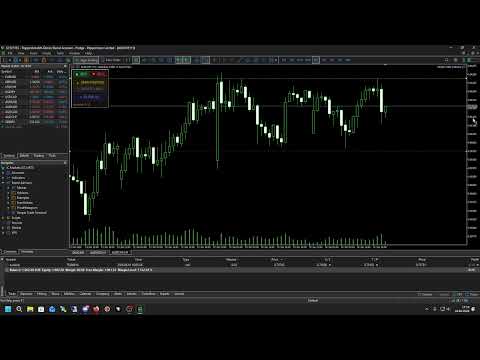
Simple Trade Terminal is a compact and performance-optimized on-chart panel for MetaTrader 5. It solves two of the biggest friction points in manual trading: time-consuming lot size calculations and inaccurate placement of Stop-Loss and Take-Profit levels.
Instead of typing numbers into standard order masks, you plan your trade visually directly on the chart. The panel automatically calculates your exact position size based on your predefined risk and executes the order. The interface is dynamic, showing only the buttons you need at any given moment to keep your chart clean.
The Workflow
-
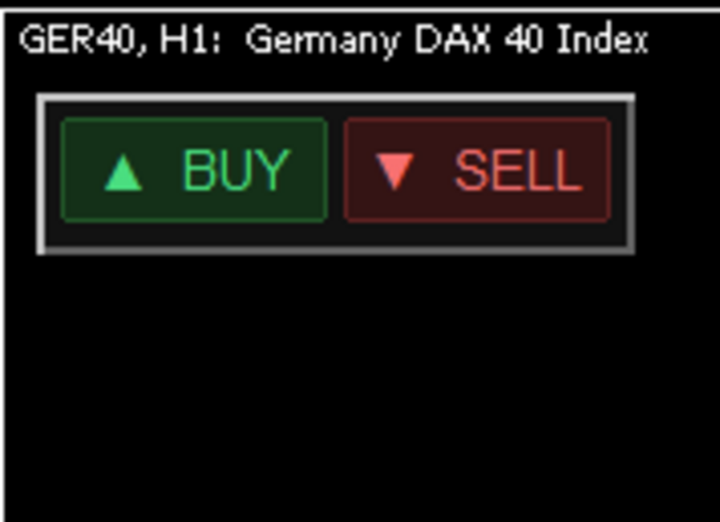
Select Direction: Click BUY or SELL. The terminal instantly plots a Stop-Loss and Take-Profit line on the chart. The initial distance adapts to the High and Low range of the last 5 candles.
-
Adjust Visually: Drag and drop the SL and TP lines using your mouse to align them with your desired chart levels.
-
Execute: Click OPEN POSITION. The terminal measures the precise distance from the current price to your SL line, automatically calculates the lot size for your fixed risk percentage, and fires the order.
Core Features
-
Automated Lot Sizing: Define your risk once in percent. The EA dynamically calculates the exact lot size for every trade based on your visual Stop-Loss distance and current account balance.
-
Drag and Drop: Stop-Loss and Take-Profit are projected as lines on the chart before order execution and can be adjusted with your mouse.
-
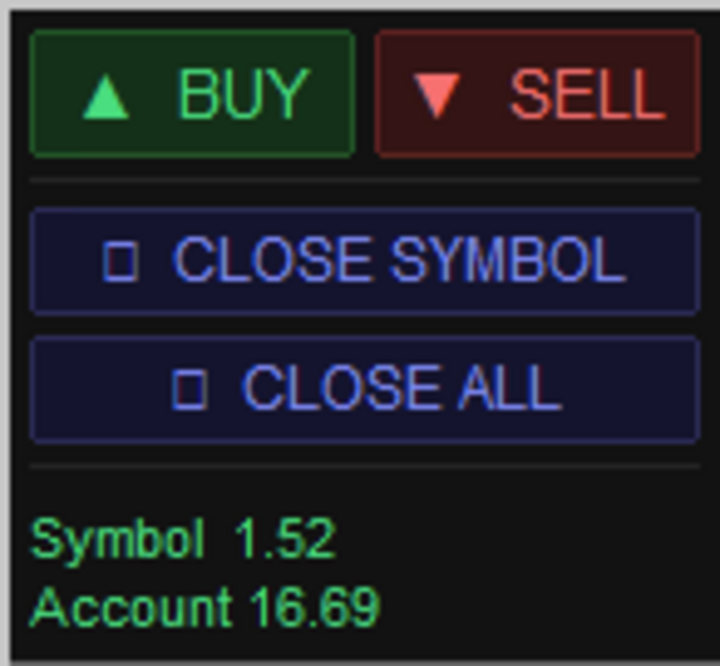
Dynamic UI: The modern panel adapts to the market situation. If you have no open positions, only BUY and SELL are visible. Close buttons and profit displays only appear when they become relevant.
-
Close Symbol: Instantly closes all open positions for the current chart symbol.
-
Close All: Instantly closes all open positions across the entire account.
-
Real Time Tracking: The panel displays live profit and loss separated by the current symbol and the overall account.
Input Parameters
-
PanelX: Horizontal coordinate to position the panel on your chart.
-
PanelY: Vertical coordinate to position the panel on your chart.
-
MagicNumber: Unique ID to ensure the terminal does not interfere with other EAs.
-
TradeComment: Custom comment for your trade history.
-
InpRiskPercent: Your fixed risk per trade as a percentage of your account balance.
Target Audience
This tool is designed for scalpers and day traders who require execution speed and immediate emergency position management. It is also built for price action traders who want to place their Stop-Loss according to market structure without manually counting pips and calculating lots.