Multi Timeframe Indicators in Seconds
- Indicatori
- Versione: 1.0
- Attivazioni: 20

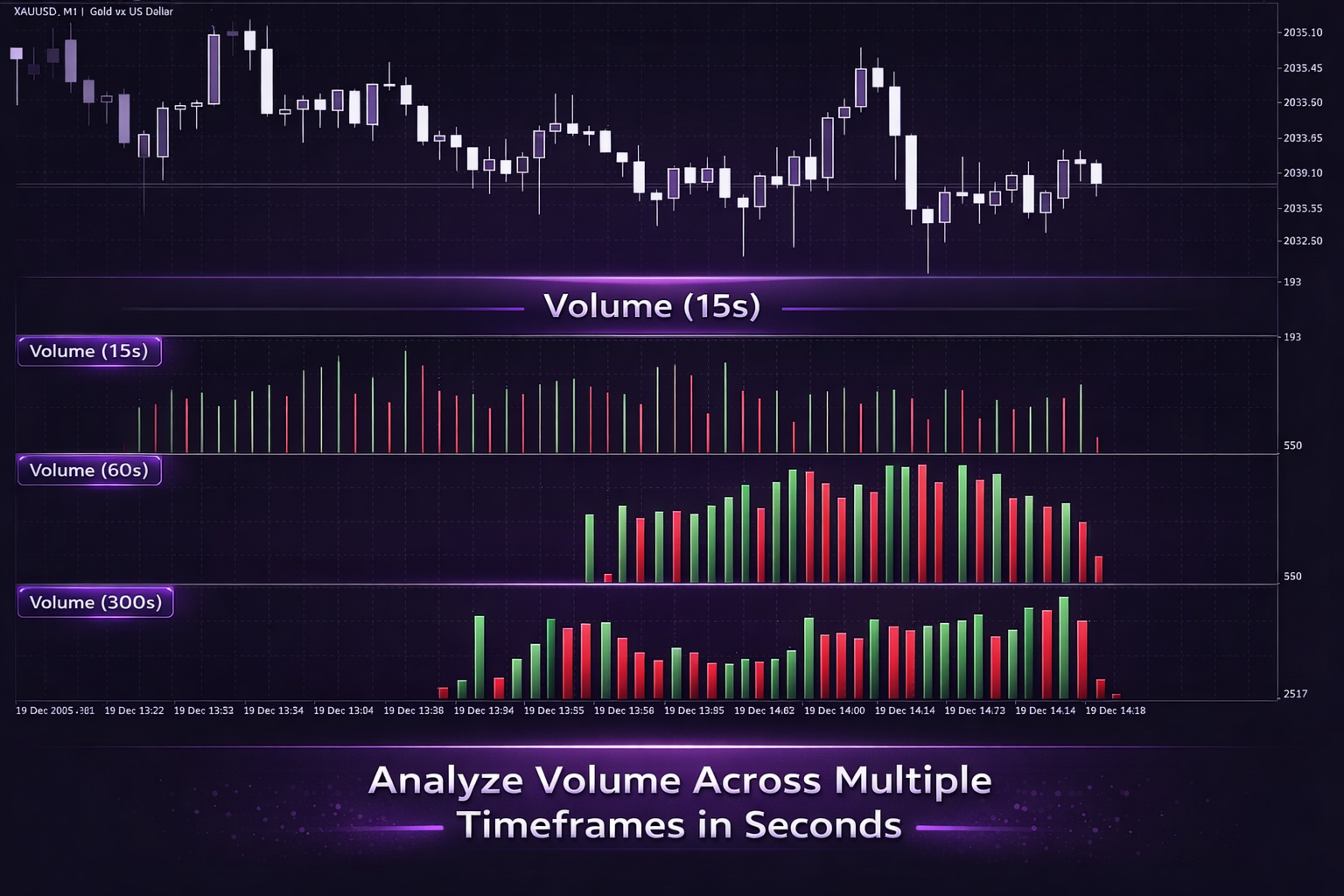
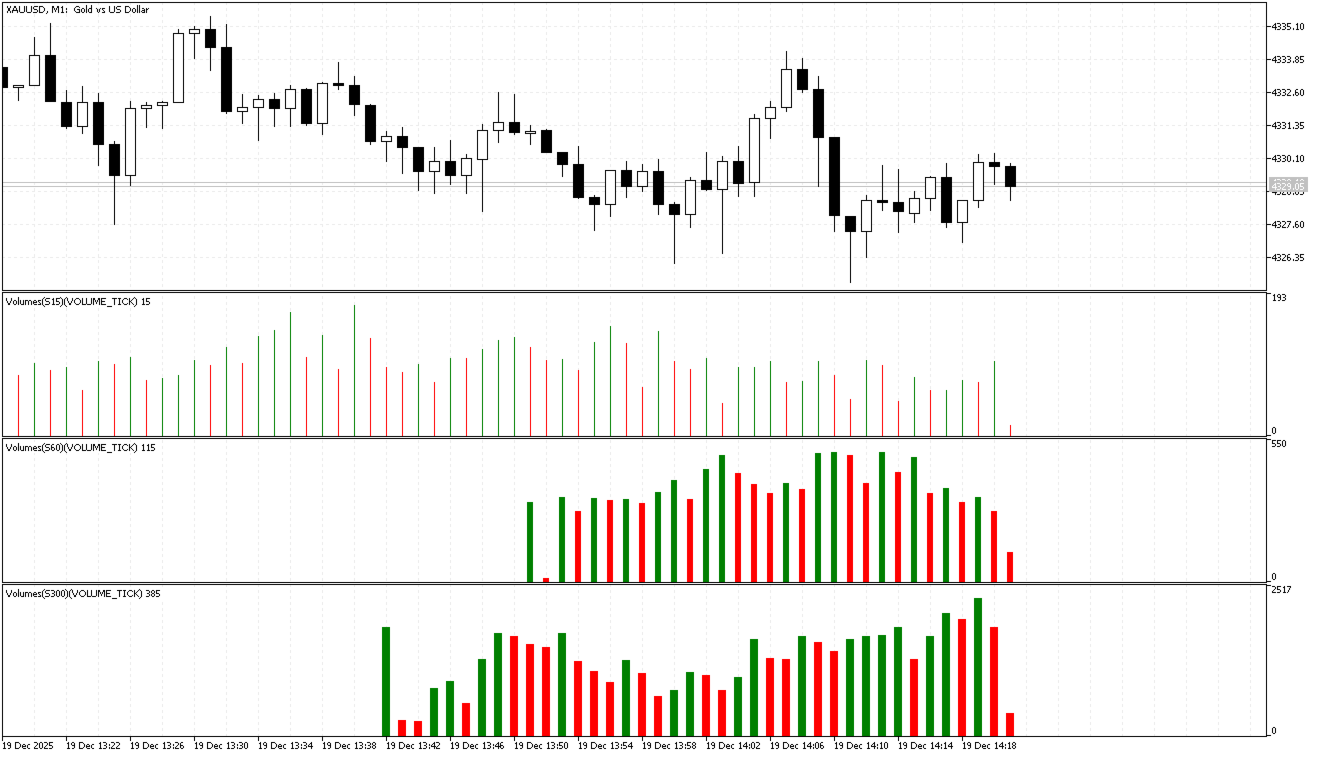
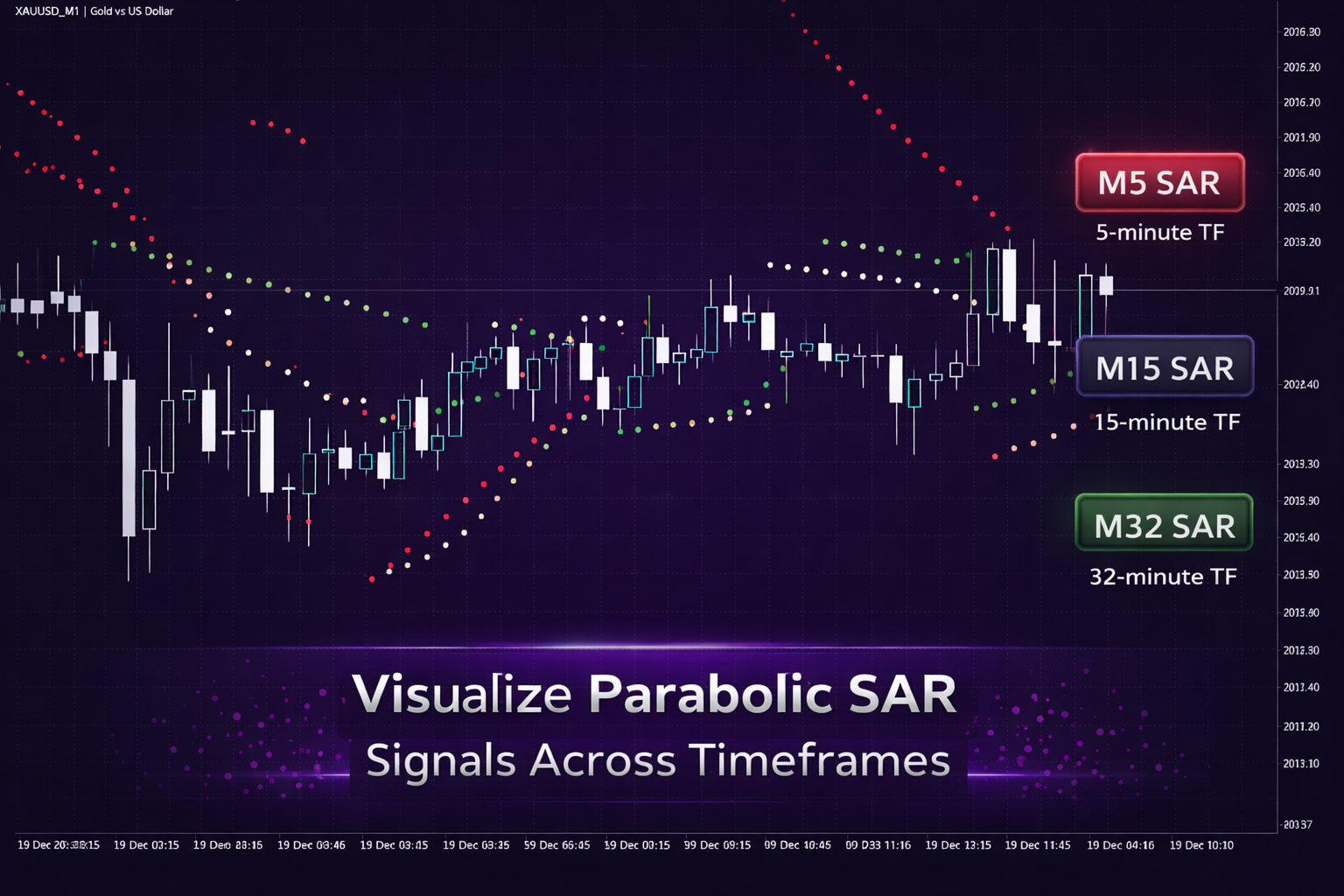
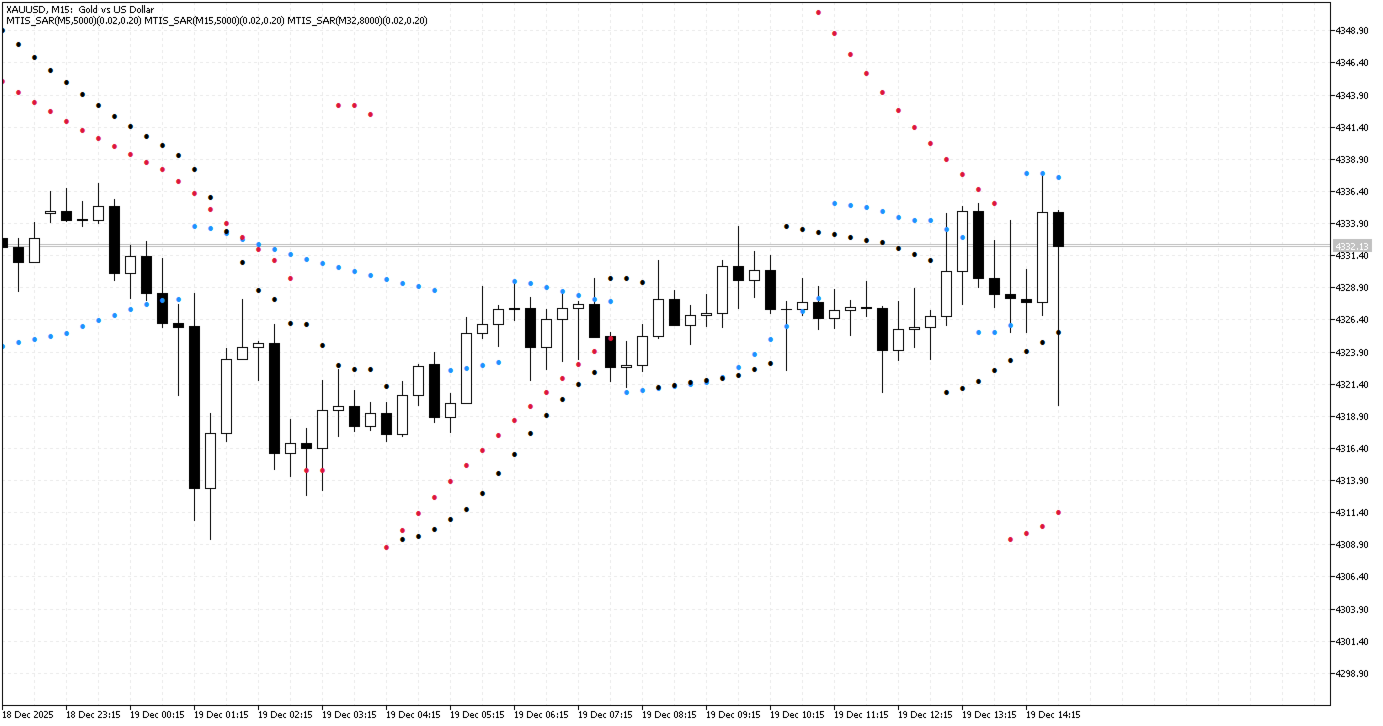
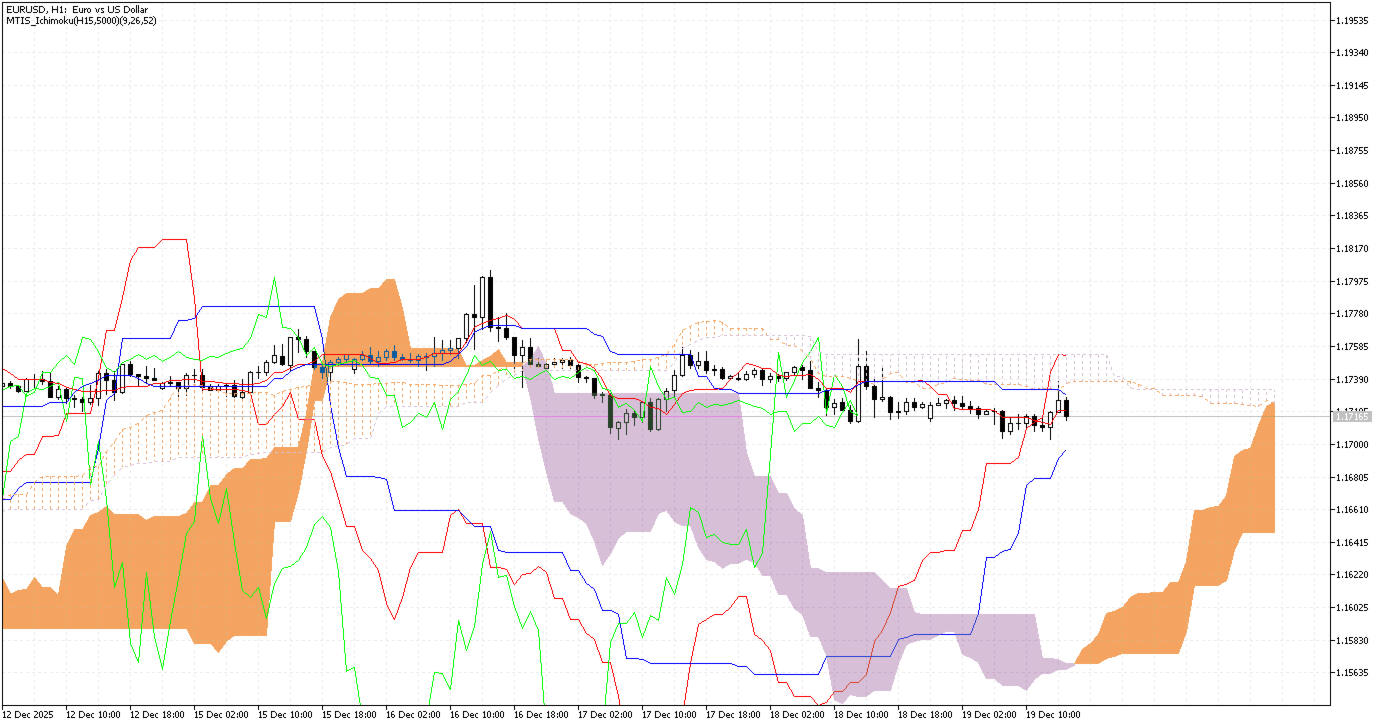
Multi Timeframe Indicators in Seconds is a bundle that includes most default custom indicators located in MQL5/Indicators/Examples/. These indicators are adapted to support multi-timeframe calculations, including seconds-based and custom timeframes. The product allows multiple indicators calculated on different timeframes to be displayed on a single chart.
The loader indicator is used to select the desired indicator and calculation timeframe. Indicators can be applied to standard or non-standard timeframes, including seconds, minutes, and hours.
Intended Use
This indicator is intended for users who need to view indicator values calculated on different timeframes within one chart environment. It can be used to compare indicator behavior across higher or lower timeframes without opening multiple charts.
Functional Overview
-
Multi-Timeframe Display
Indicators calculated on higher or lower timeframes can be shown on the current chart. -
Seconds and Custom Timeframes
Supports seconds-based, minute-based, and hour-based calculation intervals. -
Single-Chart Layout
Multiple indicators can be displayed together on one chart. -
Indicator Selection
One of the included default indicators can be selected and loaded through the input parameters.
Features
-
Calculation of indicators on any selected timeframe, including custom seconds, minutes, and hours
-
Configurable number of bars used for indicator calculations
-
Optional display of trend indicators information using the Comment function
-
Compatibility with most default MQL5 custom indicators
-
Ability to layer indicators on a chart without interfering with each other
Supported Indicators
- Trend Indicators:
AMA, DEMA, FrAMA, Ichimoku, Parabolic SAR, TEMA, VIDYA, Custom Moving Average, ATR, ADX, ADXW, ASI, Price Channel
- Oscillators:
RSI, Stochastic, CCI, DeMarker, RVI, Momentum, Ultimate Oscillator, TRIX, MI, ROC, VROC, Force Index, Williams %R, OBV, AD, PVT, W_AD, MFI, Market Facilitation Index, CHO, CHV
- Volatility and Bands:
ATR, Bollinger Bands, StdDev, Price Channel
- Pattern Indicators:
Fractals, ZigZag, ZigZag Color
- Volume-Based Indicators:
Volumes, OBV, PVT, W_AD, CHO, CHV, Market Facilitation Index
Input Parameters
-
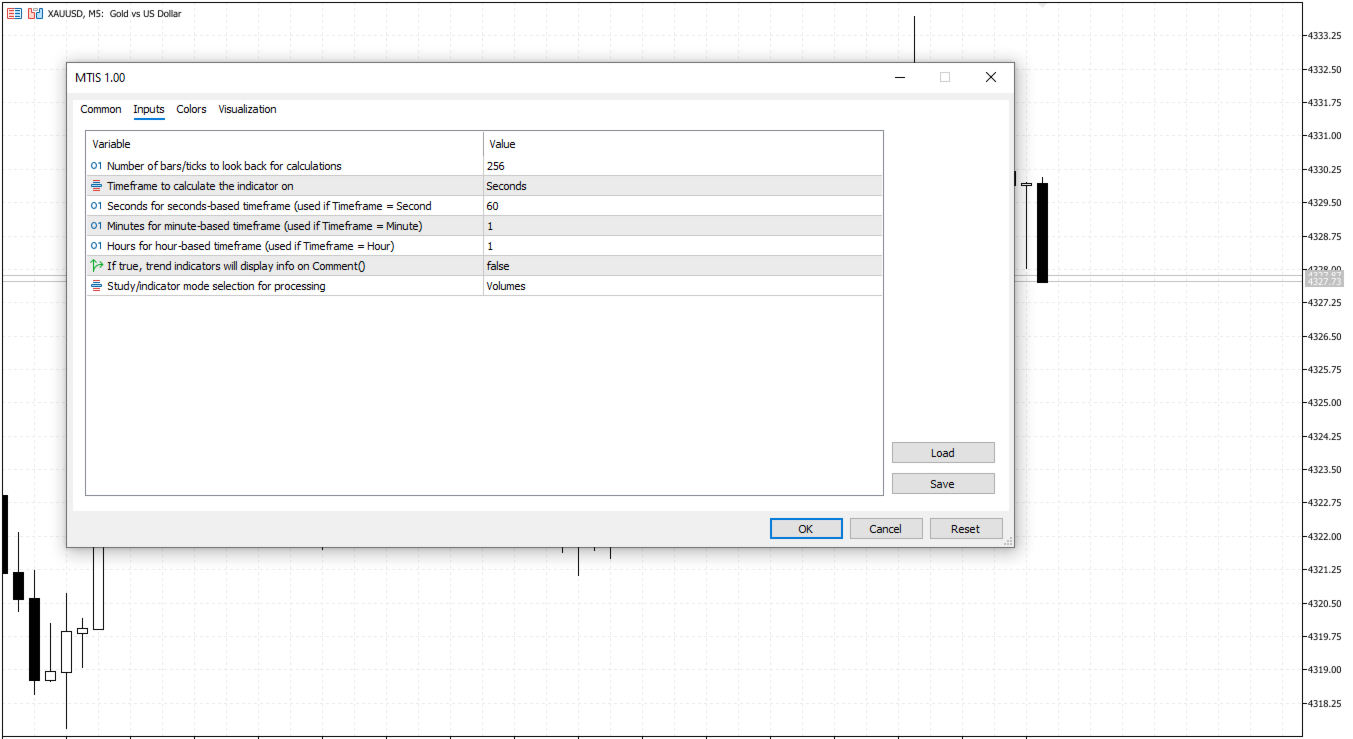
Number of bars to look back (default: 256)
Defines how many bars are used in indicator calculations. -
Timeframe (default: Minutes)
Selects the calculation timeframe: Seconds, Minute, Hour, Day, Week, Month, or Current. -
Seconds for seconds-based timeframe (default: 60)
Used when the timeframe is set to Seconds. -
Minutes for minute-based timeframe (default: 1)
Used when the timeframe is set to Minute. -
Hours for hour-based timeframe (default: 1)
Used when the timeframe is set to Hour. -
Display information via Comment() (default: false)
Enables or disables on-chart text output. -
Indicator selection (default: Volumes)
Selects which indicator is loaded.
Usage Notes
-
The indicator is attached to the chart using the standard drag-and-drop method.
-
Input parameters can be adjusted after the indicator is loaded.
-
Visual properties such as colors and line styles can be modified using standard indicator settings after the indicator is loaded.
-
Some indicators require a warm-up period. For consistent results, check alignment with the standard indicators using standard timeframes.
Summary
Multi Timeframe Indicators in Seconds provides a way to display default MQL5 custom indicators calculated on different timeframes, including seconds-based intervals, within a single chart. The product supports configurable timeframes and parameters and is designed for users who require multi-timeframe indicator visualization in one workspace.