The 3 Seconds That Decide Your Trade — And the Panel That Gives Them Back

Here is an uncomfortable truth most traders never say out loud:
You don't lose money because your analysis was wrong. You lose it in the three seconds it takes to right-click a position, find "Close," aim at the tiny menu, and confirm — while price runs the other way. Multiply that by five open trades during a news spike, and those seconds turn into real drawdown.
I got tired of paying that tax. So the exit had to become one click.
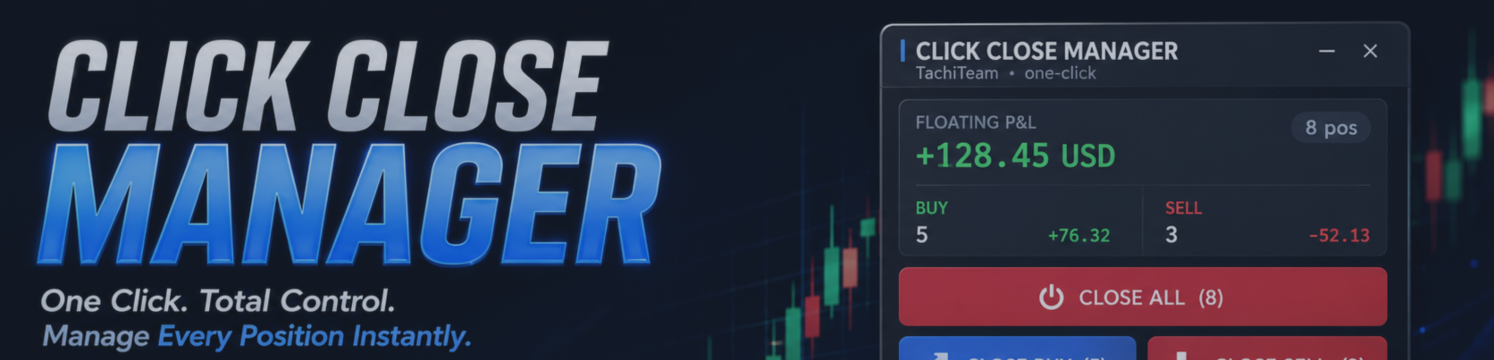
That is the whole idea behind Click Close Manager — a lightweight on-chart panel that turns every "get me out" moment into a single, calm click.

What it actually does for you
No martingale. No grid. No hidden trading logic. It is a pure execution and risk-management tool — it only does what you press, instantly:
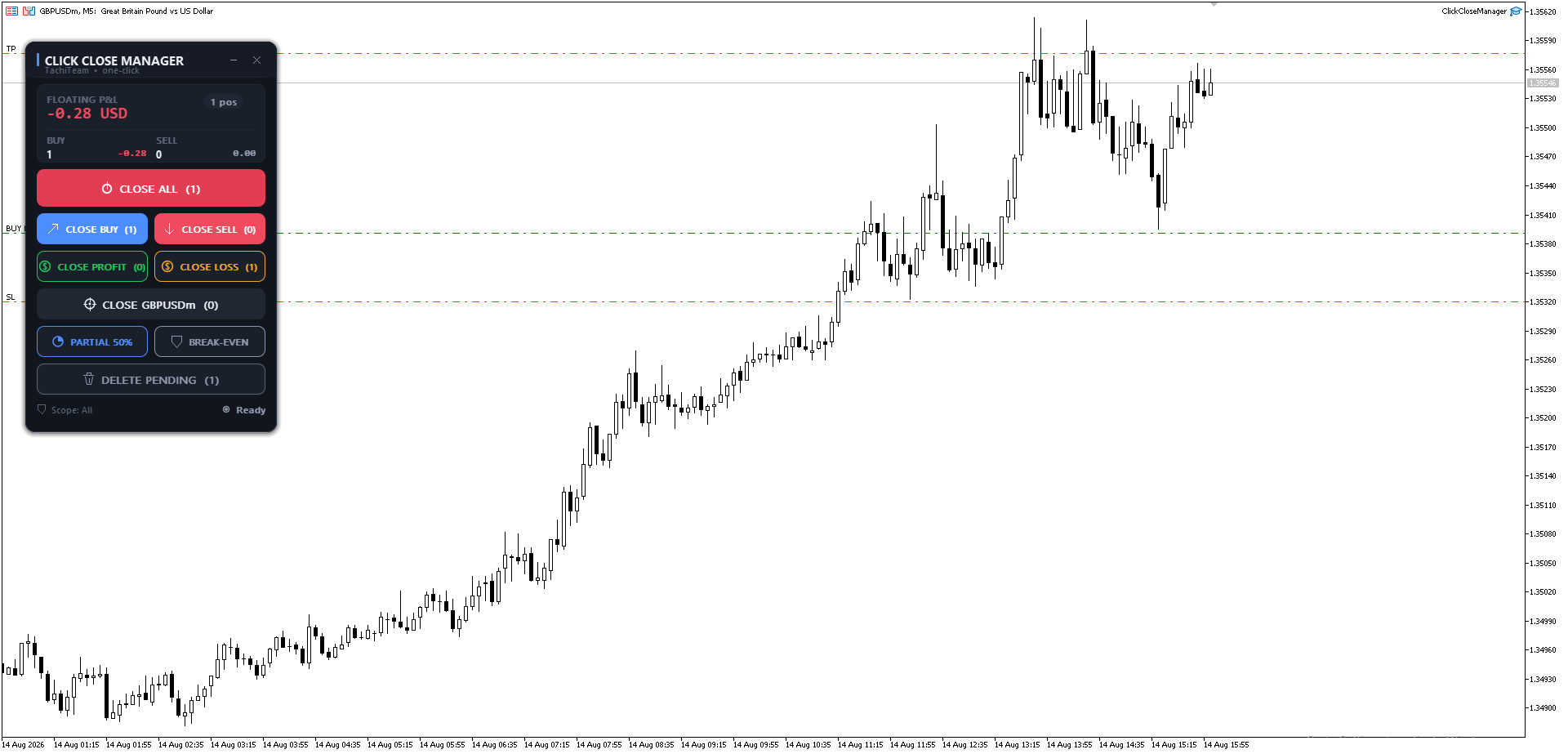
- Close All — flatten the entire account in one click.
- Close Buy / Close Sell — dump one side, keep the other.
- Close Profit / Close Loss — lock in every winner, or cut every loser, as a group.
- Close This Symbol — clear the chart pair without touching anything else.
- Partial Close % — bank part of every position and let the rest run.
- Break-Even — jump the stop-loss of your winning trades to entry, one click.
- Delete Pending — wipe all your resting orders at once.
Above the buttons sits a live P&L dashboard: floating profit, position count, and a Buy vs Sell breakdown — updated every second, even on a quiet weekend chart.
The feature nobody advertises — but the one that matters
Most "close all" tools are blunt instruments: they close everything, including trades from your other EAs or your manual setups. That is how good positions die by accident.
Click Close Manager has a Magic filter. You tell it exactly what it is allowed to touch:
- All orders, or
- Only a specific Magic number (manage just one strategy), or
- Only manual trades.
Run it safely next to your other Expert Advisors. It will never close what you told it to leave alone. That single option is the difference between a toy and a tool you trust with a live account.
Quick start (under a minute)
- Attach Click Close Manager to any chart — one instance is enough.
- Make sure AutoTrading is on.
- Pick your Scope (All / Magic / Manual) so it matches how you trade.
- Click an action → read the in-panel confirmation (it shows the count and P&L) → press Confirm.
That's it. Drag the header to move it, tap the minus to minimize, and it scales itself to your screen DPI — crisp on a laptop and on a 4K monitor.
A small challenge for you
Next time you're up nicely on three trades and you feel that familiar knot — "do I hold or take it?" — try this: instead of closing everything, hit Break-Even once. Your risk is now zero, and you get to keep riding the move with a clear head.
Most traders have never had that button one tap away. Once you do, closing trades stops being a scramble and starts being a decision.
Get it
Same panel, same power, on both platforms:
- MetaTrader 5: https://www.mql5.com/en/market/product/190621
- MetaTrader 4: https://www.mql5.com/en/market/product/190666
Try the free demo on a chart first, feel how fast the exit becomes, then decide.
Trading involves risk. Click Close Manager is a trade-management utility — it does not open trades or predict the market. Always test on a demo account first.



