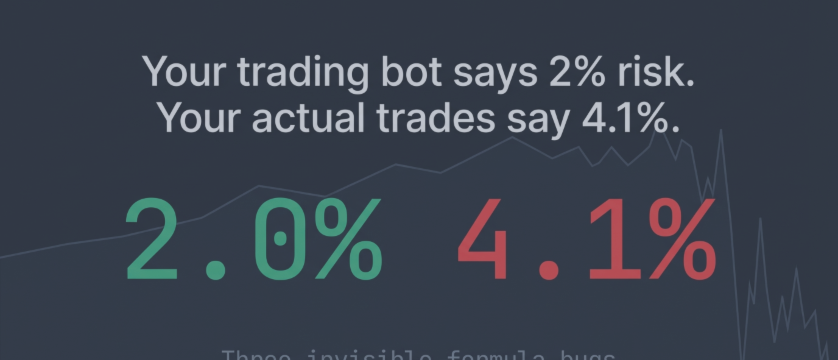

An EA running double risk for six weeks
Consider an XAUUSD Expert Advisor whose risk input reads 2% per trade. The actual exposure per position is 3.75%. For six weeks, every trade is nearly double the intended size. The formula compiles, passes backtest, and runs live without a single error.
It is the kind of bug a code rescue review is for. The root cause is one of three specific errors, sometimes all three at once.
Point is not a pip
The most common failure. On a 5-digit EURUSD broker, Point returns 0.00001. A pip is 0.0001. That is a 10x difference. On XAUUSD, depending on how the broker configures the symbol, the error can be 10x or 100x.
The broken version:
The fix: use SYMBOL_TRADE_TICK_SIZE instead of Point . Ticks are unambiguous — they represent the broker's actual minimum price movement.
Manual pip value vs TickValue
MQL provides SYMBOL_TRADE_TICK_VALUE — the monetary value of one tick for 1.0 lot, already converted to account currency and updated every tick. Many EAs ignore it:
This breaks on EUR-denominated accounts, cross pairs like GBPJPY, and any instrument where the contract size differs from the developer's test setup.
One additional trap: TickValue returns 0 when the market is closed or when the broker's conversion feed is unavailable. An EA that reads this value inside OnInit() on a Sunday gets zero, and the lot size formula divides by zero, a critical error that terminates the EA. The function should read TickValue immediately before OrderSend() and treat zero as a hard stop — do not place the trade.
Lot step normalization
Brokers enforce minimum lot, maximum lot, and lot step. If the formula outputs 0.087 and the step is 0.01, what happens depends on the platform. In our tests on demo accounts and in the Strategy Tester, MT4 opened such a volume at 0.08 lots with no error: the terminal cut it to two decimals before sending it, so 0.0867 became 0.08, not 0.09. MT5 rejected the same request with retcode 10014 (invalid volume).
The EA should handle this before sending the order:
MathFloor always rounds down. The trader may risk slightly less than the target — never more. If the result is below the broker's minimum lot, the trade is skipped rather than rounded up to the minimum.
Why these bugs persist
Other errors produce feedback. Error 130 for stop level violations. Error 134 for margin. Error 129 for invalid price. In MT4, lot size adjustment produces nothing — OrderSend() returns a valid ticket and the position fills, smaller than calculated. Nothing in standard error handling catches it.
The only way to detect the mismatch: compare the calculated lot with the lot on the actual order. In MQL4, that means selecting the new ticket with OrderSelect() and comparing OrderLots() with the value the EA intended to send. In MQL5 an off-step request fails instead, so the check there is the trade result: an EA that ignores retcode 10014 never opens the trade. Many EAs make neither check.
Complete function
Pass slPoints as price distance (e.g., Ask - stopLossPrice ), not pips. Call this immediately before OrderSend() , not at initialization.
Quick diagnostic
Pull up your last five trades. Compare the lot size your EA calculated (or logged) with the lot size in your account history. If they match exactly, your normalization is correct. If they differ — even by 0.01 — your EA sends off-step lots and MT4 is cutting them (the lot step failure above), so your actual risk per trade does not match what you configured. In MT5 an off-step lot does not open at all, so look for orders the EA tried to send that never opened. Matching lots rule out the lot step failure only: a lot from the Point or TickValue failures is wrong before it is sent, so compare it with what a position size calculator gives for the same stop and risk.
Correction, 9 October 2026: the lot step paragraph said the broker rounds an off-step volume and that different brokers round differently. Tests on MT4 and MT5 demo accounts and in the Strategy Tester showed otherwise, and the paragraph now says what each platform does: MT4 opens the order smaller, with no error, and MT5 rejects it. The section on why these bugs persist now names the check for each platform in place of the deal volume comparison, and the quick diagnostic says which failure a lot mismatch points to. Both code examples now skip the trade when the risk budget is below the broker's minimum lot, instead of raising the lot to the minimum.
Correction, 13 October 2026: an invalid price is error 129 (138 is a requote), a division by zero stops the EA rather than producing infinity, and the worked example's exposure is 3.75%.




