RiskPilot Trade Manager
- 实用工具
- 版本: 1.0
- 激活: 10

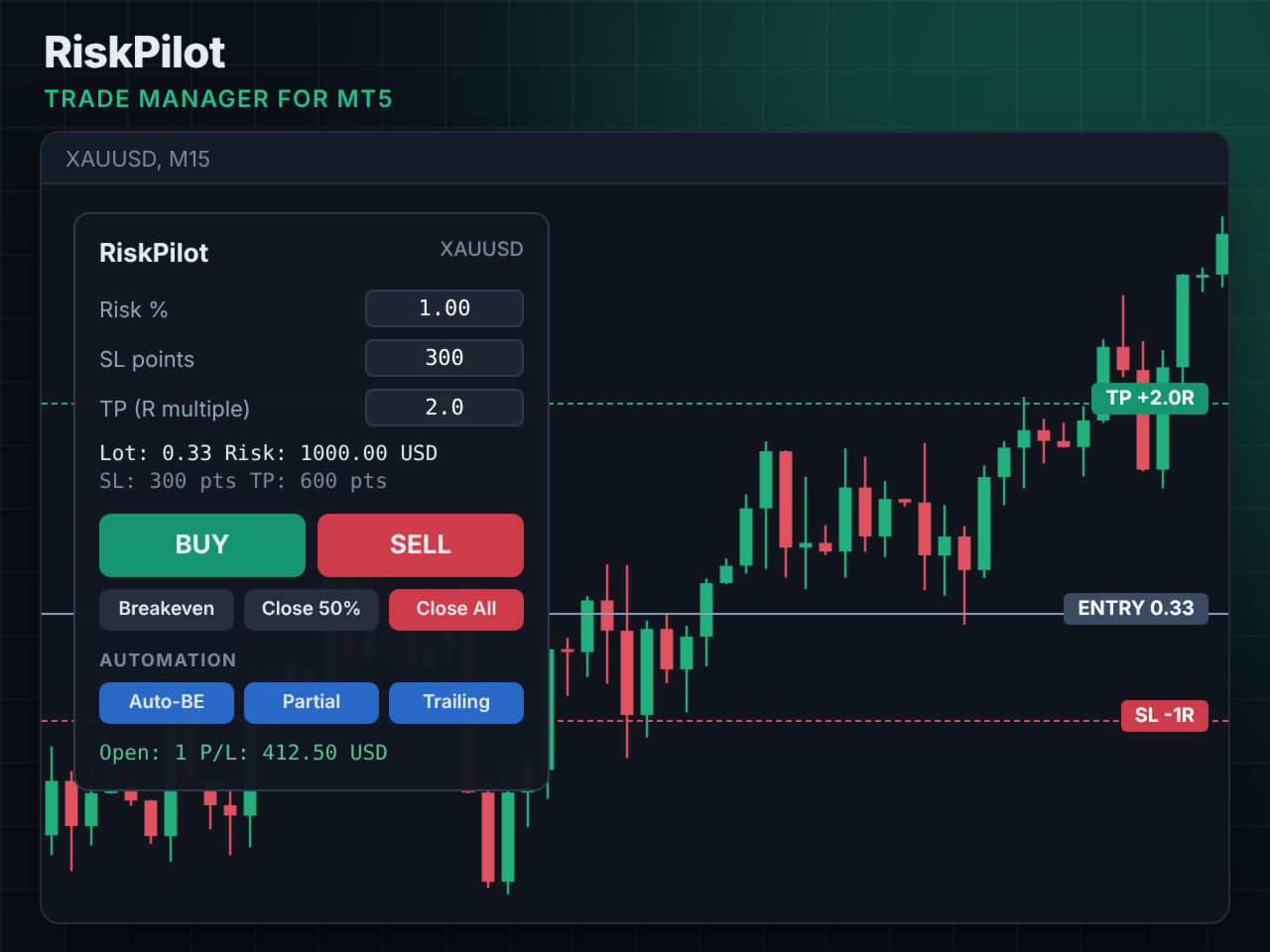
RiskPilot is a trade manager panel. You set the risk in percent and the stop loss, RiskPilot calculates the lot size for the symbol and opens the trade with one click, including stop loss and take profit. After entry, the automatic management takes over.
Main functions
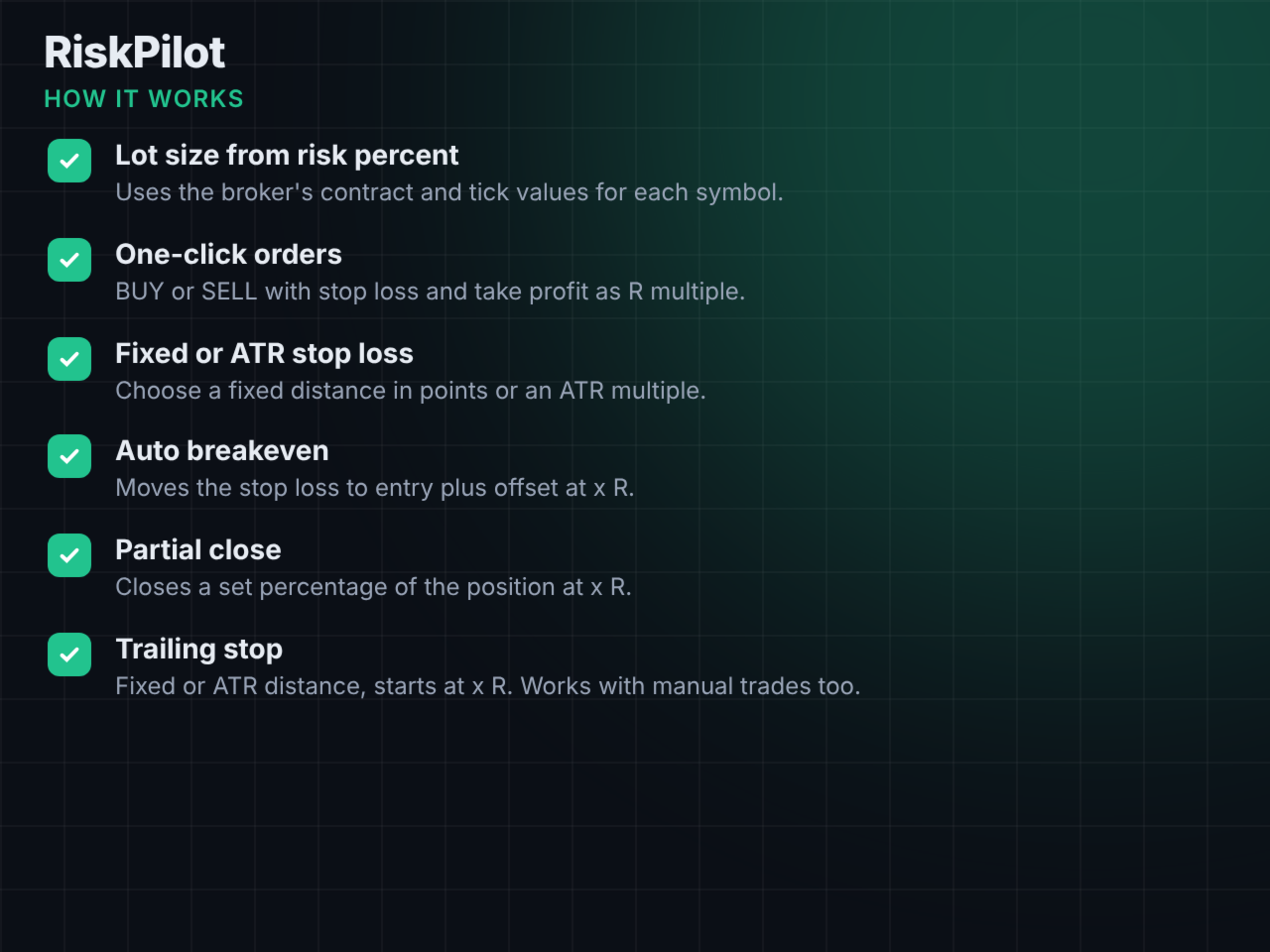
- Lot size from risk percent of equity, calculated with the broker's contract and tick values. Works with forex, metals, indices and crypto CFDs.
- One-click BUY and SELL with stop loss and take profit as an R multiple (for example 2R).
- Stop loss as a fixed distance in points or as an ATR multiple.
- Preview lines for stop loss and take profit on the chart.
- Auto breakeven at x R profit, with an offset in points.
- Auto partial close at x R with a selectable percentage.
- Trailing stop with fixed or ATR distance, starting at x R.
- Buttons: Breakeven, Close 50%, Close All.
- Automation can be switched on and off directly in the panel.
- Manages either all positions on the symbol (including manual trades) or only the panel's own trades.
Setup
1. Attach RiskPilot to the chart of the symbol you want to trade.
2. Adjust risk %, stop loss and take profit in the panel.
3. Click BUY or SELL.
Input parameters
- Risk per trade %, stop loss mode, stop loss distance, ATR factor, ATR period and timeframe, take profit R multiple, max lot, magic number, max slippage
- Positions to manage, auto breakeven, breakeven trigger and offset, auto partial close, partial close trigger and volume, trailing mode, trailing start, trailing distance, trailing ATR factor
- Panel position, show preview lines