Royal TrendPulse
- Uzmanlar
- Sürüm: 1.10

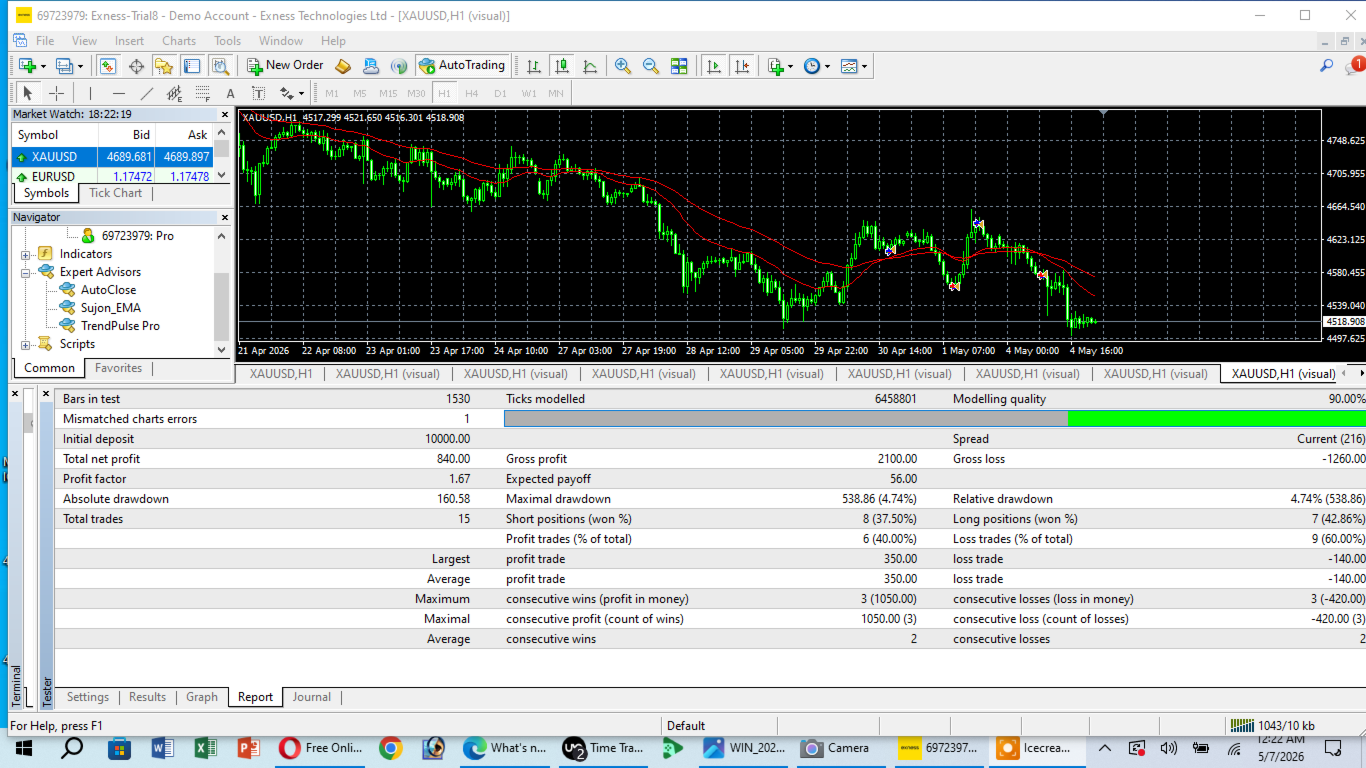
Welcome to **Royal TrendPulse**, an automated trading system developed for **XAUUSD (Gold)** on the **H1 (1-Hour)** timeframe.
The Expert Advisor utilizes a proprietary trend-following algorithm designed to identify market expansions on the hourly chart while maintaining pre-defined risk controls.
---
### 🛡️ Operational Features & Safety Controls
1. **Single Order Execution (No Grid / No Martingale):** The system operates with a strict "One Trade at a Time" logic. It does not use grid setups, basket trading, or martingale lot multipliers. Every position is protected by a fixed Take Profit (TP) and Stop Loss (SL). The EA will not open a new position until the current running trade is completely closed by hitting its respective target or protection level.
2. **Mechanical Confirmation:**
The algorithm requires complete candle confirmation on the H1 timeframe before entering a trade, which helps filter out intraday market noise and minor price spikes.
3. **Lot Size Normalization:**
Features a built-in volume protection module that automatically normalizes lot steps and contract sizes to match your specific broker's specifications, preventing execution errors.
---
### 💰 Risk Management Guide
Royal TrendPulse runs entirely on its internal default parameters (Default Take Profit: 250 pips / Default Stop Loss: 100 pips). Users can manually adjust their lot size to align with their risk preference. Below is a standard, low-exposure volume guide based on account balance:
* **$10,000 Balance** ➔ Suggested Lot: **1.40**
* **$5,000 Balance** ➔ Suggested Lot: **0.70**
* **$1,000 Balance** ➔ Suggested Lot: **0.14**
* **$500 Balance** ➔ Suggested Lot: **0.07**
* **$100 Balance** ➔ Suggested Lot: **0.01** (Suitable for small balances or initial platform testing)
---
### 🚀 Setup Instructions
1. Attach **Royal TrendPulse** to a **XAUUSD (Gold)** chart.
2. Set the chart timeframe to **H1 (1-Hour)**.
3. Check the **"Allow Live Trading"** option in the EA settings.
4. Configure your preferred lot size according to your balance, keeping the default TP and SL parameters active.
*For questions, direct technical support, or general inquiries, please send a direct message through MQL5.*