Noetrix Lens
- Утилиты
- Версия: 1.12

Noetrix Lens
Read-only portfolio and performance analytics for MetaTrader 5.
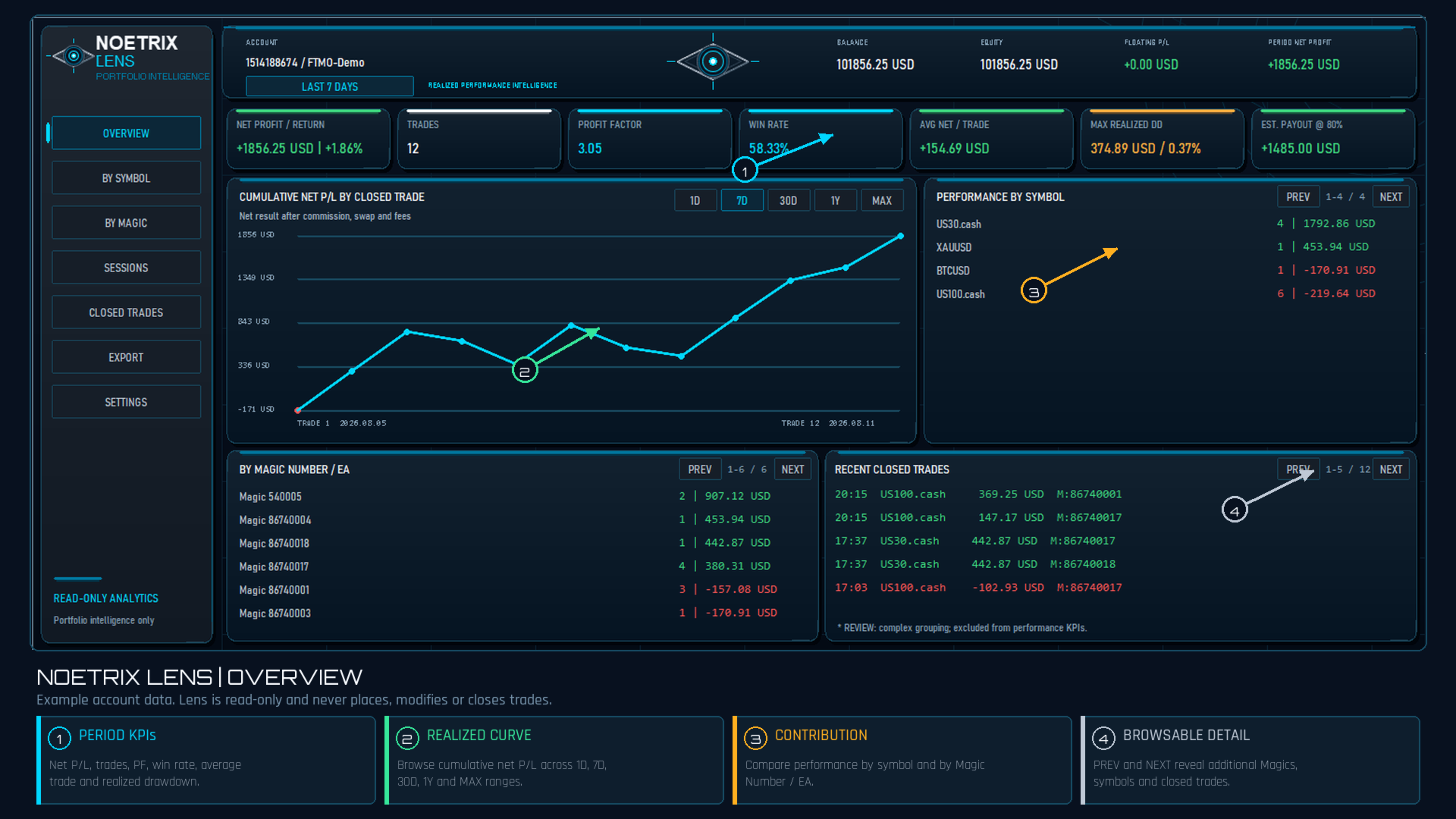
Noetrix Lens turns native MT5 account history into clear portfolio intelligence from a single chart. It is designed for traders who want to understand where results come from without giving an analytics tool control over their trading.
Lens never places, modifies or closes trades. Algo Trading is not required.
## Main features
- Portfolio overview with net P/L, return, trade count, Profit Factor, win rate, average net result and maximum realized drawdown.
- Rolling analysis ranges: 1 day, 7 days, 30 days, 1 year and maximum available history.
- Cumulative realized net P/L curve based on completed position episodes.
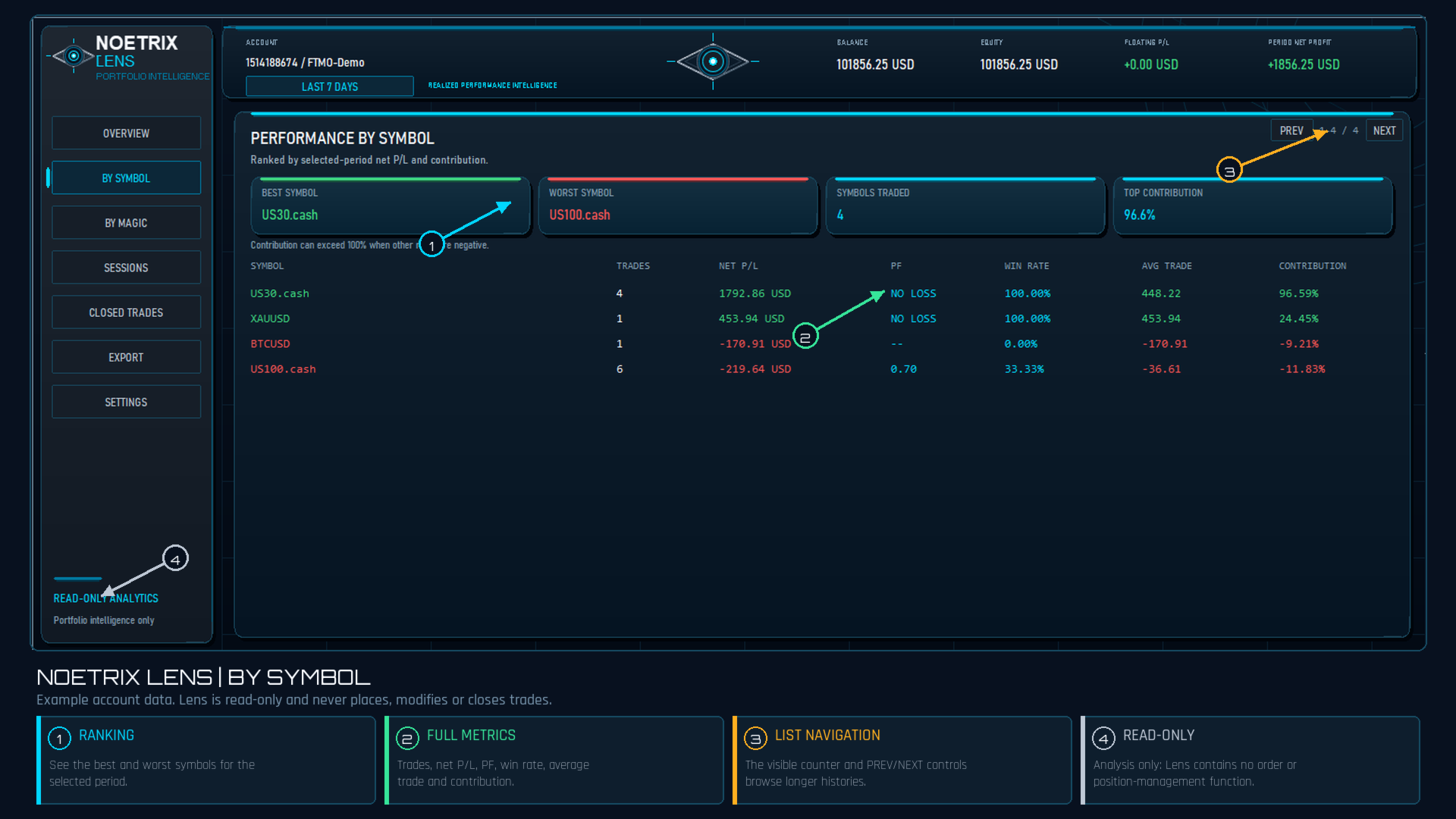
- Performance breakdown by symbol and by Magic Number / EA.
- Session analytics for London, New York, Tokyo and Sydney using broker server time.
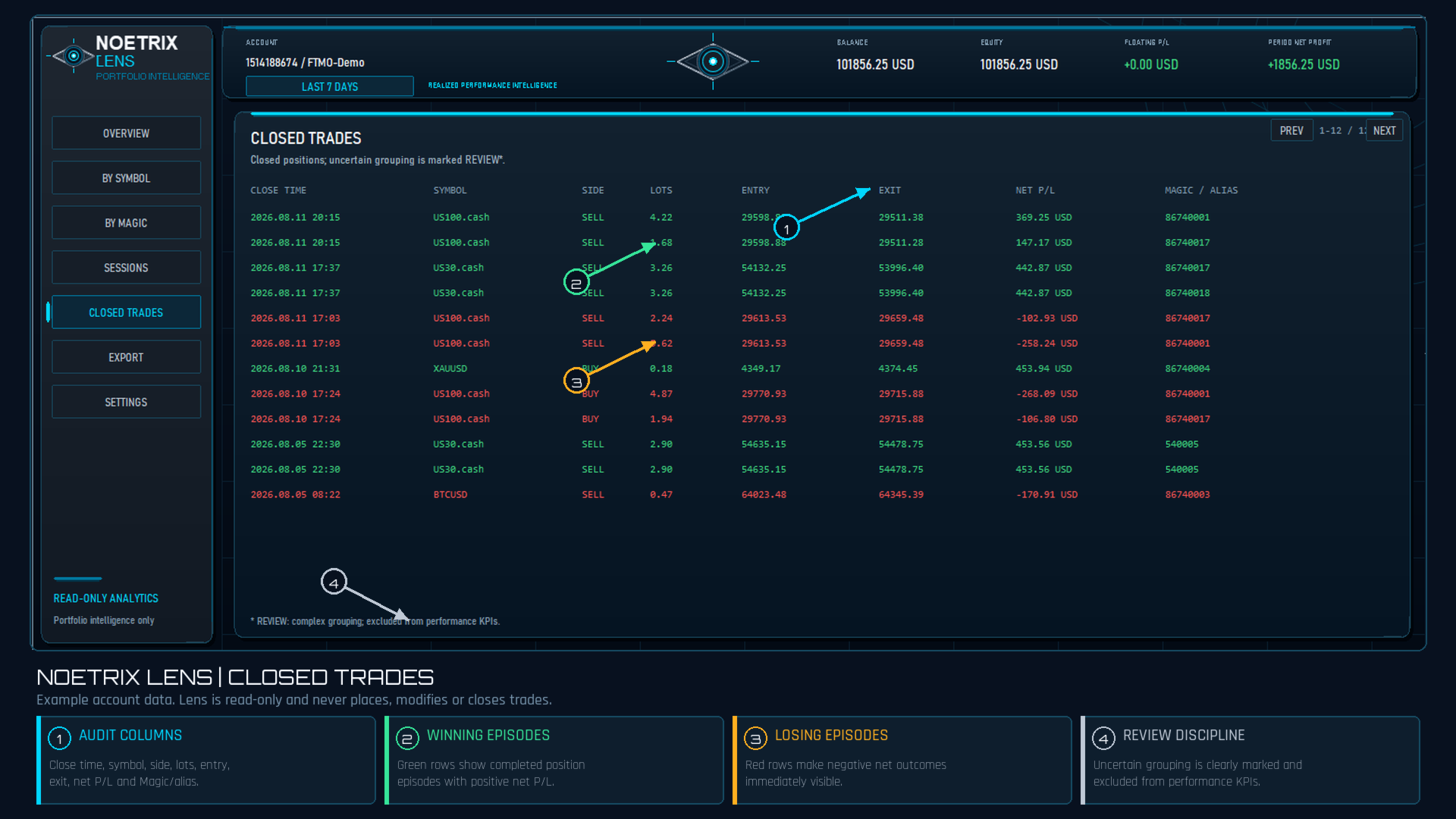
- Detailed closed-trade table with native symbol precision, costs, net result and strategy attribution.
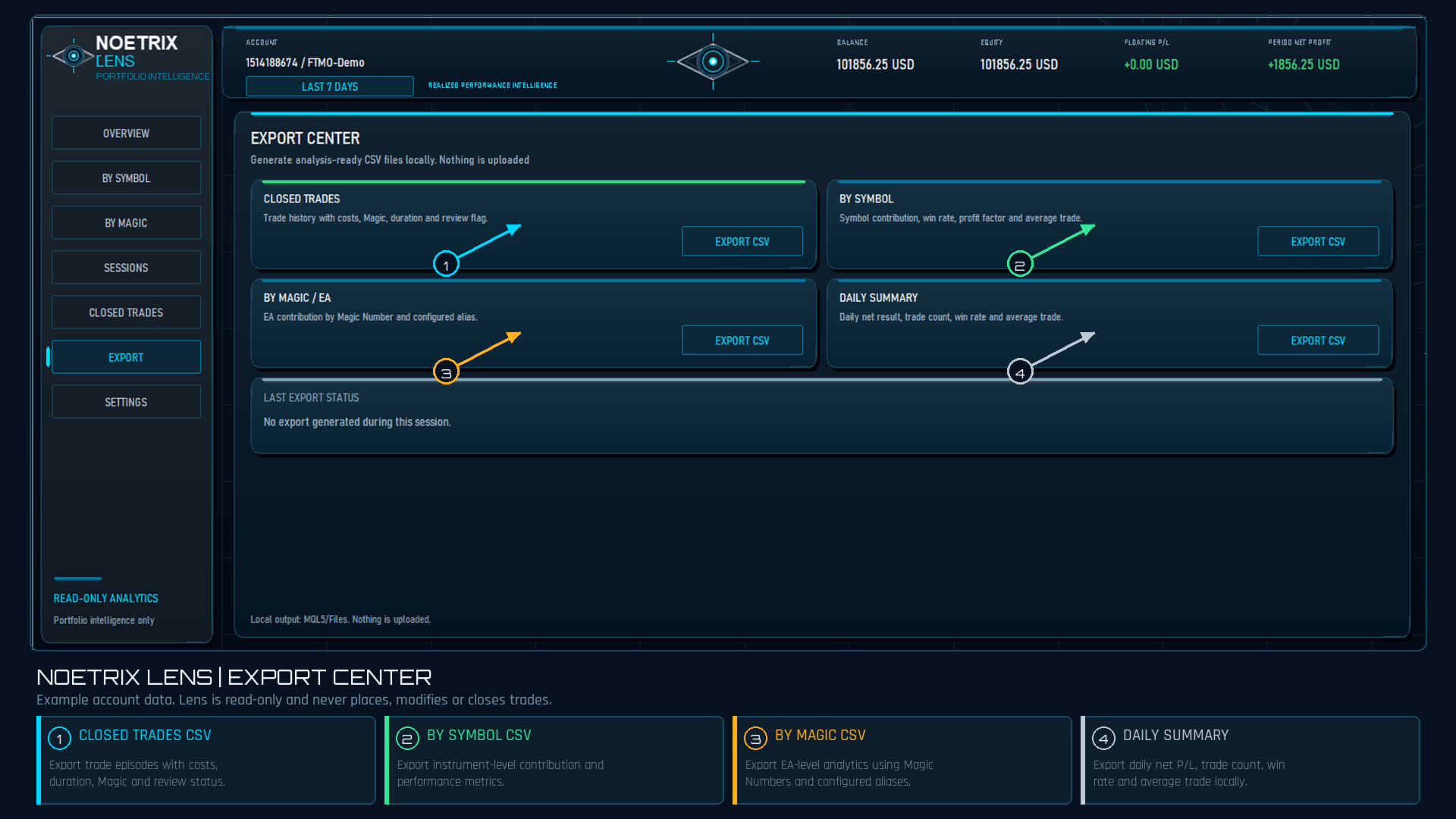
- Local CSV exports for closed trades, symbol performance, Magic Number performance and daily summaries.
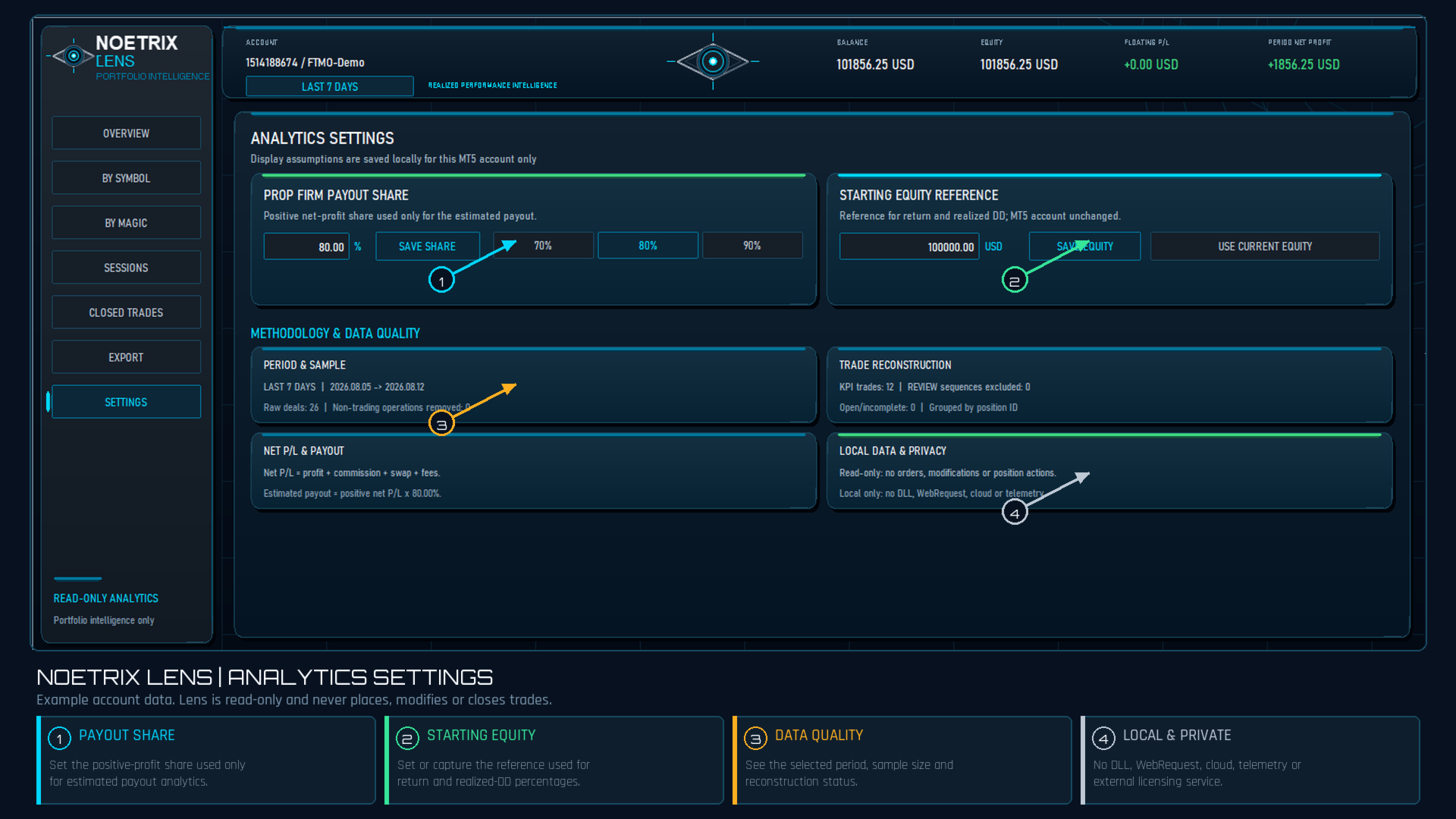
- Configurable starting-equity reference for normalized return and realized-drawdown percentages.
- Configurable prop-firm payout share used only for estimated payout analytics.
- Native PREV and NEXT controls for long lists.
## Careful trade reconstruction
Lens groups MT5 executions by position ID and reconstructs completed position episodes, including multiple entries and partial exits. Performance is attributed to the opening Magic Number even when a stop, guardian or trade manager closes the position with a different Magic Number.
Uncertain sequences are marked REVIEW and excluded from headline performance KPIs instead of being guessed.
Net P/L includes profit, commission, swap and fees.
## Privacy and safety
- Read-only: no order placement, modification or position-closing functions.
- No DLL.
- No WebRequest, cloud service or telemetry.
- No external licensing service.
- Settings, equity snapshots and exports remain inside the native local MQL5 Files area.
- No account, broker or server restriction.
## Installation
1. Install Noetrix Lens from the MQL5 Market.
2. Attach it to one MT5 chart.
3. Select an analysis range.
4. Optionally configure a starting-equity reference, payout share, Magic aliases and session windows.
## Methodology notes
The realized curve is not historical floating equity. It is the cumulative net result of completed, unambiguous position episodes. Historical floating-equity drawdown cannot be reconstructed from closed-deal history alone.
Analytics depend on the history supplied by the connected broker. The estimated payout is an analytical display and is not a payment confirmation from any prop firm. Example screenshots show account data for interface demonstration only; Lens did not generate those trading results.
Noetrix Lens is an analytics utility, not investment advice and not a guarantee of future performance.