Dark Kakashi PRO EA
- Experts
- Versão: 2.1
- Atualizado: 17 março 2026
- Ativações: 5

Dark Kakashi PRO EA is an advanced version of the Dark Kakashi FREE EA (unfortunately, ratings are being intentionally manipulated, which forced the release of a paid version). All requested features have been implemented. The code has been rewritten, and numerous errors have been fixed, including those related to position closing. This Expert Advisor will continue to be improved in the future.
It belongs to the Yarukami Mnukakashi family of advisors designed for Gold (XAUUSD). You can also trade Forex currency pairs. It is designed to operate with spreads up to 30. The scalper operates 24/5; losses are covered by a grid with averaging based on a light (small) coefficient if you set it. It is designed to always work, except for stops based on time settings you configure yourself (e.g., for news), which is why I implemented two trading sessions.
1. Intelligent Trading Strategy
The EA uses analysis of candle sizes and price impulse to enter the market. The built-in Grid algorithm allows averaging positions with a customizable step and multiplier (Martingale), while the Smart Hedging function allows opening an opposite order to protect the deposit.
2. News Filter
One of the system's main "killer features" is the built-in autonomous news filter. unlike most analogs, the EA independently downloads the economic calendar directly from ForexFactory.
- Smart Impact Detection: The system analyzes not only calendar data but also event names, guaranteeing that Truly Important news (Fed Chair, NFP, CPI, FOMC) are identified as "High Impact."
- Flexible Settings: You can choose which news to ignore (e.g., trade only during low-impact news or stop trading before "Red" events).
- Safety: Trading is automatically paused N minutes before and after a news release.
For the News Filter to function correctly, you must allow the EA to access the internet. Please perform the following steps in your MetaTrader 4 terminal:
- Go to Tools -> Options -> Expert Advisors tab.
- Find the section "Allow WebRequest for the following URL list".
- Add the following URL:
- Click OK and restart the EA (remove it from the chart and attach it again).
3. "Account Unloader" System (Drawdown Relief)
An algorithm for drawdown protection. If the deposit reaches a critical drawdown level, the EA activates the unloading mode: it searches for the most unprofitable positions and closes them in pairs with profitable ones to free up margin and bring the account back to positive territory with minimal losses. This allows "pulling" the account out of even deep drawdowns.
4. Total Risk Control
- Daily Profit Limit: A function for automatically stopping trading when a target profit is reached (in currency or %) to avoid losing what has been earned.
- Spread Filter: Prohibition of trading when the spread widens (relevant for night trading).
- Time Filter: Ability to configure trading sessions (start and stop times).
5. Informative Interface
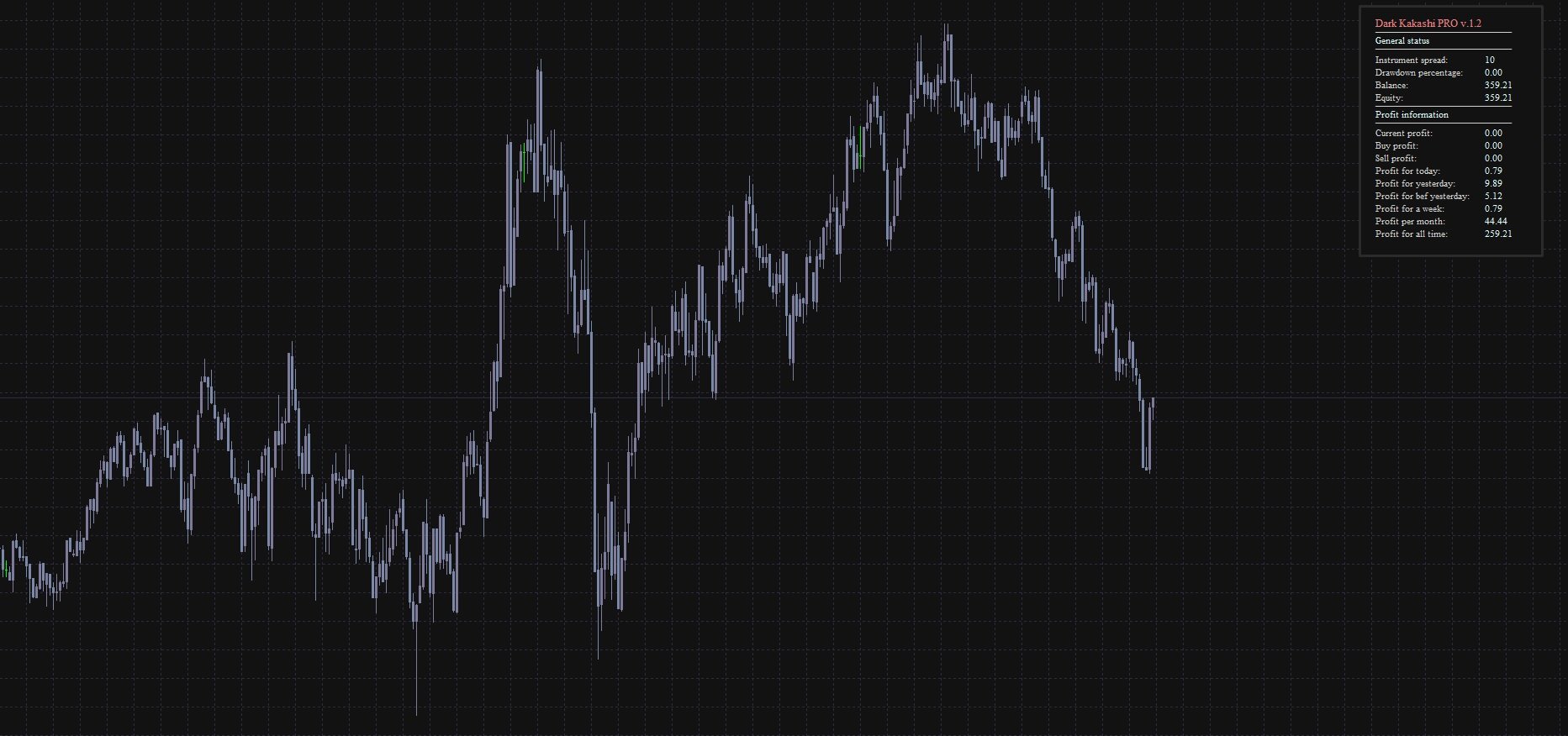
The advisor sets a stylish dark theme for the chart and displays an informative panel with data:
- Current drawdown and balance.
- Profit by Buy/Sell orders.
- Statistics for today, yesterday, the week, and the month.
Main Characteristics:
- Strategy Type: 24/7 trading, but I recommend avoiding the American session.
- Trading Instruments: GOLD (I have not considered other instruments, but you are welcome to try).
- Timeframes: M5-H1.
"Account Unloader" Module Details:
This is a protective function that attempts to unload the deposit in critical situations. IMPORTANT: Do not use this function if the lot multiplier is anything other than 1.
- Drawdown Monitoring: The system constantly monitors the current drawdown level percentage. As soon as drawdown reaches a critical threshold (e.g., 5%, configurable in parameters), the unloading protocol is activated.
- Problem Order Search: The EA scans all open positions to find the one dragging the deposit down. You have two target selection modes:
- "Oldest" Mode (True): Closes the first order opened against the trend. This allows "dropping the tail" and freeing up funds frozen long ago.
- "Most Unprofitable" Mode (False): Finds the order with the maximum current loss and eliminates the biggest "hole" in the deposit.
- Closing: The module's main function is not just to close a losing order, but to find a profitable order among open positions whose profit size covers the loss of the problem order + a small profit (MinProfit).
Contacts: Telegram Group: t.me/yarukamiea