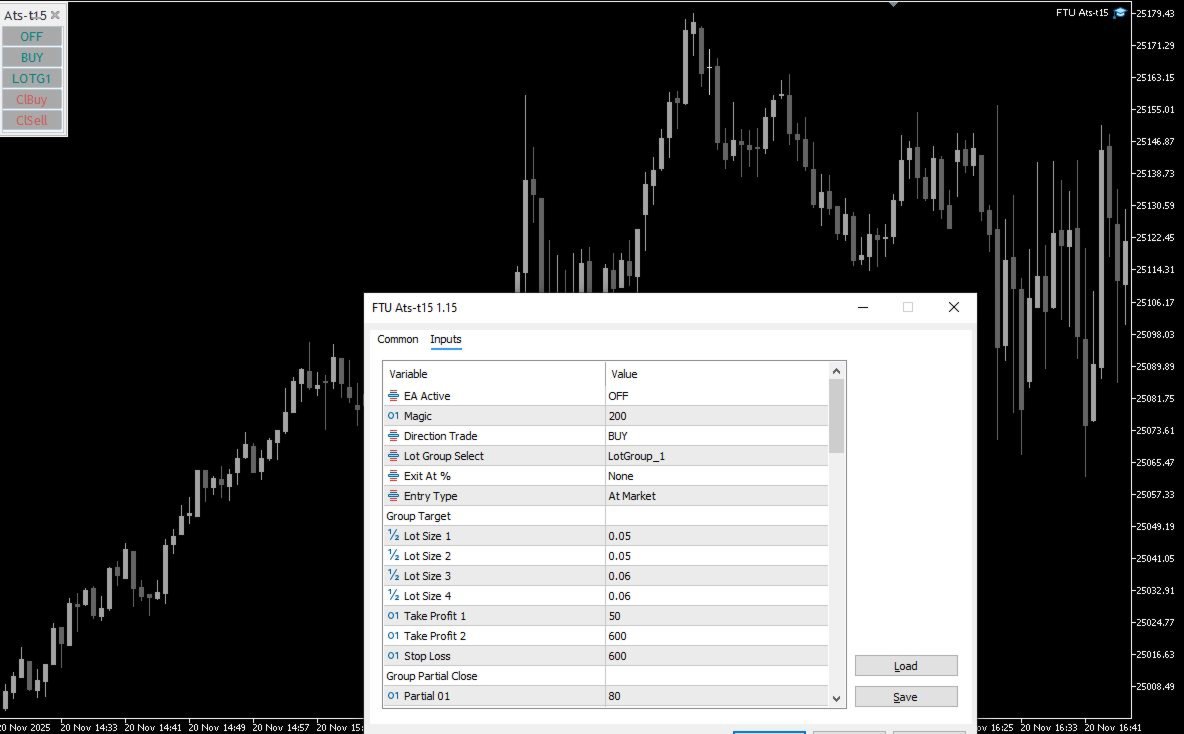
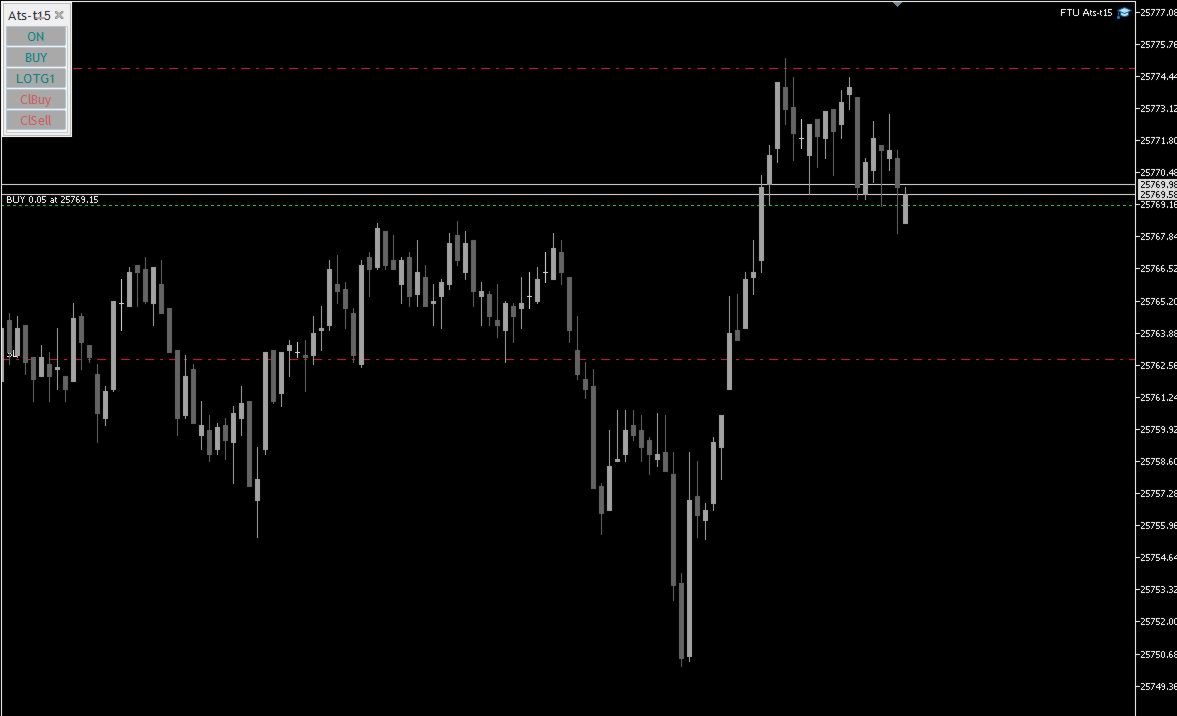
FTU Auto Trade Panel Ats15
- 유틸리티
-
James Erasmus
 트레이더 겸 개발자
MT5에 집중하며, 천문학적 금융, 브로커 비교 및 기술적 전략에 대한 폭넓은 연구를 진행하고 있습니다.
천문 추세 편향, 거래 관리 및 브로커 분석에 대해 더 자세히 알아보시려면 연락 주세요.
최신 EA인 Newton을 확인해 보세요. 평점은 6/10이며, 위험 및 안전성은 9/10입니다. 테스트 및 리뷰를 남겨주시면 감사하겠습니다.
관심이 많으시면 더욱 개선된 EA를 출시할 수도 있습니다. 감사합니다. Jaypipin - 버전: 1.15
FTU Auto Trade with on Chart Panel Mt5 (basic version)
This EA will improve your trading, lower work load and improve risk management
- Adjust Lot size, entry based on at market or by price input
- EA will manage entry, stop loss, partial close and adjust stop loss after tp1, partial
- Designed to be compact and efficient, small layout for multiple chart trading
Features:
- Lot groups - Allows for fast change to various risk models
- Tp, Partial and SL management
- Multiple No Trade Times - Various time inputs to stop the EA from trading during news, market open
- Lot Size Restriction - Inputs for various products to restrict over trading or lot size errors
Retrace Exit Feature:
Using exit option, see image 3: Set panel to direction to: none, then choose % retrace amount such as: 73%, set ea ONOnce price retraces the % input such as 73% at (B) in the image, then ea will close trades. Be sure to have direction = none else the ea will open a new trade immediately. After exit of trade, change inputs back to normal trading conditions.
Usage:
Set lot size, direction, then when ready for opening positions, select ON. Each button has a toggle to the next optionBe sure to set OFF when closing positions, else ea will open trades soon after.
When using exit% set direction to NONE, select % retrace exit value, and select ON.
Purpose is assist traders with entry and position management, an on chart panel with various toggle buttons to improve trading ability
Use on any timeframe, product/pair, no UI issues, fast loading
- Test on demo to be sure of all the features, inputs and broker trade size /value per pip before trading live