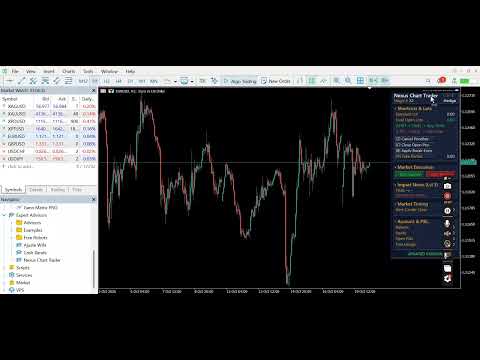
Nexus Chart Trader Advanced
- ユーティリティ
- バージョン: 4.42
- アップデート済み: 20 10月 2026
- アクティベーション: 5

🌟 Key Features & Essential Advantages
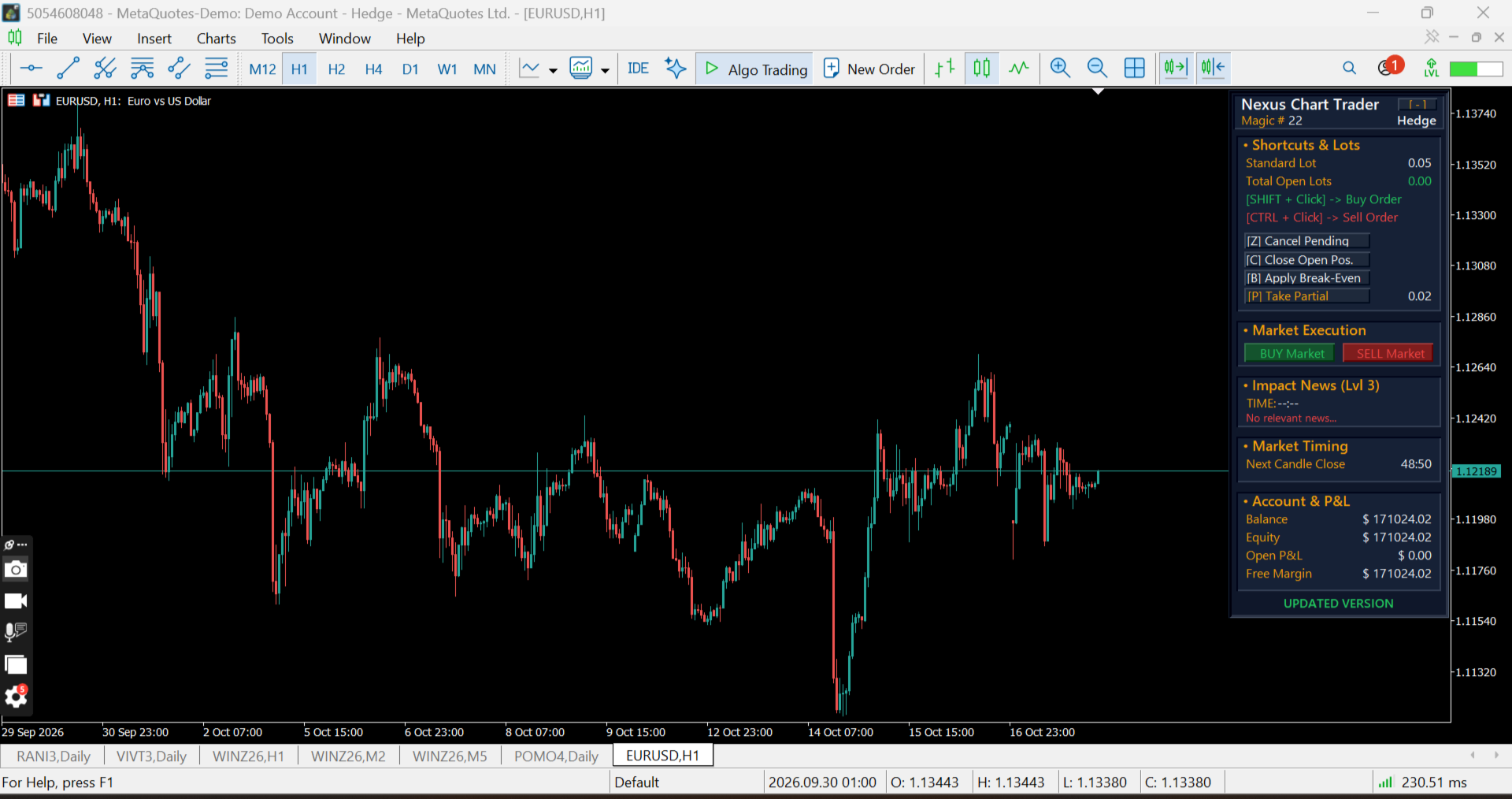
Interactive Hotkeys and On-Chart Mouse Orders: Place Limit or Stop Buy and Sell orders directly on the chart using customizable modifier keys (Shift, Ctrl, or direct Click).
Ghost Order Preview & Financial Risk Overlay: Hover over any price level to preview exact order entries, Stop Loss, and Take Profit levels with automated monetary risk/reward calculations in your account currency.
Automatic Account Mode Detection: Automatically detects whether your broker account operates in Hedge or Netting mode, seamlessly adapting execution logic.
Weighted Average Price Lines (Hedge Mode): Automatically calculates and plots dynamic weighted average lines when scaling into multiple positions on the same symbol.
Smart Break-Even Engine: Instantly moves Stop Losses to a weighted break-even price plus your custom offset points with a single hotkey.
Universal Partial Close: Scale out of active trades gradually and efficiently across both Netting and Hedge environments.
Emergency Controls: Instant keyboard shortcuts to cancel all pending orders or close all open positions immediately during high volatility events.
Integrated Economic Calendar: Built-in tracker displaying upcoming high-impact financial news events, release schedules, and headlines directly on the panel.
Candle Close Countdown: Real-time timer showing the exact time remaining before the current bar closes across any timeframe.
Customizable Modern Dark UI: Fully draggable panel featuring a collapsable <code>[-]</code> mode and comprehensive color customization options.
⚙️ Input Parameters Guide
Mouse Shortcuts (Orders)
Modifier key to place a Buy order (<code>SHIFT</code>, <code>CTRL</code>, or <code>CLICK</code>).
Modifier key to place a Sell order (<code>SHIFT</code>, <code>CTRL</code>, or <code>CLICK</code>).
Keyboard Shortcuts (Actions)
Hotkey to cancel all active pending orders (Default: <code>Z</code>).
Hotkey to close all open positions on the current symbol (Default: <code>C</code>).
Hotkey to Apply Break-Even on the current symbol (Default: <code>B</code>).
Hotkey to close Take Partial Profit on the current symbol (Default: <code>P</code>).Risk & Lot Management
Default lot size for standard order execution.
Lot volume to close when executing partial profits.
Default Stop Loss distance (Pips for Forex / Points for Indices).
Default Take Profit distance (Pips for Forex / Points for Indices).
Added distance above/below entry when applying Break-Even.
Maximum allowed slippage in points.
Unique EA Magic Number for order tracking.
Calendar & Layout Settings
Minimum importance level for calendar alerts (Level 1, 2, or 3).
Initial panel alignment when launching on the chart (Left or Right side).
Full color customization palette for dark mode styling.
⚠️ Enable Object Descriptions: To ensure that all price labels, risk values, and ghost order details (SL/TP projections and weighted average lines) render clearly on the chart, make sure the "Show object descriptions" option is enabled in your MetaTrader 5 chart properties:
Right-click on your chart ➔ Select "Properties" (F8) ➔ Go to the "Show" tab ➔ Check "Show object descriptions".
💻 Specifications & Requirements
Platform: MetaTrader 5 (MT5)
Account Types: Hedge & Netting (Auto-detected)
Supported Instruments: Forex, Stock Indices, Commodities, Energies, and Cryptocurrencies
DLL Requirements: None (100% Native MQL5)
❓ Frequently Asked Questions (FAQ)</h2>
Q: Does Nexus Chart Trader run automated strategies?
A: No, Nexus Chart Trader is a professional manual trading and risk control utility designed to assist discretionary traders with ultra-fast execution and precise on-chart risk management.