Keelmark Order Panel MT5
- Utilità
- Versione: 1.11

Keelmark Order Panel - open several market orders in one click, close them with one button
Keelmark Order Panel is a small manual trading panel for MetaTrader 5. You type the lot, the SL and TP distance and how many orders you want, then press BUY or SELL: the panel sends that many market orders at once, each with its own SL and TP. STOP closes them again. The panel does not open trades by itself and gives no buy or sell signals - every order comes from a button you press.
ON THE PANEL
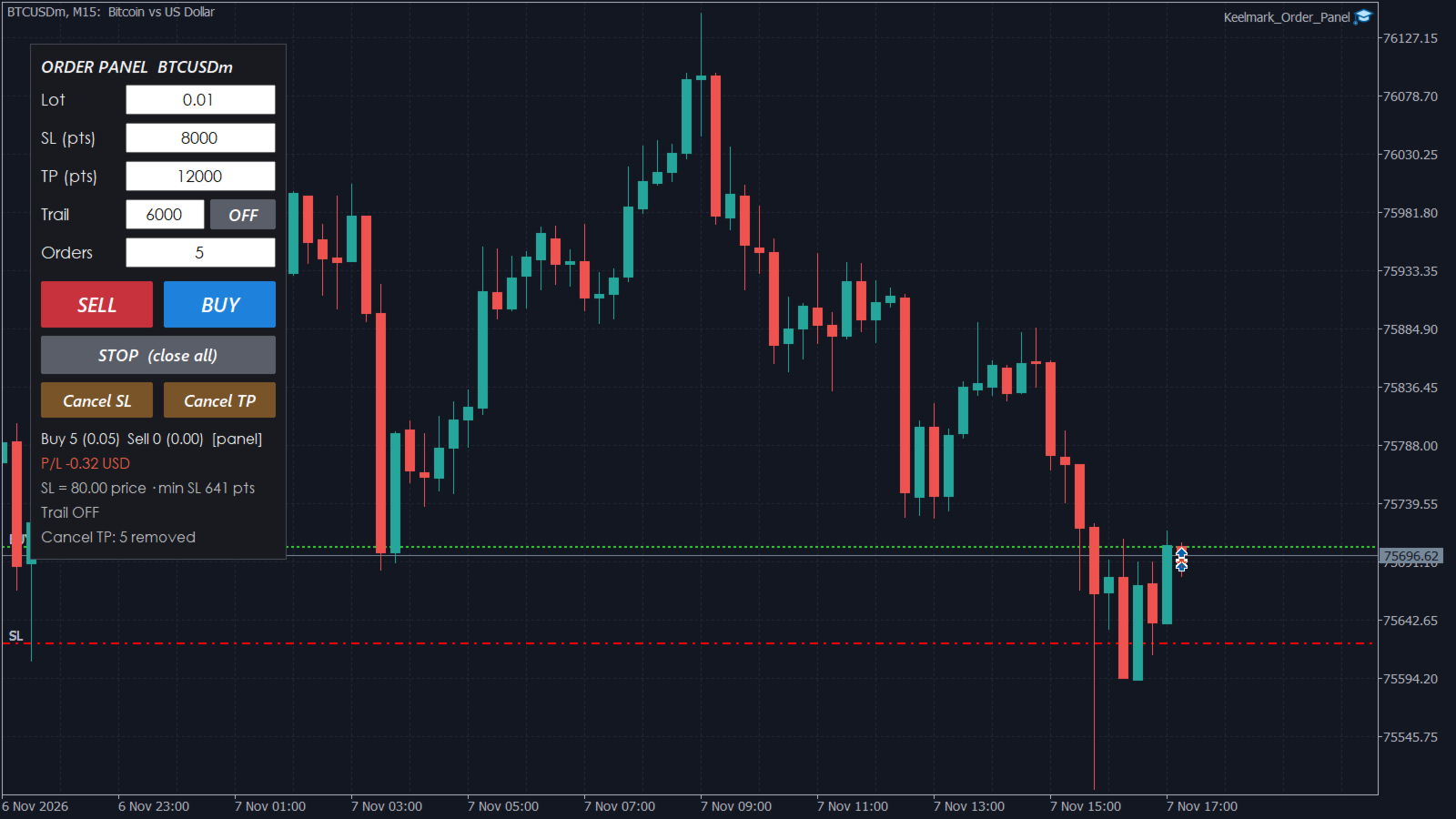
- Lot - lot per order, rounded to the symbol's lot step.
- SL / TP - distance from the entry price in points (or pips / price, see inputs). 0 = no SL or no TP.
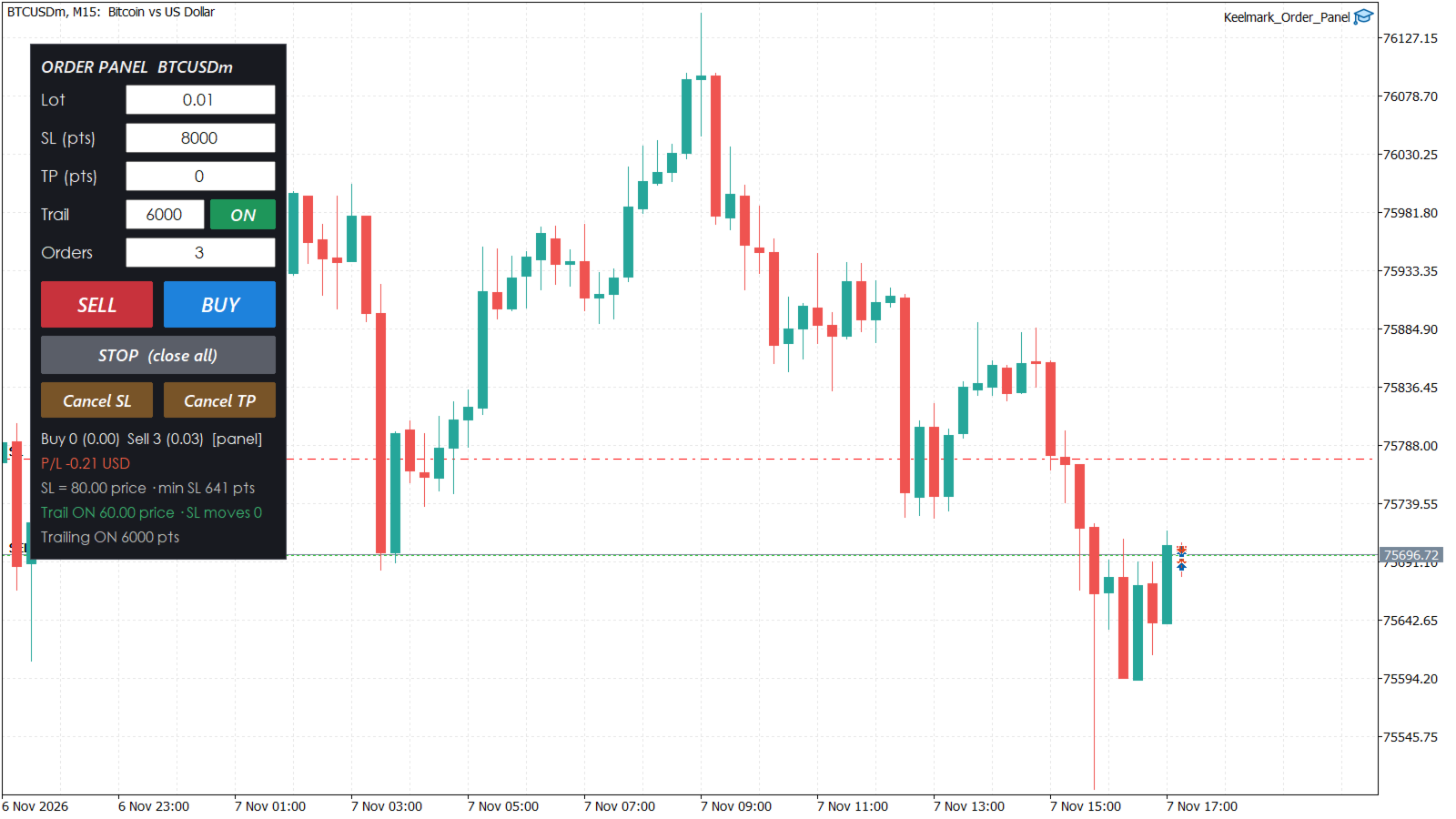
- Trail - trailing stop distance and an ON / OFF button.
- Orders - number of orders per click (1 to 50 by default), for example 5, 7 or 10.
- SELL / BUY - send the orders at the current price.
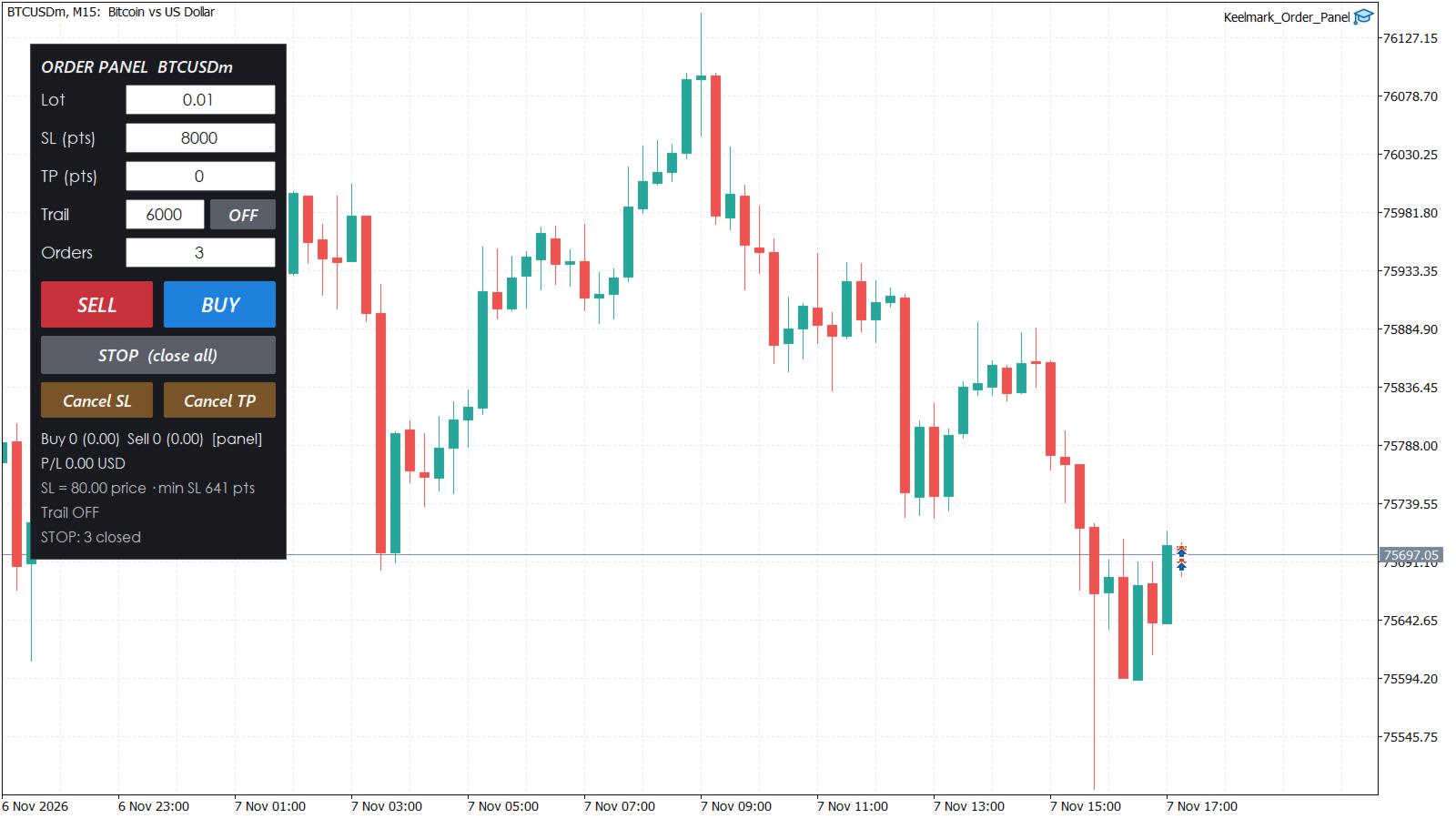
- STOP (close all) - close the orders of the panel on this symbol (or all positions on this symbol, see inputs).
- Cancel SL / Cancel TP - remove the SL or the TP from the open orders; the other level stays. Cancel SL also turns trailing off, so the SL is not set again.
- Info lines: number of buy / sell orders and their lots, floating P/L, the SL in price, the smallest SL the broker accepts right now, trailing state and the result of the last action.
CHECKS BEFORE SENDING
- SL must be wider than the spread plus the broker's stop level. A buy SL is hit by the Bid and a sell SL by the Ask, so a SL inside the spread would be refused by the server. The panel shows the minimum SL and does not send orders with a closer SL.
- Free margin must cover all the orders of the click, and the broker's volume limit for the symbol is checked.
- If an error would repeat for every order (invalid stops, no money, market closed, trading disabled...), the panel stops sending the rest and shows the error.
TRAILING STOP
When trailing is ON, the SL of each order follows price at the set distance once the order is in profit by the start distance (0 = at once). The SL only moves in the direction of the trade and only by at least one step (default 10% of the distance), and the panel checks at most once per second, so the server does not get a modify request on every tick. Trailing works while MetaTrader 5 is running and the panel is on the chart.
INPUTS
- Default values: lot, SL, TP, number of orders, unit for SL / TP (points, pips or price).
- Trading: STOP closes panel orders only or all positions on the symbol, confirmation box before BUY / SELL / STOP / Cancel, max orders per click, magic number, slippage, async sending (faster for many orders), order comment.
- Trailing: ON at start, distance, start after profit of, step.
- Panel: position, font size, colours.
The values you type are kept for the chart when you change timeframe.
NOTES
- Allow Algo Trading in the terminal and in the panel settings, otherwise the panel shows "Algo Trading is OFF".
- Works on hedging and netting accounts. On a netting account several orders on one symbol become one position.
- N orders means N times the risk of one order. Check the total lot shown on the panel before you press.
- Without SL an order has no stop on the server. Removing the SL is your decision.
- In the Strategy Tester the buttons cannot be pressed; test the panel on a demo account.