CT Order Manager Pro
- Utilità
- Versione: 6.11
- Aggiornato: 2 novembre 2026

ALGI – Mustafa Konya
Manual Trading | Precise Order Management | Complete Trading Control
Product Description
CT Order Manager Pro is a professional and user-friendly trading utility for MetaTrader 5, designed to simplify manual order execution and position management.
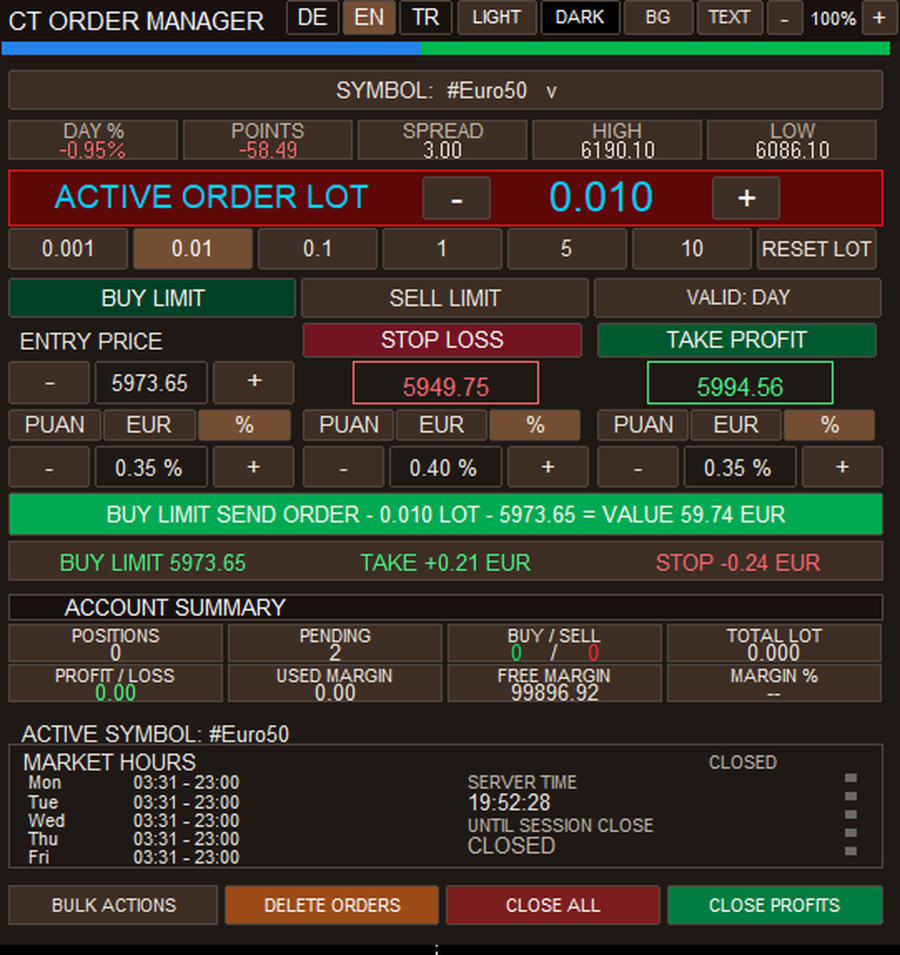
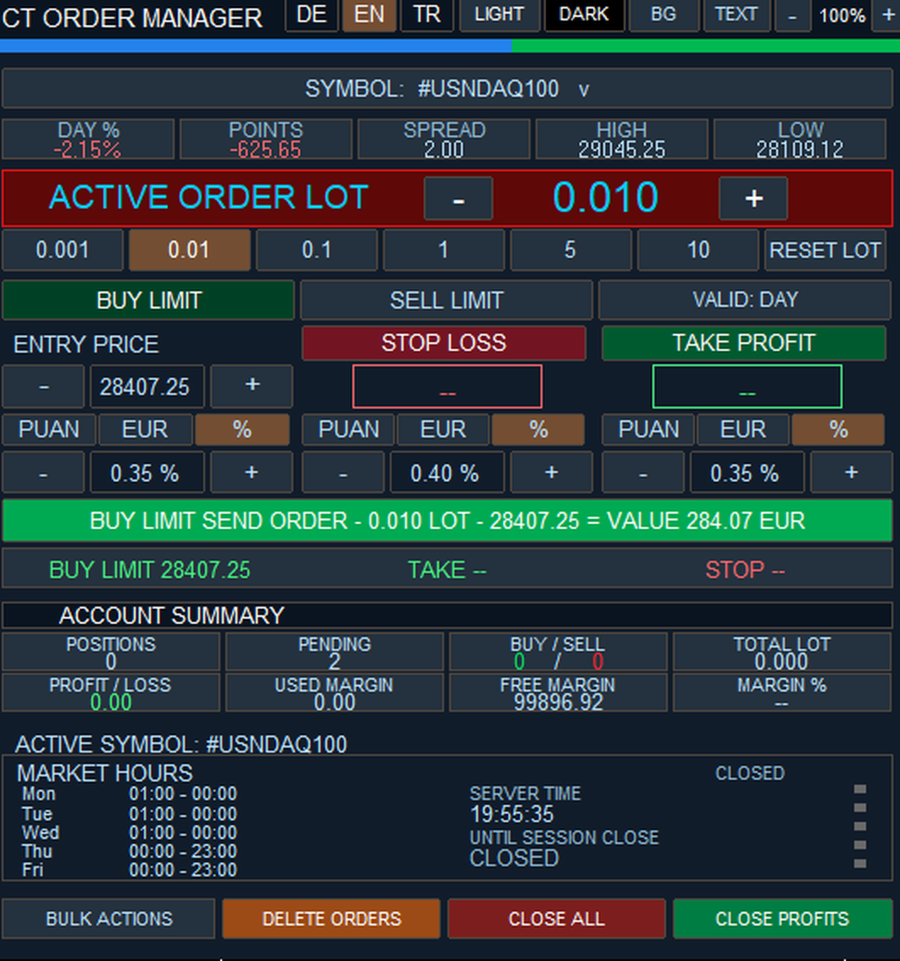
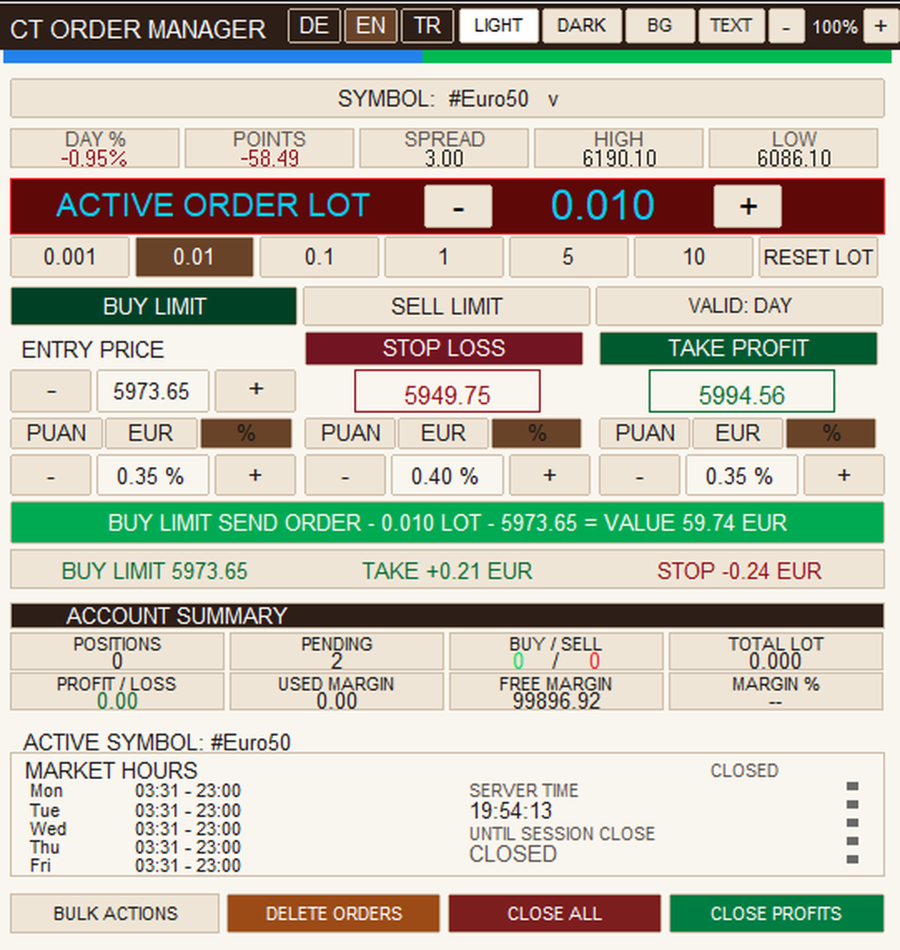
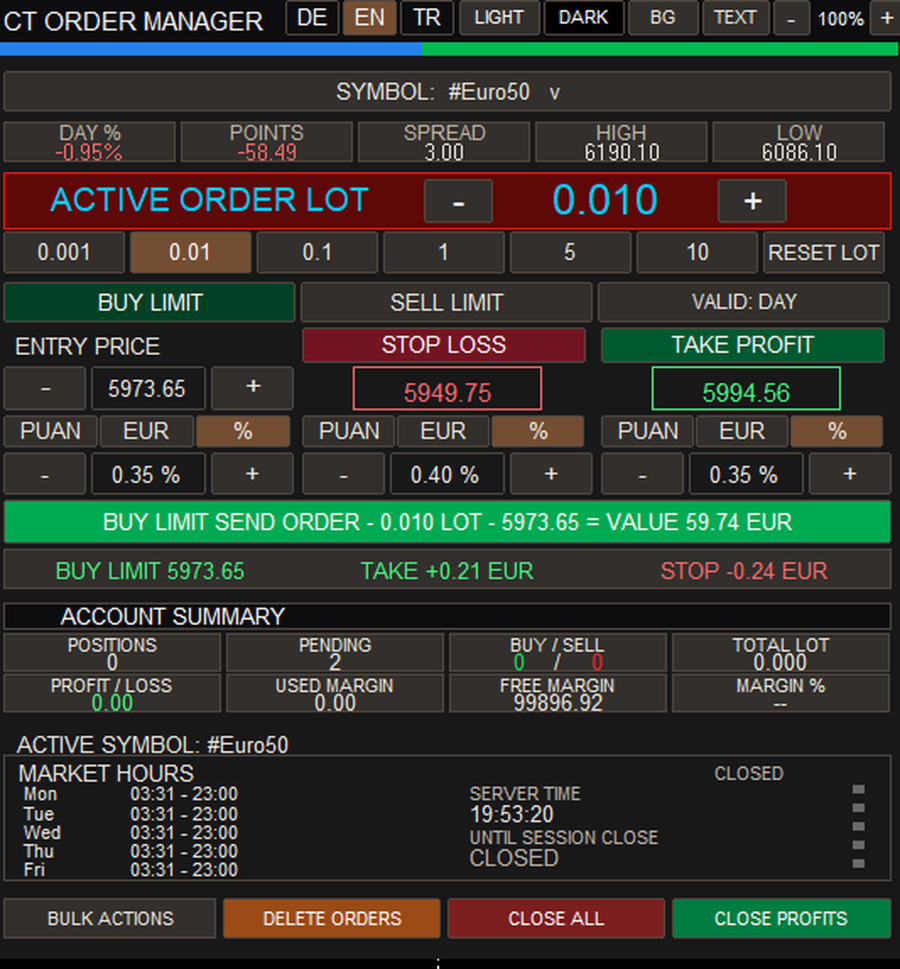
The software provides a clear and organized trading panel directly on the chart, allowing traders to prepare orders, adjust trading volumes, manage risk parameters, and monitor important trading information.
CT Order Manager Pro is not an automated trading robot. All trading decisions are made manually by the user.
1. Order Management
-
BUY and SELL trading functions
-
BUY LIMIT and SELL LIMIT orders
-
Manual entry price adjustment
-
Stop Loss and Take Profit management
-
Management of open positions
-
Overview of pending orders
-
Display of important order information
-
Manual control of trading parameters
2. Flexible Lot Management
-
Manual trading volume entry
-
Lot adjustment using Plus (+) and Minus (−) buttons
-
Quick-access trading volume buttons
-
Lot value reset function
-
Support for broker-defined minimum and maximum trading volumes
-
Automatic consideration of permitted volume steps
3. Account and Market Information
The panel provides a clear overview of essential trading information:
-
Open positions and pending orders
-
BUY and SELL position overview
-
Profit and loss information
-
Account balance and margin information
-
Current market prices
-
Trading session information
4. Customizable Interface
The trading panel can be adjusted to different screen sizes and personal preferences.
-
Light and dark themes
-
Customizable background and text colors
-
Panel zoom in and zoom out functions
-
Organized and easy-to-use controls
-
Clearly distinguishable BUY and SELL buttons
5. Multilingual Interface
CT Order Manager Pro supports three languages:
-
English (EN)
-
German (DE)
-
Turkish (TR)
Languages can be switched directly from the trading panel.
6. Installation and Getting Started
-
Launch MetaTrader 5.
-
Sign in to your MQL5 account.
-
Install CT Order Manager Pro from the MQL5 Market.
-
Open the chart of your preferred trading instrument.
-
Launch the utility from the Navigator.
-
Enable the required trading permissions.
-
Configure trading volume, order type, and entry price.
-
Set Stop Loss and Take Profit if required.
-
Review all trading parameters before submitting an order.
Available order types and trading conditions depend on the broker and selected trading instrument.
7. Important Information
-
Developed exclusively for MetaTrader 5
-
Designed for manual trading and order management
-
No automated trading strategies
-
No guaranteed trading results
-
Trading conditions depend on the broker
-
Testing on a demo account is recommended before live trading
CT Order Manager Pro – Efficient Manual Order Management Directly on Your MetaTrader 5 Chart.
Developed by ALGI – Mustafa Konya