Trade Dashboard G2
- Utilità
-
Ida Bagus Putu Mahardika
 "Hello and welcome!
My trading journey began back in 2001 in the beautiful island of Bali.
Navigating the markets for over two decades has taught me that consistency and patience are key.
Today, my mission is to share that experience with you. - Versione: 4.12
- Aggiornato: 26 luglio 2026
- Attivazioni: 10
KEY FEATURES
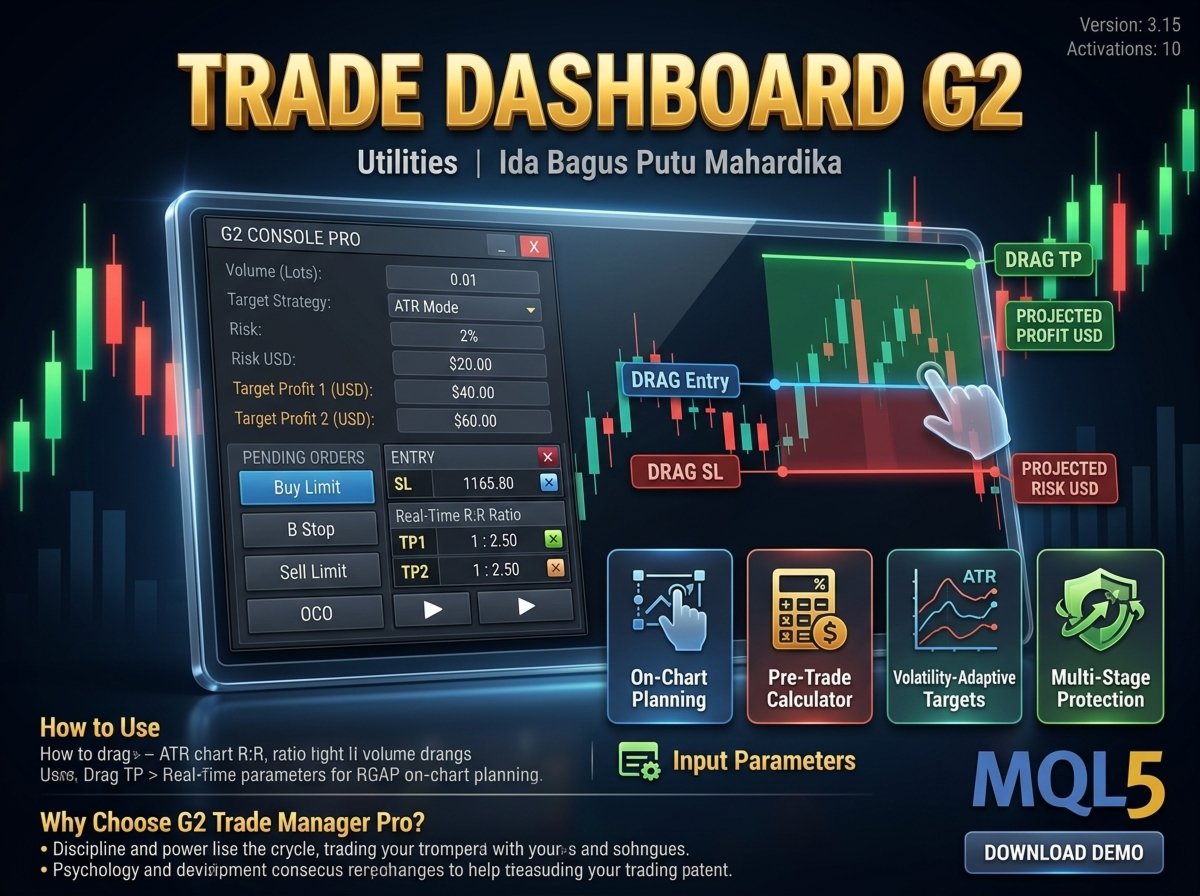
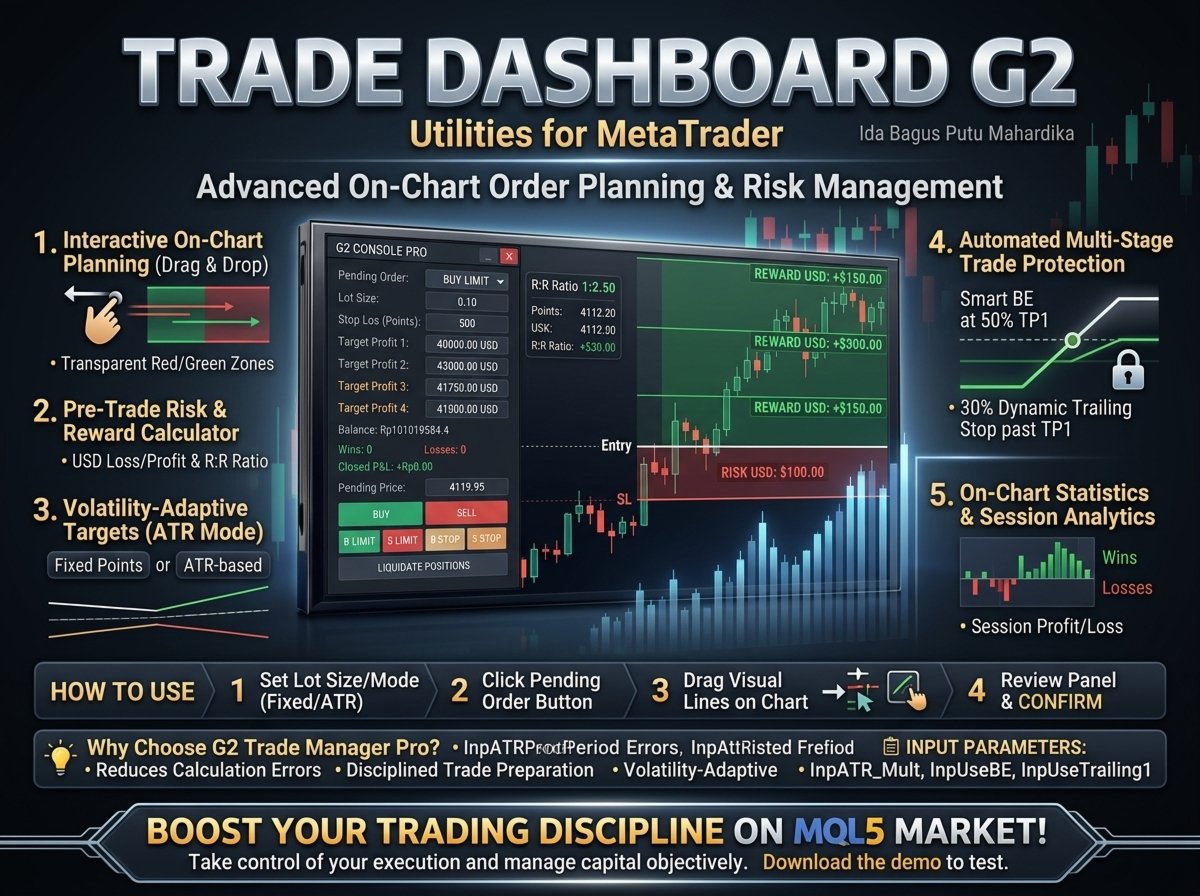
1. Interactive On-Chart Order Planning (Drag & Drop)
-
Select any pending order type and click on the chart to set your entry point.
-
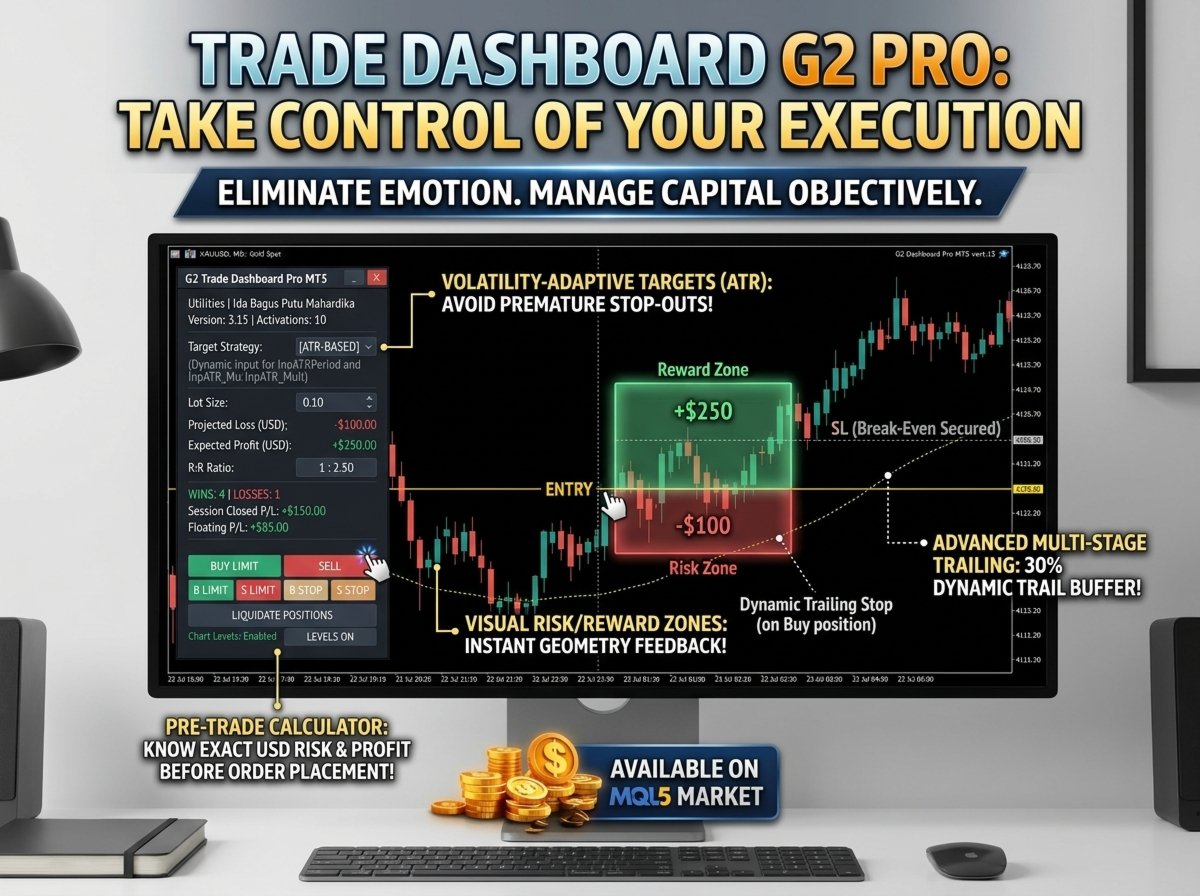
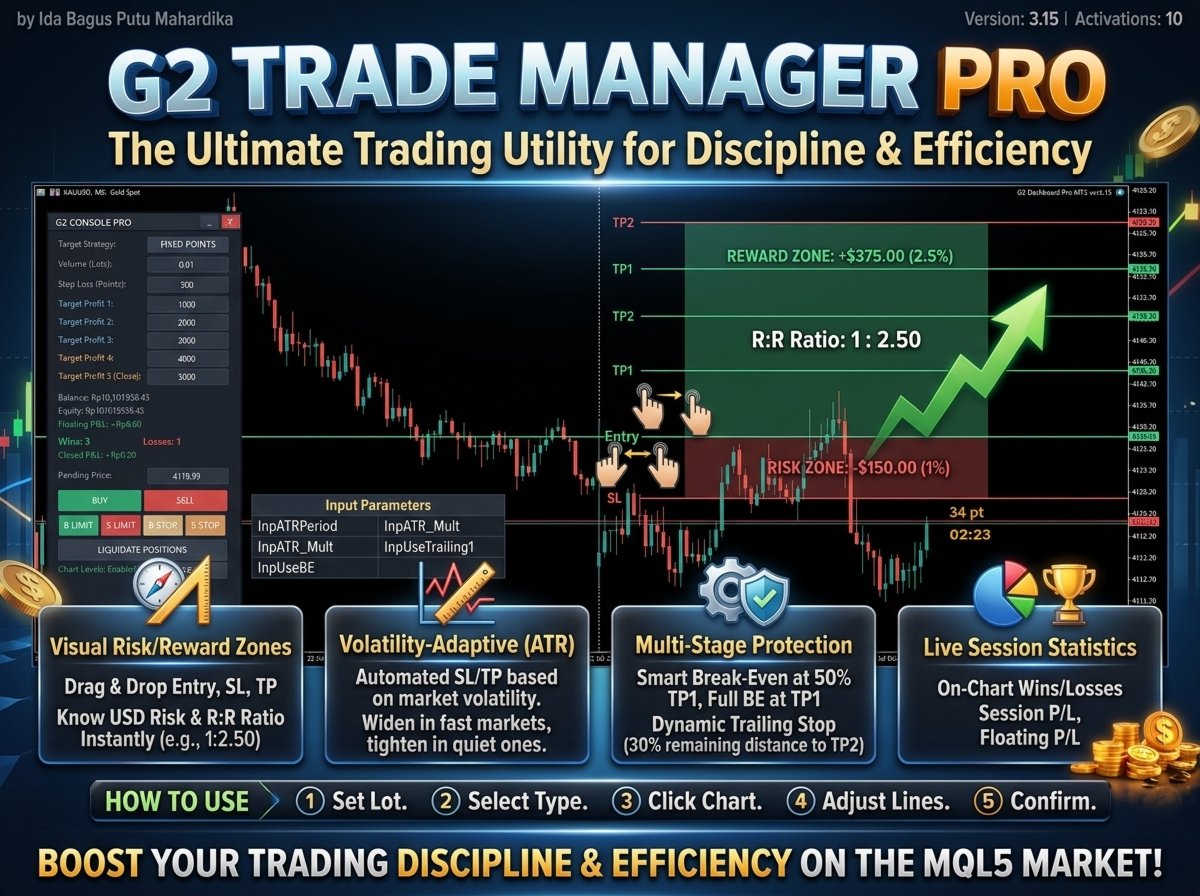
Visual Risk/Reward Zones: Transparent red (risk) and green (reward) zones instantly display your trade geometry.
-
Real-Time Adjustments: Drag the Entry, SL, or TP lines directly on your chart. The panel recalculates all values instantly.
2. Pre-Trade Risk & Reward Calculator
-
Know your exact projected loss in USD and expected profit in USD before sending the order to the broker.
-
Displays the real-time Risk-to-Reward (R:R) Ratio (e.g., 1 : 2.50).
-
Calculates exact contract specifications and point values based on your lot size.
3. Volatility-Adaptive Targets (ATR Mode)
-
Choose between Fixed Points or ATR-based (Average True Range) targets.
-
In ATR Mode, your SL and TP adapt automatically to current market volatility—widening when volatile and tightening during quiet sessions.
4. Automated Multi-Stage Trade Protection
Once your trade is active, the automation engine manages your risk on every tick:
-
Smart Break-Even (BE): Moves SL to protect the entry (open price + spread + minor buffer) when the price reaches 50% of the distance to TP1. Secures full BE when TP1 is hit.
-
Dynamic Trailing Stop: Once past TP1, the EA trails the remaining position smoothly, maintaining a trailing stop buffer equal to 30% of the remaining distance to TP2.
5. On-Chart Statistics & Session Analytics
-
Track your live session performance directly on the panel.
-
Displays Win/Loss counters, session-closed profit/loss, and floating profit/loss for the current symbol.
🛠️ HOW TO USE
-
Set your Lot Size and target mode (Fixed or ATR) on the dashboard.
-
Click a Pending Order Button (e.g., Buy Limit).
-
Click anywhere on the chart to set your entry level.
-
Drag the visual lines to align with your setup.
-
Review the calculated risk on the panel and click CONFIRM to place the order.
📋 INPUT PARAMETERS
-
InpATRPeriod: Period for the ATR volatility calculation.
-
InpATR_Mult: Multiplier for ATR-based Stop Loss.
-
InpUseBE: Turn ON/OFF the multi-stage Break-Even logic.
-
InpUseTrailing1: Turn ON/OFF the advanced trailing stop logic.
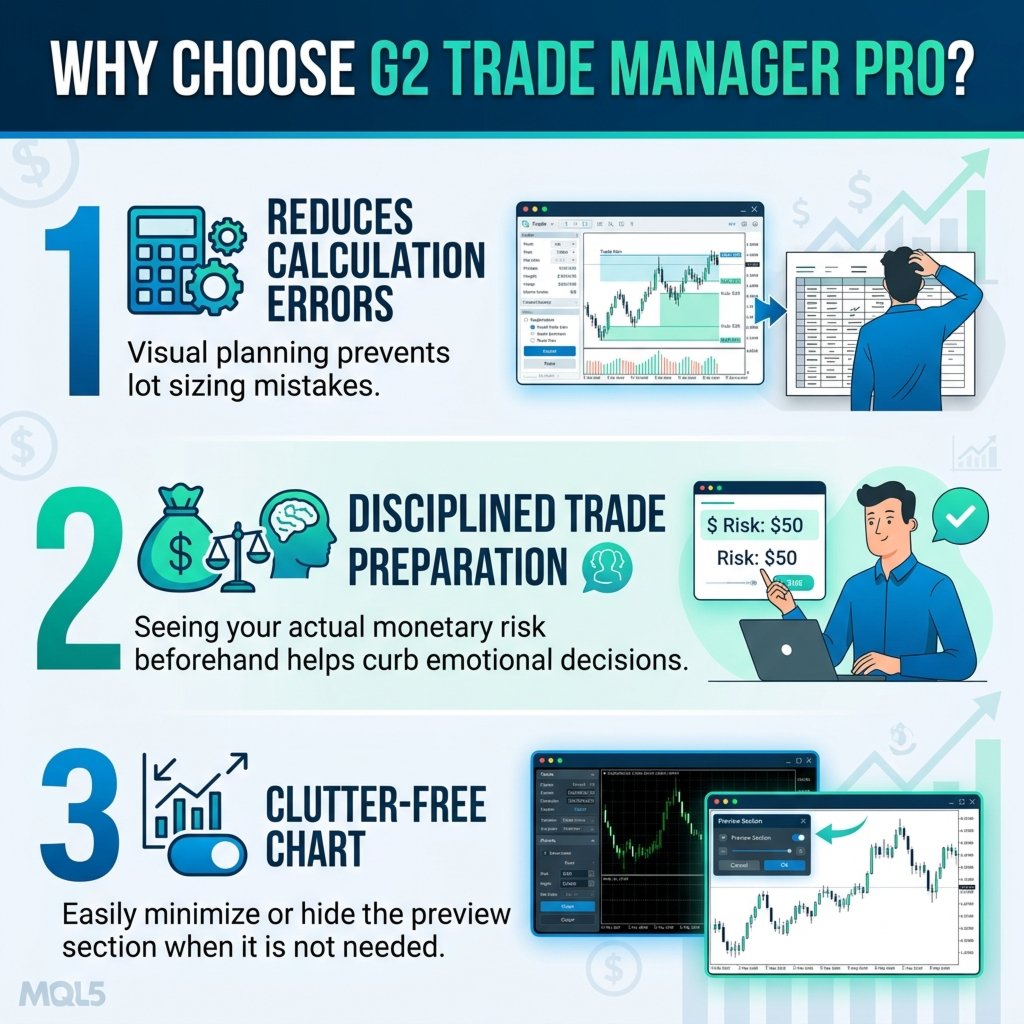
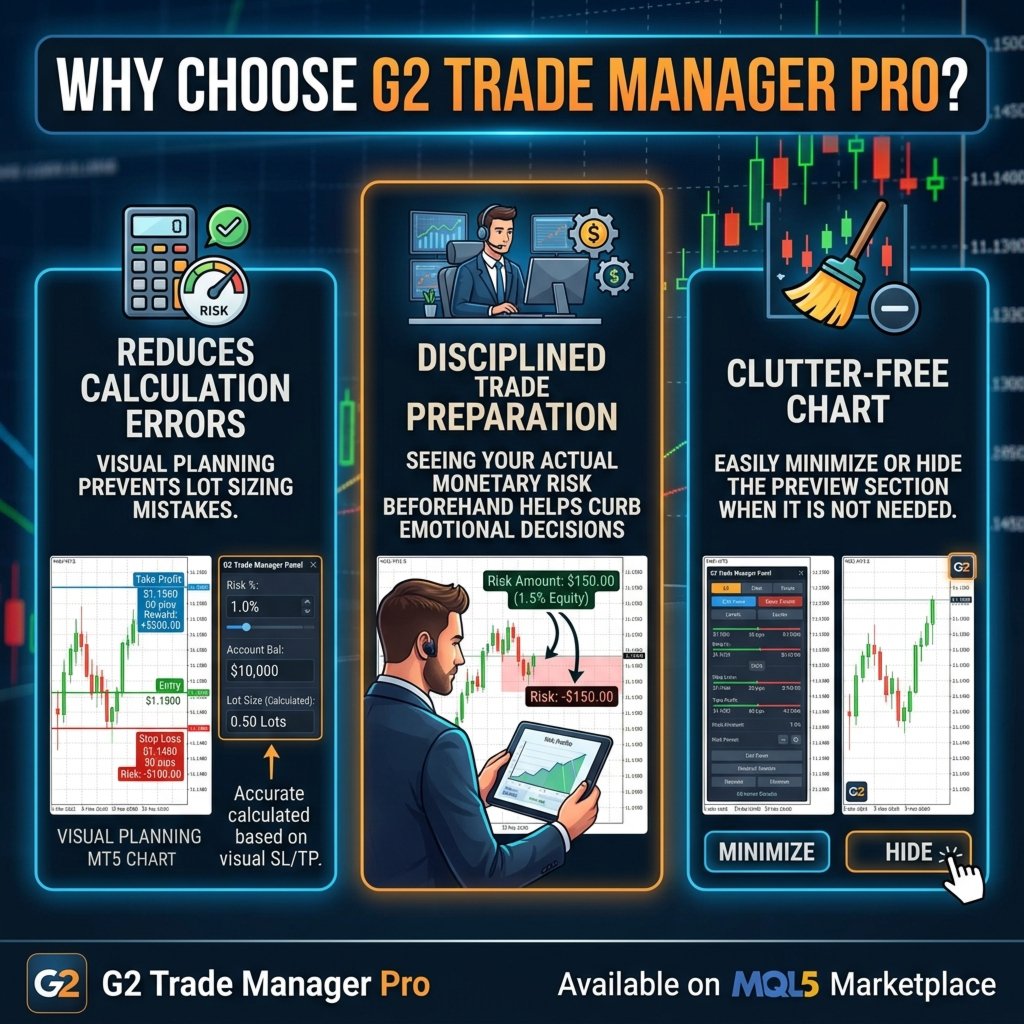
💡 Why Choose G2 Trade Manager Pro?
-
Reduces Calculation Errors: Visual planning prevents lot sizing mistakes.
-
Disciplined Trade Preparation: Seeing your actual monetary risk beforehand helps curb emotional decisions.
-
Clutter-Free Chart: Easily minimize or hide the preview section when it is not needed.
Take control of your execution and manage your capital objectively. Download the demo to test the interactive features.
When marketing this tool on the MQL5 Market, focus on discipline, psychology, and workflow efficiency rather than promising guaranteed returns:
-
Objective Risk Management: It helps traders eliminate emotional calculations during fast-moving markets. Showing the exact USD risk before clicking "Confirm" encourages strict trading discipline.
-
Clear Spatial Awareness: The transparent risk/reward zones on the chart provide instant visual feedback on whether a target is structurally realistic relative to the stop loss.
-
Hands-Free Multi-Stage Protection: The transition from initial SL to partial break-even, and eventually to a dynamic 30% remaining-distance trailing stop, is a premium feature rarely found in basic trade managers.
-
Volatility-Adaptive Targeting (ATR): Professionals prefer ATR-based targets because they automatically widen during high volatility and tighten during quiet market phases, helping to avoid premature stop-outs.
-
Sleek, Collapsible UI: The preview section can be minimized or closed entirely, keeping the chart clean and free of visual clutter.