Confluence Bias Map
- Indicatori
-
Nguyen Thanh Trieu
 Sono uno sviluppatore software e un trader. Creo strumenti pratici per MetaTrader 5 che uso io stesso nel trading.
Mi occupo di struttura del mercato, logica della price action, visualizzazione del rischio, indicatori e utility personalizzate. - Versione: 1.0
Confluence Bias Map unifica i principali indicatori di mercato in un unico punteggio in tempo reale per supportare la tua analisi di trading.
Quando si analizzano i grafici, osservare singolarmente molteplici indicatori separati (Medie Mobili, MACD, ADX, RSI, Stocastico, Bande di Bollinger, MFI, ATR) porta spesso a segnali contrastanti e alla paralisi da analisi. Confrontare trend, momentum, volatilità e volume su diversi intervalli temporali senza una metodologia strutturata rende difficile definire il reale orientamento del mercato. Confluence Bias Map risolve questo problema aggregando queste 4 dimensioni chiave del mercato su 3 diversi intervalli temporali in un unico punteggio in tempo reale.
Cosa mostra:
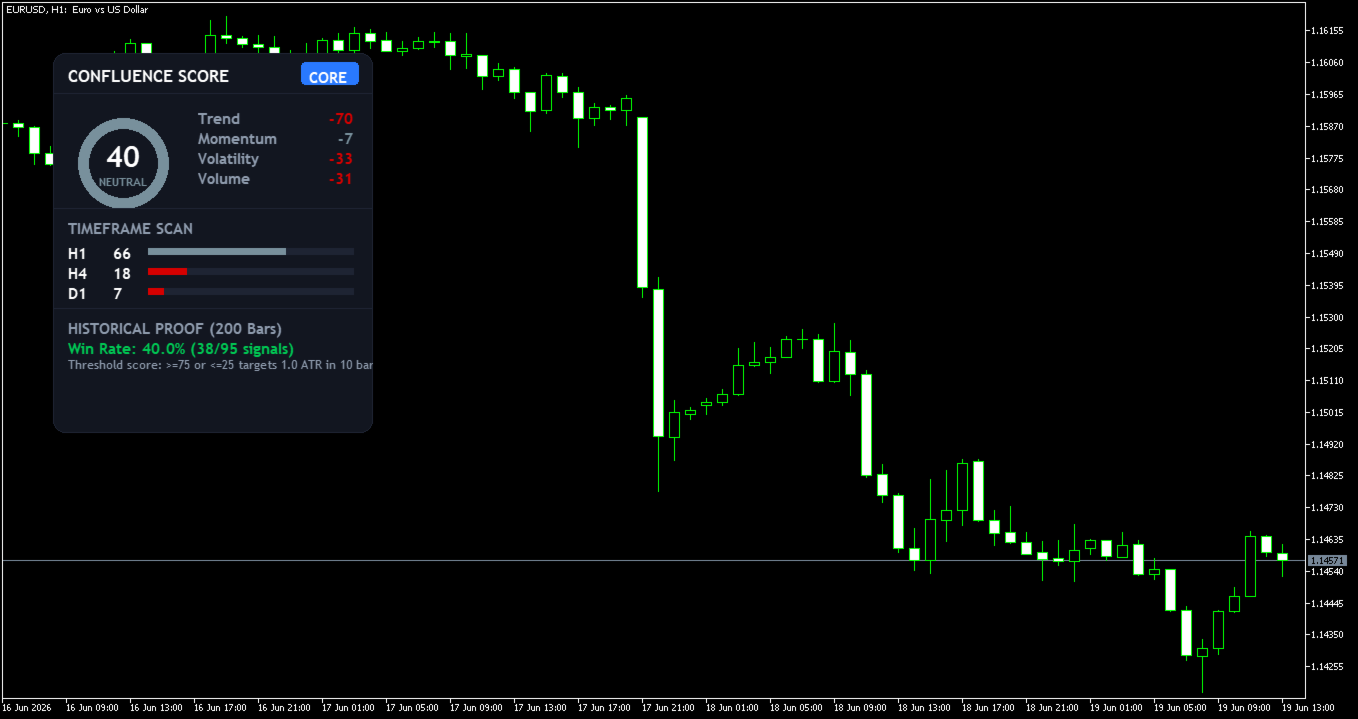
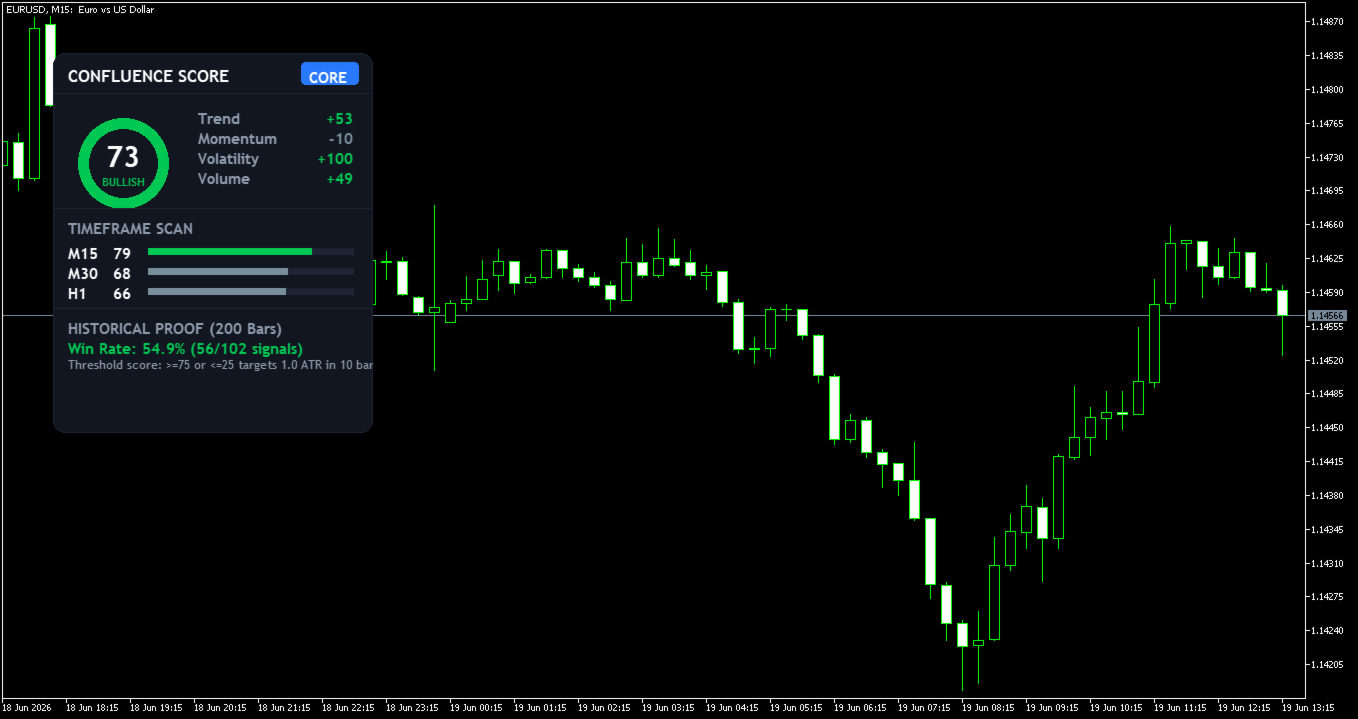
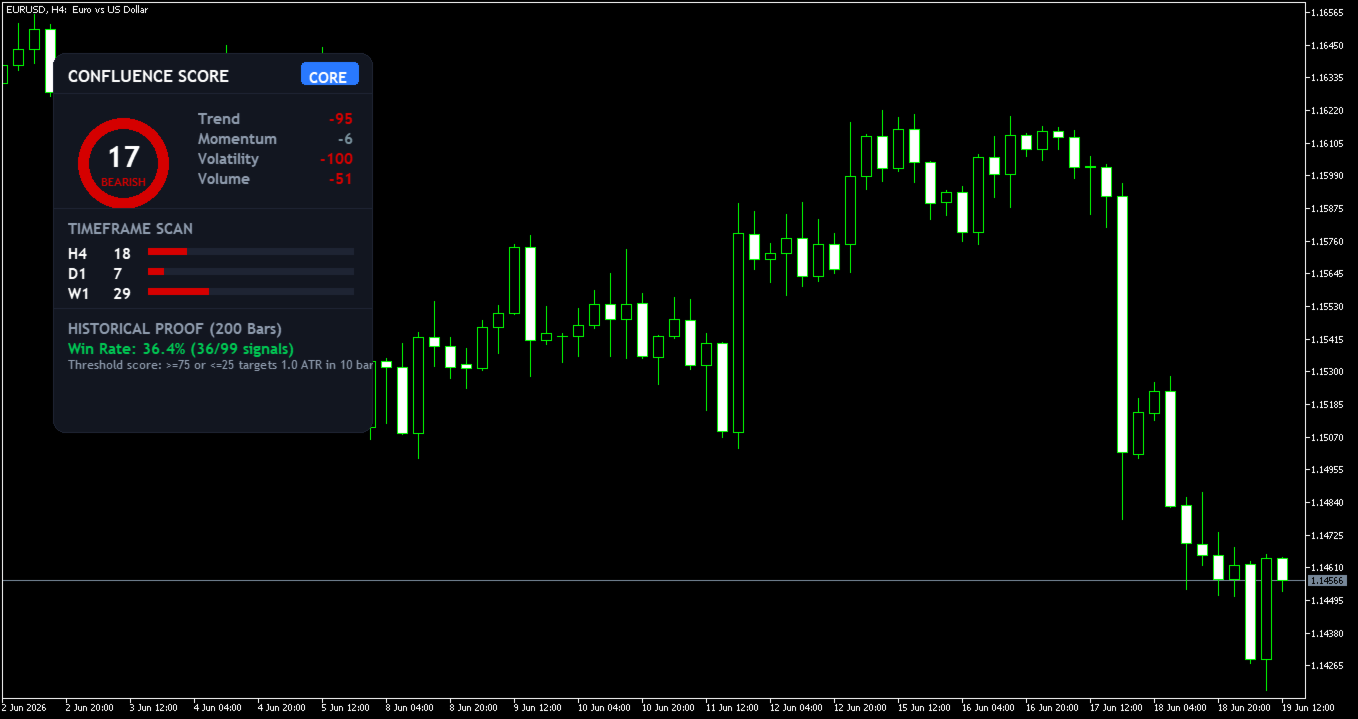
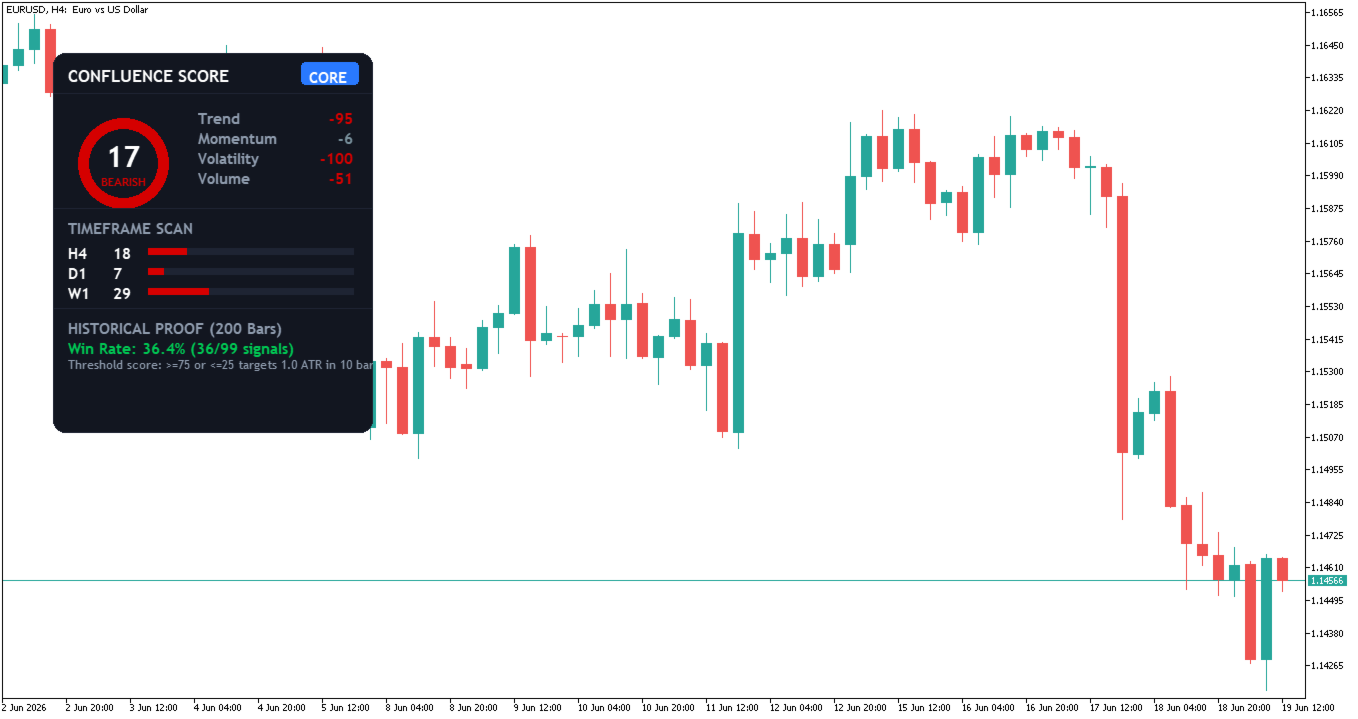
- Indicatore circolare (Donut Gauge): Mostra il punteggio di confluenza accumulato (Confluence Score) da 0 a 100 al centro del pannello.
- Dettaglio per categorie: Mostra le medie dei punteggi individuali per Trend (EMA, MACD, ADX), Momentum (RSI, Stocastico), Volatilità (Bande di Bollinger) e Volume (MFI).
- Scansione degli intervalli temporali: Mostra i punteggi individuali e le barre di avanzamento in tempo reale per 3 intervalli temporali: il periodo del grafico corrente e due periodi superiori (ad es. M15, M30, H1).
- Verifica storica: Calcola e mostra direttamente sul pannello la percentuale di successo storica dei segnali attivati (punteggio >= 75 o <= 25 che raggiunge un obiettivo di 1.0 * ATR entro 10 barre).
Come leggerlo:
- Orientamento rialzista (Punteggio >= 70): L'indicatore circolare diventa verde, indicando una confluenza rialzista sui livelli monitorati.
- Orientamento ribassista (Punteggio <= 30): L'indicatore circolare diventa rosso, indicando una confluenza ribassista sui livelli monitorati.
- Mercato neutrale (Punteggio da 31 a 69): L'indicatore circolare diventa grigio, indicando segnali contrastanti o una fase di consolidamento del mercato.
- Allineamento degli intervalli temporali: Cerca punteggi alti o bassi corrispondenti tra gli intervalli temporali scansionati per ottenere una conferma direzionale più forte.
Stabilità del segnale:
Le statistiche storiche e gli avvisi vengono elaborati una volta per ogni chiusura di barra. Il punteggio in tempo reale sul pannello si aggiorna ogni secondo in condizioni di mercato attive.
Adatto per:
Strumenti liquidi (Forex, Oro, Indici, Criptovalute) | Intervalli temporali intraday e swing (da M5 a H4) | Stili di trading sia sistematici che discrezionali.
Cosa NON fa:
- Non genera ordini di trading automatici.
- Non garantisce profitti futuri né prevede la direzione del mercato con assoluta certezza.
- Non sostituisce le tue regole di gestione del rischio o il tuo piano di trading.
Impostazioni principali:
- Parametri di rilevamento: Personalizza i periodi per Fast MA (10), Slow MA (20), MACD (12, 26, 9), ADX (14), RSI (14), Stocastico (5, 3, 3), Bande di Bollinger (20, 2.0), MFI (14) e ATR (14).
- Posizione dell'interfaccia: Regola le coordinate iniziali X/Y del pannello trascinabile sul grafico.
- Avvisi: Attiva o disattiva gli avvisi del terminale, i segnali acustici, le notifiche push e gli avvisi via e-mail.
Applicare a un solo grafico.
Domande? Visita il mio profilo MQL5 per ricevere supporto.