Integrated Dashboard Scanner
- Indicatori
- Versione: 4.1
- Aggiornato: 31 dicembre 2025
- Attivazioni: 10

Integrated Dashboard Scanner – Version 4.00
The Ultimate Market Command Center just got smarter. Now with Programmable Logic Presets.
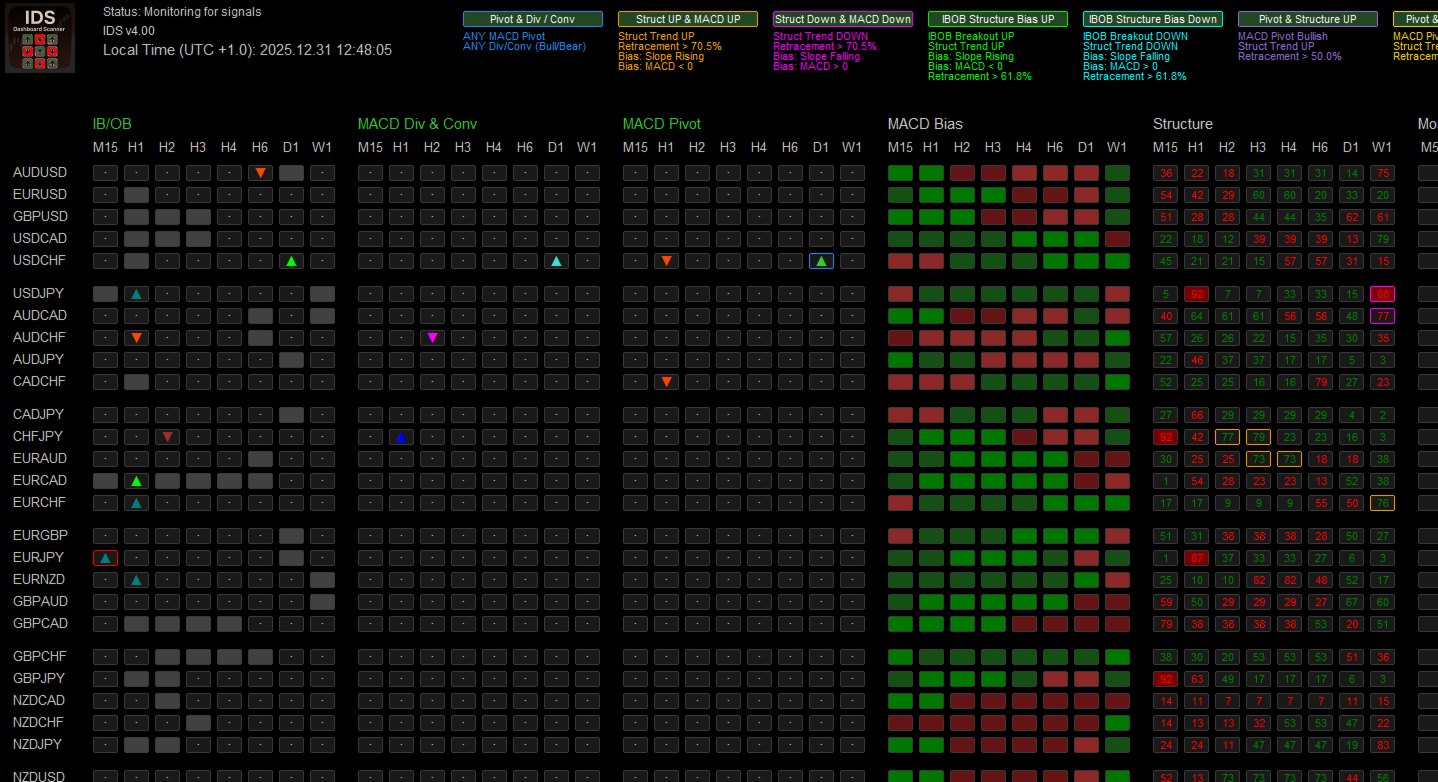
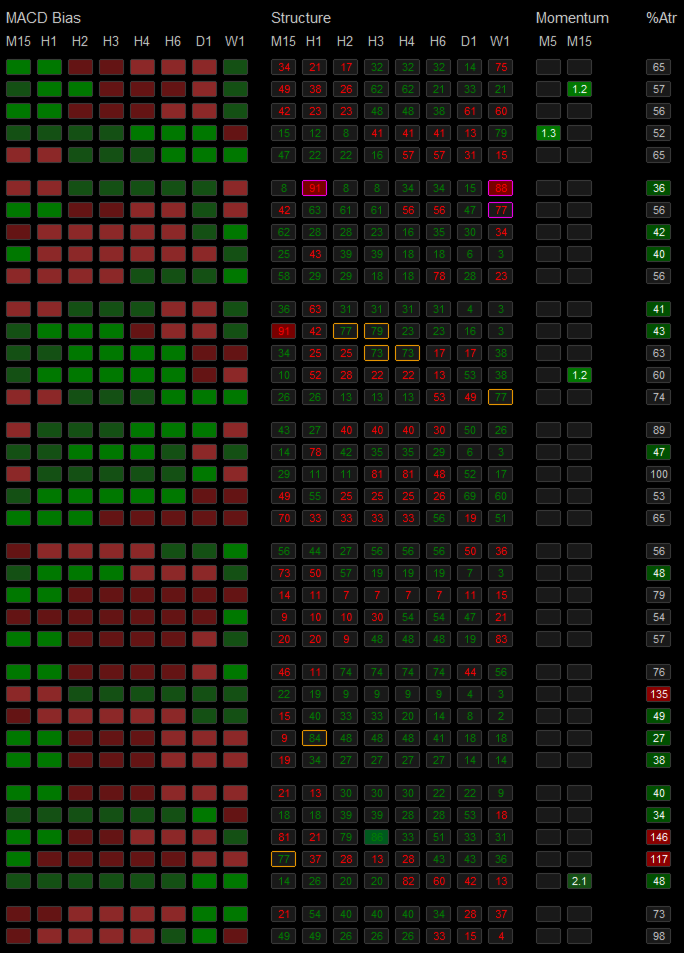
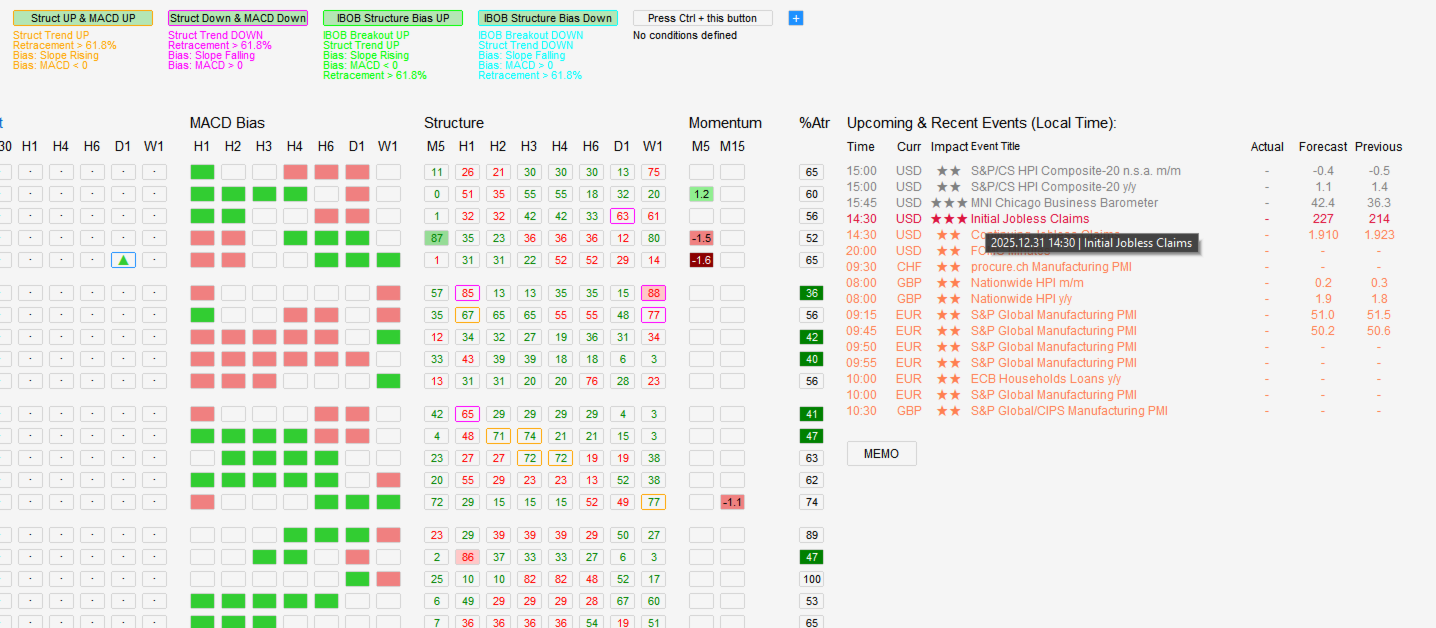
The Integrated Dashboard Scanner (IDS) monitors multiple symbols and timeframes from a single, DPI-aware panel. Version 4.00 introduces a revolutionary Preset Editor, allowing you to combine signals from different modules into complex, custom strategies without writing a single line of code.
🚀 NEW IN VERSION 4.00: Filter Presets & Logic Editor
Stop scanning for single indicators. Start scanning for Strategies.
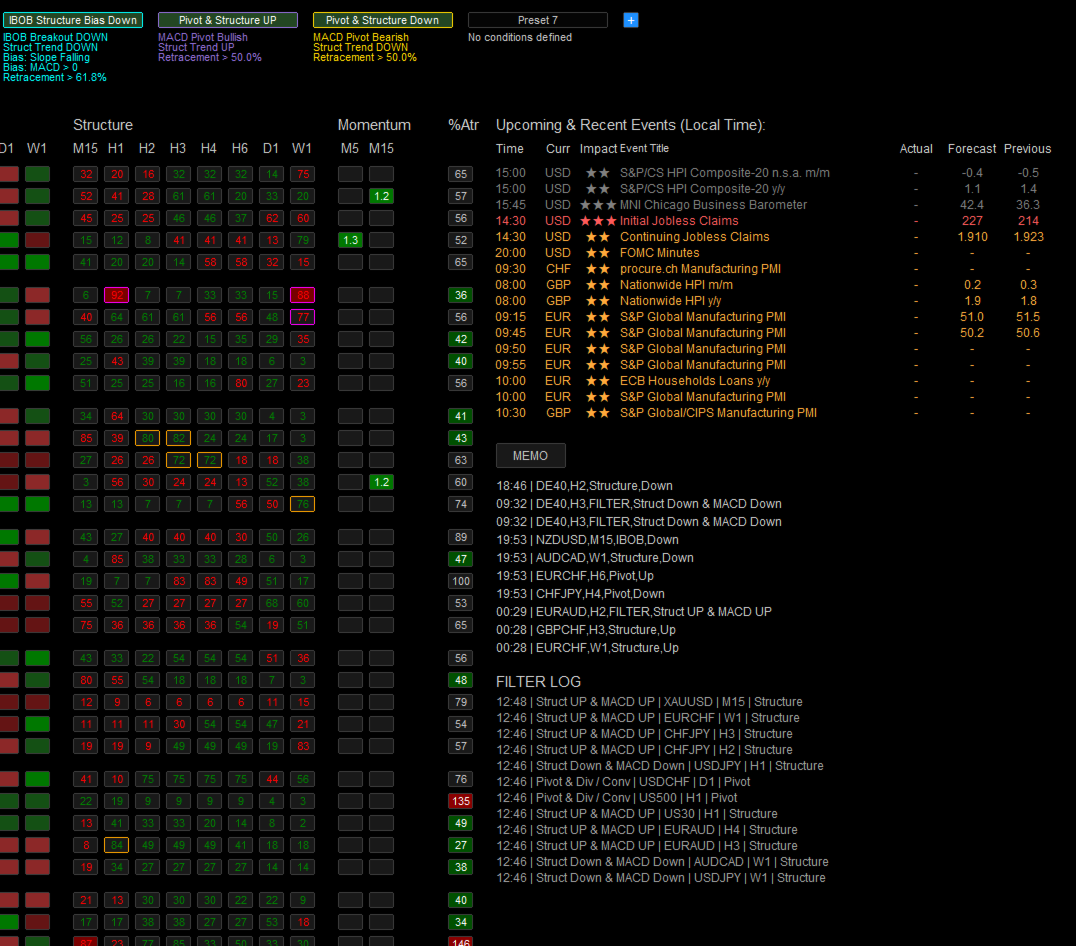
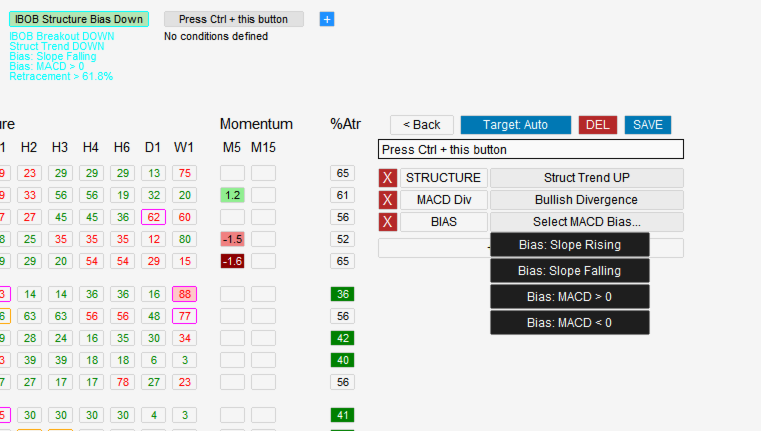
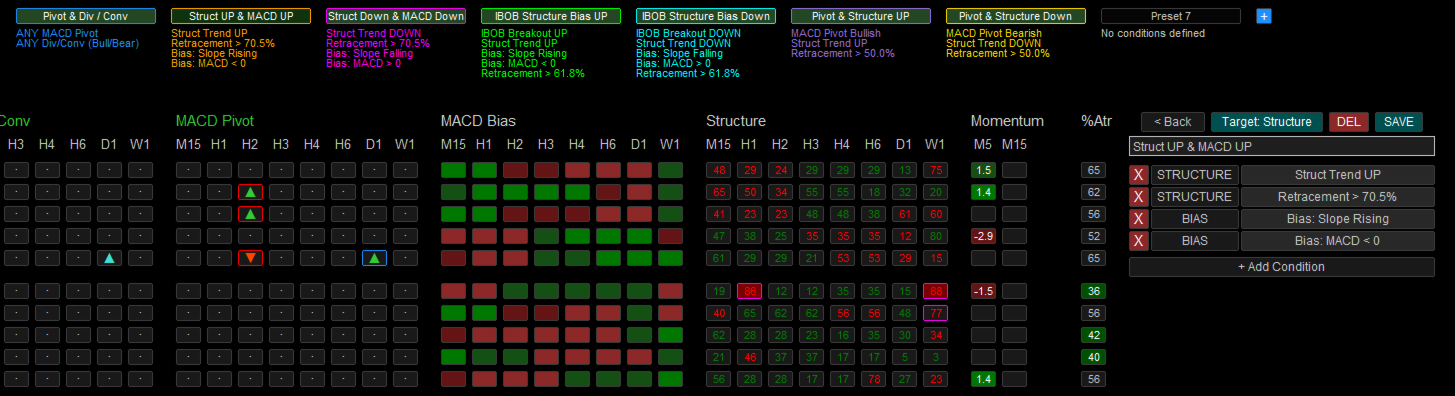
Version 4.00 allows you to define custom "Presets" that combine conditions from multiple modules using logical operators.
- Create Your Own Logic: Want to find an Uptrend (Structure) combined with a Bullish Pivot (MACD) and Deep Retracement? You can now build this logic directly in the panel.
- Visual Strategy Coding: Assign unique colors to each Preset. When a signal appears, the colored border tells you exactly which strategy matched (e.g., Blue for "Trend Following", Orange for "Reversal").
- Context-Aware: Preset descriptions are displayed directly on the panel, so you always know what criteria were met.
- Save & Load: Build your library of strategies and save them for instant access.
Key Features
- Time-saving: Monitor all instruments from one panel—no more manual chart switching.
- Programmable Logic (v4.00): Filter signals using AND logic across multiple modules.
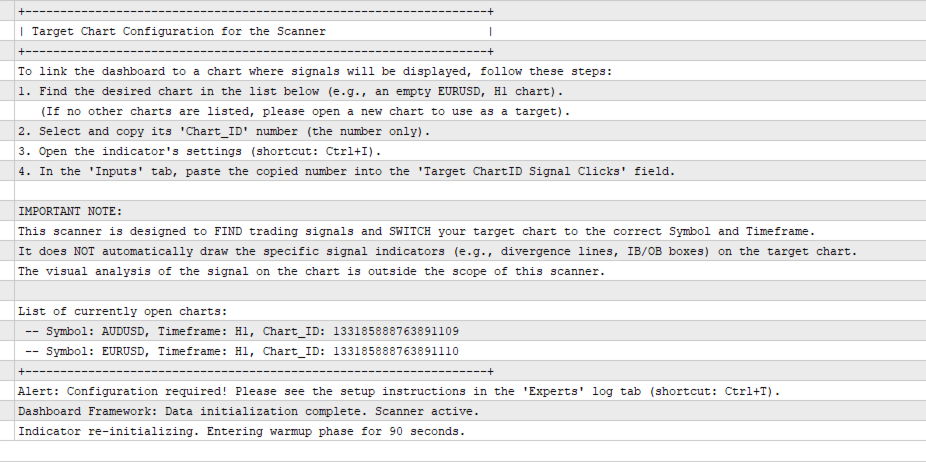
- Multi-Chart Synchronization: Link up to 4 separate charts to the scanner. Clicking a signal updates your entire workspace instantly.
- Memo System: Save and recall up to 10 custom setups or notes directly on the dashboard.
- Interactive Alert Control: Toggle alerts for any module instantly by simply clicking the module's title.
- DPI-Aware Interface: Automatically adjusts to your display scaling for crisp visuals on any monitor.
Scanning Modules Overview
Core Strategy Modules (Based on Dariusz Dargo's Methodology)
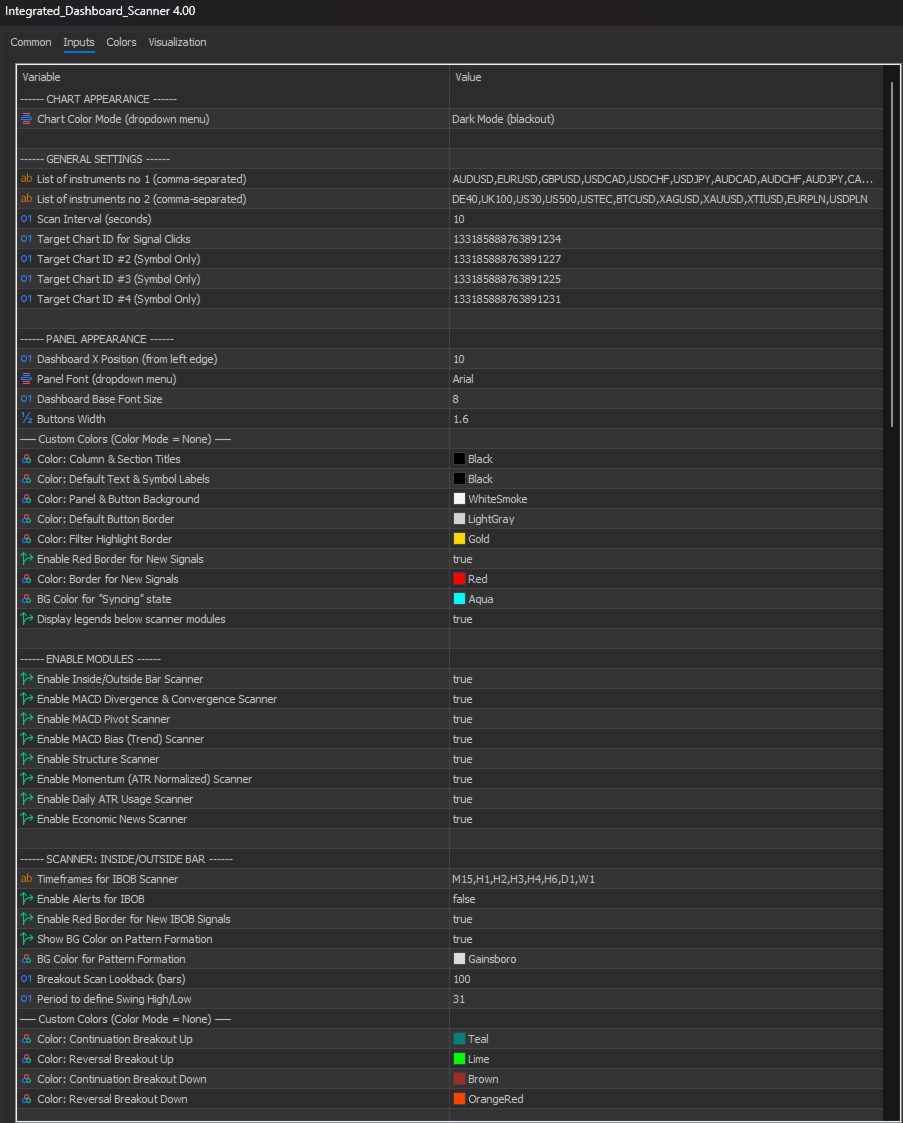
1. IB/OB Breakouts & Formations
Detects Inside Bar (consolidation) and Outside Bar (expansion) patterns at important price levels.
- Swing Level Filter: Ensures patterns form at swing highs/lows, eliminating signals in sideways chops.
- Breakout Classification: Visually distinguishes between continuation and reversal breakouts.
- Formation Signals: Optionally highlights when a pattern forms before the breakout occurs.
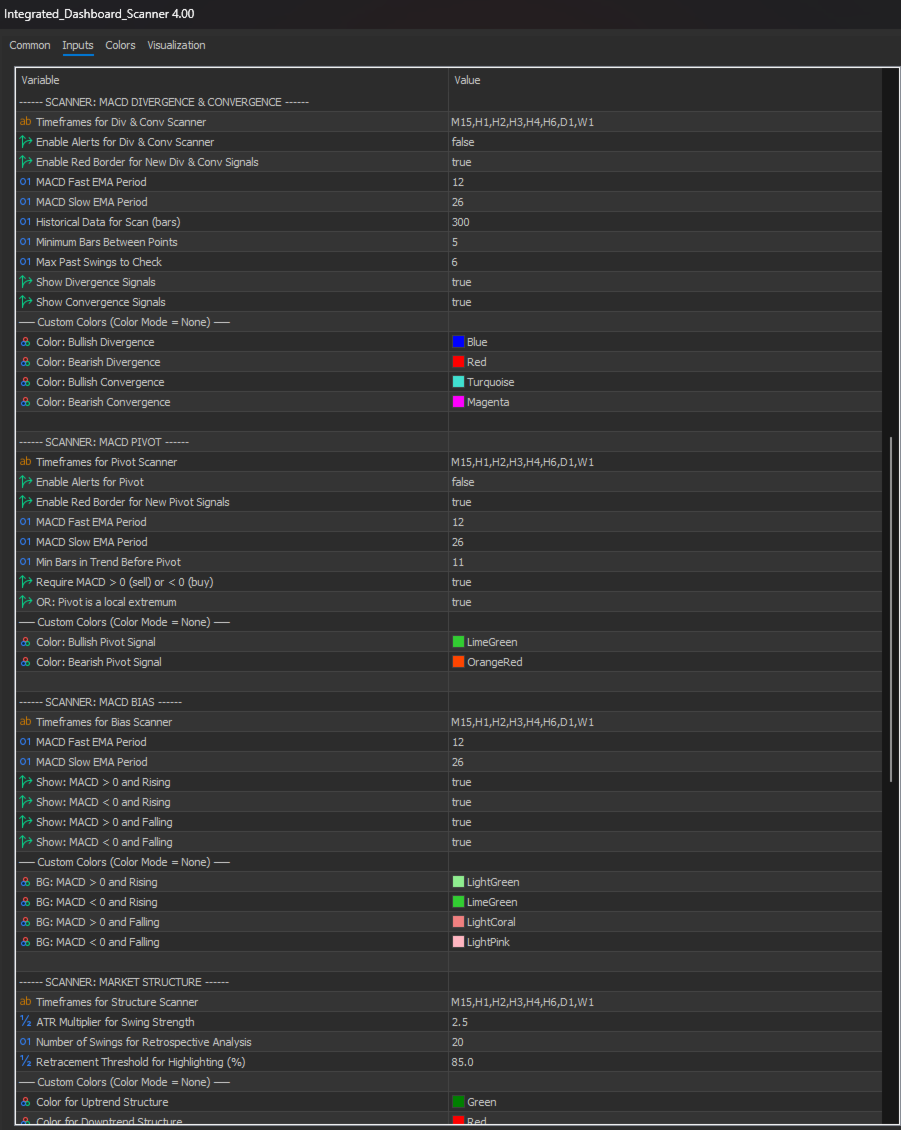
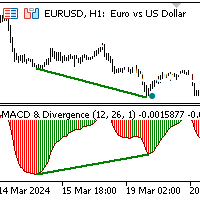
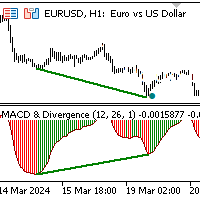
2. MACD Divergence & Convergence
Detects mismatches (divergence) or alignments (convergence) between price and MACD momentum.
- Divergence: Price makes a new high but MACD doesn't (reversal signal).
- Convergence: Price and MACD move in sync (trend strength confirmation).
- Customizable: Independent control for Divergence/Convergence and lookback windows.
3. MACD Pivot
Identifies potential trend exhaustion when MACD momentum suddenly reverses.
- Trend Requirement: Filters out minor wobbles by requiring a minimum trend duration before a pivot.
- Strict Validation: Options to require MACD to be above/below zero or at a local extremum.
4. MACD Bias
Shows the current momentum state instantly.
- Four States: Rising/Falling above or below Zero.
- Color Coding: Background color instantly shows the bias state.
Supplementary Filter Modules
5. Market Structure (Enhanced in v4.00)
Advanced analytical tool tracking trend direction and retracement depth.
- Trend Direction: Shows Uptrend/Downtrend status.
- Retracement Depth: Highlights deep pullbacks (e.g., >50% or >75%) to identify "Discount" zones for better entries.
- Crucial for Presets: Use this module to filter other signals (e.g., "Only show Bullish Divergence if Structure is Uptrend").
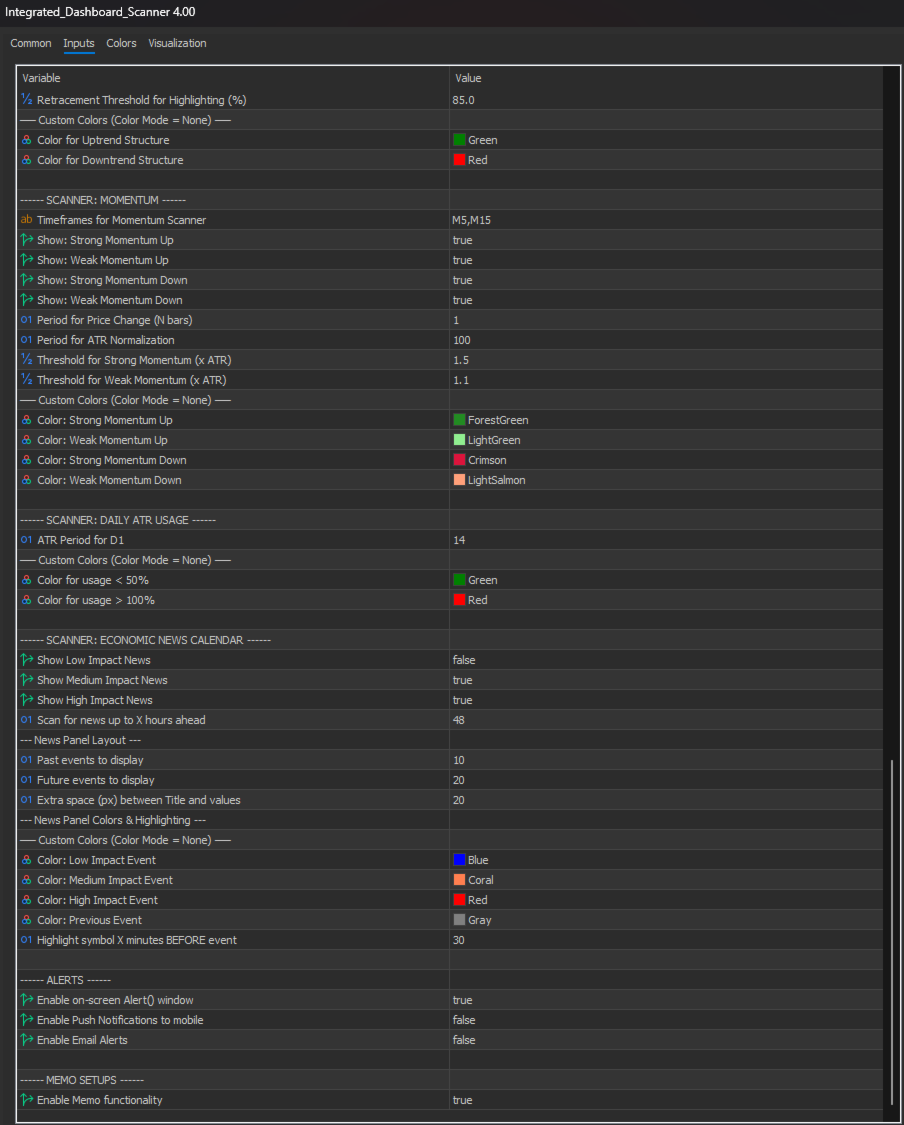
6. Momentum Scanner
Identifies instruments with unusually strong price movements relative to ATR.
7. Daily ATR Usage
Shows how much of the daily range has been consumed. Helps avoid trading exhausted pairs (>100% usage) or find expansion opportunities (<50%).
8. Economic News Calendar
Real-time event scanning. Automatically highlights symbols in the grid when they are about to be affected by high-impact news.
How to Use – Quick Setup
- Add Symbols: Enter symbols into the input lists.
- Configure Timeframes: Set independent timeframes for each module.
- Set Up Target Charts: Link up to 4 charts by ID for instant switching.
- Create Presets (v4.00): Use the editor to define your strategy logic (e.g., "Pivot + Structure").
- Enable Alerts: Configure visual, push, or email notifications.
Performance & Important Notes
The scanner is optimized for performance but loading history for hundreds of symbols may take time initially depending on your broker's data speed. Once synchronized, it operates in real-time.
Note: This tool provides analysis and alerts; it does not execute trades automatically. It also does not draw analytical objects on target charts (dedicated indicators available separately).
Take command of the market with the Integrated Dashboard Scanner v4.00.


















































A very good scanner with many features. An ideal tool for anyone trading the MACD price action.