Vidette Au
- Utilities
-
Xavier Ernst Zale Mocke
 *NOT AFFILIATED WITH SELIUS.TRADE**
I am a Financial Software Developer & Day Trader with branches that form this company that is Selius. - Version: 1.50
- Activations: 5
Vidette (Aurum) – Account Protection Expert Advisor
---------------------------------------------------------------------------------------------
Vidette is a MetaTrader 5 Expert Advisor that comes stacked with a wide variety of settings and that acts as a safety net for your account. It does not open trades or send signals. Instead, it watches your equity and closes positions when your own pre‑set levels are reached – automatically, without hesitation, and without emotion.
The purpose is simple: to help you stay in the market longer. Many traders lose accounts not because their strategy is bad, but because they let a winner turn into a loser or refuse to cut a loss. Vidette enforces the exit plan you already know you should follow.
Every feature can be turned on or off, and every value can be changed. You are always in control of how much protection you want.
Why Traders Use Vidette
-
You set the rules, Vidette follows them. No more “just one more candle” when you should have closed.
-
It works at the account level. Most tools manage individual trades. Vidette manages your total floating profit or loss.
-
It adapts to your style. Fixed target, trailing profit, peak equity stop – you decide.
-
It helps you recover sensibly. After a losing period, Smart Recovery reduces the next period’s targets so you don’t try to win it all back at once.
-
It shows you the truth. The built‑in panel gives a clear, real‑time view of your equity, drawdown, win/loss, and profit factor.
How It Works
-
When you attach Vidette, it records a starting value (balance or equity – your choice).
-
If your equity reaches your profit target, Vidette closes all positions you selected.
-
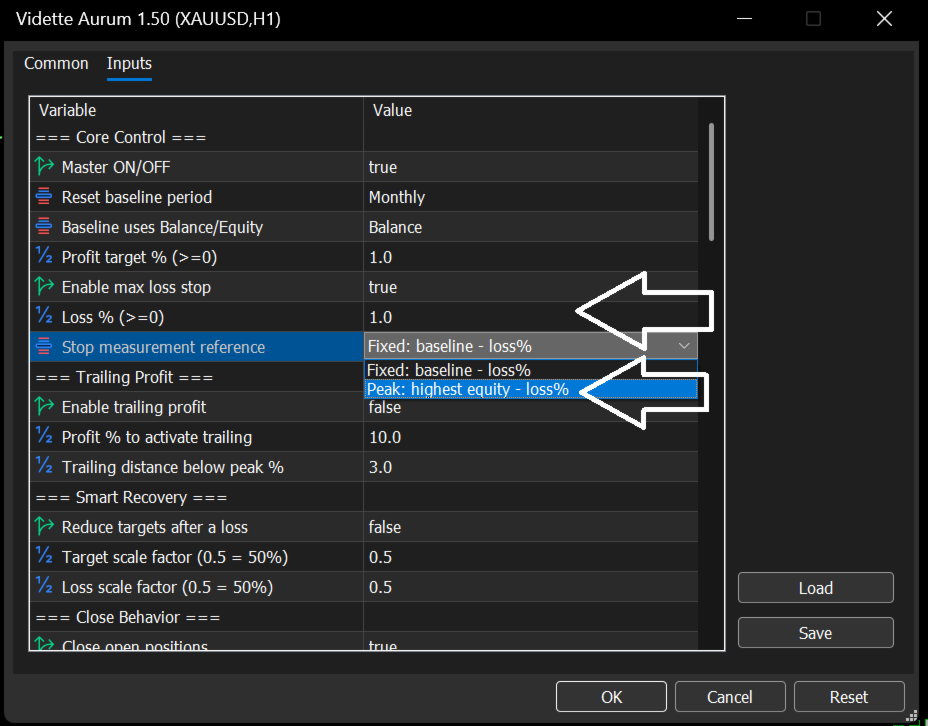
If you enable the loss stop, Vidette closes everything when your equity drops to your chosen level. That level can be based on the starting value or on the highest equity reached.
-
Trailing profit lets you lock in gains. Once your profit reaches a certain point, Vidette tracks the peak and closes if you give back more than you allowed.
-
Smart Recovery kicks in after a loss: the next period uses smaller targets and smaller loss limits, so you rebuild gradually.
Key Settings
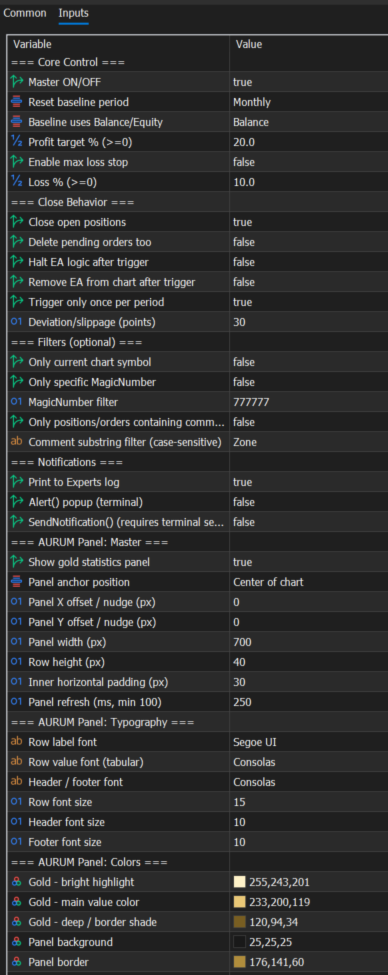
Core
-
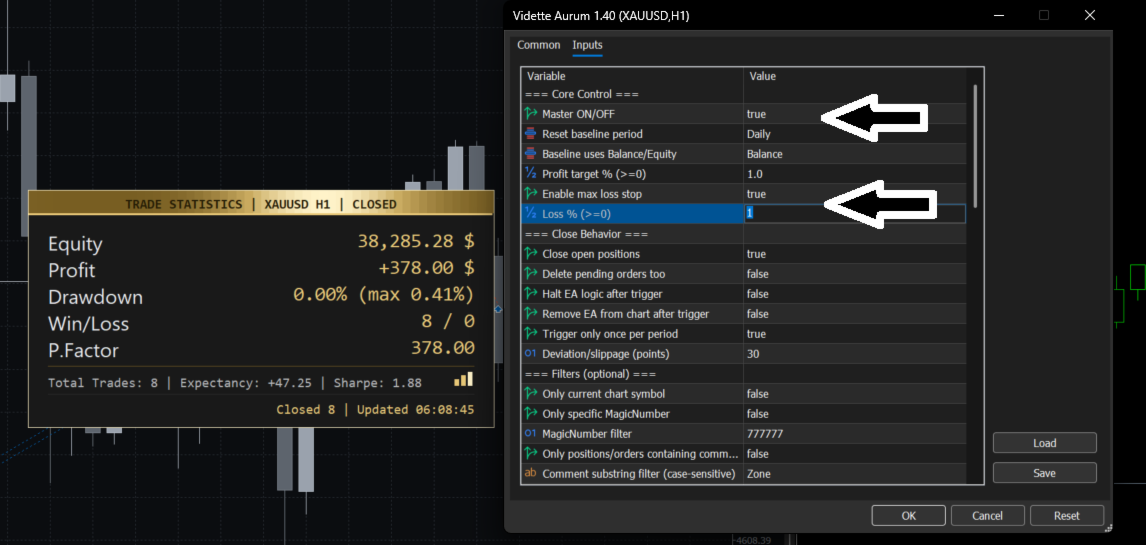
Master ON/OFF – turn the whole system on or off.
-
Reset period – daily, weekly, monthly, or manual.
-
Baseline – balance or equity.
-
Profit target % – how much profit you want before closing.
-
Max loss % – how much you are willing to lose before closing.
-
Stop mode – fixed (from baseline) or peak (from highest equity).
Trailing Profit
-
Enable – use trailing instead of a fixed target.
-
Start % – profit level where trailing begins.
-
Distance % – how much to give back from the peak before closing.
Smart Recovery
-
Enable – reduce targets after a loss.
-
Target factor – e.g., 0.5 = half the normal target.
-
Loss factor – e.g., 0.5 = half the normal loss.
Close Behavior
-
Close positions – the main action.
-
Delete pending orders – also remove stop/limit orders.
-
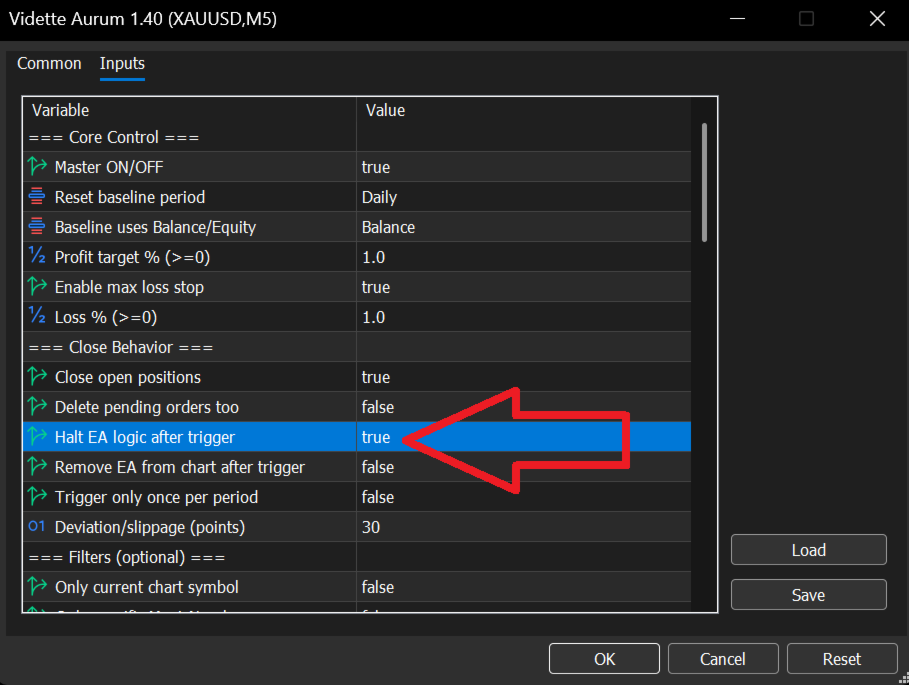
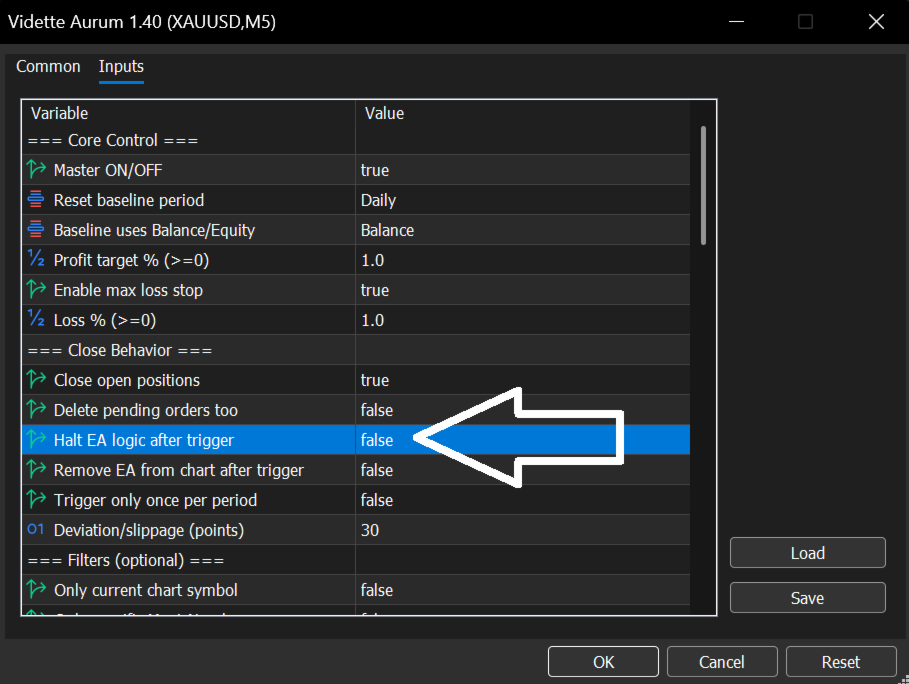
Halt after trigger – stop checking until next period.
-
Remove after trigger – unload the EA from the chart.
-
One shot per period – only one trigger per period.
-
Slippage control – normal and maximum deviation for order closing.
Filters
-
By symbol, magic number, or comment. Use them to manage only a subset of your trades.
Notifications
-
Print to log, popup alert, or push notification.
The Statistics Panel
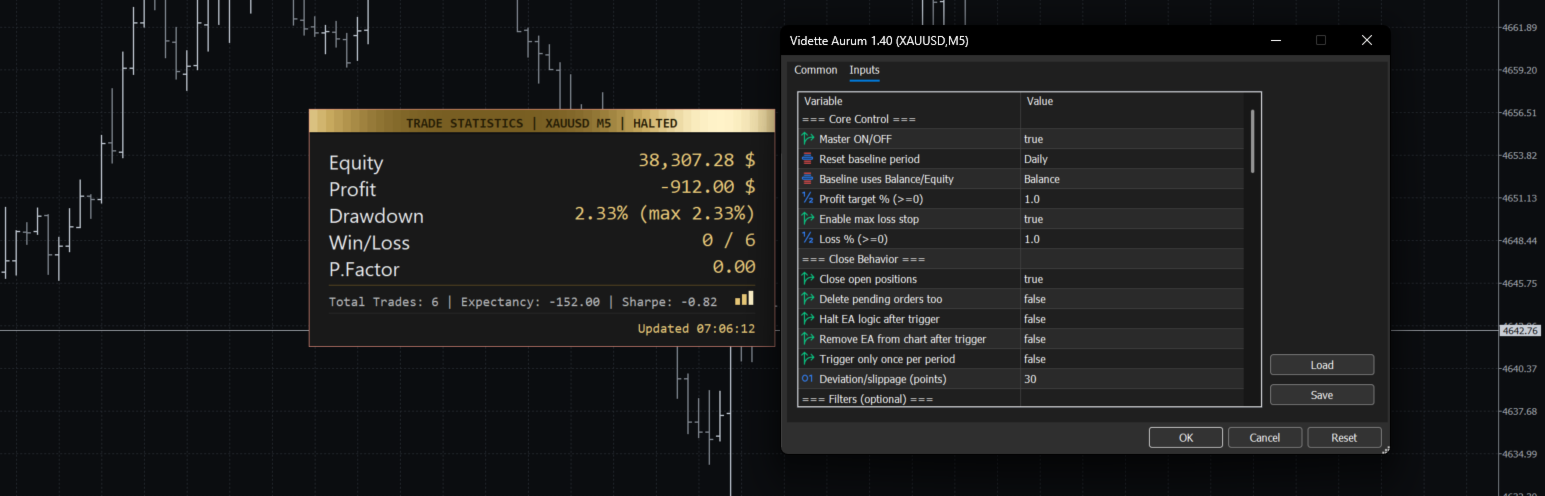
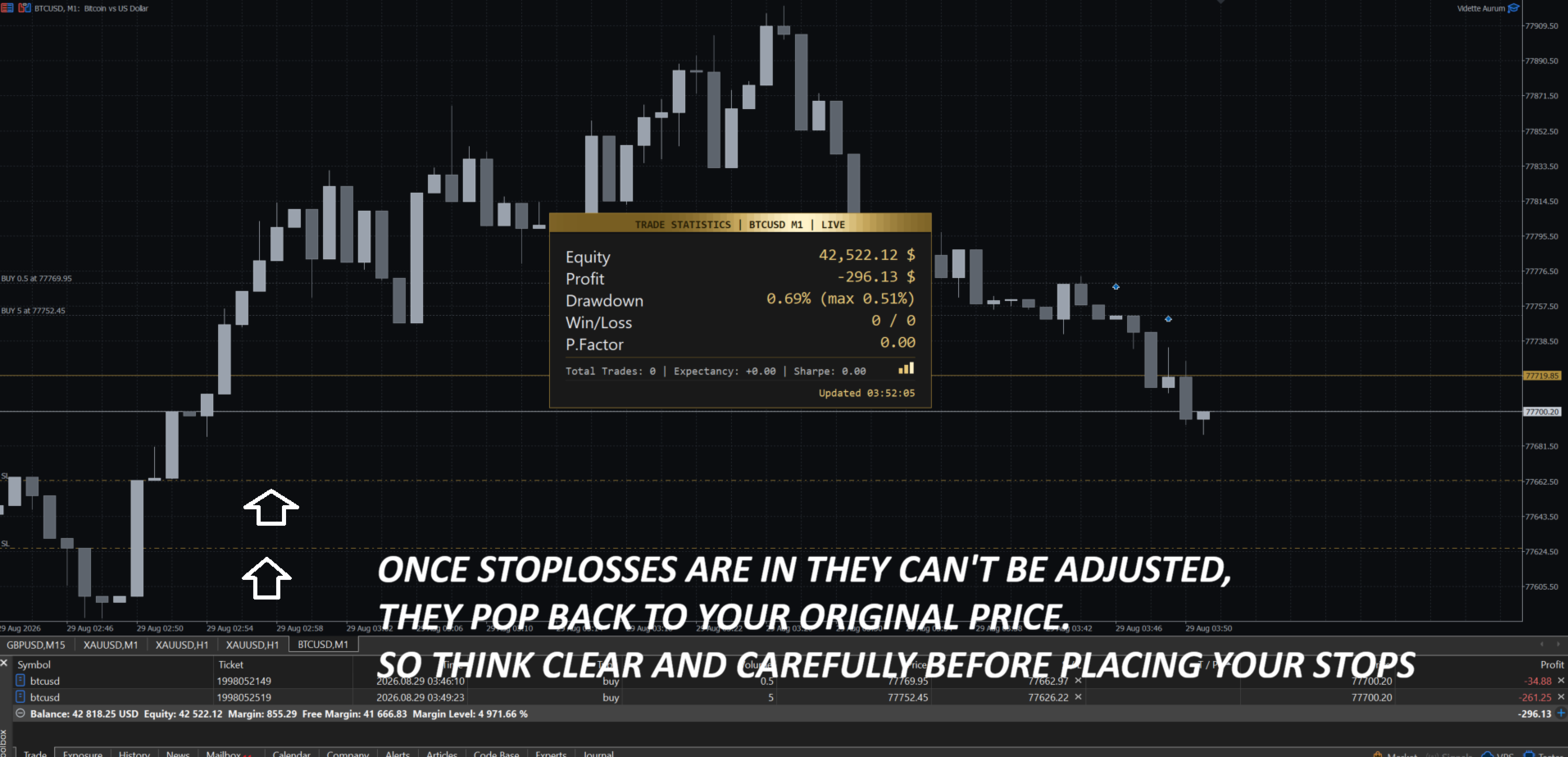
Vidette includes an optional panel that displays:
-
Equity
-
Profit since baseline
-
Drawdown (current and maximum)
-
Win/Loss
-
Profit Factor
-
Open positions and floating P/L (optional)
-
Total trades, expectancy, Sharpe ratio
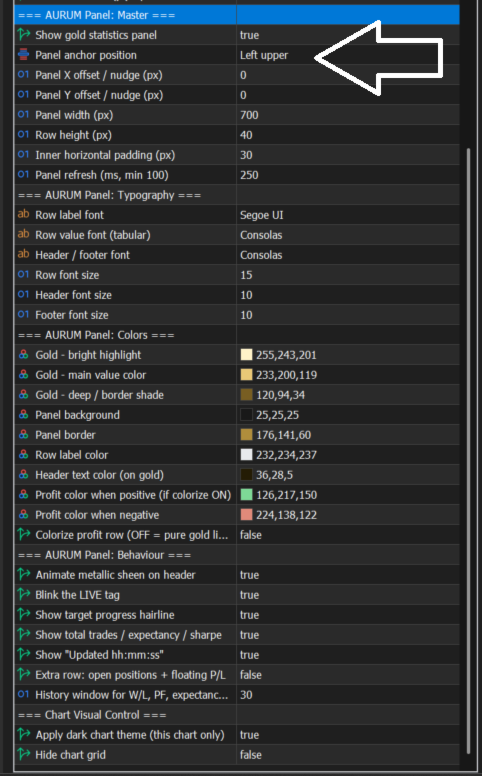
The panel is fully customisable: position, size, colors, fonts, refresh speed. You can also switch it off completely.
How to Get Started
-
Attach Vidette to any chart (XAUUSD is popular, but any symbol works).
-
Choose your baseline (balance or equity).
-
Set your profit target and, optionally, your max loss.
-
Pick your stop mode (fixed or peak).
-
Enable trailing profit or smart recovery if you want.
-
Adjust filters if you only want Vidette to manage certain trades.
-
Turn the panel on or off, and adjust its position.
-
Click OK and let it run.
Important
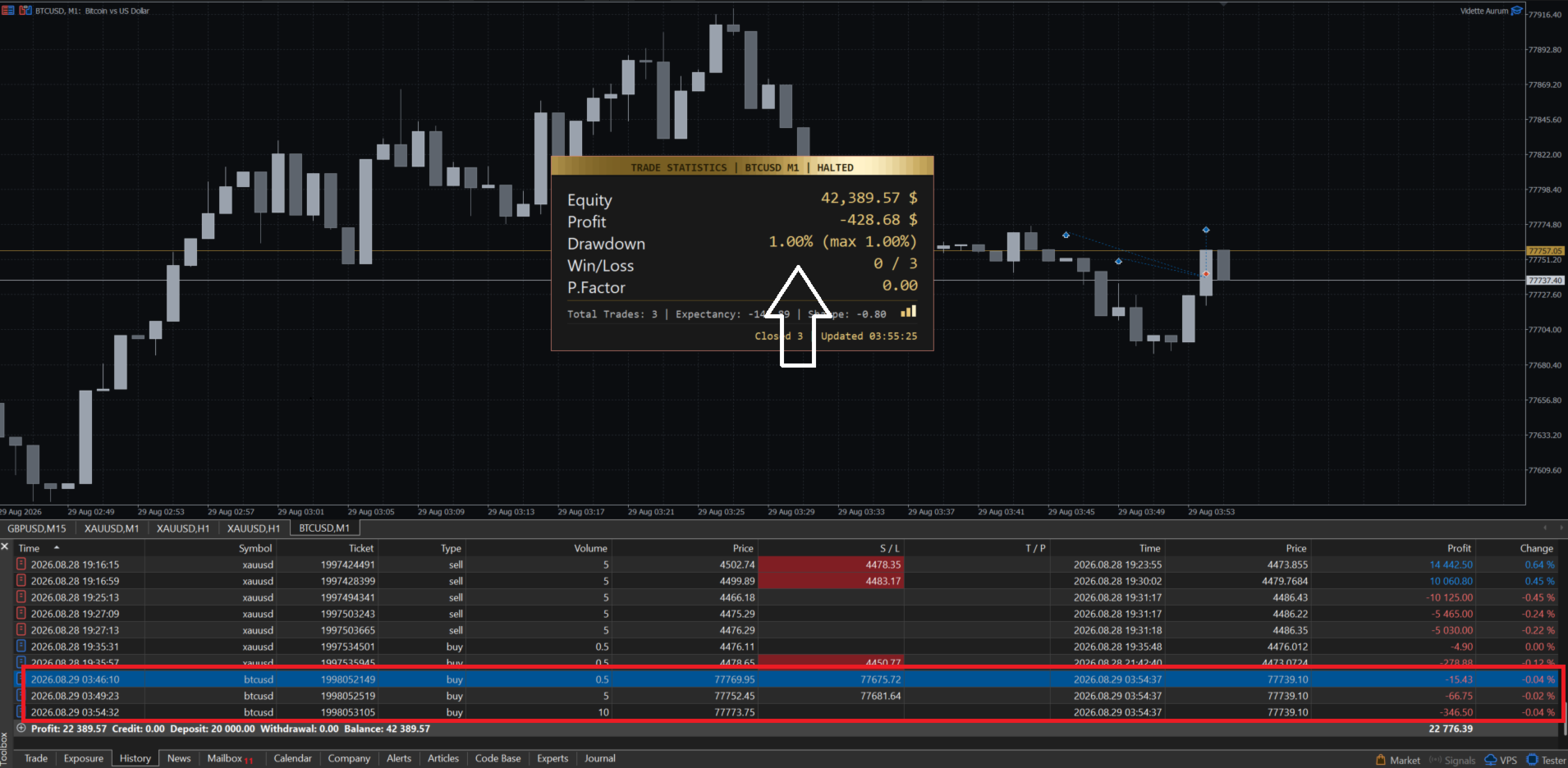
Vidette does not promise profits. It is a risk management tool. Always test on a demo account first. The maximum drawdown shown on the panel may differ from your set loss stop because it tracks the worst drop from any peak, not just from the baseline.
Final Word
Trading is hard. The market does not care about your feelings. Vidette gives you a way to stick to your plan, even when your emotions are telling you otherwise. That discipline is what keeps traders alive long enough to succeed.
Use it to protect your account, avoid revenge trading, and trade another day.