
GS smart5
- 专家
-
Aleksander Gladkov
 My name is Alexander Gladkov, and I am 66 years old. I graduated from the Polytechnic Institute in St. Petersburg in 1979 and worked as a chief specialist in the creation of automated systems. For the last 6 years I have been specializing in the development of effective Expert Advisors, indicators
 - 版本: 8.2
- 更新: 26 三月 2026
- 激活: 10
👍 Best price
Advanced grid algorithm,includes trend accounting, news, hedging and Risk manager. Can close the loss in case of market reversal and wait for the trend. For hedging, the following are used: Limit drawdown for Hedge zone parameter, pending orders and/or opening a position opposite to the loss. Can take into account not only the moment of news publication, but also the current accumulated index of the impact of news of a currency pair.
Traders who purchase GS smart5 receive a personal bonus. After purchase contact me for assistance
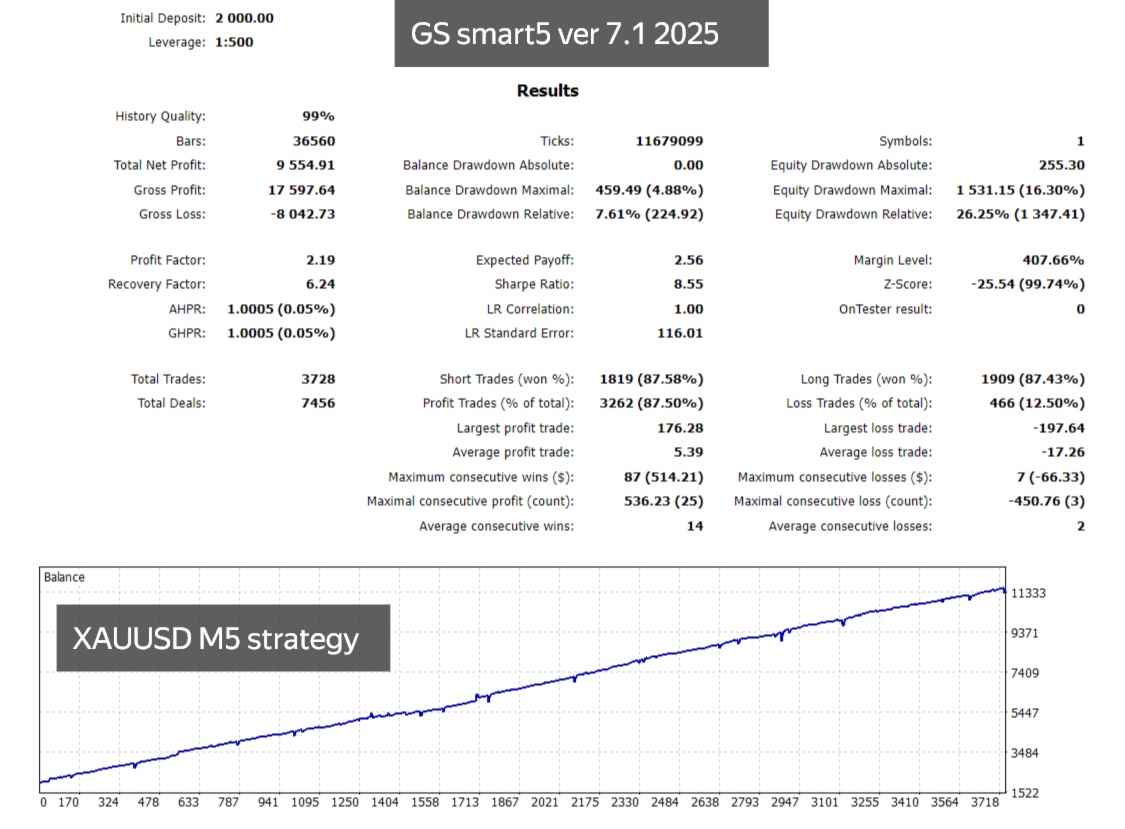
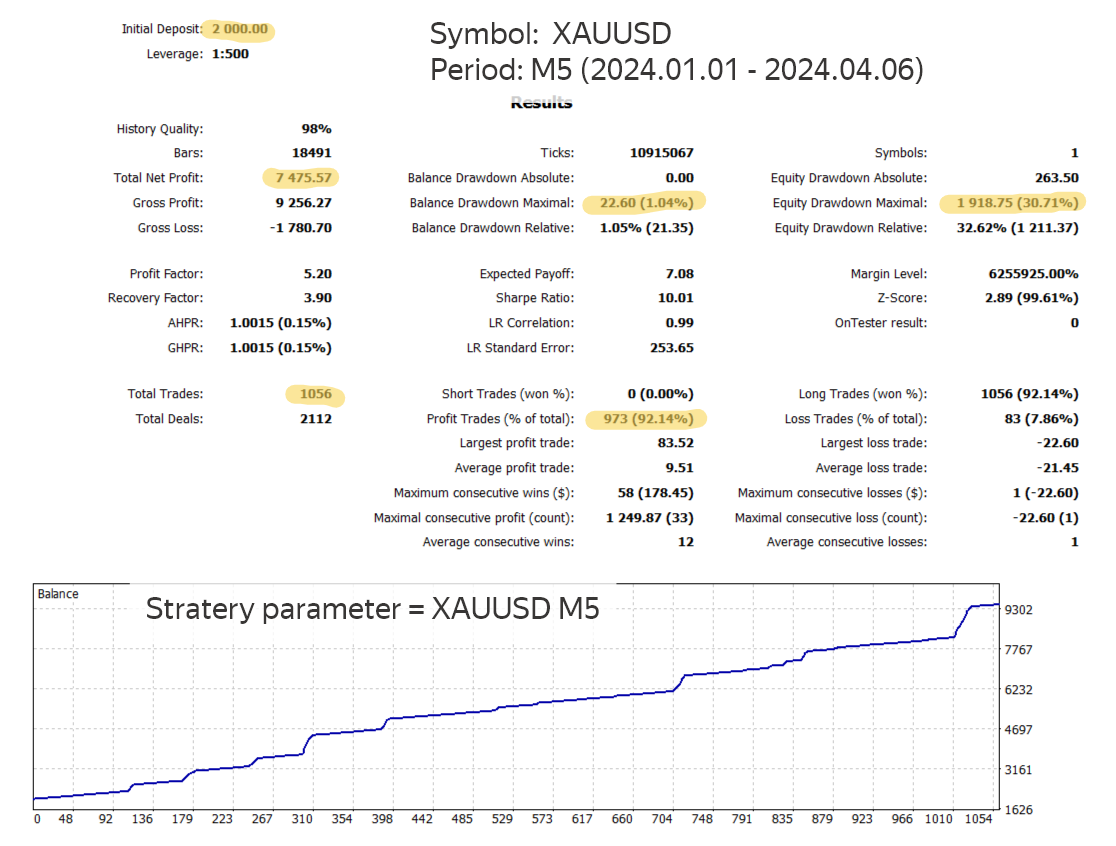
The best result of trading on gold: XAUUSD M5 timeframe, Use strategy=XAUUSD M5;
New Bitcoin trading strategy: BTCUSD M5 timeframe, Use strategy=BTCUSD M5 ;
Automatically adjusts its parameters to work on any Forex instrument (including cryptocurrencies, indices and CFDs) for USD accounts.
To start trading, simply attach the EA to the chart, preferably XAUUSD M5, EURUSD M15, GBRUSD H1, setting the appropriate strategy as a parameter.
Smart Grid Algoritm, Trend Following, Counter Trend system, DD reduction Algoritm, Hedge Algoritm, Risk manager and averaging are used.
Deposit protection consists of 3 components:
- The active hedging algorithm is triggered when the loss of an open series increases, ensuring its closure at breakeven.
- The algorithm for closing potentially losing streaks reduces the risk of a significant drawdown.
- The risk manager sets deposit protection parameters, including a drawdown limit (20% by default).
You can choose from 9 preset strategies:
- Free set - allows you to set your own combination of parameters (default)
- EURUSD H1
- GBPUSD H1
- XAUUSD M5
- BTCUSD M5
- XAUUSD M5 Buy
- XAUUSD M5 Sell
- Buy M5 max
- Sell M5 max
- Intensive Trade allows you to collect maximum profit
- Trend Trade allows you to collect maximum profit during the trend movement of the market
- Hedge prevents drawdown and/or closes a series of profitable orders
- The risk manager will lock in daily profits and prevent the drawdown from falling below the set level (20% by default)
Panels available:
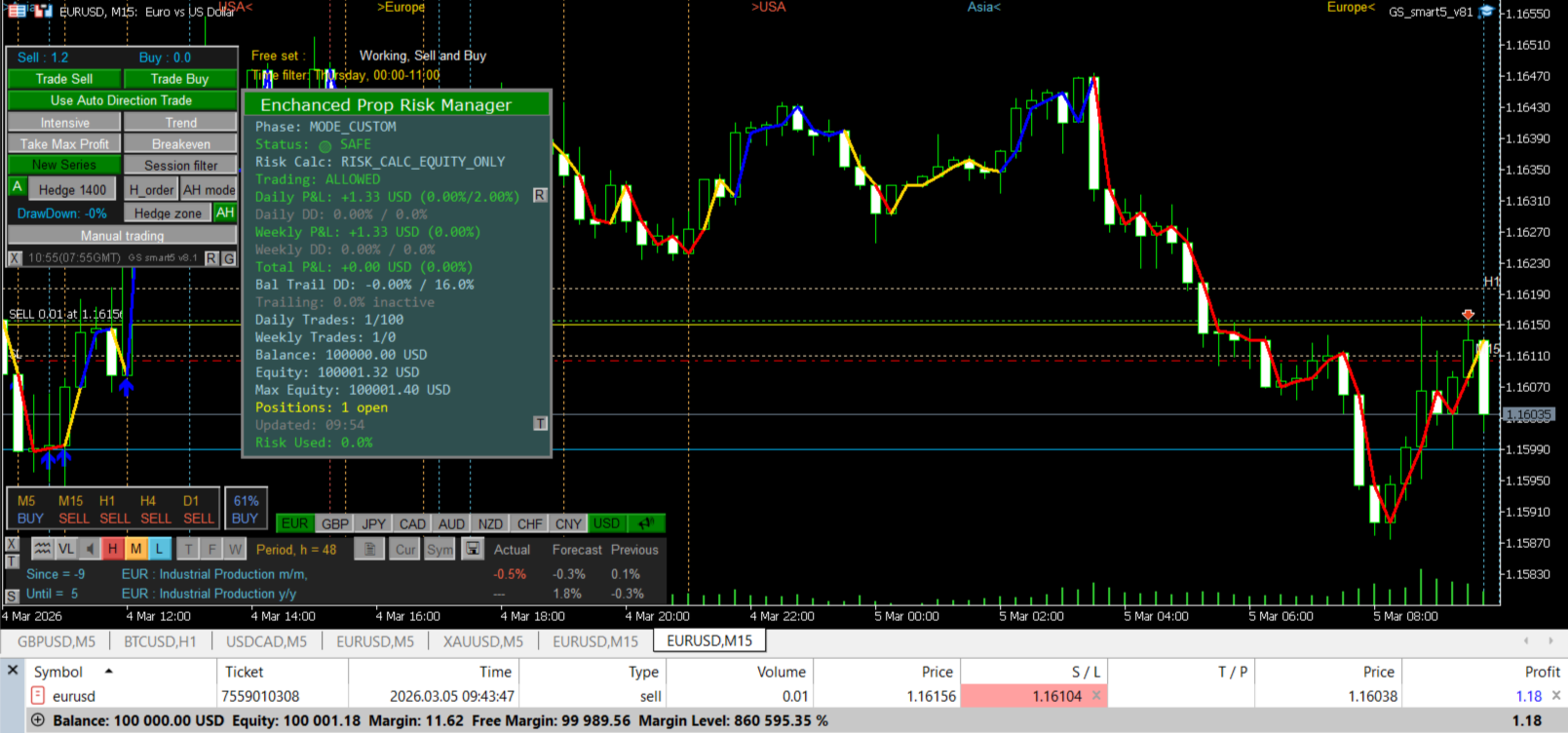
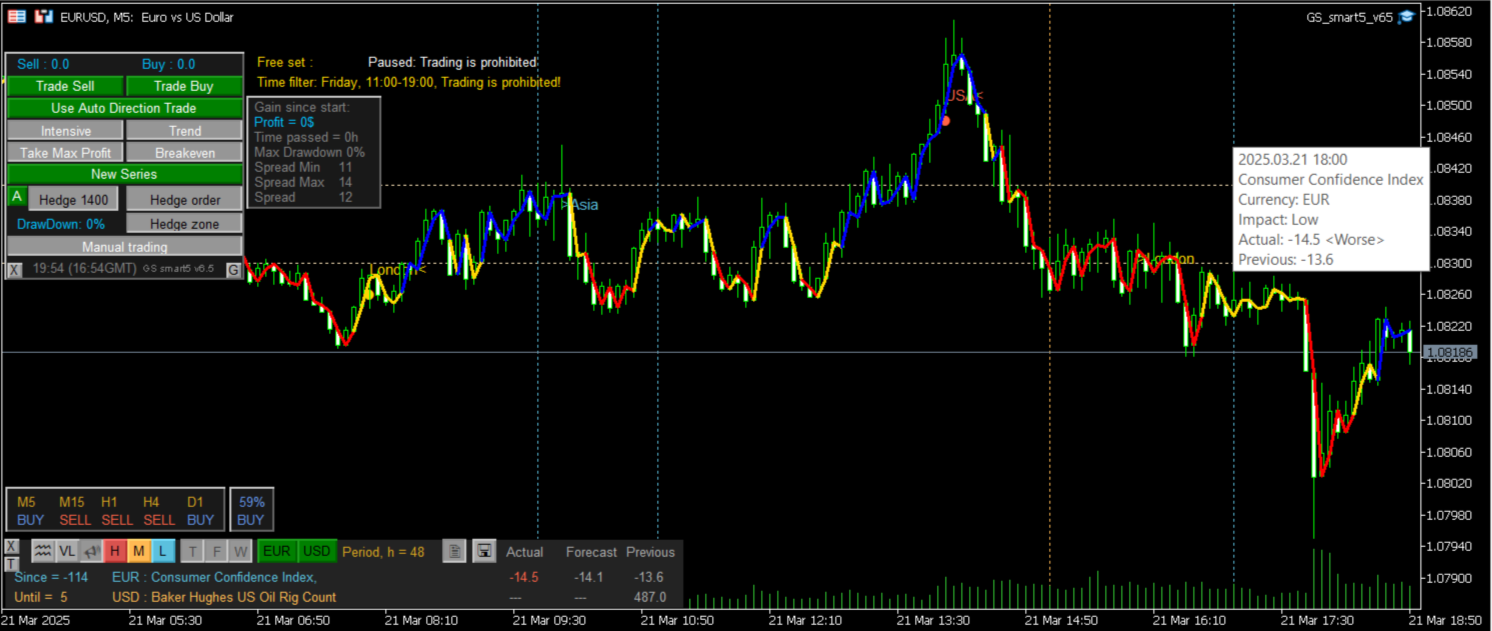
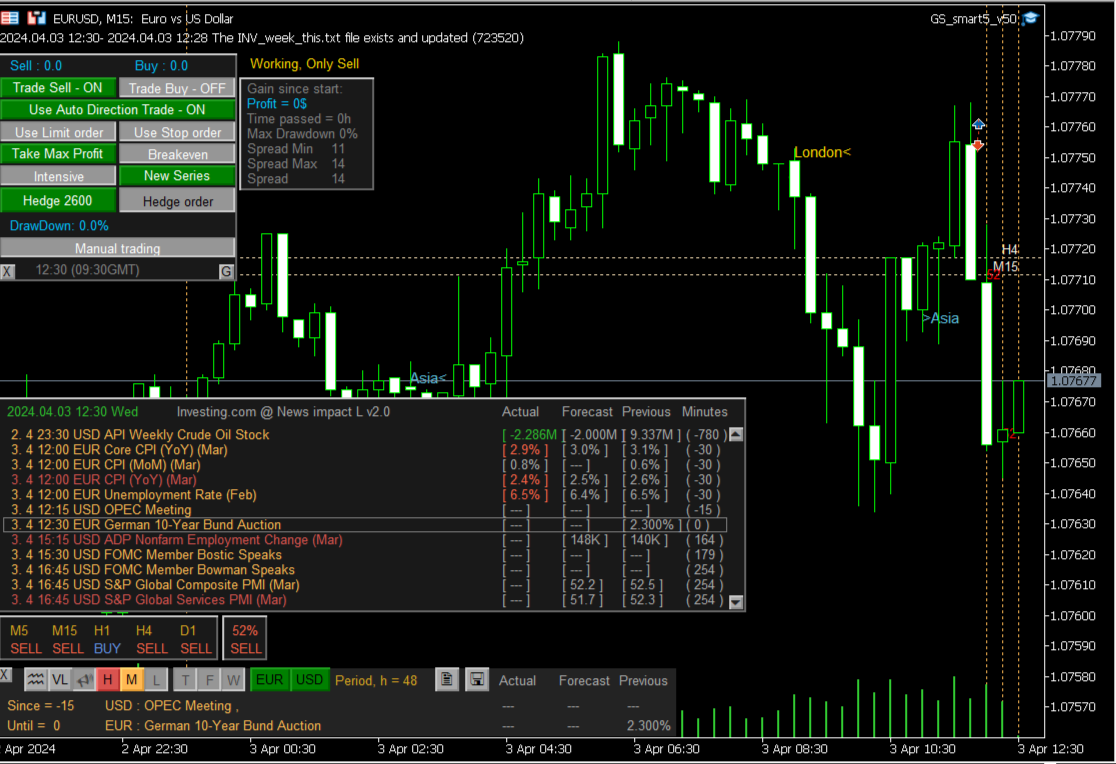
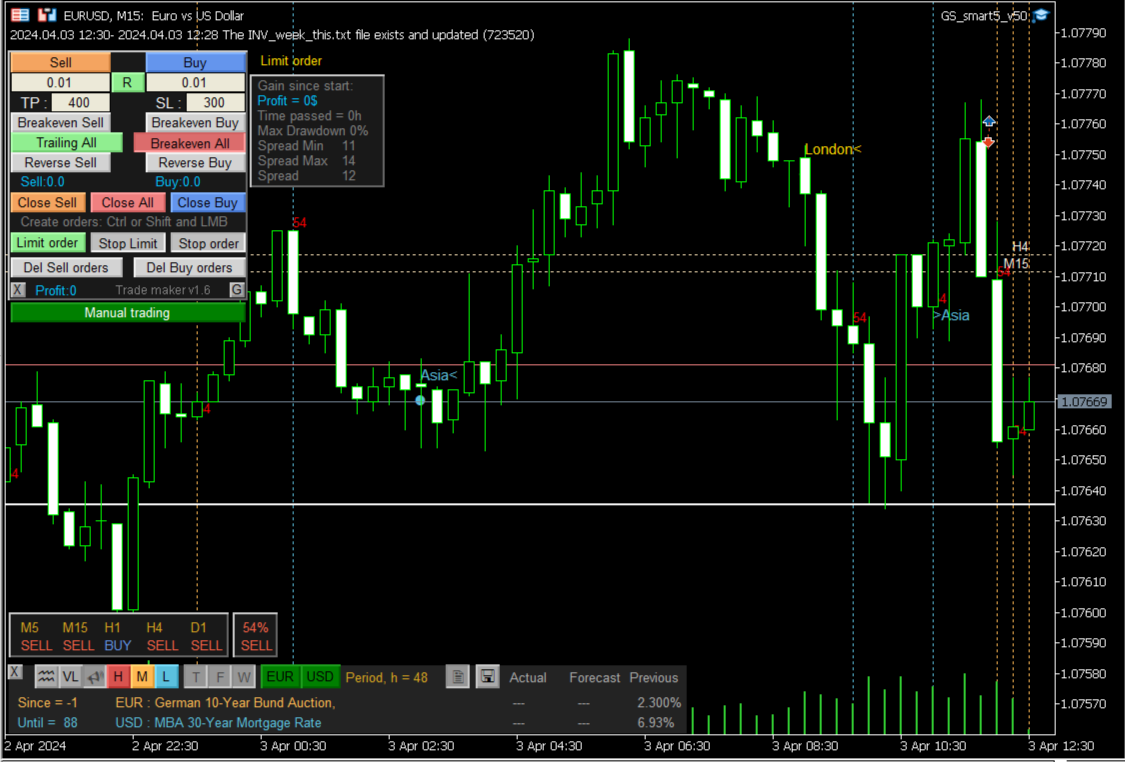
- Interactive control panel for setting parameters
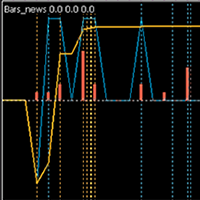
- News and trends indicator News Impact L , which can use news from the built-in terminal calendar or the Investing.com website
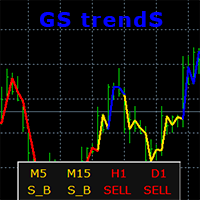
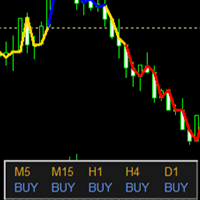
- Trend indication for periods M5, M15, H1, D1
- Monitoring the results of work from the moment of launch
The Time filter section parameters allow you to set up a time filter that limits trading:
- trading sessions (Europe, America, Asia)
- permissions by day of the week
- three time slots for each day of the week
To configure the trading sessions resolution, you need to set the Use the time of trading sessions=true; parameter and set time intervals or delete unused ones.
The ban on trade will be the sum of all restrictions.
The latest news and recommendations in the MQL5 group are here , join us.
The Trader's Guide is here.
You can see the operation of the trend detection algorithm using the GS trendS indicator.
If you have purchased my advisor, send your suggestions for improvement and they will be taken into account when revising new versions
Leave review and comments, they will help my products become better


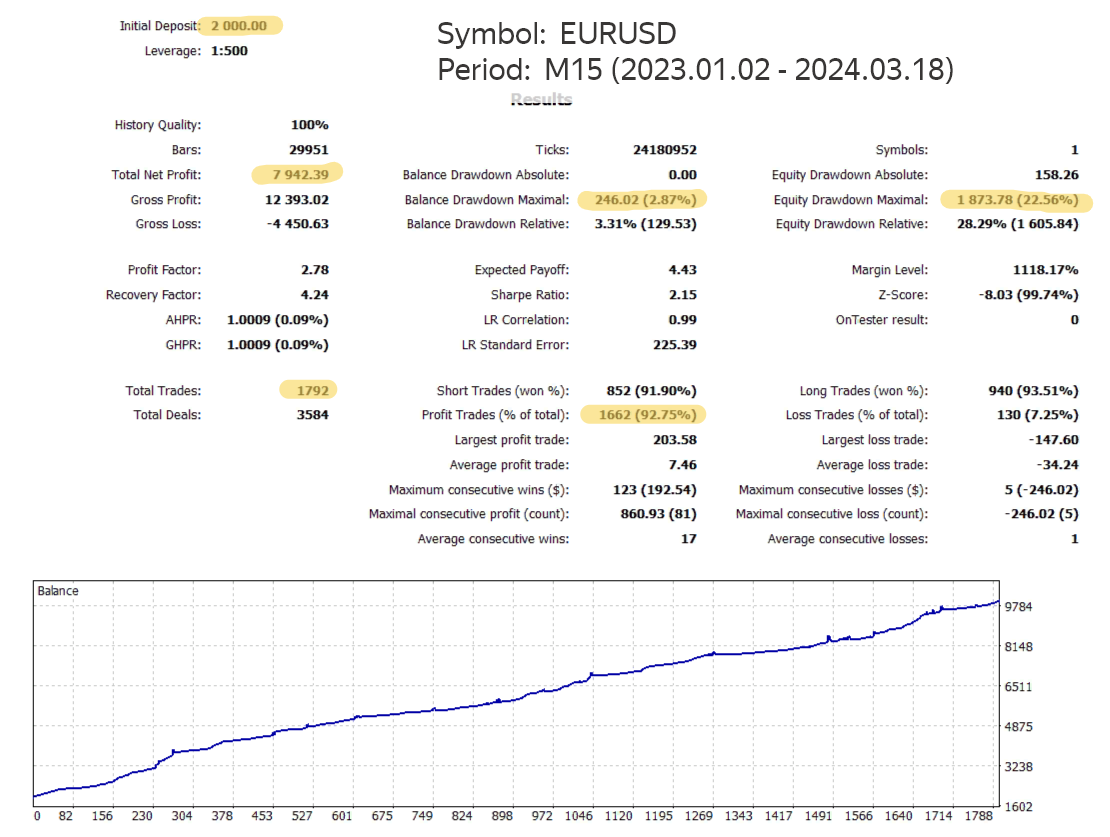
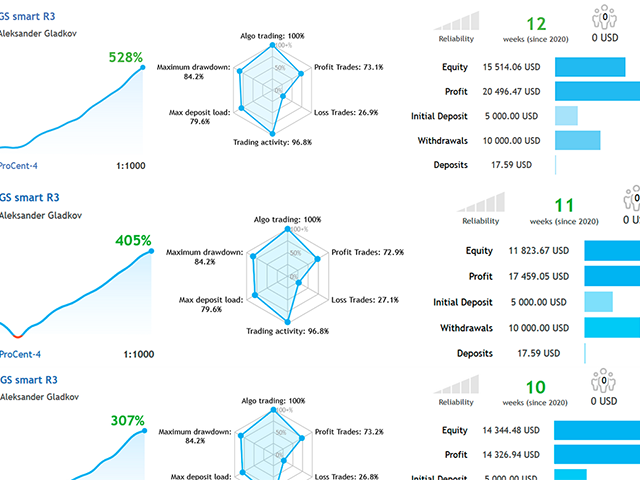























































Good results with built-in GBPUSD and EURUSD settings! 👍