Chart Symbol Sync
- Утилиты
- Версия: 1.0

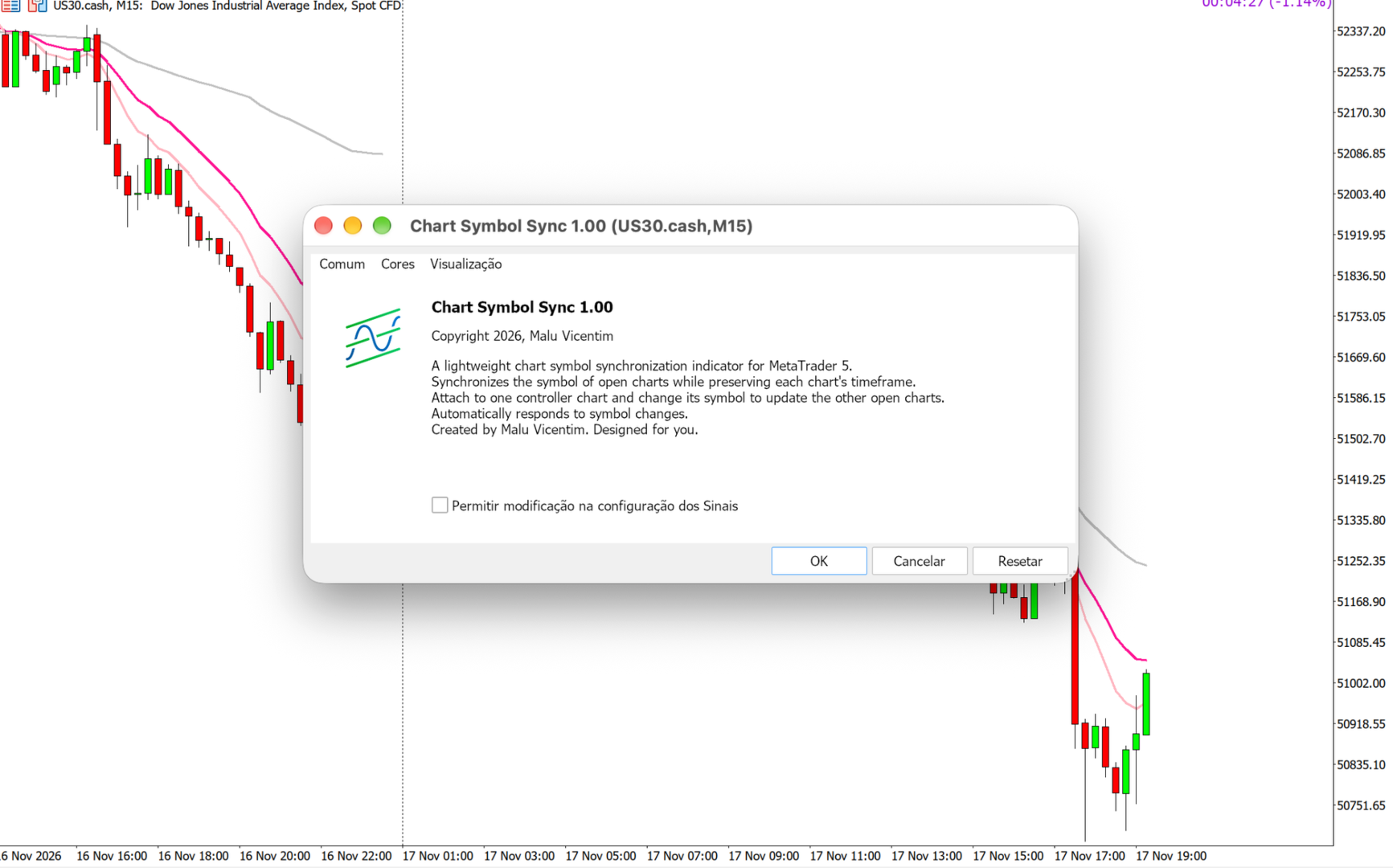
Chart Symbol Sync
Synchronize chart symbols in MetaTrader 5 while preserving each chart’s timeframe.
Designed for traders who follow the same instrument across multiple timeframes. When you change the symbol on your controller chart, Chart Symbol Sync applies the same symbol to the other open charts in the terminal.
Key features
- Symbol synchronization from a single controller chart.
- Preserves each chart’s individual timeframe.
- Responds without waiting for new market ticks.
- No input parameters to configure.
- Does not open, modify or close trades.
How to use
- Attach Chart Symbol Sync to one chart only. This will be your controller chart.
- Open your other charts and select their individual timeframes.
- Change the controller chart’s symbol — for example, by dragging an instrument from Market Watch onto it.
- The other charts will receive the same symbol while keeping their respective timeframes.
Example: you follow XAUUSD on M2, M5, M15 and H1. When you switch the controller to another symbol available through your broker, the other charts follow the change and remain on M2, M5, M15 and H1.
Usage notes
Synchronization is triggered by changing the controller’s symbol. Attaching the indicator does not immediately change your charts. Changing only the timeframe does not trigger synchronization.
All other open charts in the terminal are included. Changes made directly to secondary charts are not propagated. Use only one instance of the indicator per terminal.
Changing a chart’s symbol may reinitialize attached indicators and Expert Advisors. Loading depends on symbol availability, historical data and your broker connection.
Created by Malu Vicentim. Designed for you.
Copyright © 2026, Malu Vicentim.