Rollover Radar
- Индикаторы
-
Almuatasim Assad Abdel Rahman Aqel
 Trader and MQL5 developer based in Dubai. I trade gold, forex and crypto, and I’ve spent years building and testing trading systems on MetaTrader, which taught me how much the right numbers matter and how often they’re hidden.
- Версия: 1.9
ROLLOVER RADAR
Product type: Indicator | Platform: MetaTrader 5 | Price: Free | Version 1.09
SHORT DESCRIPTION
A 24-hour radar of the Tokyo, London and New York sessions and the daily rollover window, in your broker's server time, with countdowns, session boxes on the chart and a flag your EAs can read. Reads only, never trades.
FULL DESCRIPTION
See where you are in the trading day - and how long until the rollover.
Every day around 17:00 New York time spreads widen and swaps are charged. Rollover Radar shows that window, and the three main sessions, on one dial in your broker's own server time. Summer-time changes in London and New York are handled for you.
It never opens, modifies or closes a trade. It only reads. It gives no buy or sell signals.
What the panel shows
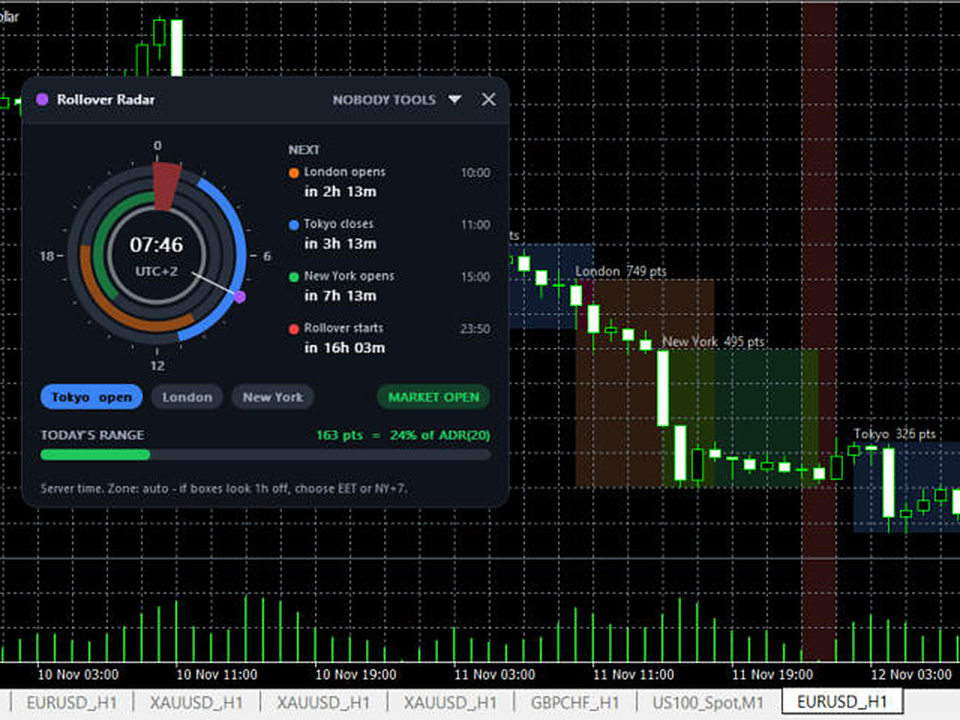
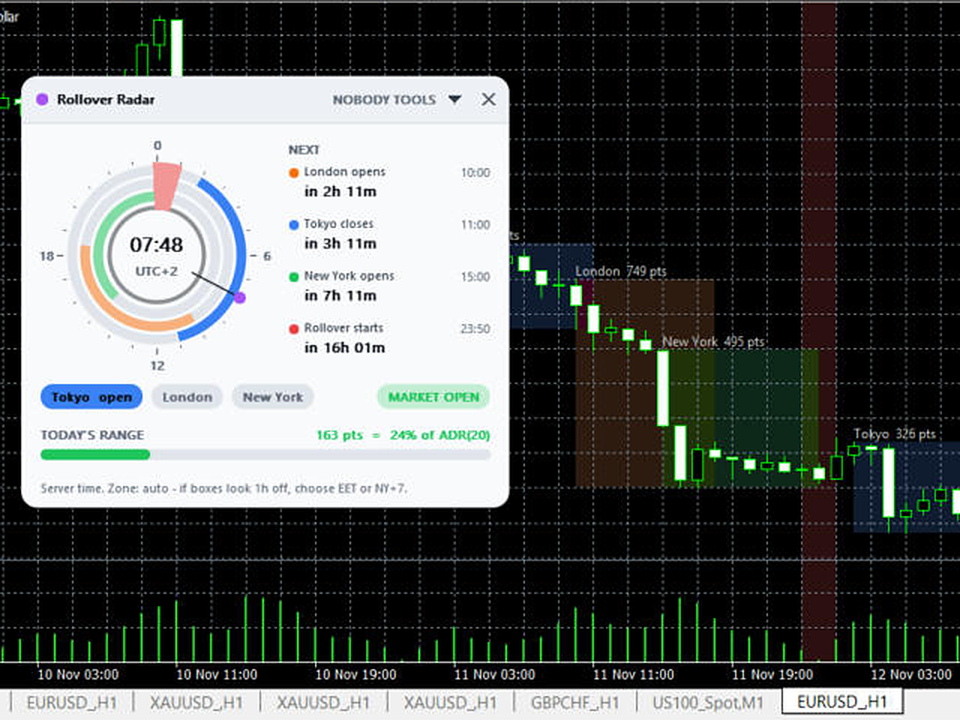
- A 24-hour dial with a ring for Tokyo, London and New York, a red wedge for the rollover window and a hand for the current server time.
- NEXT: the next four events with their time and a countdown - session opens and closes and the rollover start.
- Which sessions are open now, and whether the market is open.
- Today's range in points and as a share of the average daily range.
On the chart
- A box for each session with its high, low and range in points, for as many days back as you choose.
- A red band on the rollover window.
Rollover time
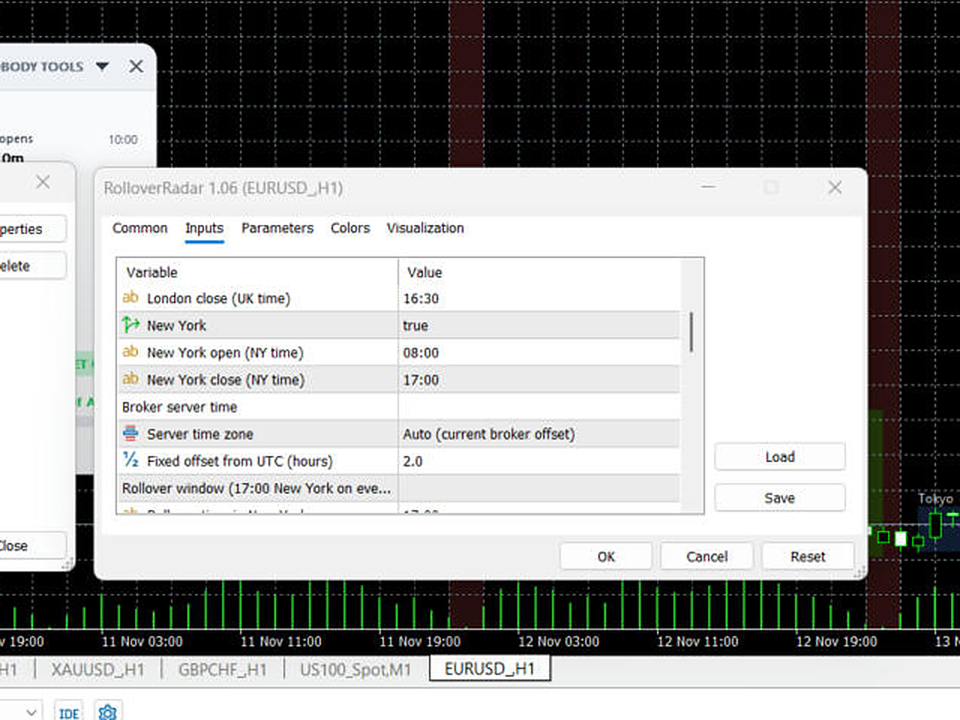
Rollover is fixed to 17:00 New York on every broker, converted to your server's clock. You can change the minutes before and after, or the time itself.
Alerts
Optional alert a set number of minutes before the rollover starts, and when each session opens.
EA link
Rollover Radar publishes terminal global variables that any EA can read:
- NBT.Rollover.<symbol>.active - 1 while the rollover window is on
- NBT.Rollover.<symbol>.minutes - minutes until the next rollover window
- NBT.Rollover.<symbol>.time - computer time of the last update
The values are removed when the indicator is taken off the chart.
Panel
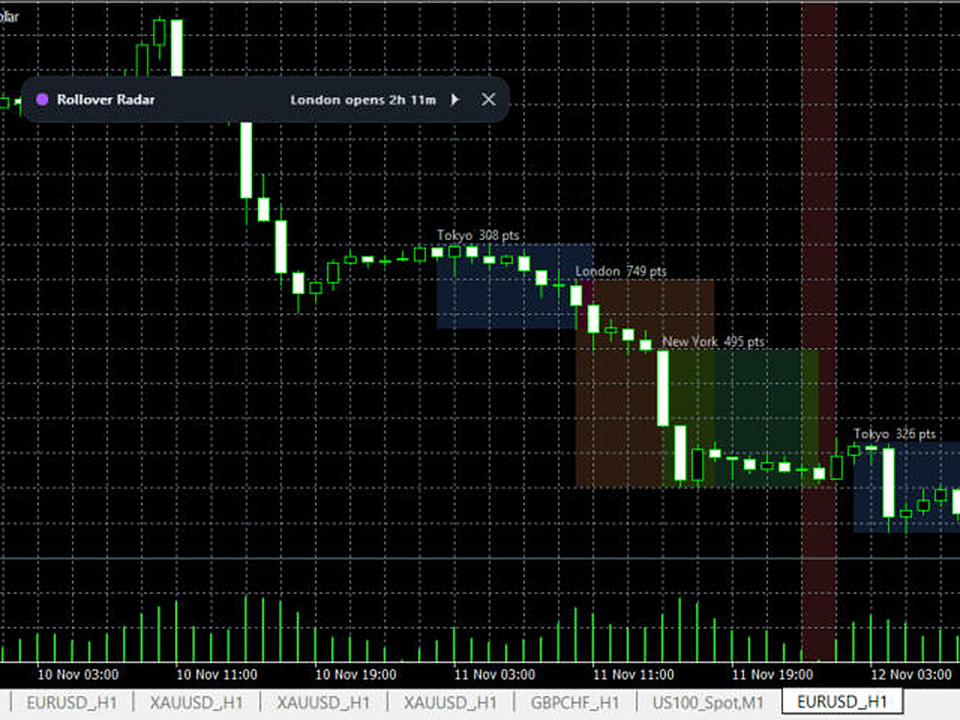
Drag the header to move it. Click the arrow to collapse it to one line. Click the x twice to remove it. Dark and light theme, size in percent. The position is remembered per chart.
Notes
- Server time zone is detected automatically. If the boxes look one hour off, choose your broker's zone in the inputs.
- Session boxes are drawn on timeframes below D1.