Advanced Indicators Manager
- Utilitários
-
Antonello Belgrano
 MQL5 Programmer specialized in creating professional Expert Advisors and Indicators.
I develop high-quality strategies as well as custom solutions, optimizations, and personalized Expert Advisors tailored to your specific needs.
Feel free to contact me for any requests or custom projects. - Versão: 1.40
Advanced Indicators Manager
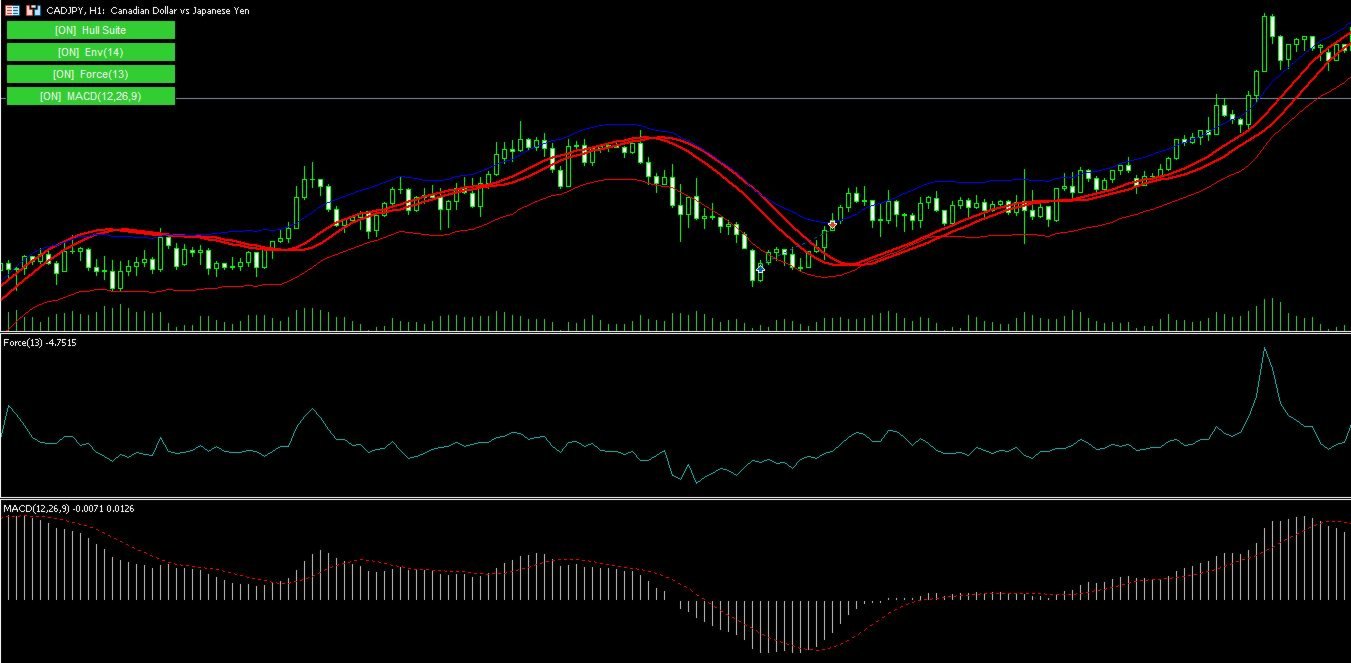
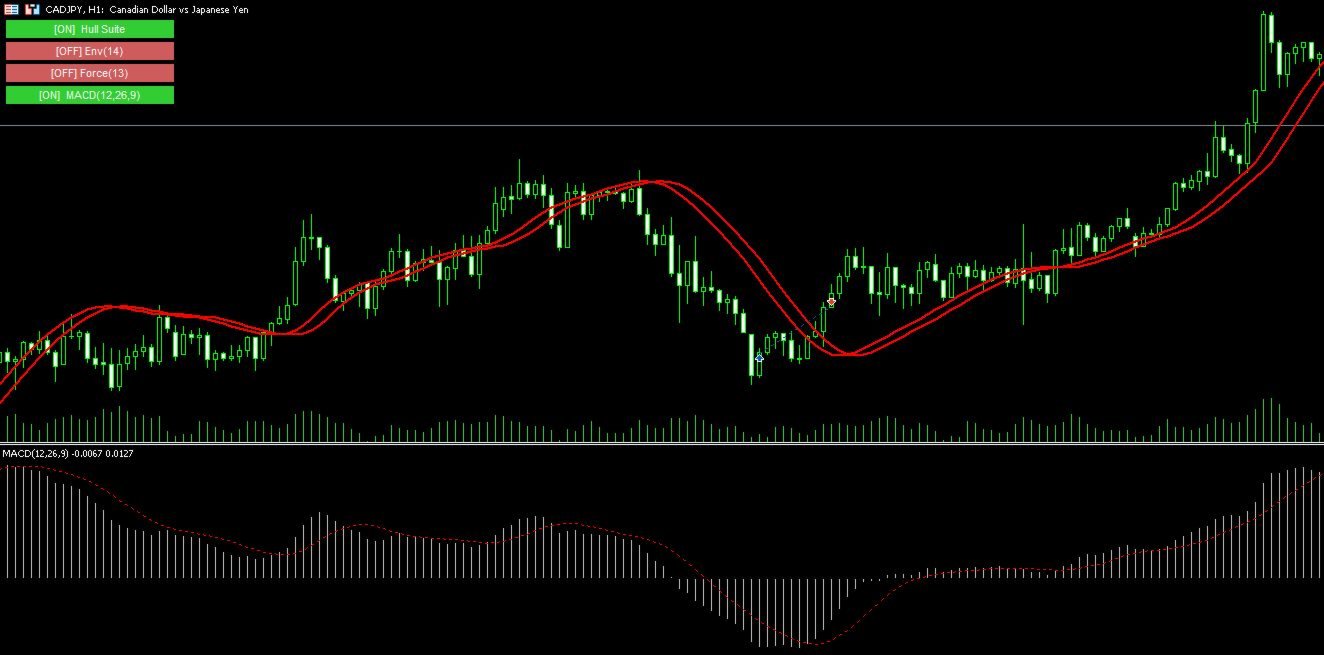
Tired of manually removing and re-adding indicators every time you want to switch between setups or get a clean chart? With this tool you turn them on and off with a single click, no digging through menus, no lost time.
Advanced Indicators Manager automatically scans your chart and detects every indicator currently applied (main window and sub-windows), creating a small button panel with one button per indicator. You can add as many indicators as you want to your chart — the panel updates accordingly, with no fixed limit. One click hides an indicator or brings it back, exactly as it was, with all its original parameters intact.
Why it's useful
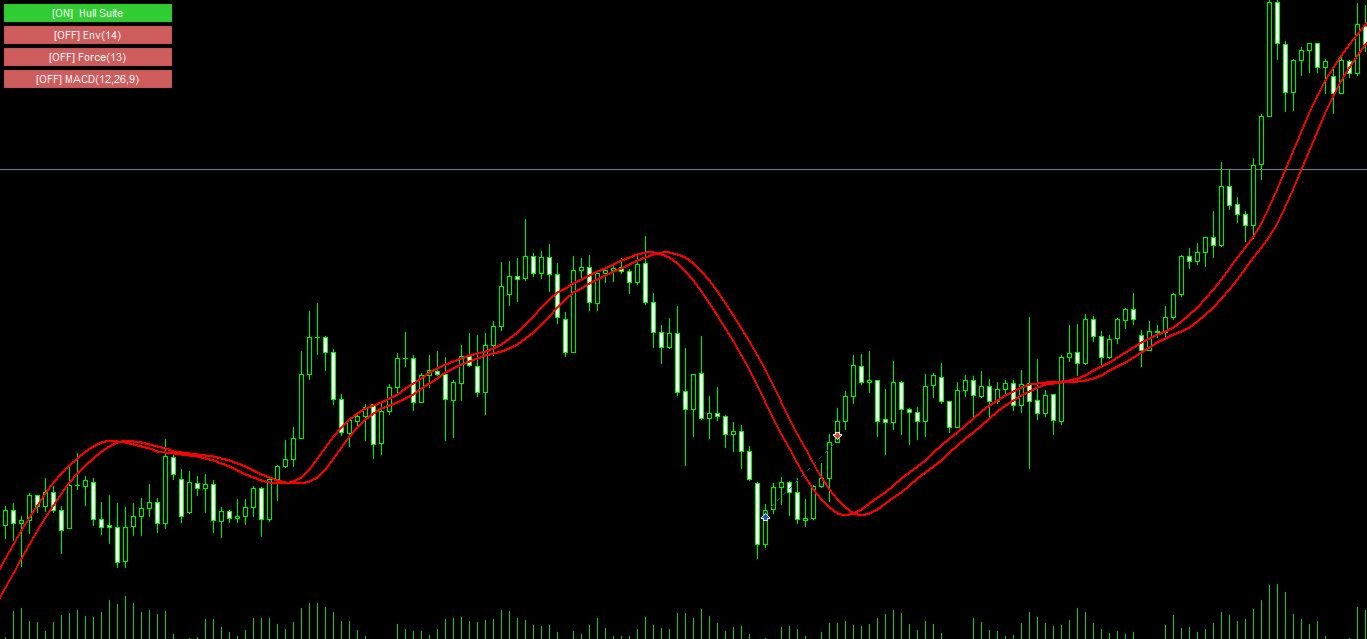
If you work with multiple strategies or setups, you often want a "clean" chart to just look at price action, and a moment later you want all your indicators back on. Doing this manually is slow and annoying. With this panel you do it instantly, in one click, without ever losing your configurations.
It works with both standard MetaTrader indicators and custom ones (compiled by third parties), and unlike common "quick fix" methods, when you hide a custom indicator it's genuinely stopped in the background — it won't keep eating resources or redrawing objects you can no longer see.
Key features
- Automatically scans and detects all indicators present on the chart
- Supports an unlimited number of indicators — add as many as you like
- Button panel with one entry per indicator, color-coded by status (on/off)
- Works with both built-in and custom indicators
- Hidden indicators are actually stopped, not just moved out of view
- Automatic sub-window handling: no issues if hiding an indicator closes its window
- Panel can be positioned in any of the 4 chart corners
- Customizable button size, colors, and refresh interval
- No changes required to your existing indicators — works with what you already have
Available settings
- Panel position (4 corners) and offset
- Button width and height
- On/off colors and text color
- Font size
- Panel refresh interval