Click Risk
- 유틸리티
- 버전: 1.20

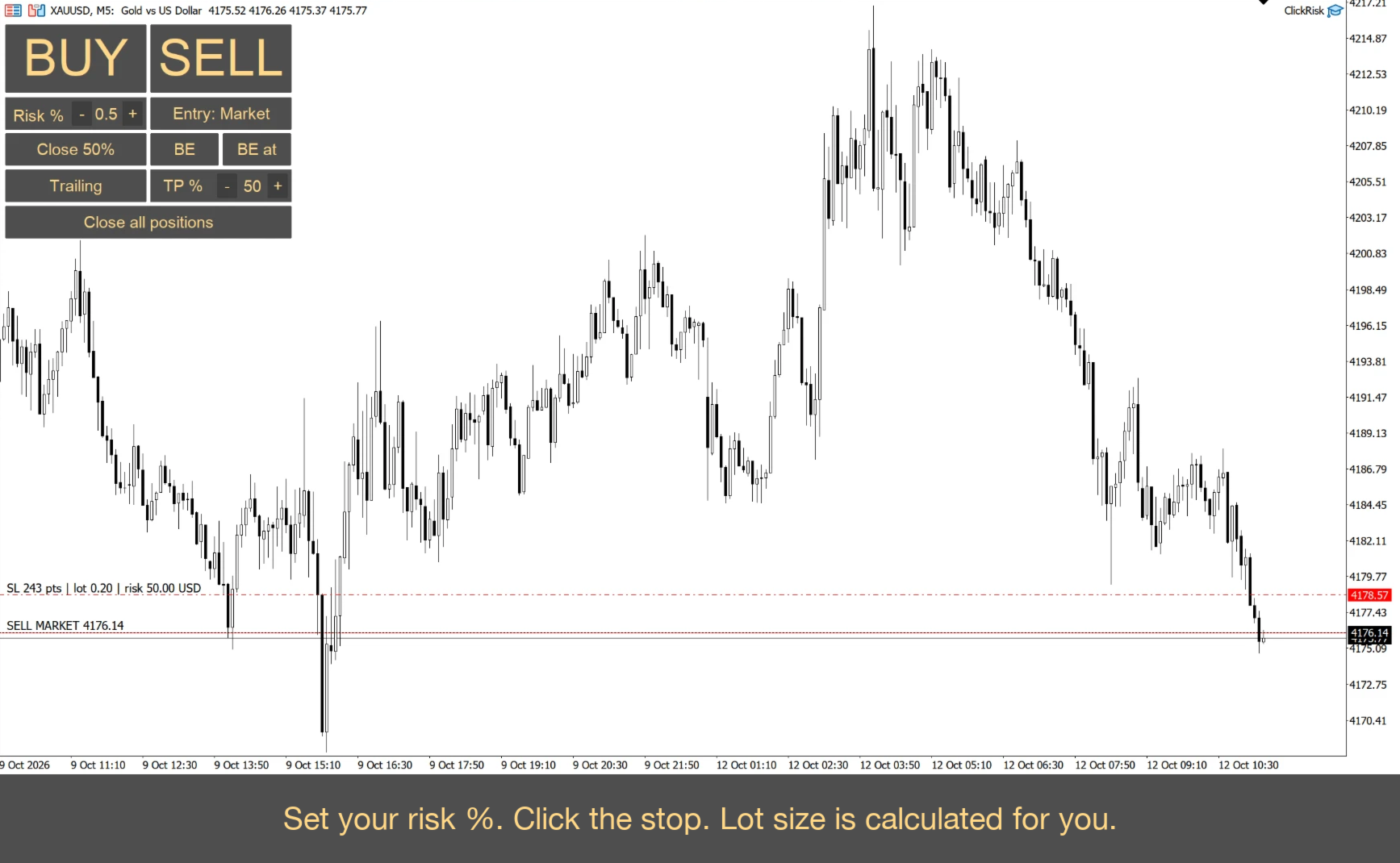
Set risk in %, click the chart (Market mode): click for stop, click for take profit. Lot size is calculated for you.
DESCRIPTION:
Click Risk is a minimalist trading panel that sits right on your MetaTrader 5 chart. You set the risk, click three prices (in Limit mode), and the lot size is calculated automatically. No calculators, no typing lot sizes, no order ticket, no extra steps.
HOW A TRADE IS PLACED
1. Set your risk in % with the - / + buttons (step 0.5 by default, you can change it in the settings, minimum 0.1).
2. Press BUY or SELL.
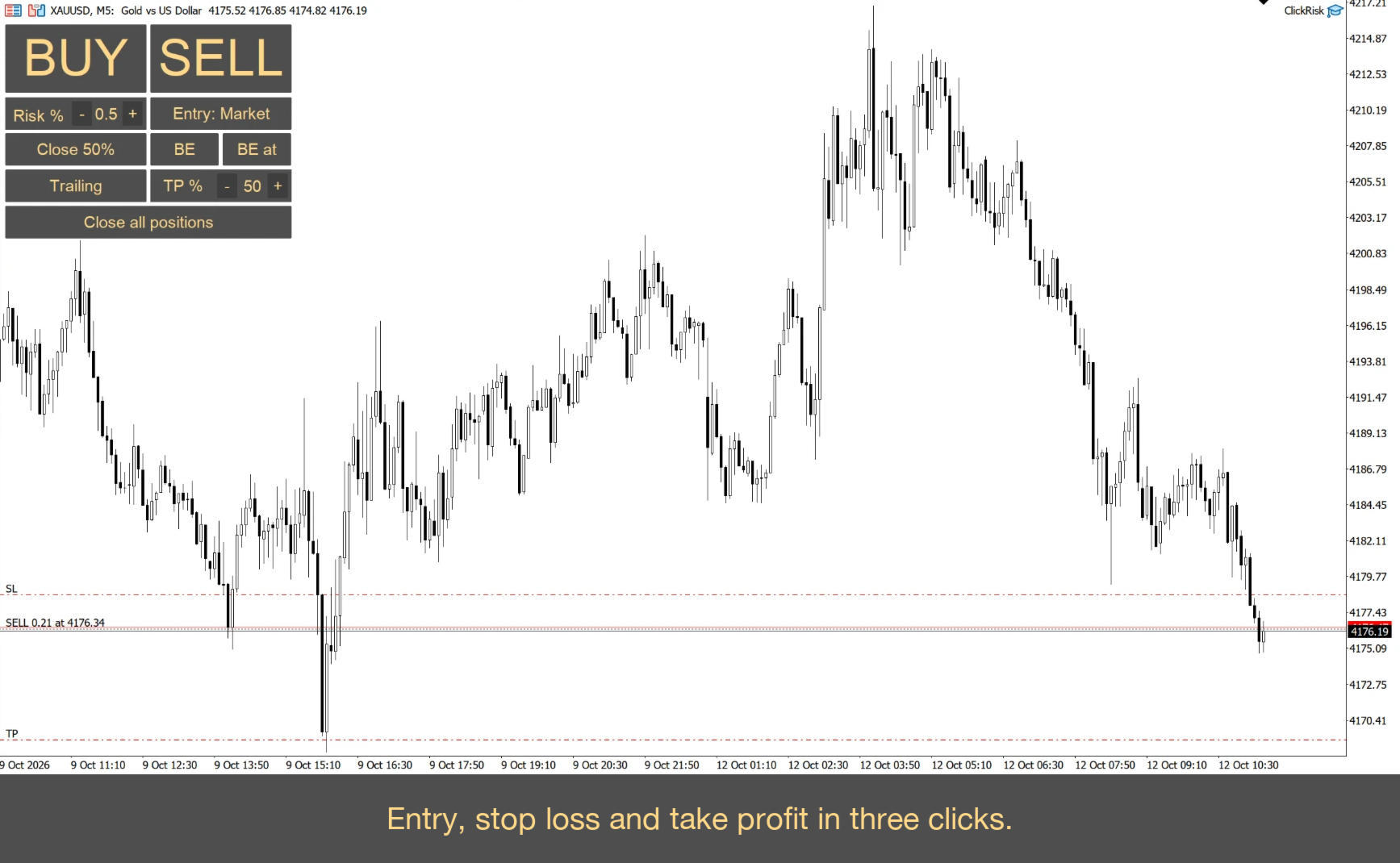
3. Click the chart: entry price (in Limit mode), then stop loss, then take profit.
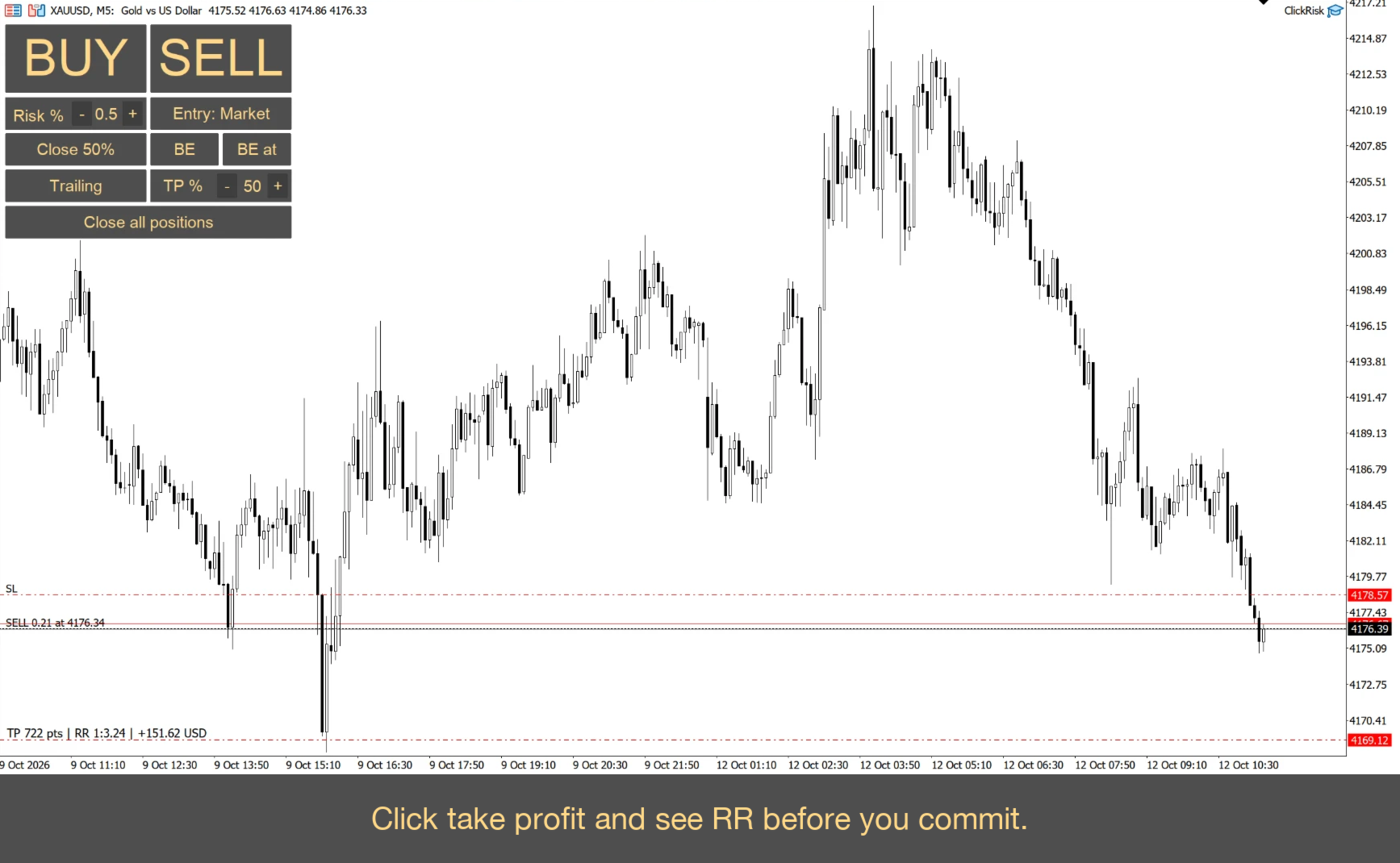
The lot size is calculated from the distance to your stop and your risk %, and the order is sent. In Market mode the entry is the current price, so you only click SL and TP. While you choose a price, the tip next to the cursor shows points, lot size and money at risk. For the take profit it also shows RR.
TRADE MANAGEMENT, ONE CLICK EACH
• BE: move the stop to breakeven (entry plus a small offset you can set; commission per lot is taken into account).
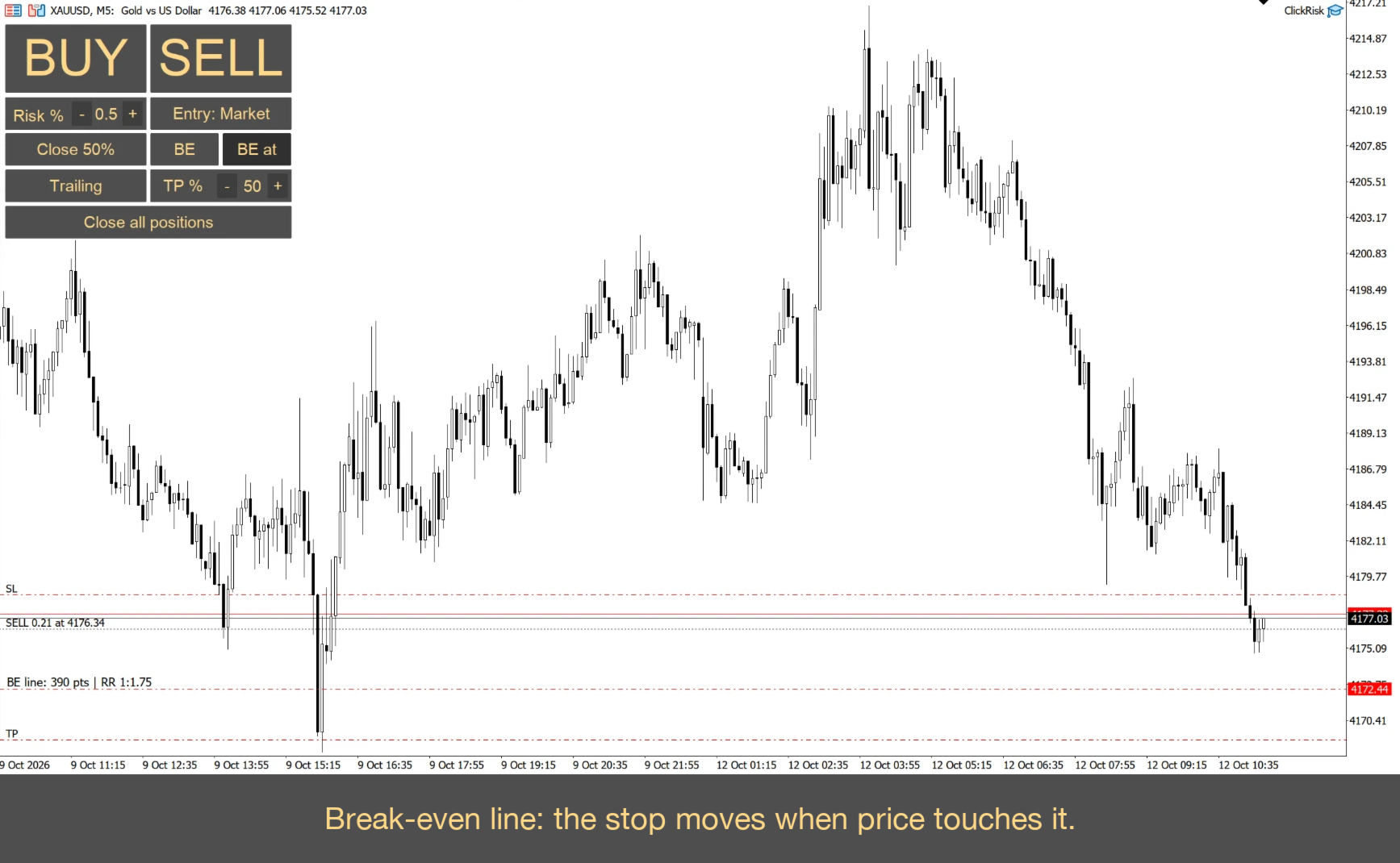
• BE at: place a draggable line. When price touches it, the stop moves to breakeven by itself.
• Close 50%: close half of the position (the share can be changed in the settings).
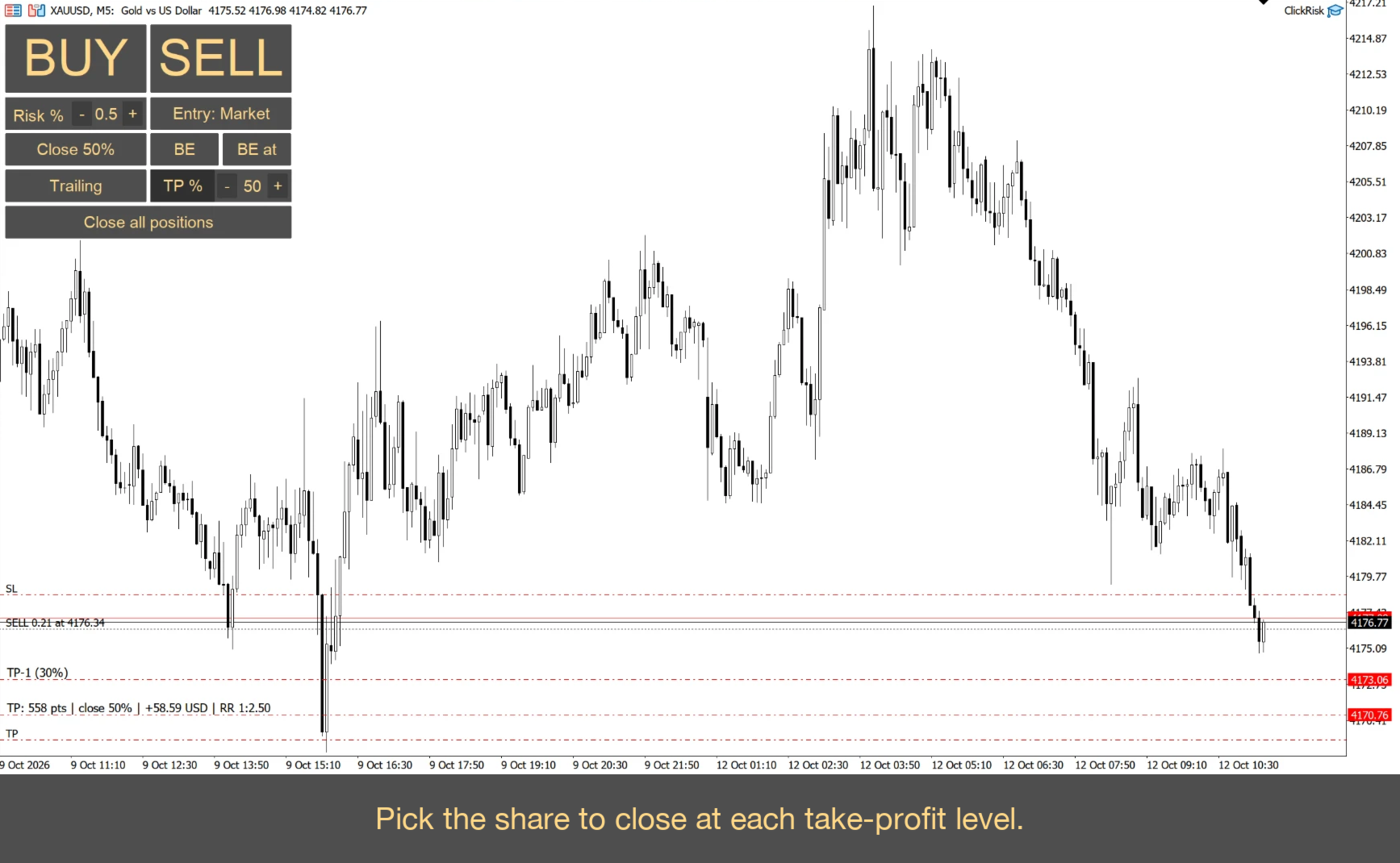
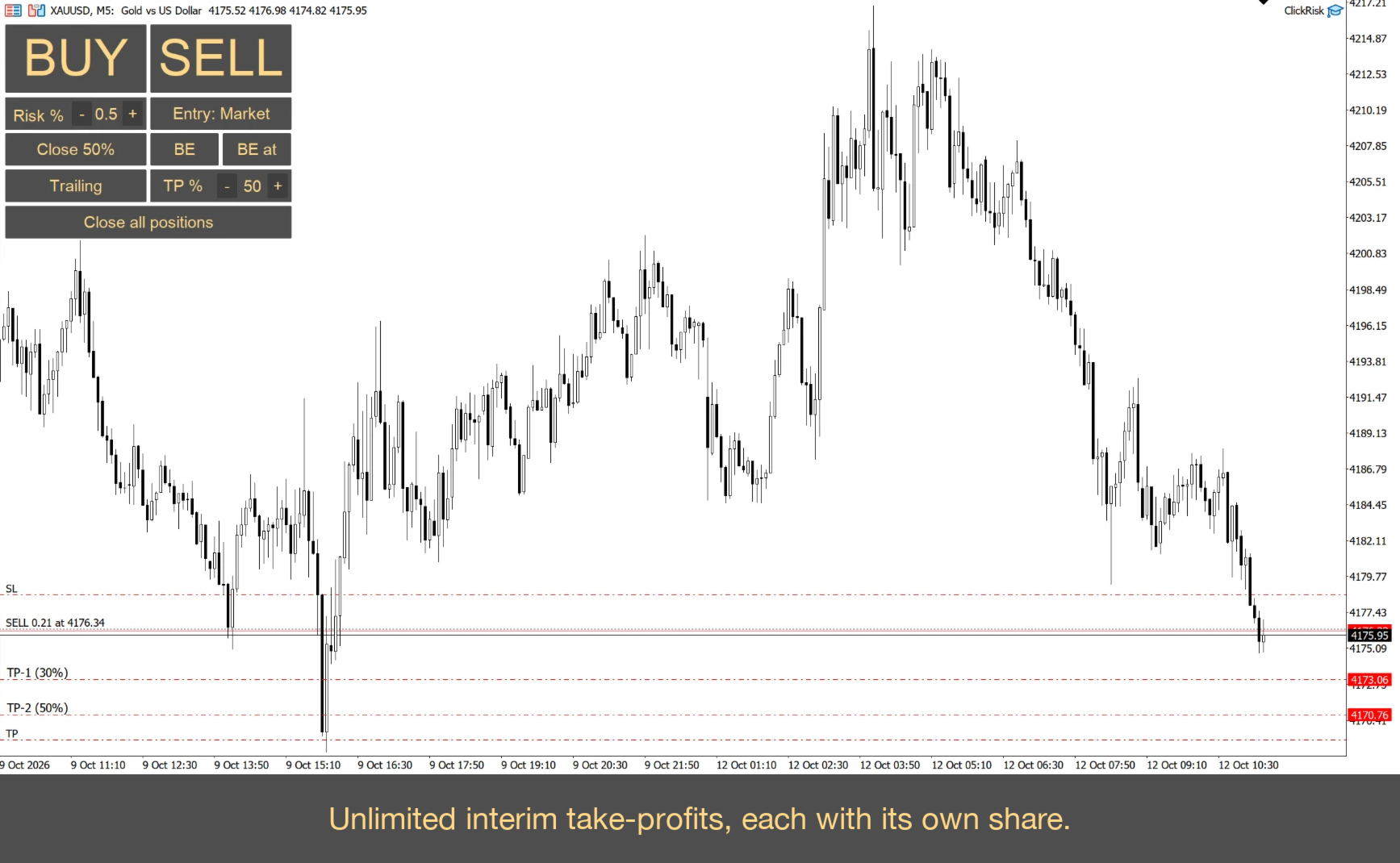
• TP: any number of interim take-profits. Every line has its own share to close, set with the - / + buttons on the TP cell (10-90% by default, step and limits are adjustable). Lines are labelled TP-1 (30%), TP-2 (50%) and so on. Drag a line to move it, right-click to remove it.
• Trailing: the stop follows price at the distance you click.
• Close all: close all positions of the symbol.
• RR at a glance: drag a take profit, a stop loss or a TP line and the RR is shown next to it. Works for open positions and for pending orders.
SAFETY
• Maximum risk per trade (10% by default, you can change it): trades with a bigger risk are blocked.
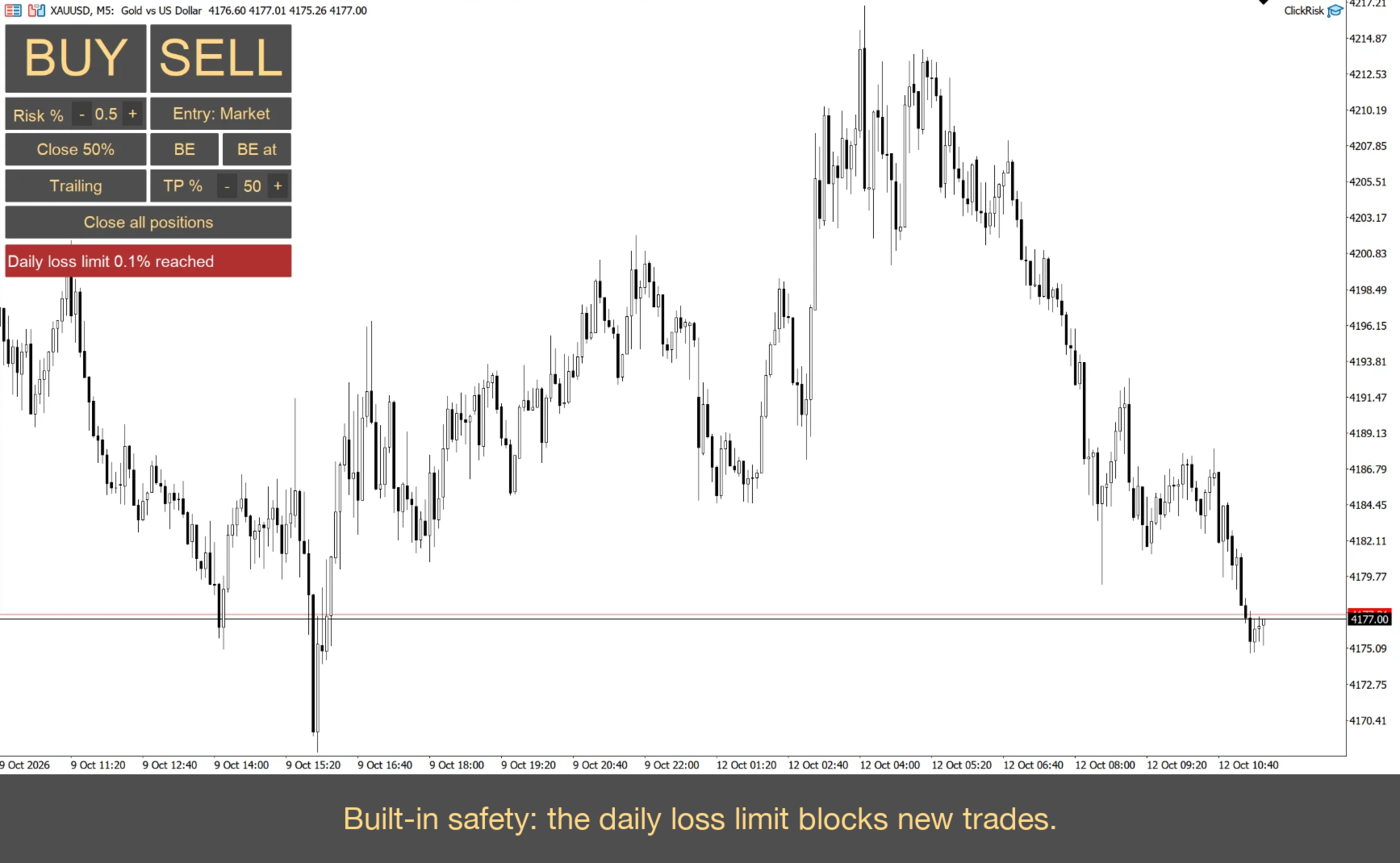
• Daily loss limit (5% of the start-of-day balance by default, can be switched off): once it is reached, new trades are blocked.
• If even the minimum lot risks more than you set, the trade is not opened.
• Commission per lot can be included in the lot calculation.
• Risk can be calculated from balance or from equity (setting).
DETAILS
• Hotkeys for every button (configurable).
• Lines and labels use your chart's own SL/TP colors and fonts, so the panel looks like part of MetaTrader.
• Your settings (risk, TP %, mode, trailing and TP lines) are remembered between restarts.
• The panel size scales with the Scale parameter, and the panel colors are adjustable.
• Works on any symbol and timeframe. Tested on hedging accounts.
IMPORTANT
Enable Algo Trading in the terminal. The panel sends orders only when you click. It does not open trades by itself. Test on a demo account first. Trading involves risk; this is not trading advice and does not guarantee profit.