Ticks Charting
- 유틸리티
- 버전: 1.0
- 활성화: 5

Tick Copier EA — Description & Usage Guide
Instead of seeing the market like everybody else using time based charts, instead view the market using ticks like an x-ray.
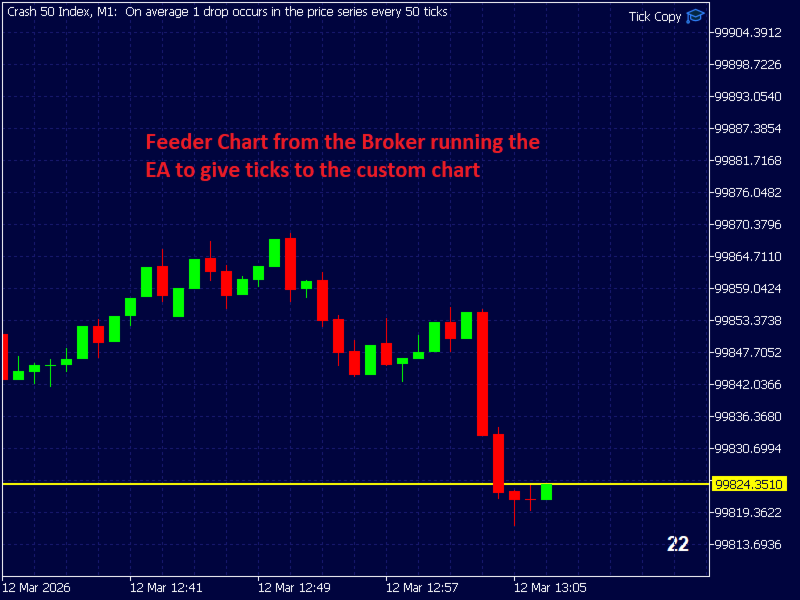
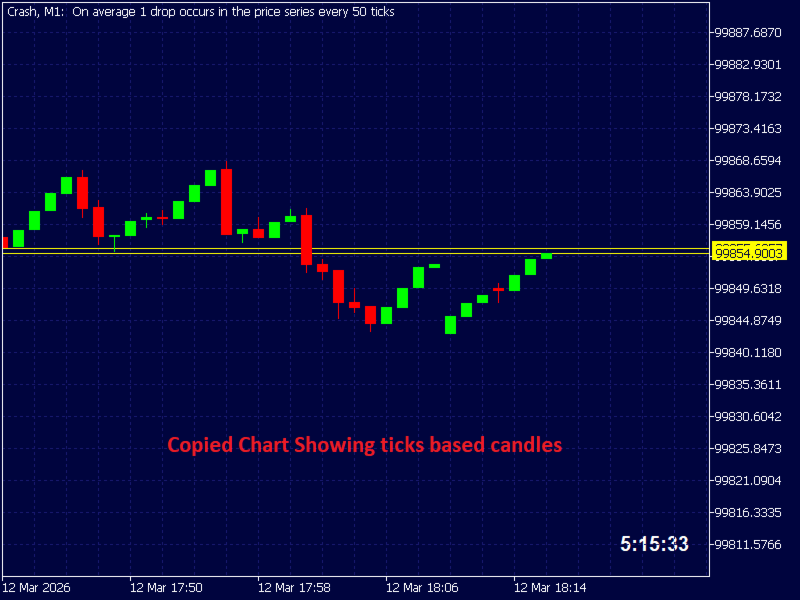
This Expert Advisor (EA) for MetaTrader 5 copies live ticks from the chart it is attached to and sends them to a custom symbol you already created (for example EURUSD TICKS ).
Each time a new market tick arrives:
-
EA reads the current tick data from the source symbol.
-
It copies the tick values:
-
time
-
bid price
-
ask price
-
last price
-
volume
-
-
It sends that tick to the custom symbol using CustomTicksAdd() .
Once ticks are fed to the custom symbol, MT5 automatically builds candles (M1, M5, H1, etc.) for that symbol just like a normal market instrument.
This allows you to:
-
create synthetic charts
-
run indicators on the custom symbol
-
run EAs on the custom symbol
-
experiment with tick-driven chart generation
| Step | Action |
|---|---|
| 1 | EA waits for a market tick |
| 2 | SymbolInfoTick() retrieves the latest tick |
| 3 | Tick data is copied into a new MqlTick structure |
| 4 | CustomTicksAdd() sends the tick to your custom symbol |
| 5 | MT5 records the tick and updates the chart |
1. Download EA
Open MetaEditor and press Compile.
2. Attach the EA to the Source Symbol
Open the real market symbol chart you want to copy ticks from.
Example:
-
EURUSD
Then attach the EA to that chart.
4. Set the Custom Symbol Name
In the EA inputs set:
This must match the custom symbol you already created.
5. Open the Custom Symbol Chart
Open the chart for the custom symbol:
-
Press Ctrl + U
-
Go to Create Custom Symbol
-
Give your symbol a name without spaces (e.g. EURUSD TICK )
-
Select Copy from (select EURUSD) and click Ok
-
Click ok to finalise
-
Click created symbol to unhide it so that it appears in Market Watch
6. Verify Ticks Are Arriving
Important NotesThe EA must stay running
If the EA is removed or MT5 is closed, the custom symbol stops receiving ticks.
Symbol properties must match
Your custom symbol should have the same:
-
digits
-
tick size
-
pricing format
as the original symbol.
Typical UsesPro Traders commonly use this technique to:
-
build tick charts
-
create range charts
-
generate synthetic trading instruments
-
test custom market logic