Quantradic Trade Dashboard
- ユーティリティ
- バージョン: 3.0
- アップデート済み: 24 8月 2026
- アクティベーション: 5

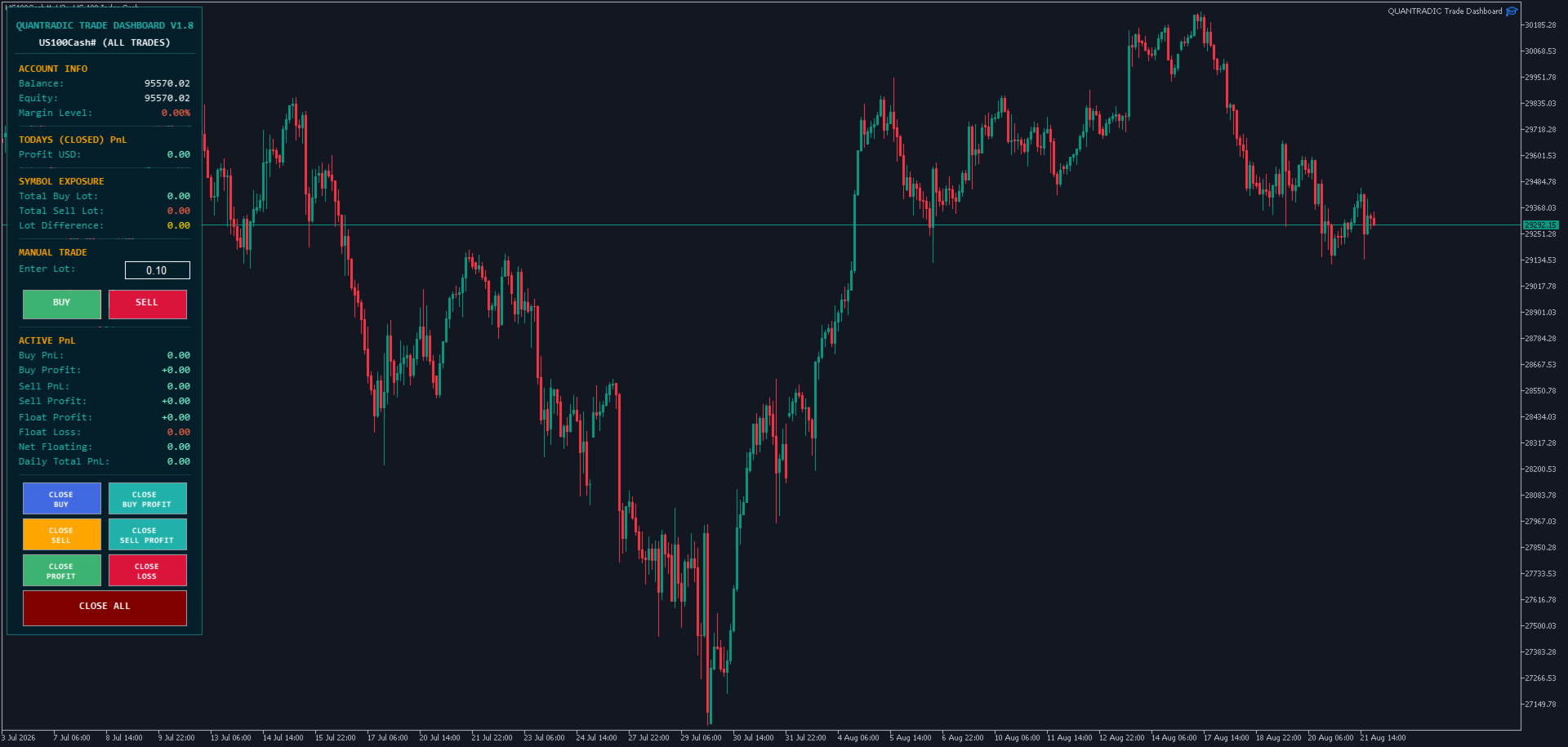
QUANTRADIC Trade Dashboard: The Ultimate Professional Manager & Simulator
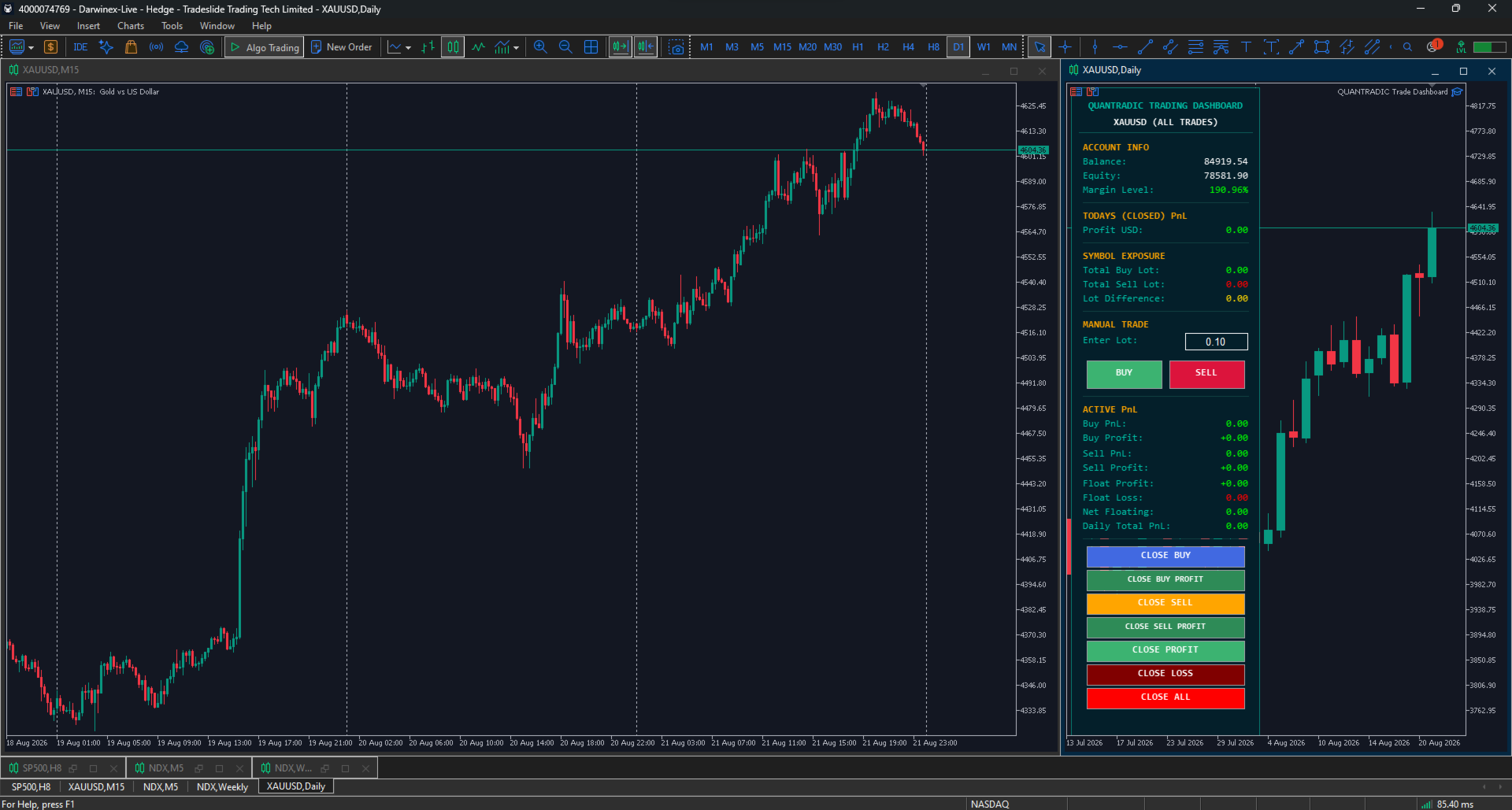
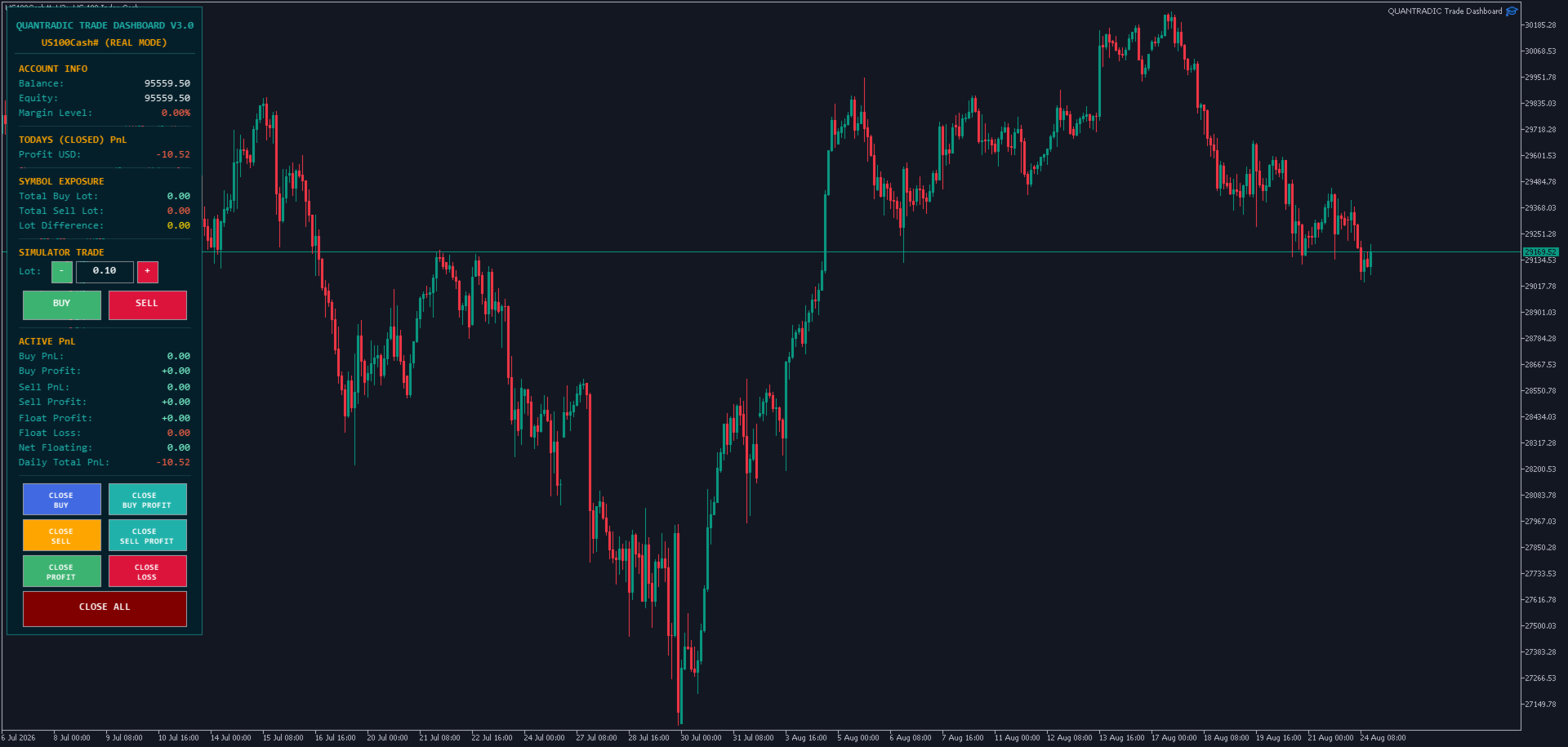
Elevate your trading precision with the QUANTRADIC Trade Dashboard, a high-performance utility designed for traders who demand speed, clarity, and total control. Now upgraded to Version 3.0, this dashboard bridges the gap between practice and execution, offering a unique hybrid architecture that serves as both a Real-Time Trade Manager and a Professional Strategy Simulator.
🚀 NEW in Version 3.0: Hybrid Architecture
The latest update transforms the dashboard into a versatile training and execution powerhouse. You can now switch between:
-
Simulation Mode: Practice your entries and management logic in the MT5 Strategy Tester or on Live Charts without risking capital.
-
Real Mode: Manage live positions with advanced filtering and lightning-fast execution.
📦 Professional Bulk Trading & Scalping
In high-frequency trading, every millisecond counts. The QUANTRADIC Dashboard is an indispensable tool for scalpers:
-
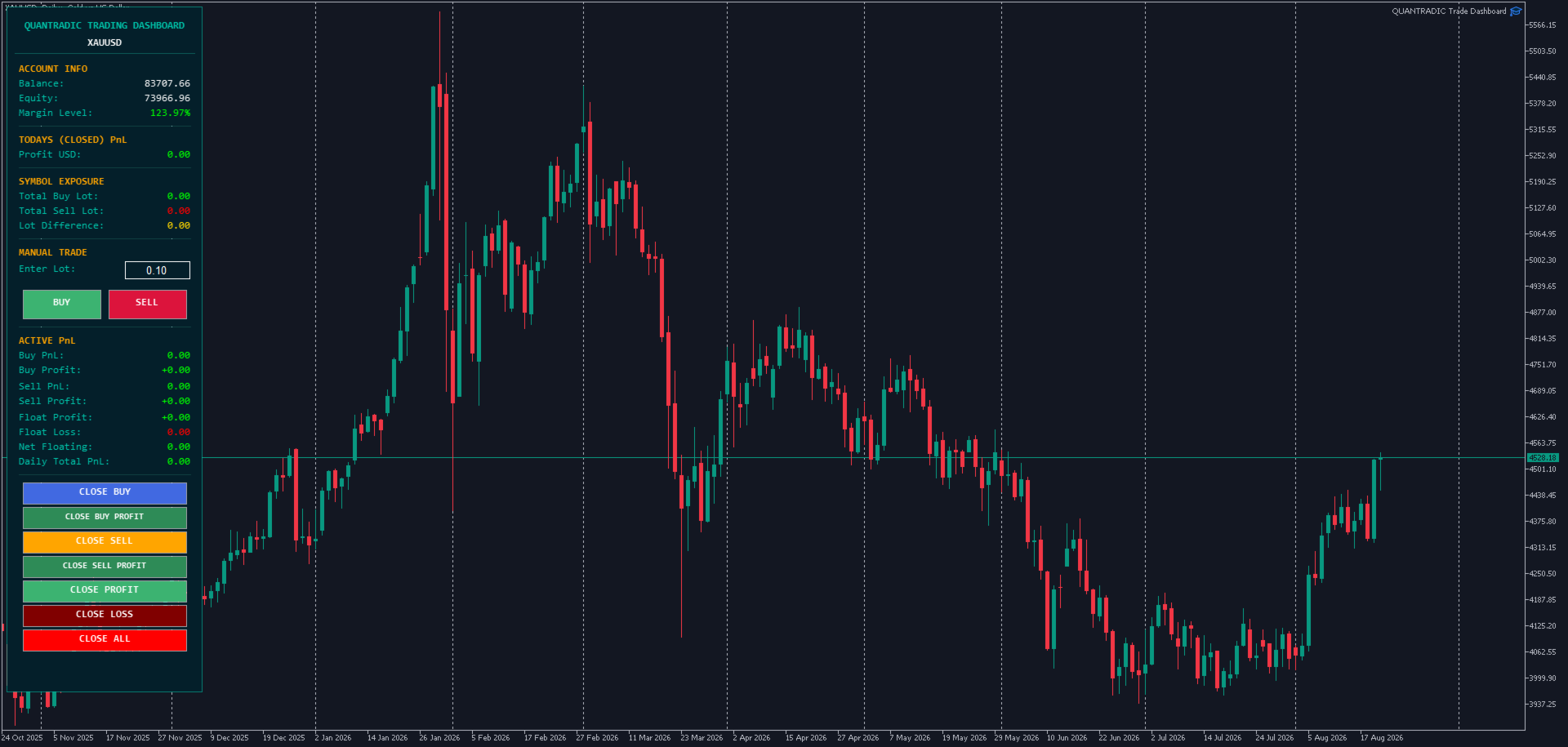
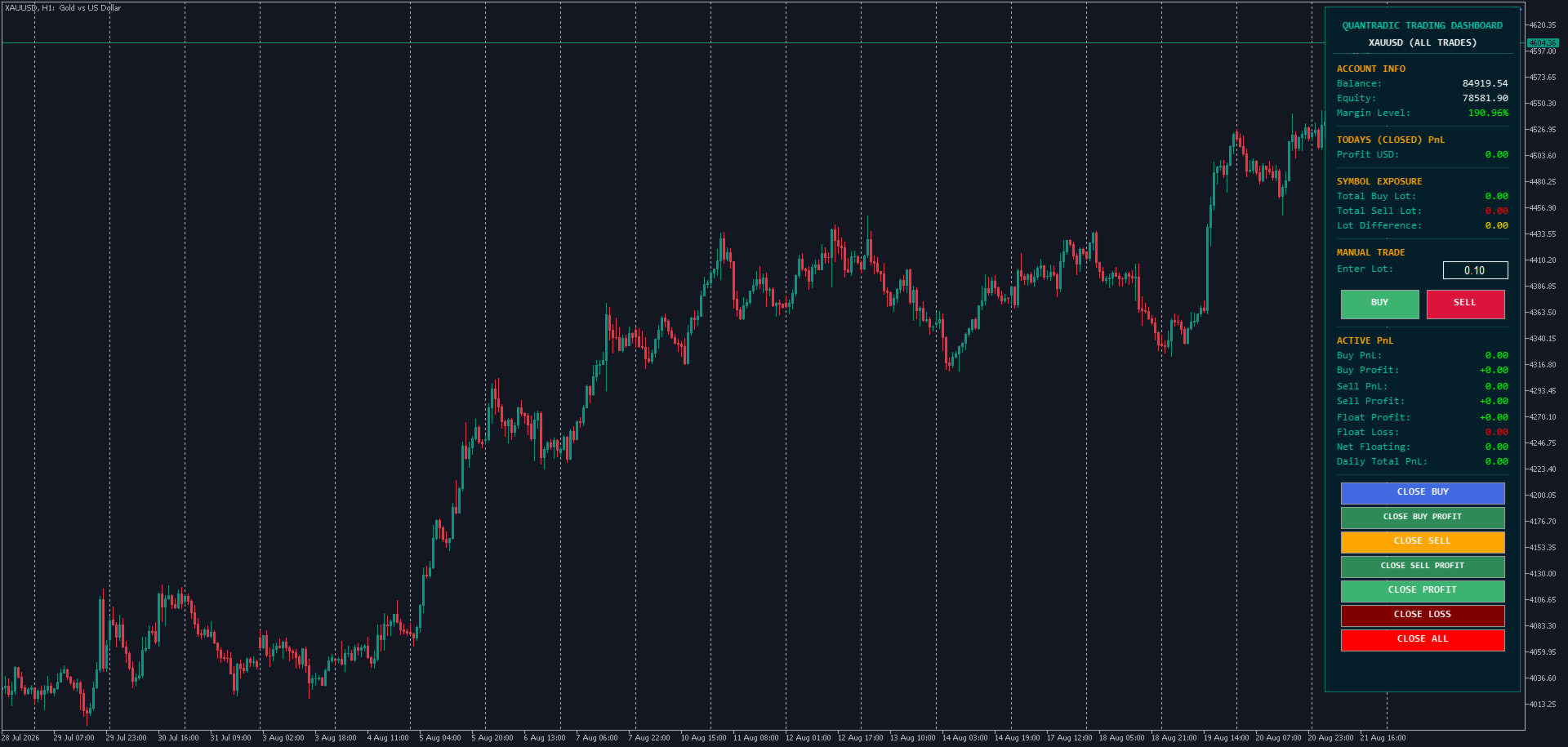
One-Click Execution: Instant Buy/Sell buttons with auto-normalized lot sizes.
-
Advanced Bulk Management: Close all Buy/Sell orders, only profitable trades, only losing trades, or the entire portfolio with a single click.
-
Smart-Closing Logic: Exit the market during high volatility with precision, scaling out of positions effortlessly.
🛠️ Enhanced Lot & Risk Management
Managing your volume has never been more intuitive:
-
Quick Adjust Buttons: Use the new [ + ] and [ - ] buttons to instantly increase or decrease lot sizes based on the symbol's volume step.
-
Direct Keyboard Entry: Click the lot box to type your desired volume directly.
-
Auto-Normalization: The panel automatically syncs with your broker’s min/max lot limits and volume steps to prevent execution errors.
📊 Comprehensive Real-Time Metrics
Stay informed with a high-level overview of your account and symbol health:
-
Symbol Exposure: Monitor total Buy/Sell lots and the net lot difference (Hedging/Exposure) in real-time.
-
Precision PnL Tracking: Live stats on "Today's Closed P&L," "Buy/Sell Profit," and "Net Floating" balance.
-
Margin Monitoring: Integrated margin level tracking with color-coded alerts to prevent over-leveraging.
🎨 Superior UI & Sensory Feedback
-
Visual Confirmation: The Click-Flash Effect provides a brief visual pulse on buttons upon interaction, ensuring you know your command was registered.
-
Advanced Audio (WinMM.dll): Integrated support for high-quality sound alerts that work perfectly even inside the MT5 Strategy Tester.
-
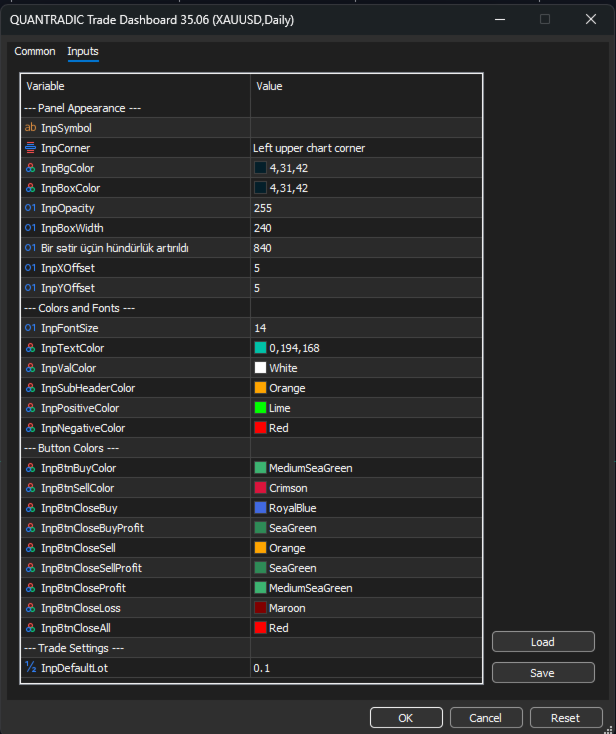
Fully Customizable: Adjust colors, fonts, transparency (0-255), and panel position to match your workspace.
🔍 Smart Filtering
Choose your focus:
-
Filter by Magic Number: Separate your manual trades from other EAs running on the same account.
-
Show All: Monitor and manage every single trade on the current symbol simultaneously.
Technical Parameters:
-
Trade Mode: Toggle between "Real" for live trading and "Simulation" for testing.
-
InpSymbol: Target symbol (leave empty for current chart).
-
InpMagic: Set specific Magic Number for filtering.
-
InpFilterByMagic: Toggle between managing all symbol trades or specific EA trades.
-
Appearance Settings: Full control over Background, Text, and Button colors.
Why Choose QUANTRADIC Trade Dashboard?
-
Speed: Optimized code ensures zero lag, even during high-impact news events.
-
Efficiency: Reduces "cognitive load," allowing you to focus on price action rather than terminal buttons.
-
Versatility: The perfect tool for both the professional trader and the student practicing on historical data.
Experience the next level of trade management. Turn your MT5 into a professional trading station today!