Trading Panel MT5 Pro
- ユーティリティ
- バージョン: 1.97
- アップデート済み: 13 5月 2026
- アクティベーション: 5

Fast and Intuitive Execution
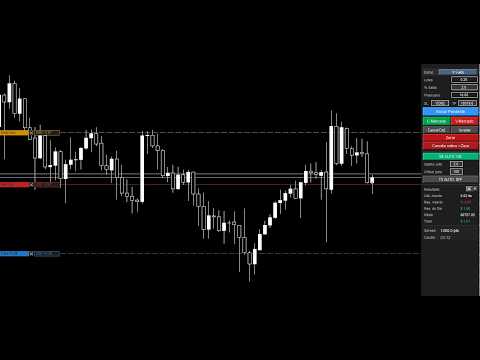
Place your orders by holding Ctrl or Shift and clicking directly on the chart.
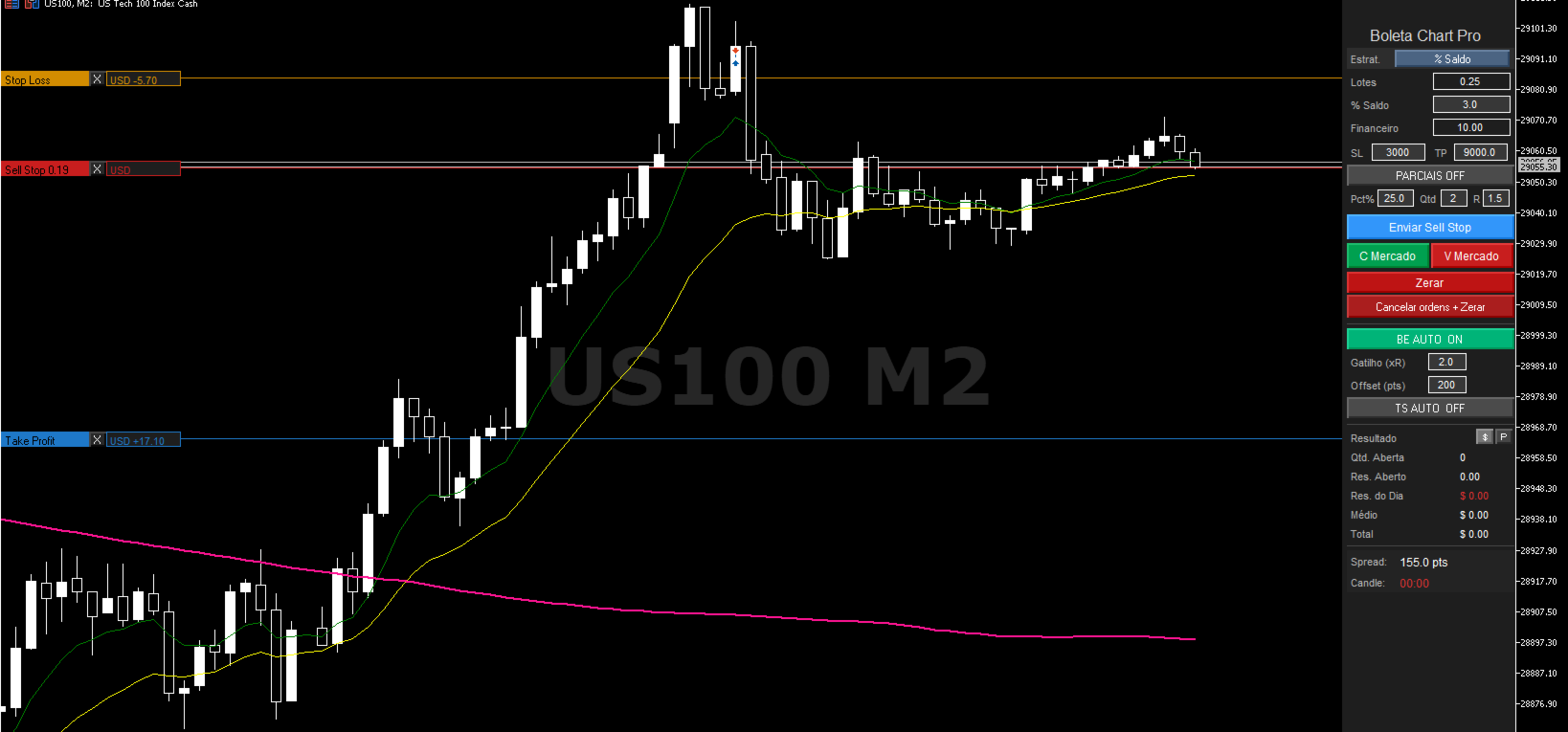
The order will appear on the chart ready for adjustment, allowing you to visually configure:
- Stop Loss
- Take Profit
- Entry Price Area
After adjusting your trade, simply press the blue button to send the order to the market:
- Market Order
- Limit Order
- Stop Order
Professional Risk Management
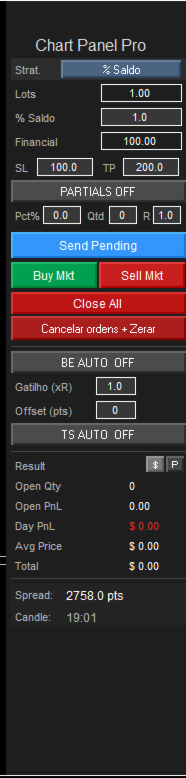
The panel automatically calculates your position size before entering the trade.
Choose between:
- Fixed Lot Size
- Balance Percentage Risk
- Fixed Financial Risk
The lot size is automatically recalculated according to the Stop Loss distance defined on the chart.
Advanced Features
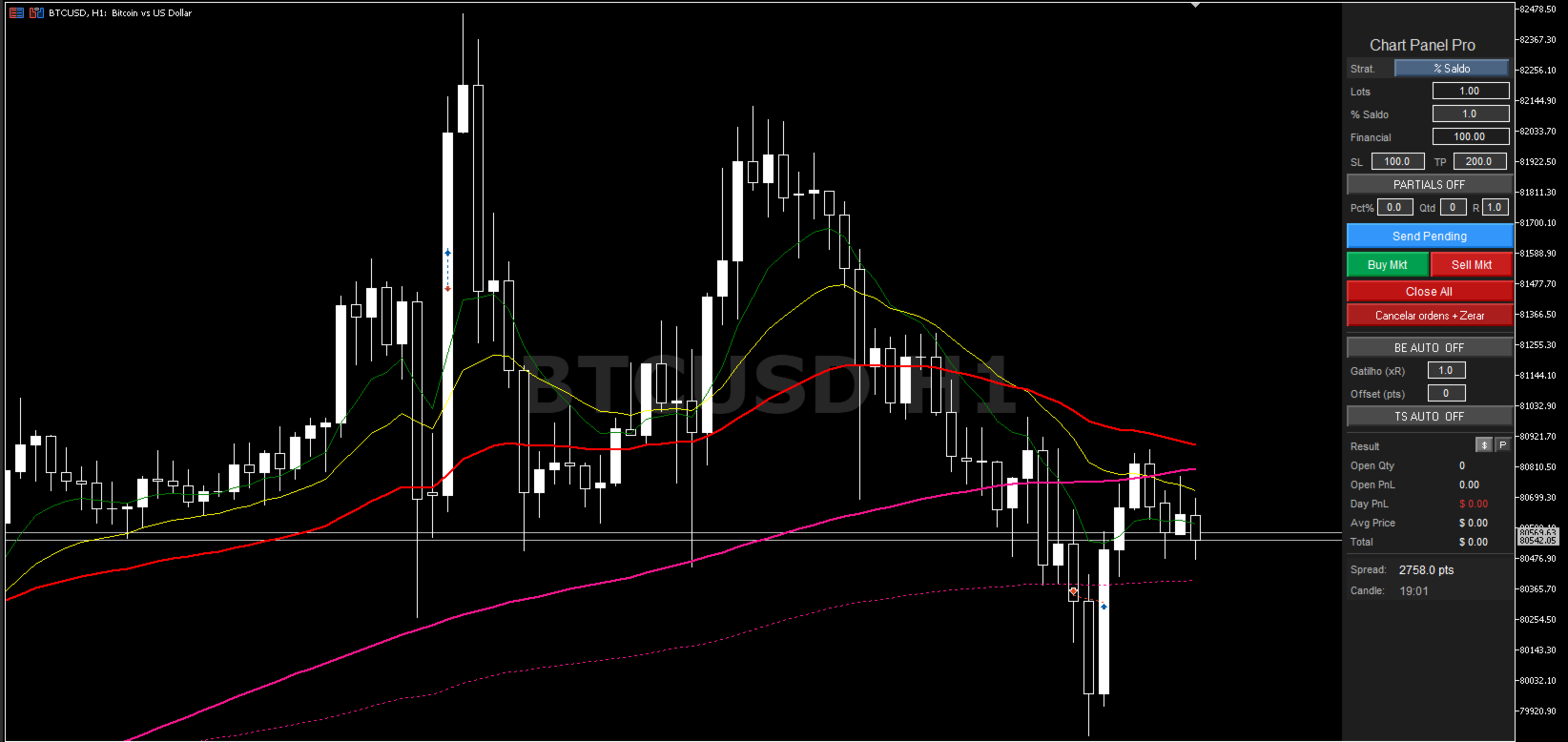
✅ Automatic OCO Orders
✅ Automatic Break Even
✅ Trailing Stop
✅ Visual chart adjustment
✅ Fast and practical execution
PRO Version
Also check out the PRO version of the panel, featuring additional tools:
- Automatic Partial Take Profits
- Advanced Risk Management
- More Trade Automation Features
Perfect For
- Day Trading
- Scalping
- Indices
- Forex
- Cryptocurrencies
- Manual trading on MT5 with professional risk management