SBR Trader
Overview
SBR Canvas is a comprehensive, fully visual trading assistant for MetaTrader 5. It combines automated trade execution with an advanced drag-and-drop control panel built directly onto the chart canvas, giving traders real-time control over every aspect of their trading strategy without leaving the chart.
Core Trading Engine
Direction Control — Trade BUY, SELL, OFF, or AUTO mode. AUTO mode uses RSI and EMA trend filters to dynamically switch between buy and sell based on market conditions, with momentum confirmation and higher-high detection to avoid counter-trend sells.
2-Bar Entry Rule — Entries require two consecutive confirming candles in the trade direction, reducing false signals.
Multi-Symbol Trading — Run up to 10 symbols simultaneously, each with its own direction, lot size, take profit, timeframe, hedge mode, and news filter settings.
Hedging Engine — Automatically matches losing positions against profitable ones, closing them together when cumulative profit covers the loss plus a configurable buffer.
Daily Hedge — Detects when today's range exceeds the recent average and automatically balances unequal buy/sell exposure.
Risk & Money Management
Daily Profit Limit — Stops new entries once a configurable daily profit target is reached within a defined server-time window. When the limit is hit, the EA can pause entries, move all trades to break-even, or close all positions.
Drawdown Guard — Monitors account drawdown as a percentage of balance in real time. When the threshold is breached it can close the oldest qualifying trade or close all positions. Configurable hold-time requirement prevents premature closure.
Accumulated Loss Recovery — Tracks closed losses and adds the cumulative amount to the EA's take-profit target, so the EA recovers lost funds before stopping out for the day.
Manual Trade Take Profit — Monitors manually placed trades and closes them when combined profit reaches the configured target, with an auto-TP mode that sets the target as the remaining daily limit headroom.
Lot Validation & Capping — Hard validates lot sizes against broker minimums, maximums, and step sizes before every order. A per-order lot cap (MaxAllowedLots) prevents oversized trades.
Min Hold Time — Prevents positions from being closed before a minimum number of minutes has elapsed.
Consistency Tracker — Scores trading performance against a profit target with a maximum single-trade percentage rule, shown as a progress bar and score panel.
Indicators & Chart Overlays
High/Low Lines — Draws the high and low of any timeframe at a configurable lookback bar, with an optional secondary timeframe overlay.
Order Blocks — Scans for institutional order block patterns, draws them as coloured zones with strength ratings and trade bias predictions, and flags mitigated zones.
Fair Value Gaps (FVG) — Detects 3-candle imbalance gaps, draws unfilled and filled zones, and alerts on new formations.
Swing Tunnel — Connects recent swing highs and lows across a configurable lookback, projects the lines forward, and draws a consolidation triangle when both sides are converging with descending highs and ascending lows.
Rejection Indicator — Marks large wick rejection candles (pin bars) across up to five timeframes simultaneously, with a separate analytics panel showing price cluster zones.
Currency Strength Meter — Calculates relative strength of both currencies in the chart pair across a basket of available broker pairs, shows divergence as a bar chart, and generates buy/sell bias signals.
Correlation Overlay — Rescales a second symbol's candlesticks onto the main chart's price axis for visual correlation analysis, with optional order block overlay for the correlated symbol.
TP Indicator Line — Draws a horizontal line on the chart showing exactly where the EA's take-profit price is for open buy and sell groups.
News & Calendar
News Filter — Blocks new entries during configurable minutes before and after high or medium impact calendar events for the chart's currencies.
News Zone Indicator — Draws coloured shaded rectangles and vertical lines on the chart for the before and after windows of each event, with configurable colours.
News Calendar Panel — Displays today's (or any past/future day's) economic events with time, currency, impact level, event name, actual, forecast, and previous values. Clicking a row pins a vertical line on the chart.
Notification System
All major events support both desktop alerts and push notifications: order block detection, fair value gap detection, swing tunnel breakouts, HL line breaches, triangle breakouts, currency strength signals, rejection bar formations, upcoming news events, and daily limit triggers.
Each notification type supports either bar-close or instant (tick-level) timing.
Control Panel
The entire EA is controlled through a floating, draggable, resizable canvas panel rendered directly on the chart.
Pill Bar — A compact top bar with seven tabs: Direction, News, Indicators, Multi-Symbol, Closure, Other, and Live.
All panels are detachable — Each sub-panel can be dragged independently anywhere on the chart and resized from the grip corner. Positions and sizes are saved per panel to GlobalVariables and restored on EA restart.
Three UI themes — Dark, Glass (semi-transparent), and Midnight.
Five save slots — Full settings snapshots can be saved and loaded at any time.
Report Log — In-panel scrollable event log with category filters (entries, exits, hedges, multi, news, TP hits, daily hedge, signals, errors, closure events, drawdown events).
Live panels — Six optional floating panels showing real-time account equity and drawdown, daily limit progress, consistency score, multi-symbol P&L bars, main symbol status, and feature on/off status.
Magic Number Scope — Toggle between managing only the EA's own trades or all trades on the account, configurable per function (entries, TP, hedge, daily hedge, close all).
Technical
- Built entirely in MQL5 using the native CCanvas bitmap label system
- Scales automatically with panel resize (font size and layout proportional)
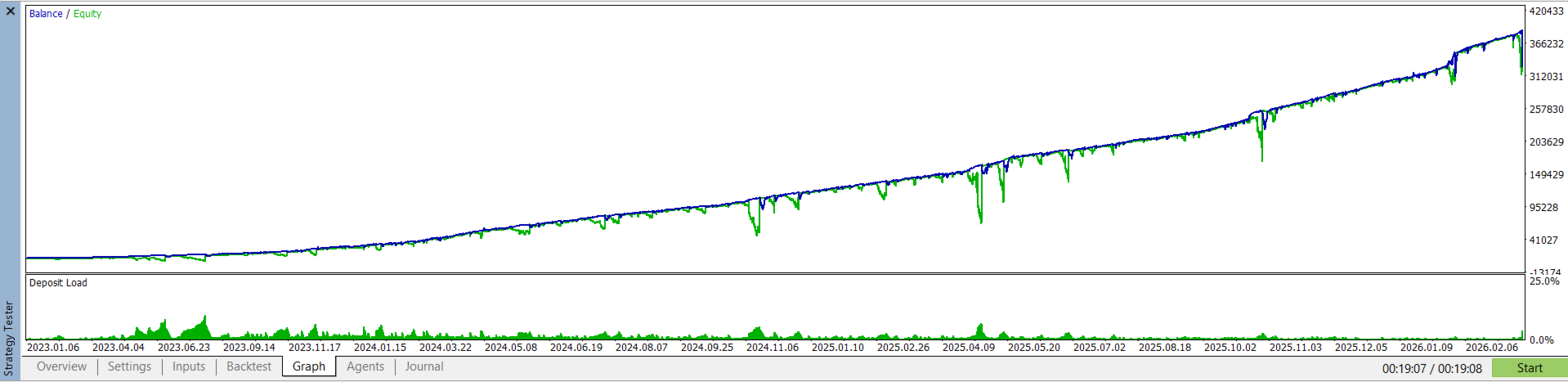
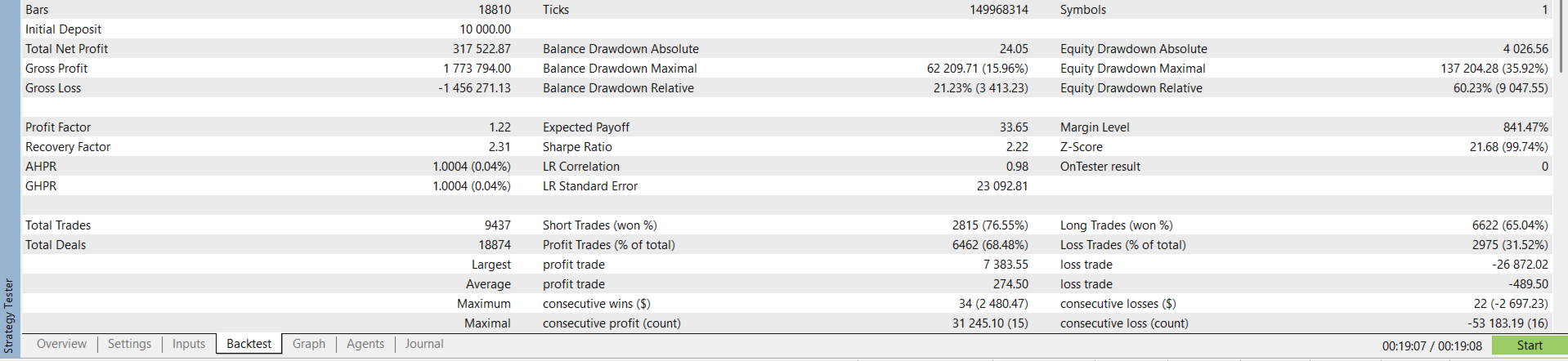
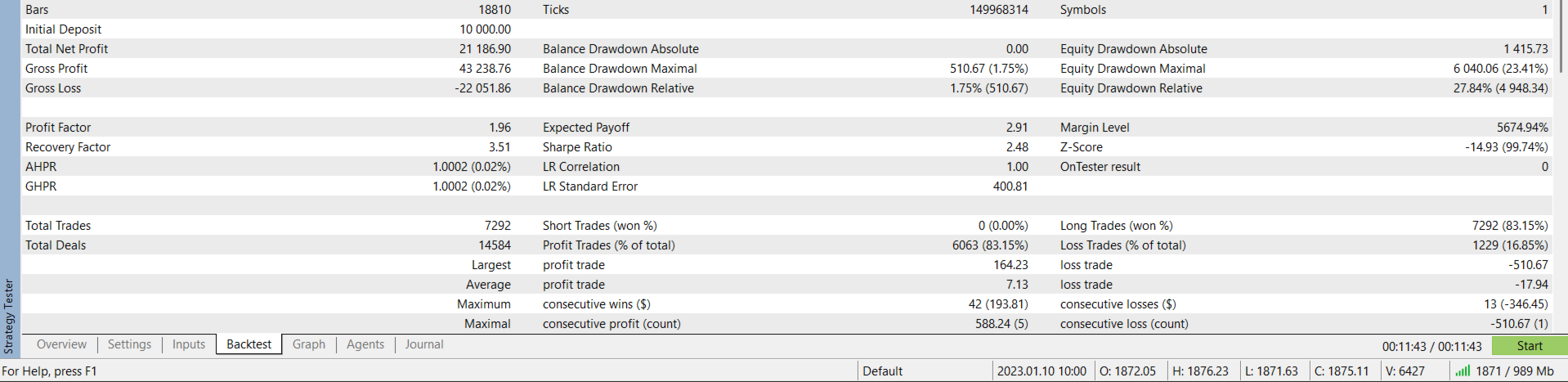
- Full strategy tester compatibility with market session guards
- Supports both hedging and netting account types (hedging features disabled automatically on netting accounts)
- All runtime settings persist via GlobalVariables between chart reloads