

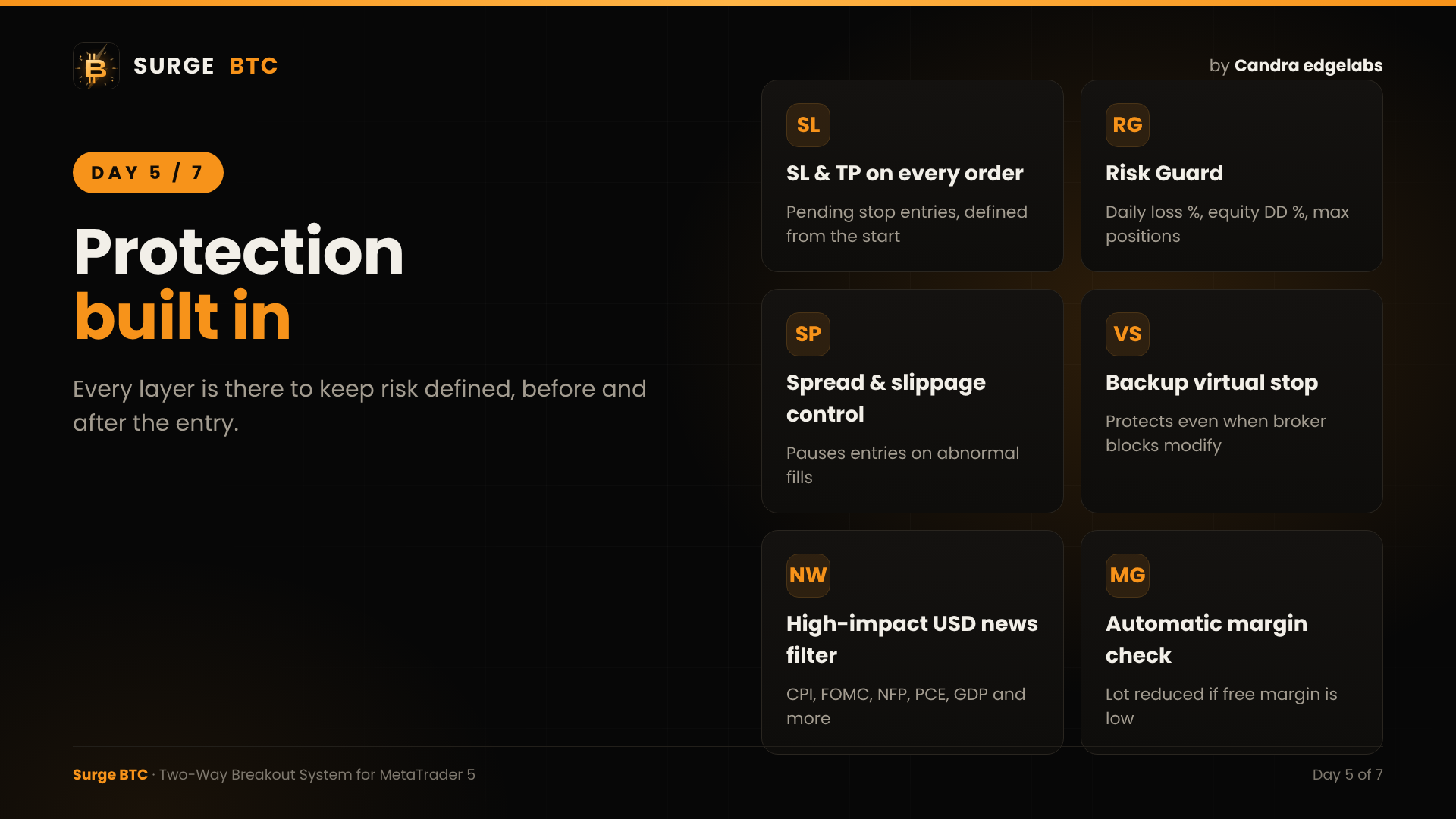
A good entry is only half of a trading system. The other half is what protects the account. Today I'll go through every protection layer inside Surge BTC.
1. STOP LOSS AND TAKE PROFIT ON EVERY ORDER
Every entry is a pending stop order with SL and TP already attached. There is never a moment when a position is open without protection.
2. RISK GUARD
- Maximum daily loss (%)
- Maximum equity drawdown from peak (%)
- Maximum number of open positions
- Maximum pending orders per side
- Pending order expiry
3. SPREAD FILTER
Set the maximum spread in USD. New entries wait until the spread is back to normal.
4. SLIPPAGE PROTECTION
The EA monitors the quality of every fill. After abnormal slippage it pauses new entries and manages the affected positions more tightly.
5. BACKUP VIRTUAL STOP
If a broker's freeze level or stop level blocks a stop modification, Surge BTC keeps protecting the position internally and closes it at the intended level.
6. AUTOMATIC MARGIN CHECK
If free margin is not enough for the calculated lot, the lot is reduced automatically.
7. HIGH-IMPACT USD NEWS FILTER (OPTIONAL)
CPI, PCE, PPI, FOMC, NFP, ISM, Retail Sales and GDP, with adjustable minutes before and after the release.
8. NEWS WEEK RISK REDUCTION
Optionally reduce the lot or risk by 25% or 50% during weeks with selected USD news.
9. BROKER-FRIENDLY
BTC symbol names and suffixes are detected automatically (BTCUSD, XBTUSD, BTCUSD.m, BTCUSD-pro and more). Lot step and filling mode are handled automatically, and cent accounts are supported.
All of these work together so you can focus on the results, not on watching the chart.
Tomorrow: how to set up Surge BTC in 5 minutes.
Surge BTC on MQL5 Market: https://www.mql5.com/en/market/product/203946
Live signal: https://www.mql5.com/en/signals/2397151
Candra edgelabs