How to Configure Gold XAUUSD Pro for MetaTrader 5
Trading Gold (XAUUSD) can be very different from trading traditional currency pairs. Gold can experience rapid price movements, changing volatility and significant intraday fluctuations. Because of this, proper configuration of an Expert Advisor is an important part of using an automated trading system.
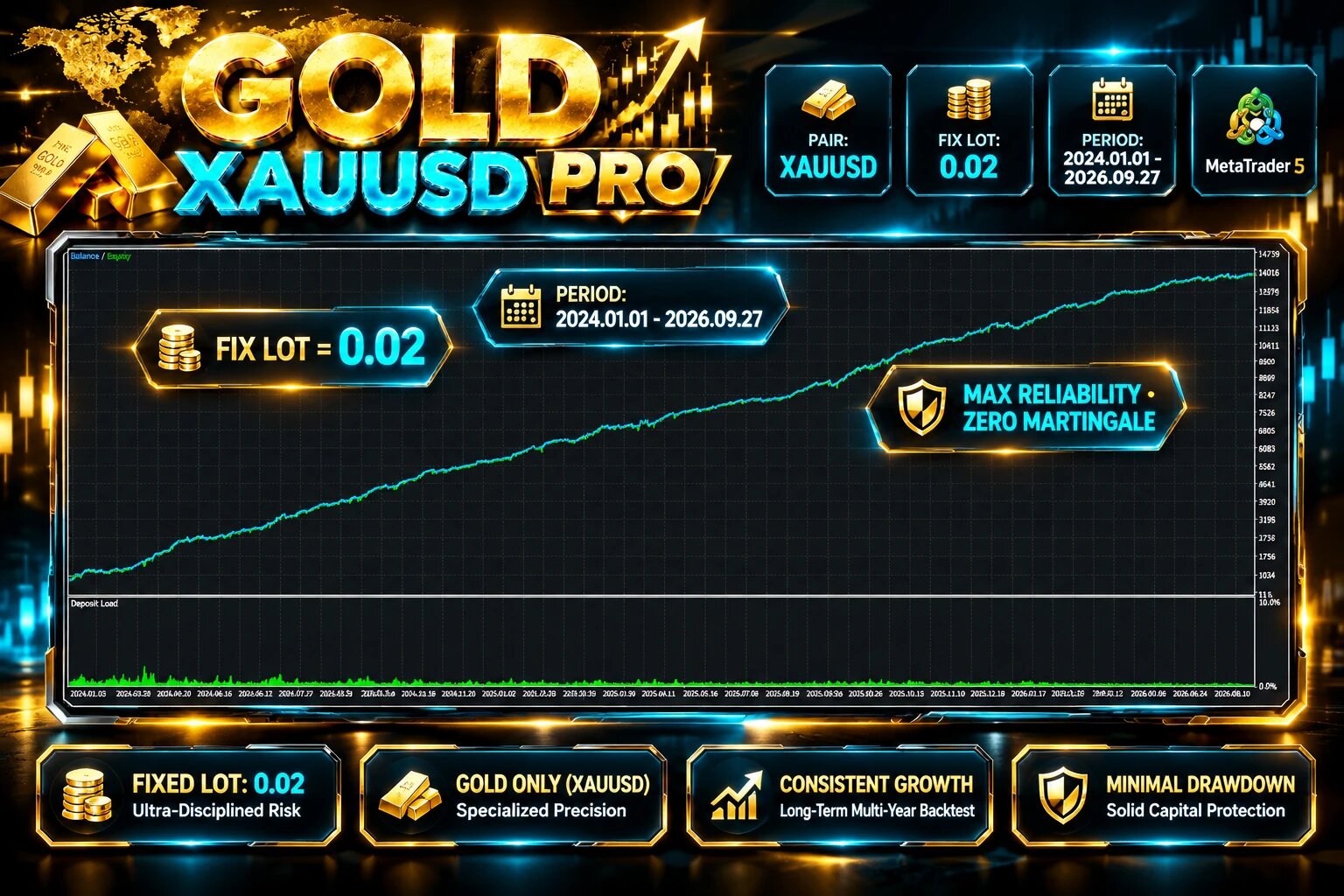
Gold XAUUSD Pro is an Expert Advisor for MetaTrader 5 developed specifically for XAUUSD/Gold. According to its product documentation, the EA uses 8 integrated analysis systems, supports percentage-based or fixed-volume position sizing, and includes trade and position-management options.

This article explains the main settings and provides a practical starting configuration.
1. Attach the EA to Gold
Gold XAUUSD Pro is designed specifically for XAUUSD / GOLD and is not intended as a multi-symbol Expert Advisor.
Symbol: XAUUSD / GOLD
Timeframe: Any
Strategies: 8 Analysis
Recommended minimum deposit in the specifications: $1,000
Leverage: ≥ 1:100
Account types: Hedging, Low Spread, ECN and others
VPS: 24/7 recommended for continuous automated operation
2. Understanding the 8 Analysis Systems
One of the main features of Gold XAUUSD Pro is its eight analysis modules.
Analysis 1
Analysis 2
Analysis 3
Analysis 4
Analysis 5
Analysis 6
Analysis 7
Analysis 8
Each option can be enabled or disabled.
It is generally better to first understand the EA with its complete analysis configuration before experimenting with individual modules.
3. Order Settings
The next section controls how the EA sends and identifies orders.
Magic Number
MagicNumber = 12321
If you are running several EAs on the same account, using different Magic Numbers can help separate their trades.
Slippage
Slippage = 350
The appropriate value can depend on your broker, symbol and market conditions. Gold can experience periods of increased volatility, so traders should test execution conditions with their own broker.
Comment + [Number]
Analysis
This can be useful when checking trades in the MT5 terminal and reviewing which EA generated a position.
4. Spread and Index Number
Spread = 100.0
Index Number = 1.0
The spread parameter is important because execution costs can change significantly during volatile market conditions or around major market events.
5. Maximum Number of Orders
Max Order = 15
This setting limits the maximum number of orders according to the EA's trading logic.
6. Order Type Run
Order Type Run = false
The product documentation specifically notes that if no position is created during a backtest, users can enable Order Type Run.
Therefore, if you are testing the EA and the expected trade is not generated, check this setting as part of your troubleshooting process.
{ Fill_or_Kill - Immediate_or_Cancel - Order_Return }
7. Choosing the Money Management Method
One of the most important sections is Money Management.
Gold XAUUSD Pro provides two main position-sizing methods:
Fixed Volume
Volume Mode = Fixed_Volume
Fixed Volume = 0.02
With Fixed Volume, the EA uses a predefined lot size.
For example:
Fixed Volume = 0.02
means that the configured trading volume is 0.02 lots.
The correct volume depends on account size, broker contract specifications and the trader's risk tolerance.
Percentage Risk
The EA also provides percentage-based risk management. You need to change the "Fixed volume" option to "Auto volume".
Risk Per Trade [%] = 1.0
Max Risk All Trade = 5.0
This configuration represents:
Risk per trade: 1%
Maximum total risk setting: 5%
Percentage-based position sizing can be useful for traders who want position size to adapt to account balance rather than using the same lot size on every account.
8. Trailing Stop and Timer Prop Firm
Gold XAUUSD Pro also includes a trailing-stop management system.:
Delay Trailing = false
Timer (Seconds) = 30
The EA's documentation describes the trailing-stop system as a way to dynamically manage Stop Loss levels as the market moves. It also includes a timer that can control when trailing-stop logic becomes active.
If you are using the EA under specific Prop Firm rules, make sure that the trailing configuration is compatible with the firm's trading conditions.
9. Trading Days
The EA allows users to select the days on which trading is permitted.
The example configuration enables:
Trade Monday = true
Trade Tuesday = true
Trade Wednesday = true
Trade Thursday = true
Trade Friday = true
Trade Saturday = true
Trade Sunday = true
Users can change these settings according to their preferred trading schedule and broker's Gold trading hours.
The most important step is not simply finding a configuration that produces a high backtest profit. Instead, traders should understand how each setting affects position size, exposure, drawdown and trade frequency.
A structured approach is to start with the default configuration, perform a historical backtest, test the EA on a demo account, and then determine whether the settings are appropriate for the trader's own risk-management rules.
Risk Disclaimer: Automated trading involves financial risk. No Expert Advisor can guarantee profits. Past performance does not guarantee future results. Always test an automated trading system and use risk parameters appropriate for your own account and circumstances.
My YouTube Channel : youtube.com/@mqlexp