MT5 Build 6230: AI Moves from Explaining to Testing and Analyzing Trading Tools


“Test this signal tool and analyze the results.”
Until recently, asking an AI to do something like this often ended with a familiar response: “Please continue manually from here.”
But in September 2026, MetaTrader 5 was updated to Build 6230. The integration between the MT5 AI Assistant and the trading platform has taken another step forward.
This is no longer just a chat AI that explains things. The AI can increasingly perform actual tasks inside MT5.
For traders, that could be a meaningful change.
AI assistants are beginning to evaluate the performance of Expert Advisors and signal tools by actually working with the trading platform.
🤔 What Changed in Build 6230?
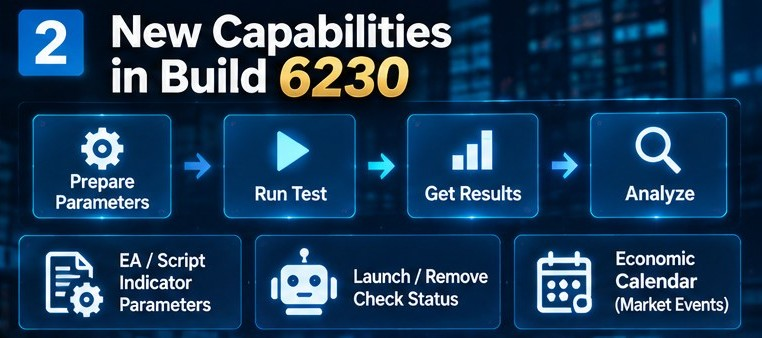
Build 6230 added several important capabilities to the MT5 AI Assistant.
First, the AI can work with Expert Advisor, script, and indicator parameters, including preparing parameters before testing.
It can also interact with programs attached to charts by retrieving parameters, launching or removing them, and checking their status.
Another addition is access to the Economic Calendar. The AI can retrieve information about countries, events, and economic indicators, making it easier to combine macroeconomic information with market-price analysis.
There is an important distinction, however.
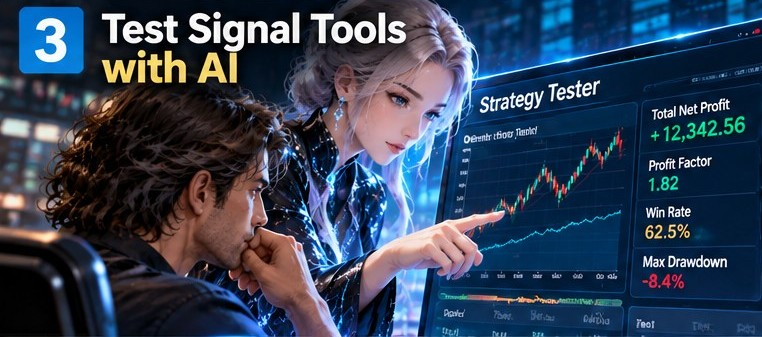
The ability to retrieve Strategy Tester results, check tester settings, analyze logs, and assist with optimization had already been added in Build 6180 on September 4. Build 6230 extends that foundation by adding more capabilities for preparing programs for testing and interacting with EAs, scripts, and indicators.
In other words, AI can increasingly connect a longer sequence of tasks:
Prepare → Run → Retrieve Results → Analyze
That makes the AI Assistant considerably more useful for practical testing workflows.
The public menu.txt for the MT5 AI Assistant has also become more practical than originally expected. In particular, the “Analyze Signal Tools” section can now take advantage of these expanded AI capabilities.
🤖 MT5 AI Assistant: Simple Menu
Make the MT5 AI Assistant easier to use with a standard menu.
English | Русский | 中文 | Espanol | Portugues | 日本語 | Deutsch | 한국어 | Francais | Italiano | Turkce😁 What Can You Actually See When You Use It?
In actual use, there are now more situations where a task that previously stopped halfway can continue inside MT5.
For example, suppose you ask:
“Make the buttons look cool in dark mode.”
The AI does not simply change a color. It can consider whether the requested change may involve modifying EA parameters and proceed more carefully.
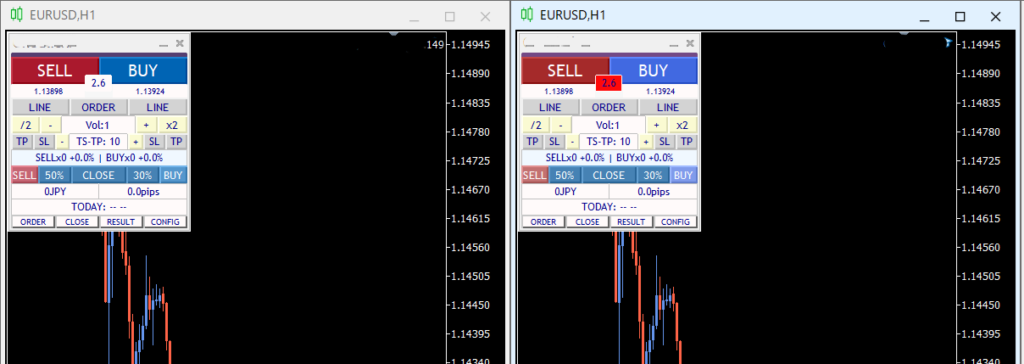
It may sound like a small example, but it demonstrates an important difference between an AI that merely gives instructions and an AI that can interact with the trading environment.
And if you ask:
“Test the performance of this signal tool.”
the AI can now work with the Strategy Tester as part of the process.
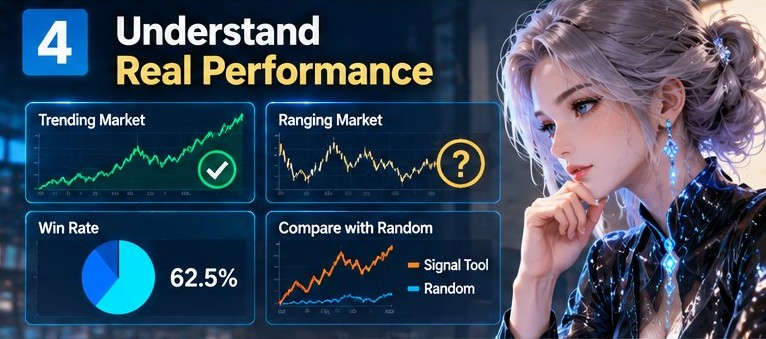
This opens the door to questions such as:
- What type of market conditions does it perform well in?
- What is the win rate?
- Does it behave differently from random signals?
You do not necessarily need to remember every detail of the Strategy Tester interface before you can start investigating these questions. You can begin with a conversation and connect that conversation to an actual testing workflow.
That is the significant change.
Of course, AI will not always make the correct judgment. Performance evaluation also depends on what you measure and how you design the test.
In fact, if an AI can spend time just looking for the right “cool” color, it is reasonable to carefully examine its analytical conclusions as well.
The AI can help with the work. It does not eliminate the need to verify the results.
🤔 Trading Tools Are Also an Investment
The MT5 AI Assistant has been rapidly increasing its practical capabilities, from the MCP and agent functionality introduced with Build 6060 to the expanded testing capabilities in Build 6180 and the broader platform interaction introduced in Build 6230.
When trading, the money you put into an EA or signal tool is also a form of investment.
Thinking about evaluating the performance of a trading tool may initially feel somewhat negative.
But if you are already using a tool, there is also little value in purchasing it and then never investigating how it actually behaves.
You do not have to stop at “I bought it.” You can test it, examine its performance, and determine whether it meets your expectations.

If the results do not justify continued use, you can make a decision to stop using it.
As AI begins to assist with the testing process itself, traders can investigate their tools more easily without having to master every technical detail of the Strategy Tester first.
The goal is not to let AI decide whether a tool is good or bad.
The goal is to make testing and investigation more accessible.
I am also working on a more detailed prompt specifically designed for deep analysis of signal tools, beyond the current MT5 AI menu.txt .
It should be available