KTA Auto Trader
- 专家
-
Vishal Dilip Gaikwad
 Welcome to Art of Kushal Trading Academy.
 - 版本: 3.32
- 激活: 5
KTA Buy Sell Algo V3.32 – EMA 9/18 Auto Trading Expert Advisor
Developed by Trading With Kushal
Overview
KTA Buy Sell Algo V3.32 is an automated trading Expert Advisor (EA) for MetaTrader 5, designed to execute trading strategies using the Exponential Moving Average (EMA) 9/18 crossover approach.
The EA is designed to help traders automate trade execution and manage predefined trading parameters, with additional filters intended to help avoid unfavorable market conditions.
Suitable for traders who want to explore systematic trading, automated execution, and structured risk management.
Key Features
1. EMA 9/18 Crossover Strategy
- Uses the 9-period and 18-period Exponential Moving Averages.
- Identifies potential buy and sell opportunities based on EMA crossover conditions.
- Automates trade execution according to the programmed strategy.
2. Automated Buy and Sell
- Supports automatic buy and sell orders.
- Configurable trading parameters, depending on the EA settings.
- Designed to reduce the need for manual order execution.
3. Risk Management
- Supports predefined Stop Loss and Take Profit settings.
- Fixed-lot or risk-based position sizing, where enabled.
- Maximum lot restrictions, where configured.
4. News Filter
- Includes a news-filter feature intended to help manage exposure around important economic events.
- News filtering behavior depends on the EA configuration and supported economic-calendar data.
5. Sideways Market Filter
- Includes a filter designed to reduce trading during ranging market conditions.
- Market conditions can change rapidly, and the filter cannot eliminate all false signals.
6. Daily Profit and Loss Limits
- Configurable daily profit target and daily loss limit, where enabled.
- Designed to stop opening new trades after a configured daily threshold is reached.
- Actual behavior depends on the implementation and settings of the installed version.
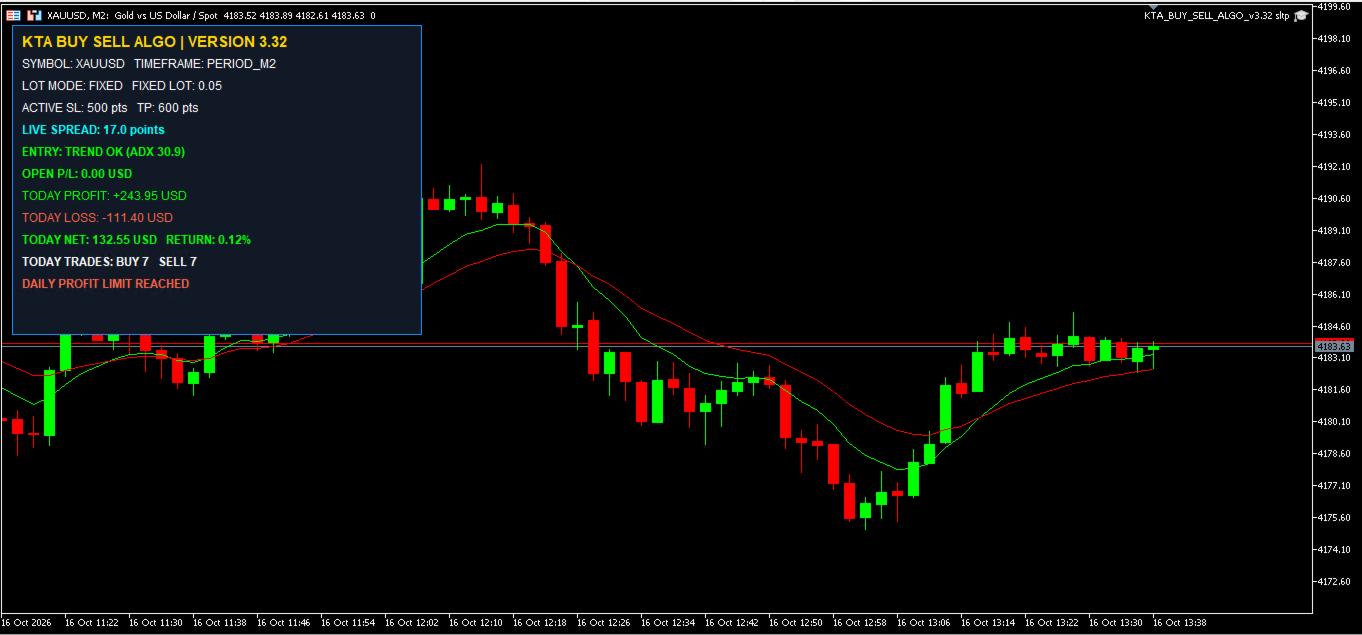
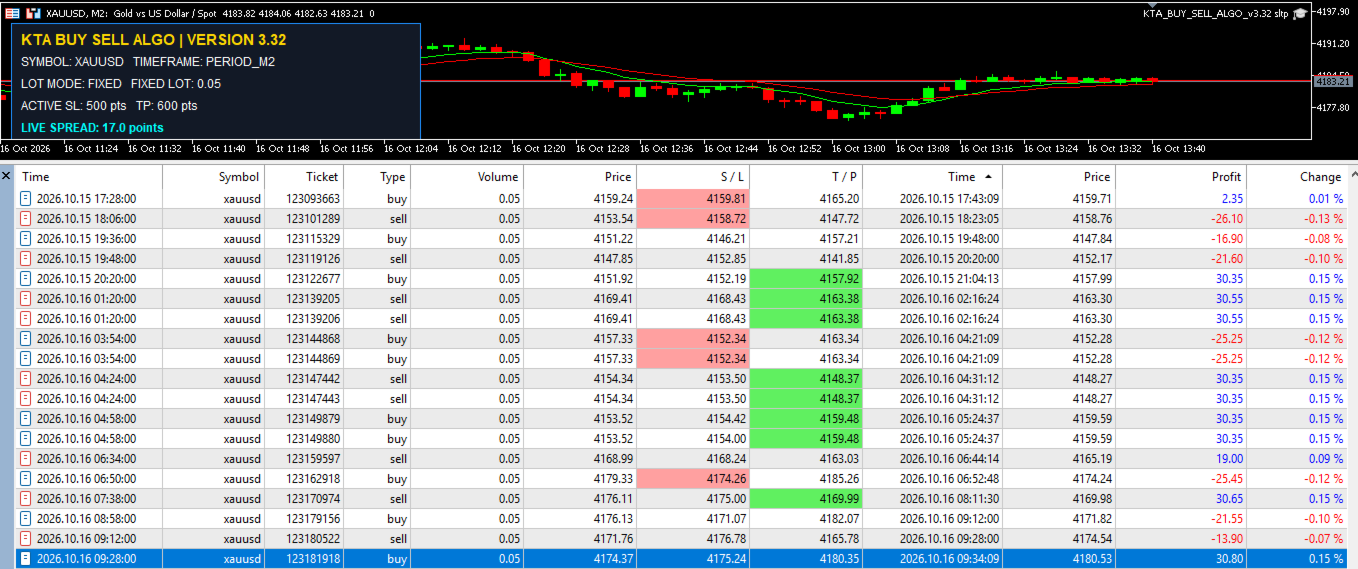
7. On-Chart Dashboard
- Displays relevant EA and trading information when the dashboard is enabled.
- Helps users monitor trading activity and configured parameters.
Recommended Usage
- Platform: MetaTrader 5
- Product type: Expert Advisor (EA)
- Strategy: EMA 9/18 crossover
- Trading instruments: Instruments supported by your broker and EA configuration
- Timeframes: Use the timeframes supported by the EA and validate them through testing
- Account type: Test compatibility with your broker's account and execution conditions before live trading
Installation and Setup
1. Download and install the EA in MetaTrader 5.
2. Open the MetaTrader 5 terminal and locate the Expert Advisors section.
3. Attach KTA Buy Sell Algo to the desired chart.
4. Configure lot size, Stop Loss, Take Profit, and other available inputs.
5. Enable Algo Trading and verify the EA's status.
6. Test the settings in the Strategy Tester and on a demo account before using real funds.
Important Risk Disclosure
Trading financial markets, including Forex, gold, and other CFDs, involves substantial risk. Automated trading does not guarantee profits and may result in losses, including the loss of the entire trading balance.
Past performance and backtesting results do not guarantee future results. Slippage, spreads, commissions, market gaps, broker execution, and changing market conditions can affect trading outcomes.
Daily limits and risk-management settings should not be treated as guarantees against losses. Please test the EA thoroughly on a demo account before live deployment.
KTA Buy Sell Algo V3.32 is a trading automation tool, not a guarantee of profitable trading or financial advice.
Trading With Kushal — Trade with discipline, understand the risk, and test before trading live.