My Trade Panel MT4
- Yardımcı programlar
-
Ida Bagus Githa Dyatmika
 ✅ My signal is only to use Live account, Not using Demo account because there will be Big differences in trading result due to Slippage, Spread, and Commission
❎ My products are ONLY SOLD via MQL5 website. If you see it somewhere else, be aware of scam.
⚠ HIGH RISK WARNING: ⚠ - Sürüm: 2.30
- Güncellendi: 6 Kasım 2026
- Etkinleştirmeler: 5
My Trade Panel MT4
A manual trading panel for MetaTrader 4. It calculates your lot size from the risk you choose, places market and pending orders in one click, and manages open positions with breakeven, partial close, and seven types of trailing stop. It does not open trades on its own. You make the decisions and the panel handles the math and the routine work.
Line function
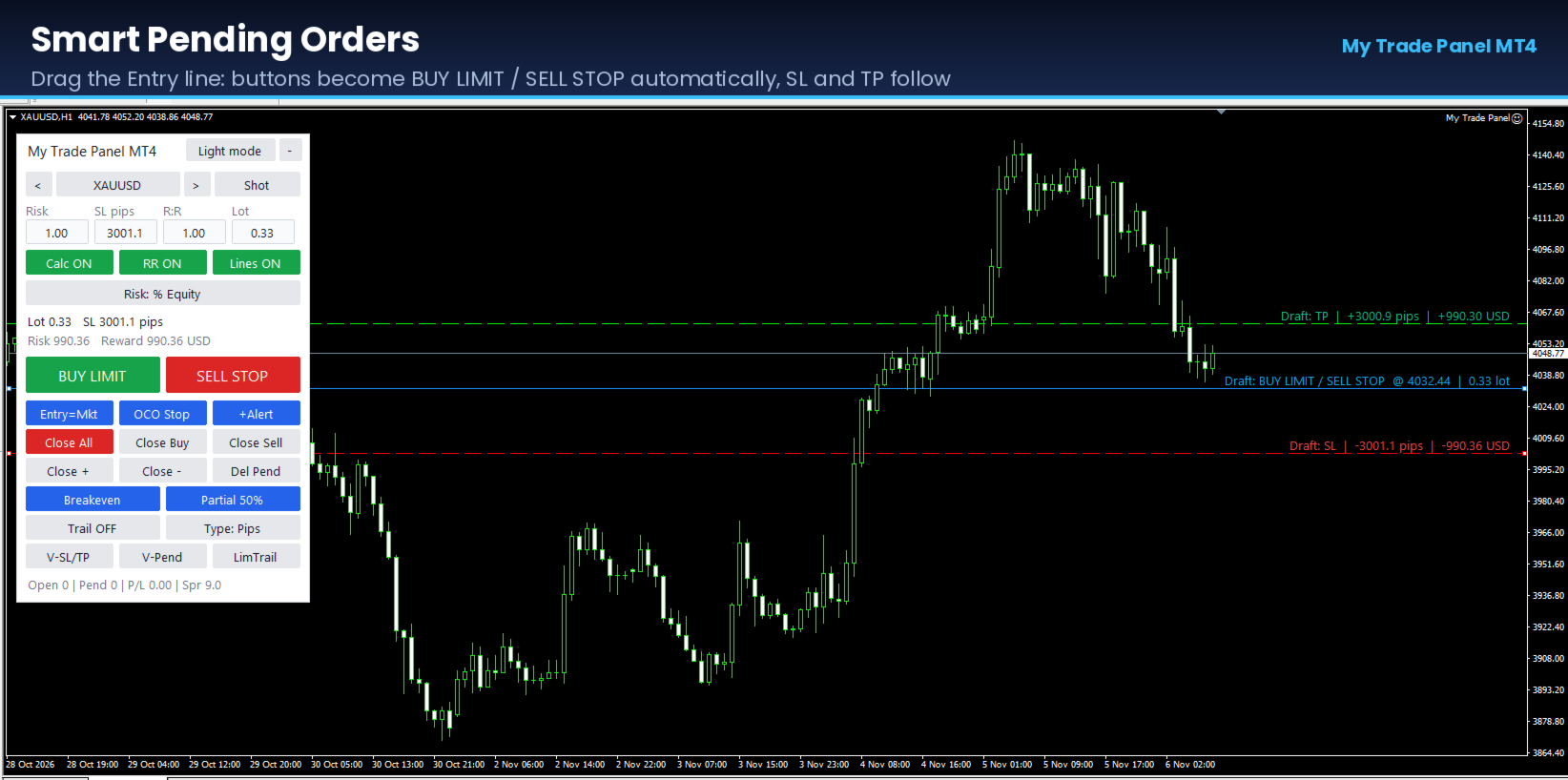
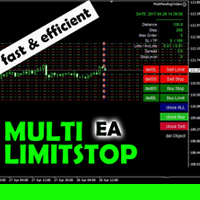
Show Entry, Stop Loss, and Take Profit lines on the chart. Drag them to plan a trade and see the lot, risk, and reward before you click. If the Entry line is away from the market price, the panel automatically sends a Limit or Stop order.
Risk management
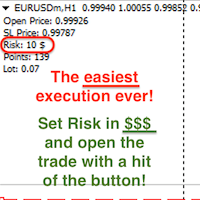
- Lot size is calculated from your Stop Loss distance, so you can use any SL size and still keep the same risk.
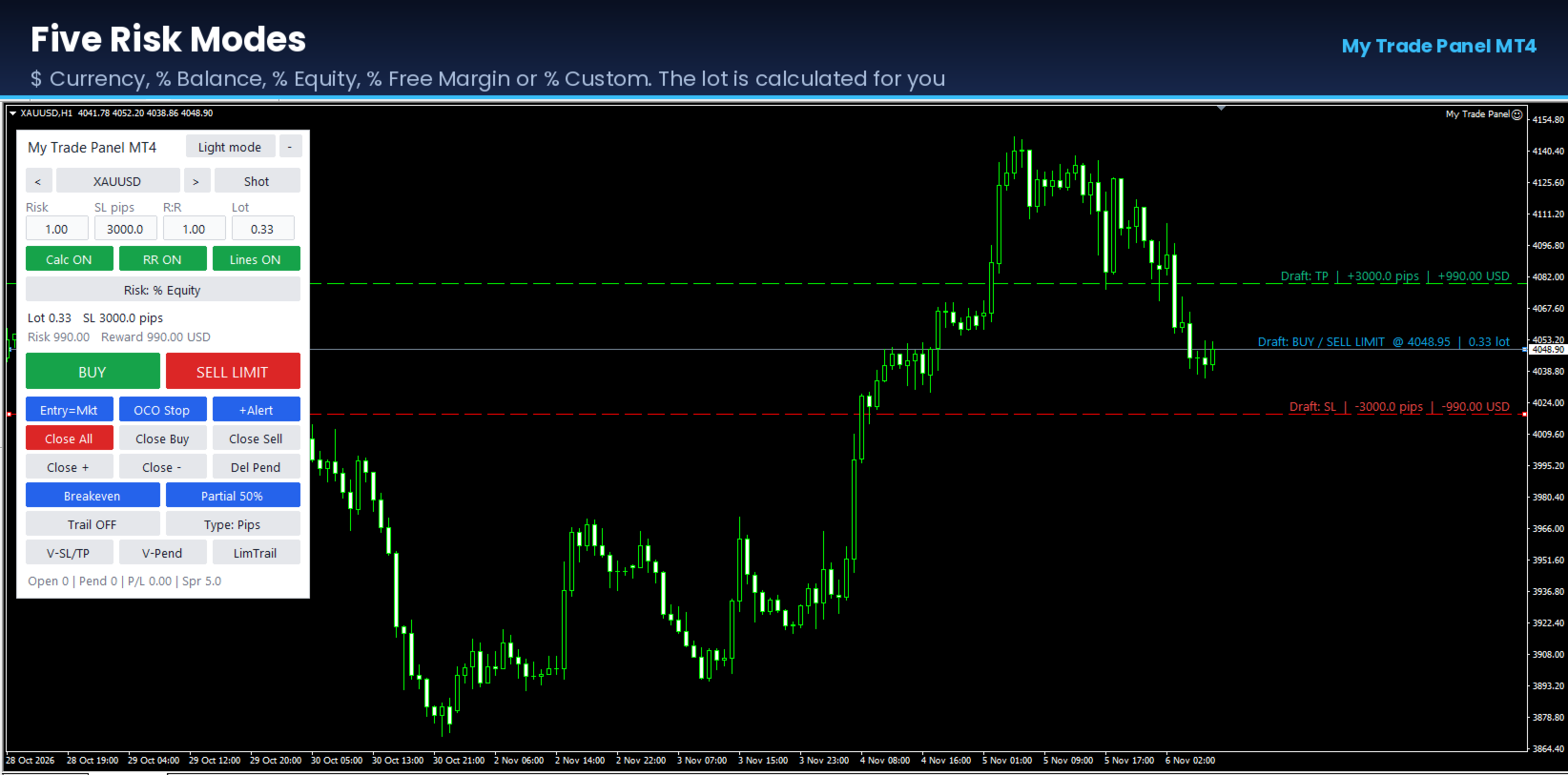
- Five risk modes: $ Currency, % Balance, % Equity, % Free Margin, and % Custom.
- Calc button switches between automatic lot and manual lot.
- R:R sets Take Profit relative to Stop Loss (for example 2:1 makes TP twice the SL). A button turns it on or off.
- The panel shows lot, SL in pips, risk, and reward in your account currency.
Orders management
- Market and pending orders (Buy/Sell Limit and Stop).
- OCO: places a Buy Stop and a Sell Stop together. When one is triggered, the other is deleted.
- Virtual pending orders and virtual Stop Loss / Take Profit, kept inside the terminal instead of on the broker’s server.
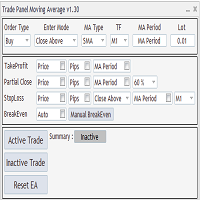
- Breakeven, manual or automatic, with an offset in pips.
- Partial close by percentage of the position volume.
- Trailing stop with 7 types: Pips, Fractals, Moving Average, Parabolic SAR, ATR, Partial close steps, and High/Low bars.
- Limit order trailing: moves a pending Limit order to follow the price at a set distance.
- One-click close for All, Buy only, Sell only, profitable only, losing only, or pending orders only.
- Close all positions automatically when total profit or total loss reaches your target.
- Time manager: open and close orders at set server times on chosen weekdays.
Additional functions
- Price alert lines. When price crosses a line, you get a terminal alert and a push notification.
- Symbol switch buttons to change the chart’s symbol.
- Chart screenshot, by button or automatically with each new order.
- Hotkeys: B Buy, S Sell, C Close all, T Trailing, L Lines, A Alert line, P Screenshot, E Breakeven.
- Dark and Light themes, switched with one button. The panel can be minimized.
Settings
All defaults (risk, SL, R:R, trailing parameters, time manager, magic number, slippage) are in the EA inputs. By default the panel manages only orders with its own magic number. You can set it to manage all orders on the symbol, including manual trades and trades from other EAs.
Notes
- Test on a demo account first to confirm the lot calculation for your broker’s symbols (indices, gold, crypto).
- Virtual SL/TP and virtual pending orders work only while the EA runs and the terminal is connected. A VPS is recommended.
- Trading involves risk. This tool is an aid for order execution and risk calculation and does not guarantee profit.