Universal Ai Indicator EA
- Uzmanlar
- Sürüm: 3.2
- Güncellendi: 16 Haziran 2026
- Etkinleştirmeler: 5

UNAi Indicator
Advanced Automated Trading with Smart Recovery and Trend Filtering
Product Overview
The Ai Universal EA v1 is a highly versatile and fully automated Expert Advisor (EA) designed for MetaTrader 4. Whether you are a beginner looking for a ready-to-use strategy or an advanced trader wanting to automate your favorite custom indicator, this EA adapts to your needs. It combines a flexible signal engine with a powerful "Martin-style" grid recovery system, designed to safely manage drawdowns and close trades in profit.
Key Advantages & Features
-
Universal Signal Engine: You are not locked into one strategy. Use the built-in Moving Average Cross system, or plug in any custom indicator simply by entering its name and signal buffers.
-
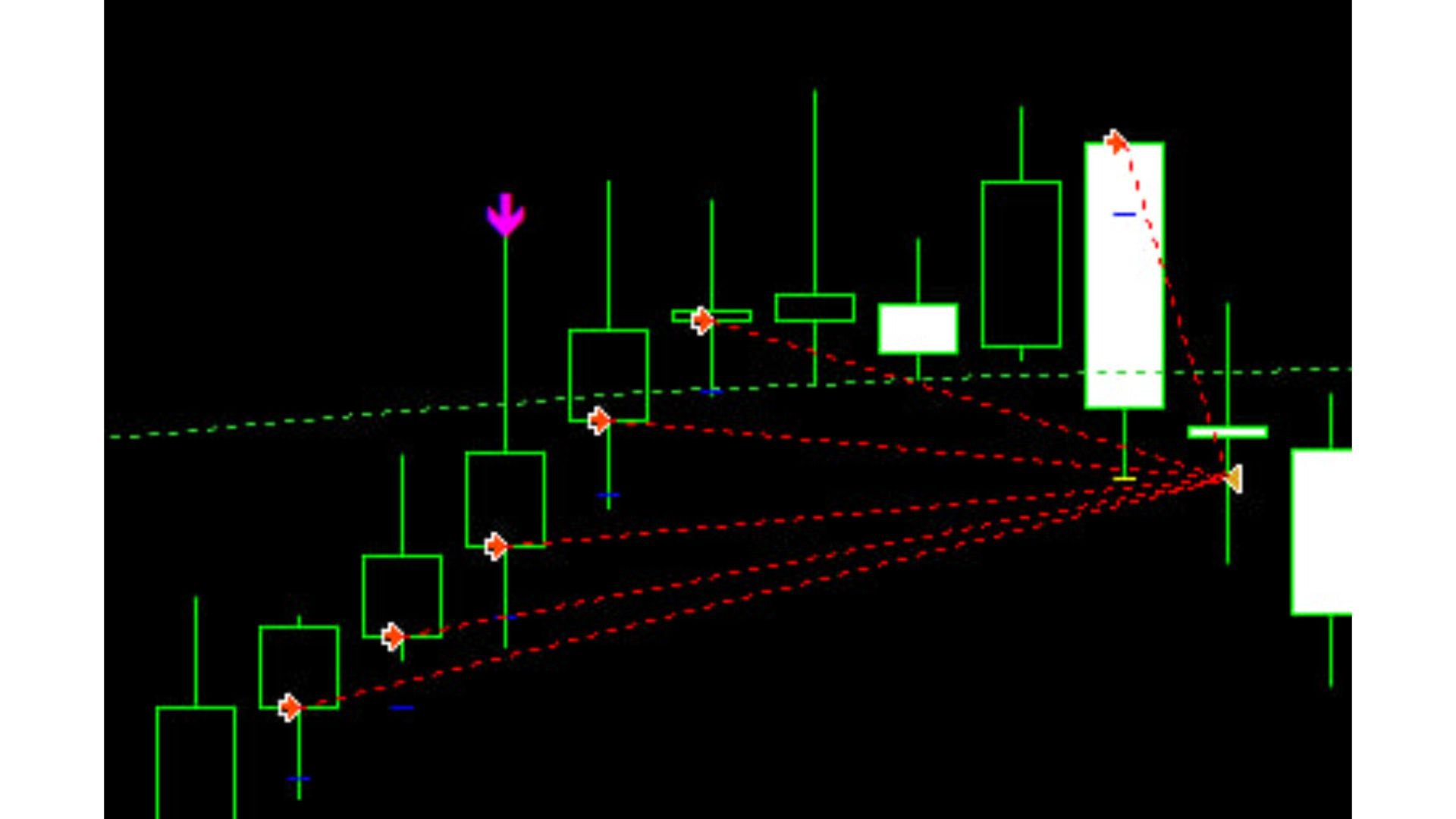
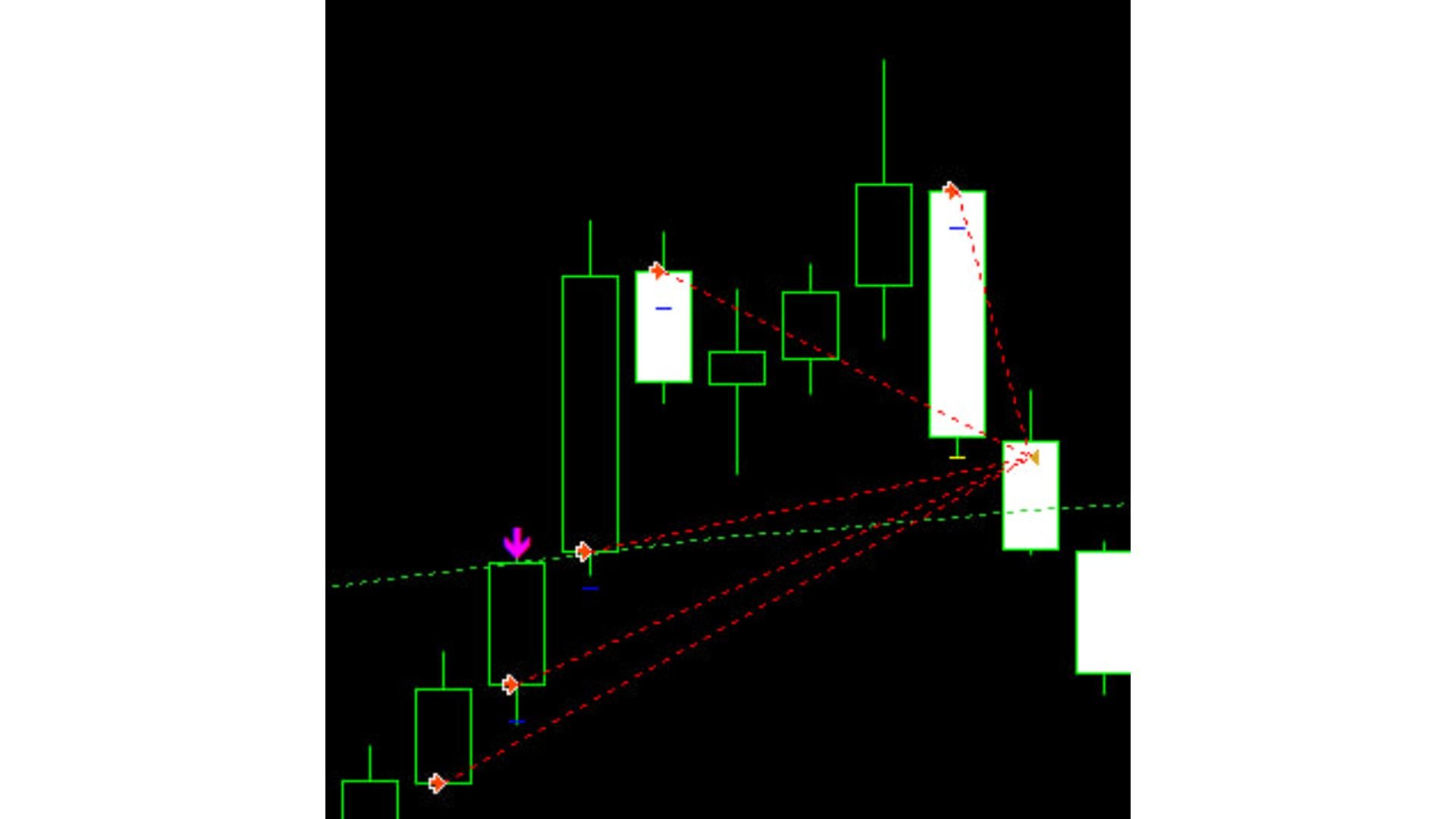
Smart Grid Recovery: Never panic during a drawdown again. If a trade goes against you, the EA automatically opens strategic recovery trades using a customizable multiplier. It then automatically adjusts the Take Profit for the entire group of trades to a weighted average, allowing you to exit in profit on a small market pullback.
-
Built-in Trend Protection: Includes an optional EMA (Exponential Moving Average) filter. When activated, the EA will only buy when the price is above the EMA and sell when it is below, ensuring you always trade with the larger market trend.
-
Advanced Risk & Trade Management: Features automated lot sizing based on your account balance, dynamic trailing stops to lock in profits, maximum spread protection to avoid trading during volatile news events, and specific trading hours.
-
Real-Time On-Chart Dashboard: Stay informed at a glance. The EA draws a sleek, non-intrusive dashboard directly on your chart, displaying your current floating profit, active settings, spread, and the status of your recovery grid.
Input Parameters
=== INDICATOR SETTINGS ===
-
IndicatorName: The exact file name of your custom indicator (leave blank to use the built-in MA cross).
-
BuyBuffer / SellBuffer: The data buffers your custom indicator uses to generate Buy (0) and Sell (1) signals.
-
SignalShift: The candle to check for signals (1 = previous closed candle).
-
BuySignalValue / SellSignalValue: Specific values required to trigger a trade (leave at 0 for standard buffer logic).
=== BUILT-IN MA CROSS ===
(Active only if IndicatorName is left blank)
-
FastMA_Period / SlowMA_Period: The periods for the fast (9) and slow (21) moving averages.
-
MA_Method / MA_Price: The type of moving average (e.g., Exponential) and applied price (e.g., Close).
=== TREND FILTER ===
-
UseEmaFilter: Set to true to enable trend filtering.
-
EmaFilterPeriod: The period for the Trend EMA (default is 200).
=== TRADE SETTINGS ===
-
LotSize: Your starting trade size if AutoLot is disabled.
-
UseAutoLot / AutoLotRiskPercent: Enable dynamic lot sizing based on a percentage (e.g., 1.0%) of your account balance.
-
StopLoss / TakeProfit: Initial Stop Loss and Take Profit in pips (SL is often kept at 0 when using the Recovery Grid).
-
TrailingStop / TrailingStep: Activates a trailing stop to follow the price and lock in profits.
-
MaxSpread / Slippage: Prevents trading if the broker's spread is too high (e.g., over 30 pips).
-
MagicNumber / TradeComment: Unique identifiers so the EA only manages its own trades.
=== SIGNAL BEHAVIOUR ===
-
TradeDirection: Choose to allow Both directions (0), Buy Only (1), or Sell Only (2).
-
ReverseSignals: Flips the logic (Buys become Sells, Sells become Buys).
-
CloseOnOppositeSignal: Automatically closes active trades if a reverse signal appears.
-
OneTradePerBar: Ensures the EA only opens one initial trade per candle.
=== RECOVERY GRID ===
-
UseRecovery: Enables the martingale-style grid recovery.
-
Loop: The maximum number of trading cycles the EA will perform.
-
DbLots: Method for lot sizing in recovery (1 = standard multiplier, 2 = history-based).
-
Distance: The distance in pips the price must move against you before a recovery trade opens.
-
Multiplier: The lot size multiplier for recovery trades (default is 1.6).
-
MaxLevel: The maximum number of recovery trades allowed per cycle.
=== TRADING HOURS ===
-
UseTradingHours: Enable to restrict the EA's operating time.
-
StartHour / EndHour: The specific broker-time hours the EA is allowed to open new initial trades.