Hedging or Arbitrage Receiver
- Yardımcı programlar
- Sürüm: 1.60
- Etkinleştirmeler: 5

For use, it is necessary to have both the Hedging or Arbitrage Transmitter and the Hedging or Arbitrage Receiver, and they must run on the same PC or VPS.
Hedging or Arbitrage Transmitter
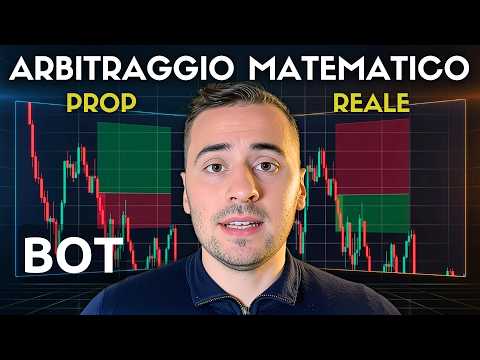
It must be installed on the account where the trades will be opened first (preferably the PROP account).
In the INPUT section, choose the monetary SL and TP you want on the Transmitter account (PROP) and the monetary SL and TP you want on the Receiver account (Real Account).
PollIntervalMs indicates how many milliseconds pass between checks for a new trade. The lower it is, the faster it is, but if it is too low it can overload the VPS. I use 150 ms.
Hedging or Arbitrage Receiver
It must be installed on the account where trades will be opened based on the data received from the Transmitter (preferably the Real Account).
In the INPUT section, choose the monetary SL and TP you want on the Receiver account (Real Account).
SignalExpirySec indicates the delay in seconds after which it is better not to open the trade. This helps protect the real account in case of technical issues (e.g., connection problems or VPS malfunction).
HOW IT WORKS
1) Open a trade (with any lot size you prefer) manually or with an EA on the Transmitter (Prop).
2)The Transmitter calculates and sets SL and TP based on the lot size used to open the trade, so that when they are reached there will be a monetary profit or loss equal to the value set in the input section.
3) The Receiver (real account) opens the opposite trade (with SL and TP reversed) and determines the lot size proportionally based on what happened on the Transmitter, so that when SL or TP is reached, the monetary profit or loss equals the value set in the input section.
Note: there may be approximations due to latency and the limit on the number of decimal places allowed for the lot size.