Trend Guard Pro
- Эксперты
- Версия: 1.0
- Активации: 5

Trend Guard Pro for MetaTrader 5
Trend Guard Pro is an automated Expert Advisor designed around a trend-following strategy using Exponential Moving Averages and RSI confirmation.
How It Works
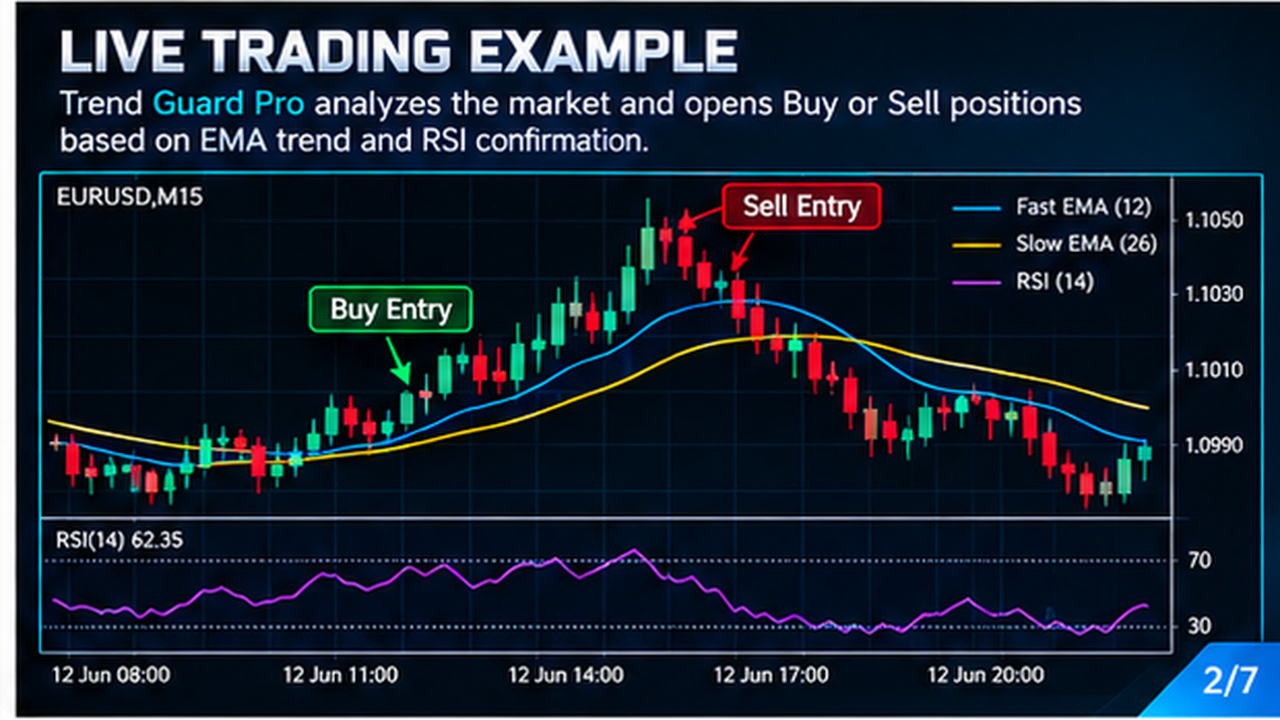
The EA analyzes the current symbol and timeframe using two EMA indicators to determine the general market direction. RSI is then used as an additional confirmation before opening a trade.
When the configured conditions are met, the EA can open a Buy or Sell position with an automatic Stop Loss and Take Profit.
The EA manages its own positions using the assigned Magic Number and only manages positions opened by the EA on the current symbol.
Position Management
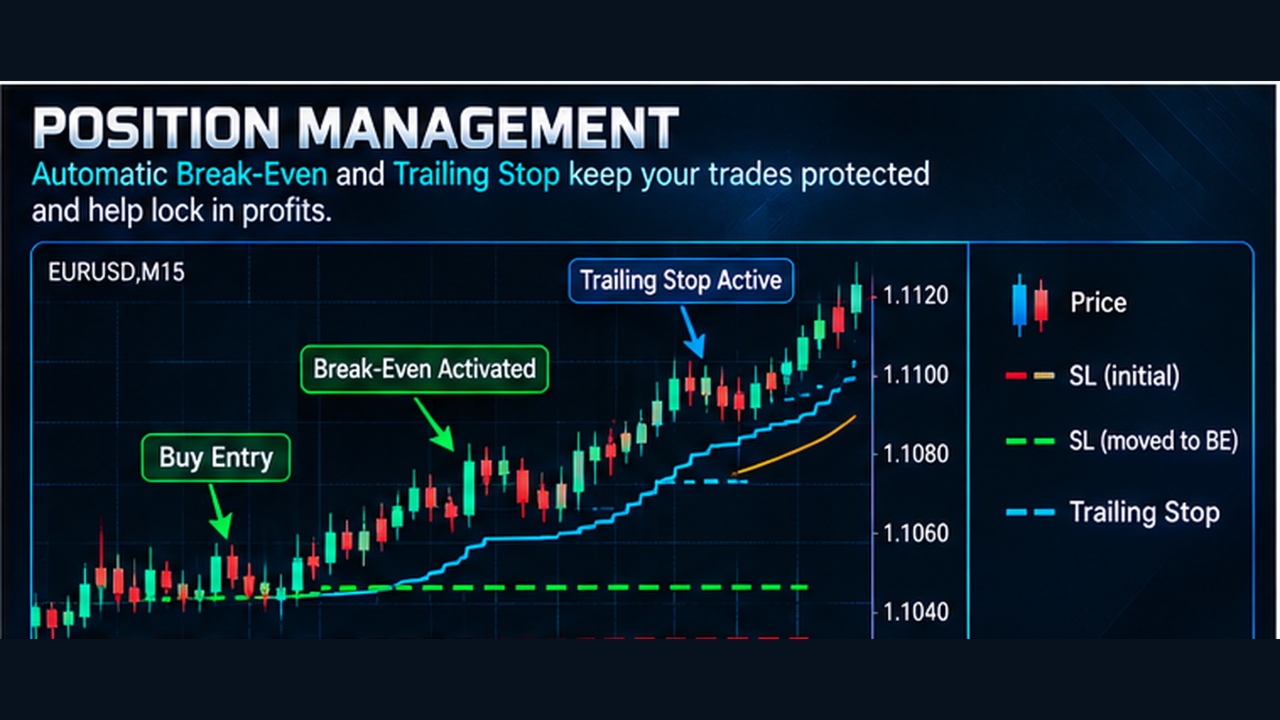
Trend Guard Pro includes automatic Break-Even and Trailing Stop management.
When the configured Break-Even level is reached, the EA can move the Stop Loss toward the entry price.
When the configured Trailing Start level is reached, the EA can continue adjusting the Stop Loss according to the selected trailing distance.
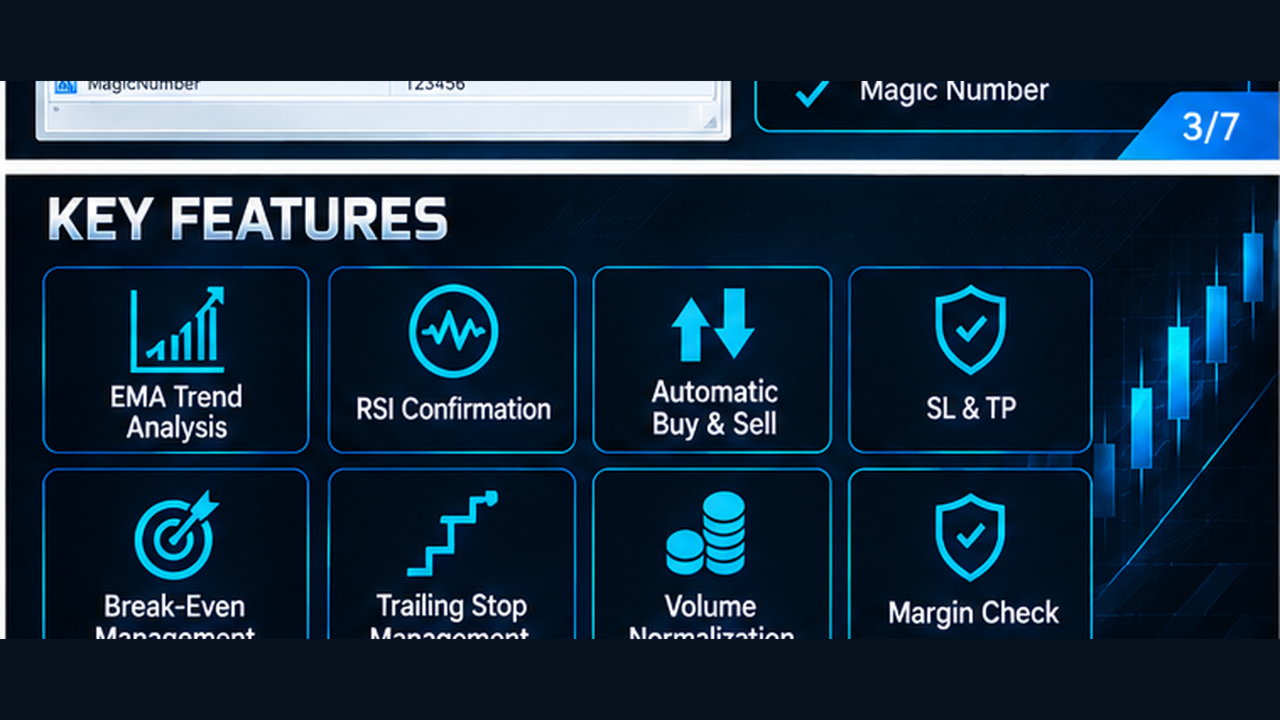
Key Features
Automated EMA trend analysis
RSI entry confirmation
Automatic Buy and Sell entries
Stop Loss and Take Profit
Break-Even management
Trailing Stop management
Adjustable trading parameters
Broker-compatible volume normalization
Margin availability check
Magic Number position management
No DLL calls
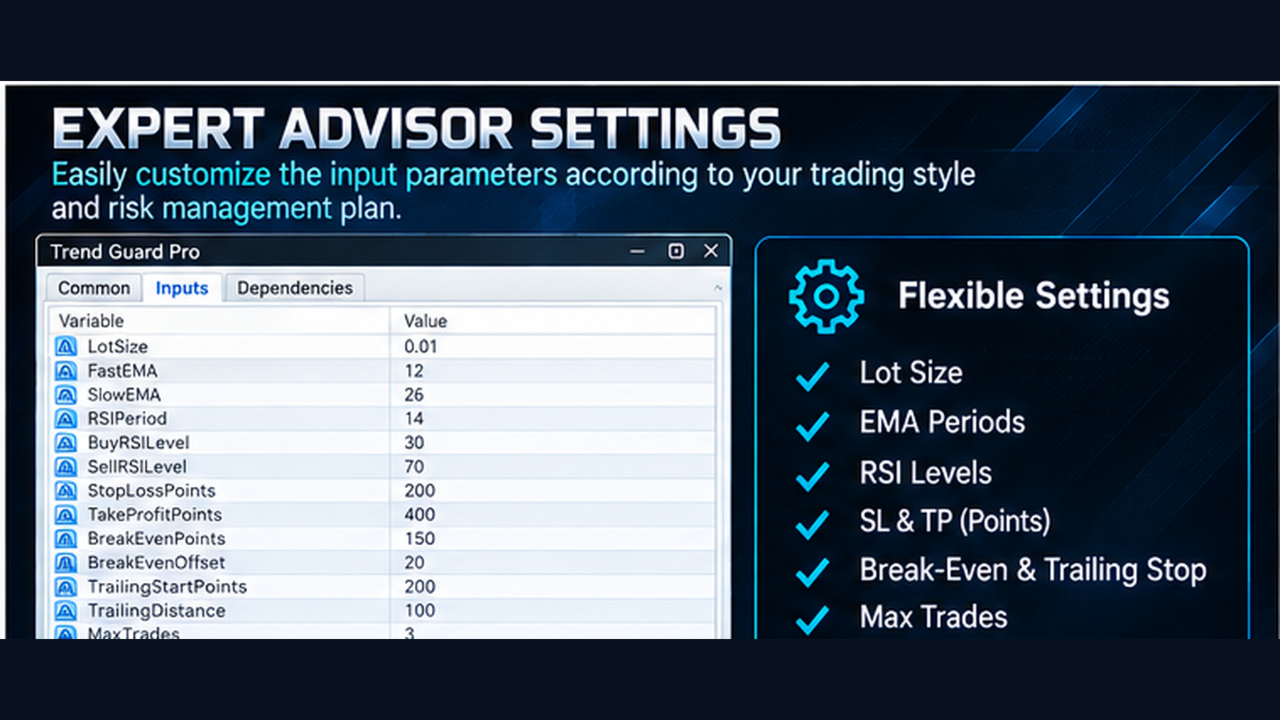
Input Parameters
LotSize — Sets the trading volume.
FastEMA — Sets the period of the fast EMA.
SlowEMA — Sets the period of the slow EMA.
RSIPeriod — Sets the RSI calculation period.
BuyRSILevel — Defines the RSI confirmation level for Buy entries.
SellRSILevel — Defines the RSI confirmation level for Sell entries.
StopLossPoints — Sets the Stop Loss distance in points.
TakeProfitPoints — Sets the Take Profit distance in points.
BreakEvenPoints — Defines when Break-Even management becomes active.
BreakEvenOffset — Sets the distance used when moving the Stop Loss around the entry price.
TrailingStartPoints — Defines when the trailing function becomes active.
TrailingDistance — Sets the trailing Stop Loss distance.
MaxTrades — Sets the maximum number of EA positions on the current symbol.
MagicNumber — Identifies positions opened by the EA.
Recommended Use
Test the EA on a demo account before using it on a live account. Results can vary depending on the symbol, timeframe, broker conditions, spread, execution, account type and market conditions.
Use appropriate risk settings and evaluate the EA under different market conditions before live trading.
Past or backtested performance does not guarantee future results.
Support
For questions regarding EA settings or installation, please contact the seller through the available MQL5 Market support options.