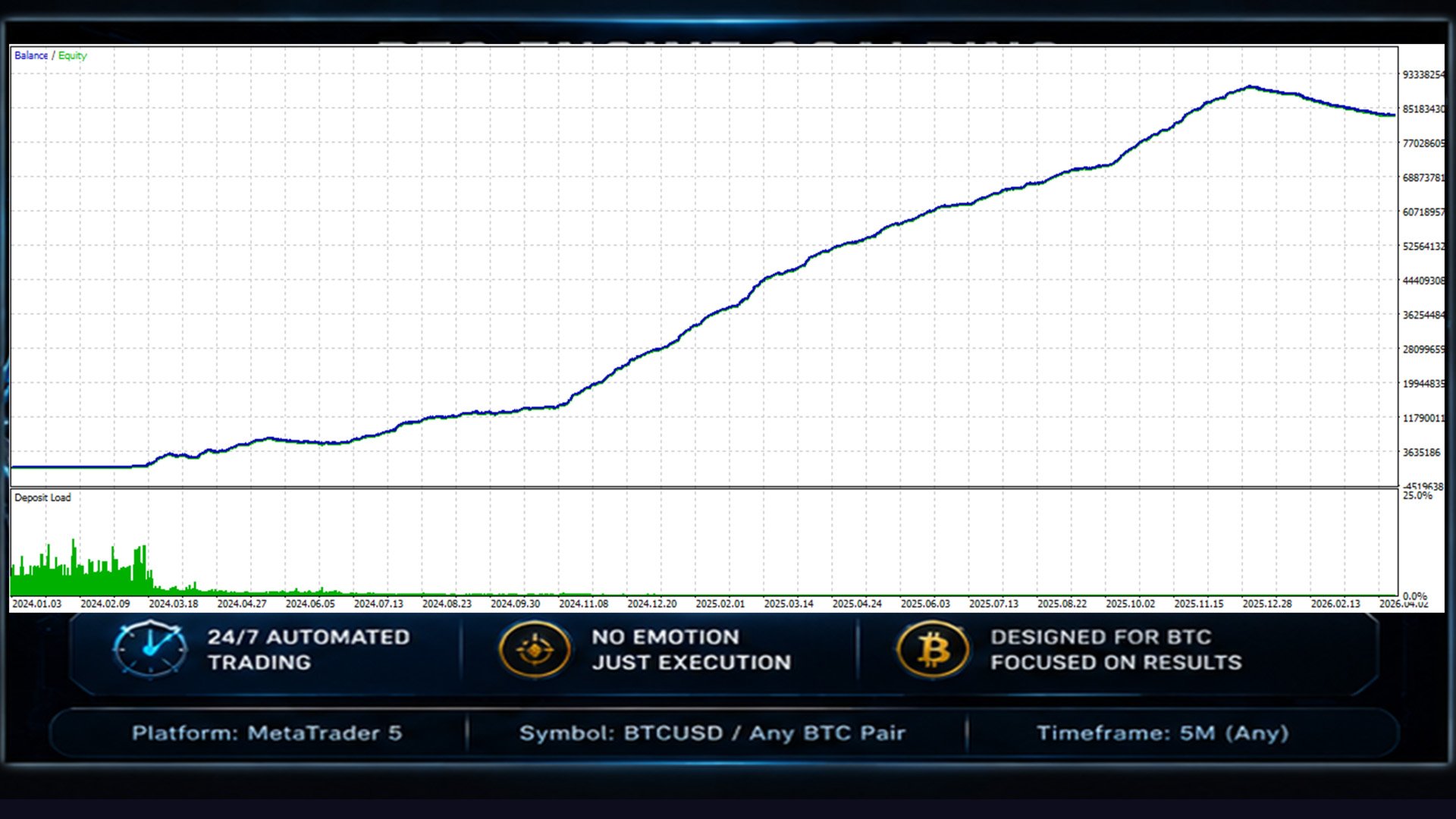
BTCEngine
- Эксперты
-
Geethika Rasnayake Mudiyanselage
 I am a specialist advisor and indicator developer. I have been trading since 2014, and this is my profession. Support me on your journey into automated trading by purchasing my expert advisors.
 - Версия: 1.2
- Активации: 10
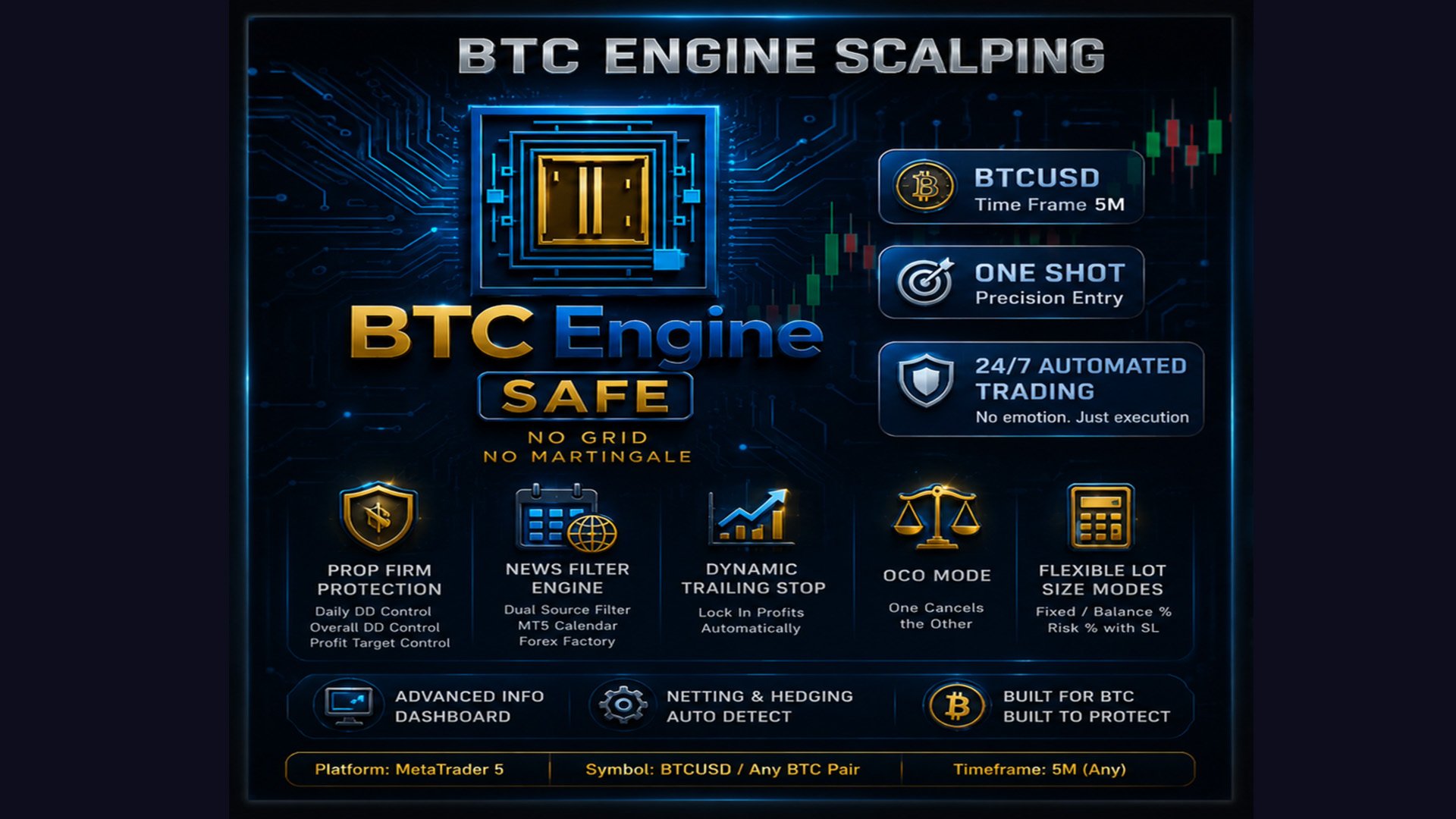
BTCEngine — BTC One Shot Specialist EA
Timeframe: Any (signal triggered on candle close) Symbol: BTCUSD / BTCUSDT / any BTC pair
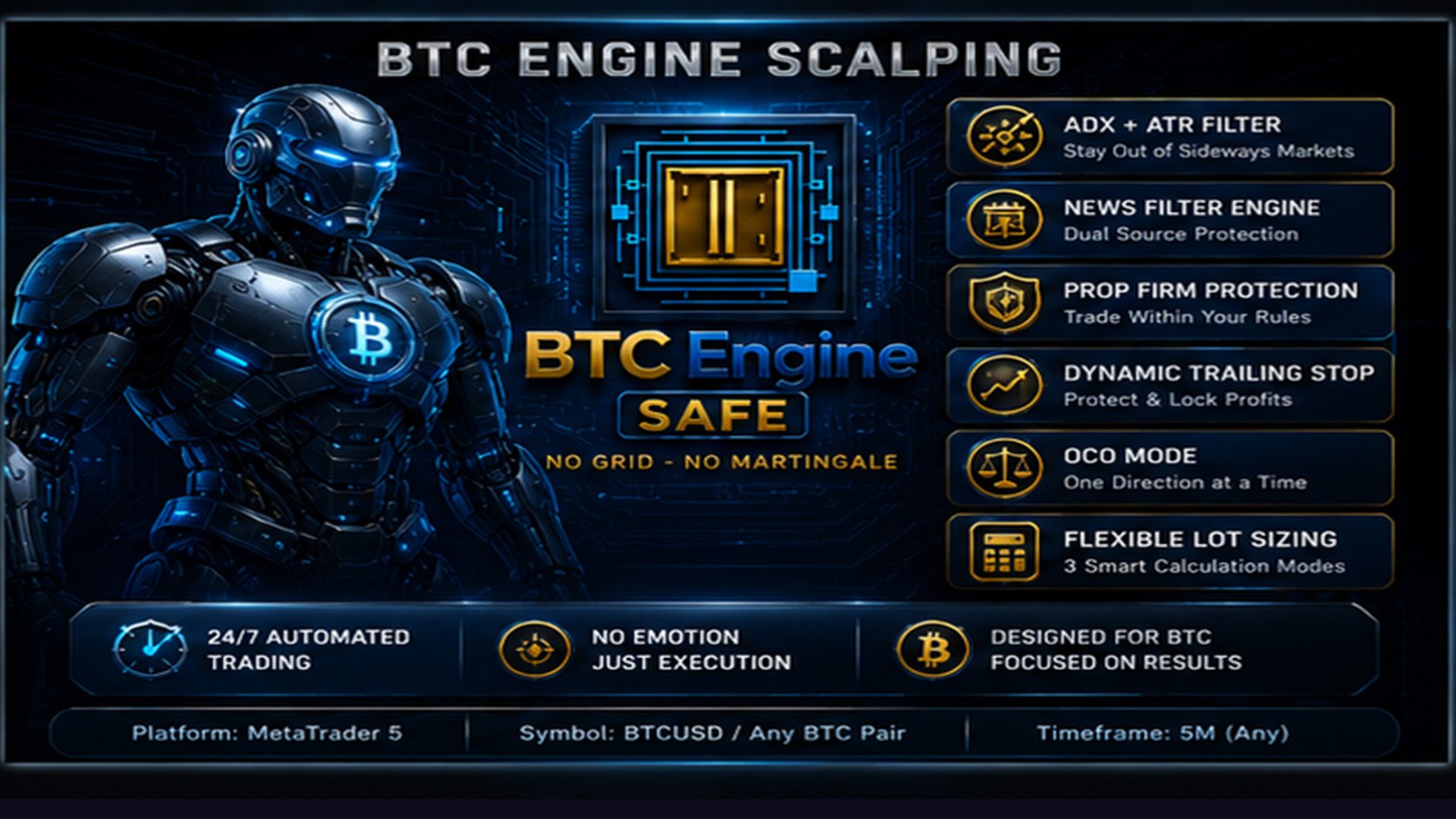
BTCEngine is not just another trading robot — it is a precision-engineered BTC specialist built around one core philosophy: trade only when conditions are right, and protect capital above all else.
My goal is to deliver a robust, transparent, and continuously improving system that adapts to Bitcoin's unique volatility profile.
How BTCEngine Works
BTCEngine uses a dual-indicator trend confirmation engine combining ADX (Average Directional Index) and ATR (Average True Range) to filter out sideways, low-quality market conditions before placing any trade.
A position is only opened when:
- ADX confirms a trend of sufficient strength (configurable threshold, default 20)
- ATR confirms that volatility meets minimum requirements
- The +DI / -DI crossover signals a clear directional bias (Buy or Sell)
This "One Shot" approach means the EA waits patiently for high-probability setups rather than flooding the market with low-quality entries.
Built-in Protection Layers
PropFirm Protection Engine BTCEngine includes a dedicated PropFirm mode designed to protect challenge accounts. It monitors daily drawdown, overall drawdown, and profit targets in real time — and can automatically close trades and halt trading when any limit is approached. Fully configurable to match FTMO, MyForexFunds, or any prop firm rules.
News Filter Engine An advanced dual-source news filter (MT5 built-in Economic Calendar + optional Forex Factory JSON feed) blocks all trading during high and medium impact news events. Configurable buffer windows before and after each event ensure you are never caught by sudden news spikes.
Trailing Stop System A dynamic trailing stop continuously locks in profits as price moves in your favour, with configurable distance and step size. The EA manages each position individually, adapting the stop loss in real time.
OCO Mode (One Cancels the Other) When enabled, the EA will not open a position in one direction if an opposing position is already open — ideal for accounts where you want strictly one directional bias at a time.
- symbol : BTCUSD
- TimeFrame :5M
Flexible Lot Size Modes
BTCEngine offers three lot calculation modes to suit any trading style:
- Mode 0 — Fixed Lot: Simple fixed volume per trade
- Mode 1 — Balance %: Lot scales proportionally with account balance
- Mode 2 — Risk % with SL (default): Calculates lot size based on your defined risk percentage and the actual stop loss distance — true risk-adjusted position sizing
All modes respect a user-defined hard cap and the broker's volume constraints automatically.
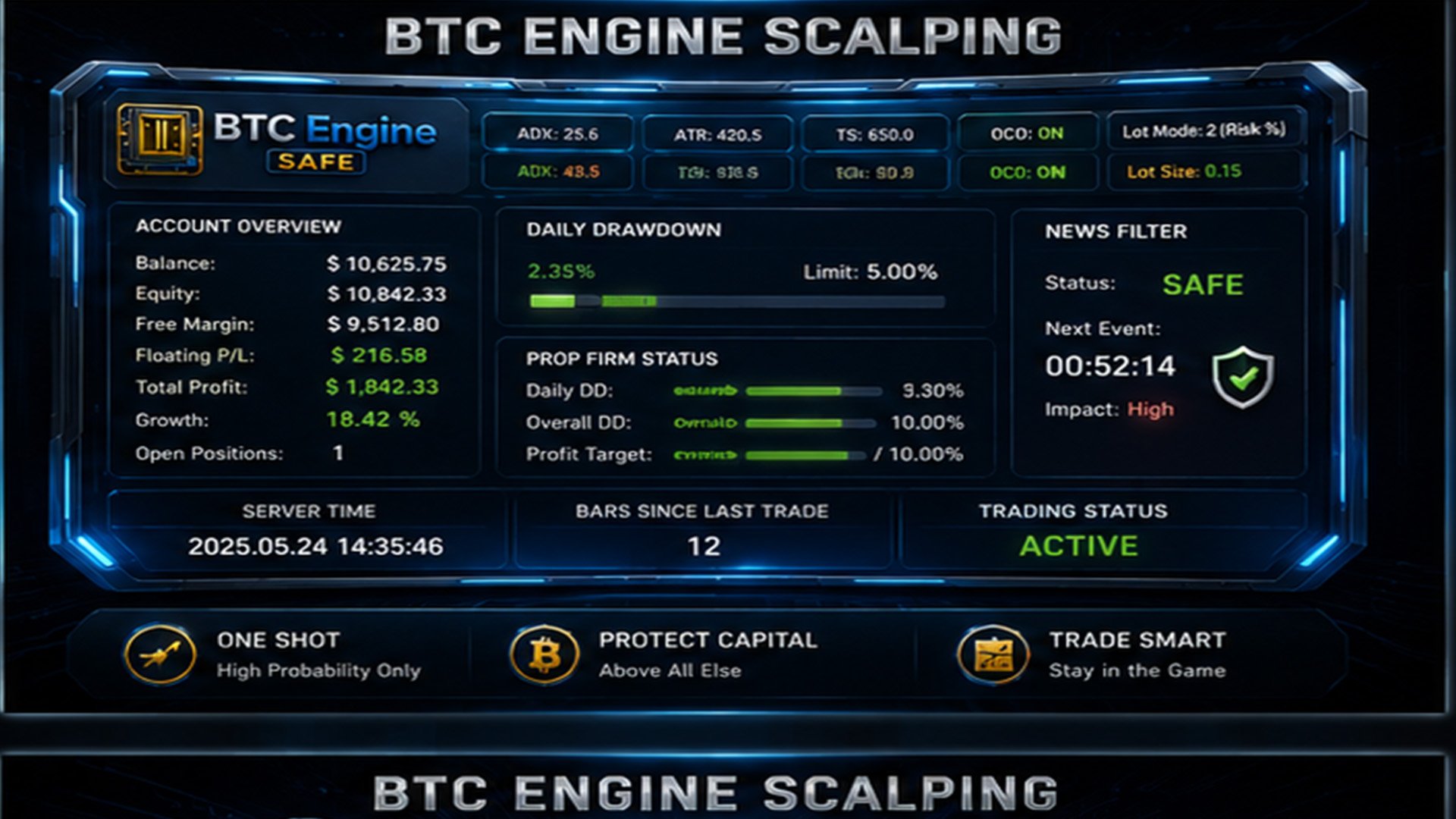
Advanced Info Dashboard
A fully animated, real-time information panel is displayed directly on the chart, showing:
- Account balance, equity, free margin, floating P&L
- Total profit (closed + open), growth %, open positions
- Daily drawdown bar with visual alert colouring
- PropFirm status: Daily DD %, Overall DD %, Profit Target progress
- News filter status: SAFE / CAUTION / BLOCKED with next event countdown
- EA settings summary: ADX, Trailing Stop, OCO, Lot Mode
- Live server time and bars since last trade
Key Features Summary
- ADX + ATR sideways market filter
- PropFirm Protection (daily DD, overall DD, profit target)
- Dual-source News Filter (MT5 Calendar + Forex Factory)
- Dynamic Trailing Stop with configurable step
- OCO Mode for directional discipline
- 3 Lot Sizing Modes (Fixed / Balance% / Risk%SL)
- Minimum candle gap between entries
- Weekend trading filter
- Netting and Hedging account support (auto-detected)
- Broker volume constraints auto-applied
- Animated live info panel
How to Install
Attach BTCEngine to any BTCUSD (or equivalent BTC pair) chart on your preferred timeframe.
No SET file is required to get started — the default settings are pre-configured for a balanced risk profile. However, it is strongly recommended to test the EA in the Strategy Tester on your broker's data before running it on a live account, as spread and swap conditions vary significantly between brokers.
For PropFirm users: set your PF_AccountSize to match your challenge capital, configure your daily and overall drawdown limits, and enable PF_Enable — the EA will handle the rest.
If you need any assistance with configuration or have questions about broker compatibility, please send me a private message.
Important Notes
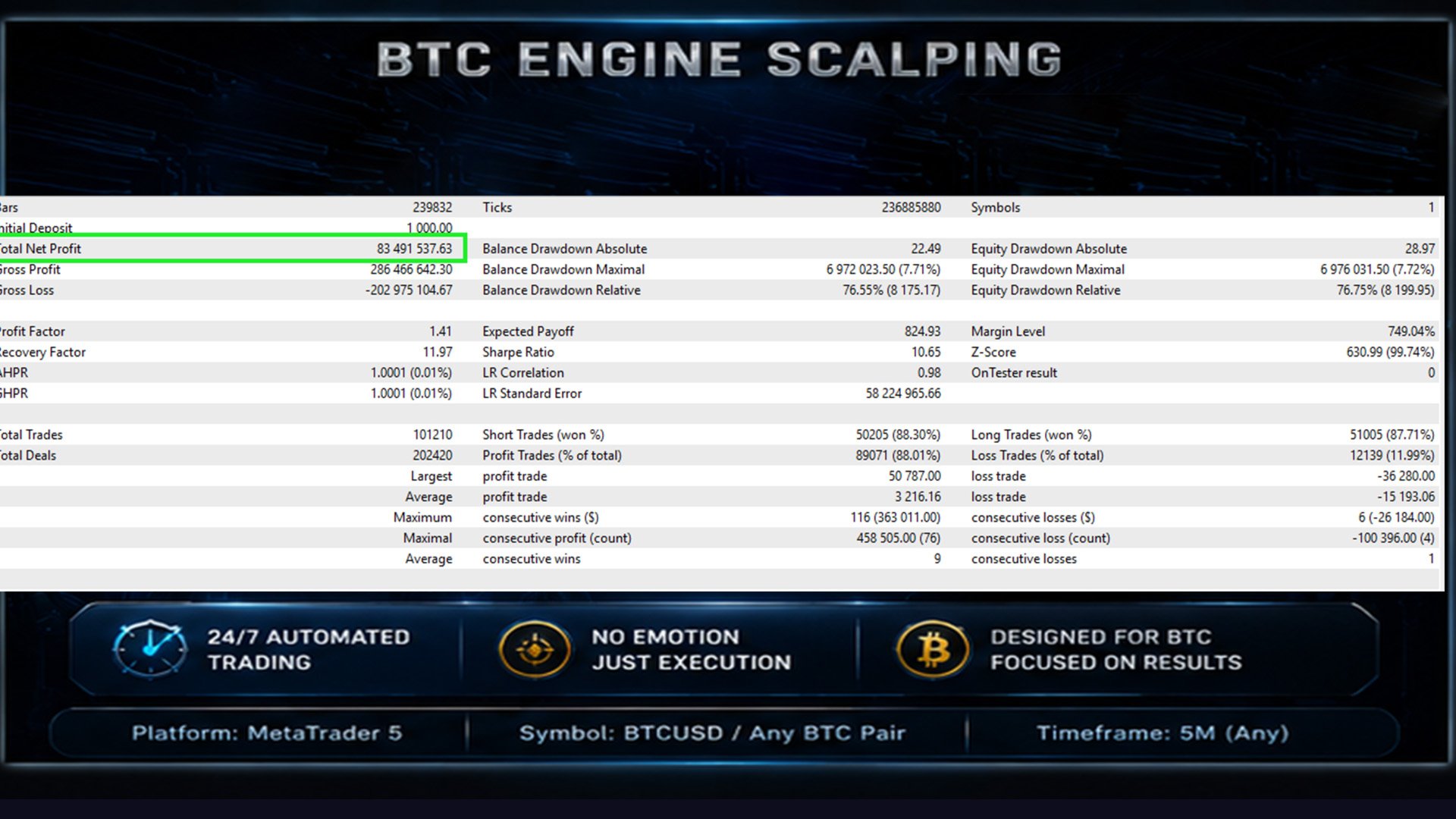
- BTC/crypto pairs have high volatility — always test thoroughly before live deployment
- Results vary depending on broker spread, swap rates, and execution speed
- Use a VPS for uninterrupted 24/7 operation
- ECN/RAW spread brokers are strongly recommended for best execution quality
BTCEngine — One Shot. One Direction. One Purpose. mql5.com/en/users/binarysmart