RiskManagerPanelX
- Utilitários
-
Musa Khunarikov
 Trader profissional desde 2014 (mais de 10 anos de experiência). Mercados: Forex, ações, MOEX, metais.
Desenvolvedor MQL4-MQL5. Especialização: análise de volume, análise de cluster, footprints, delta, perfil de volume.
Experiência e abordagem: - Versão: 1.0
- Ativações: 5
Risk Manager PanelX for MetaTrader 5
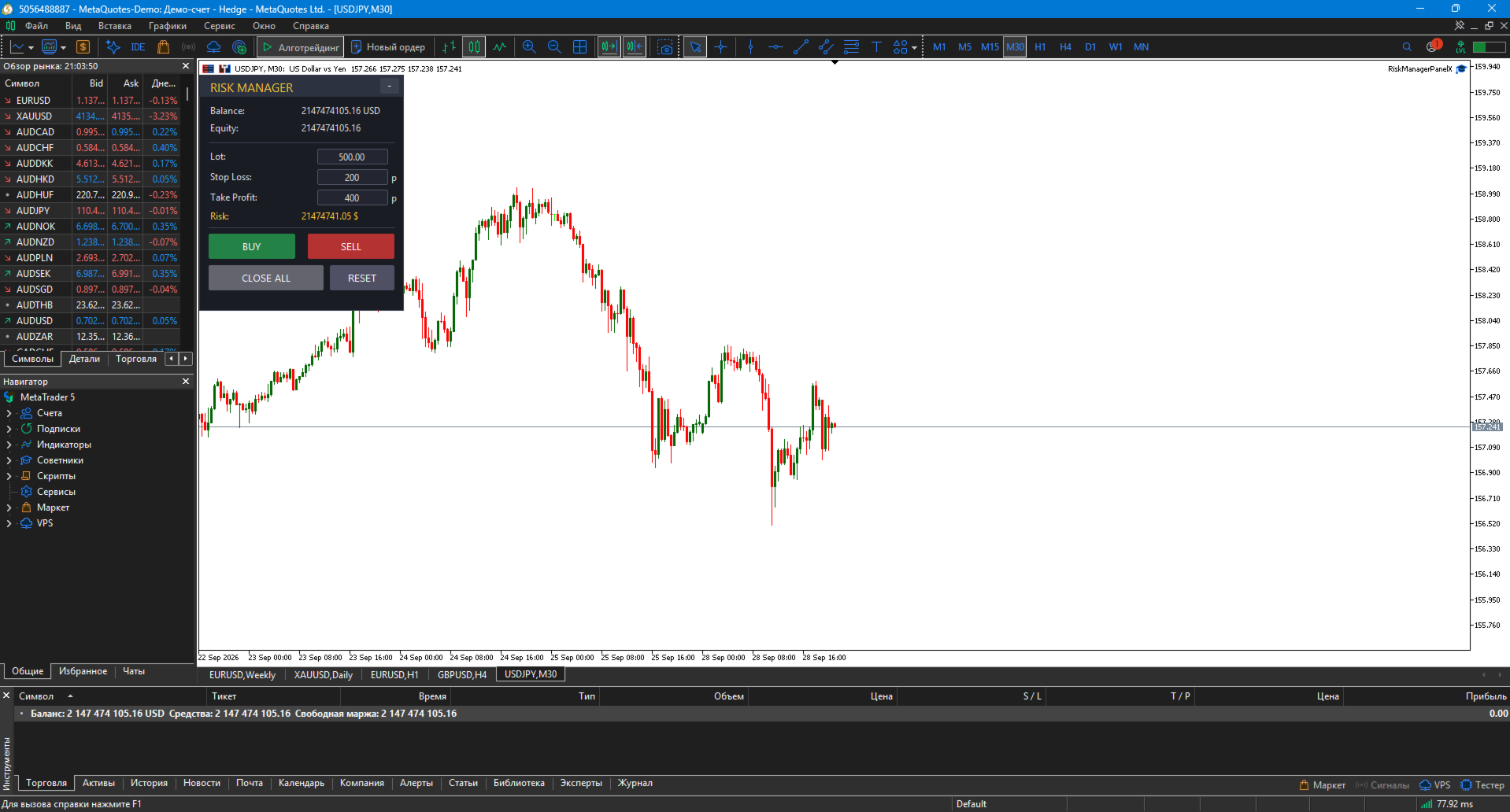
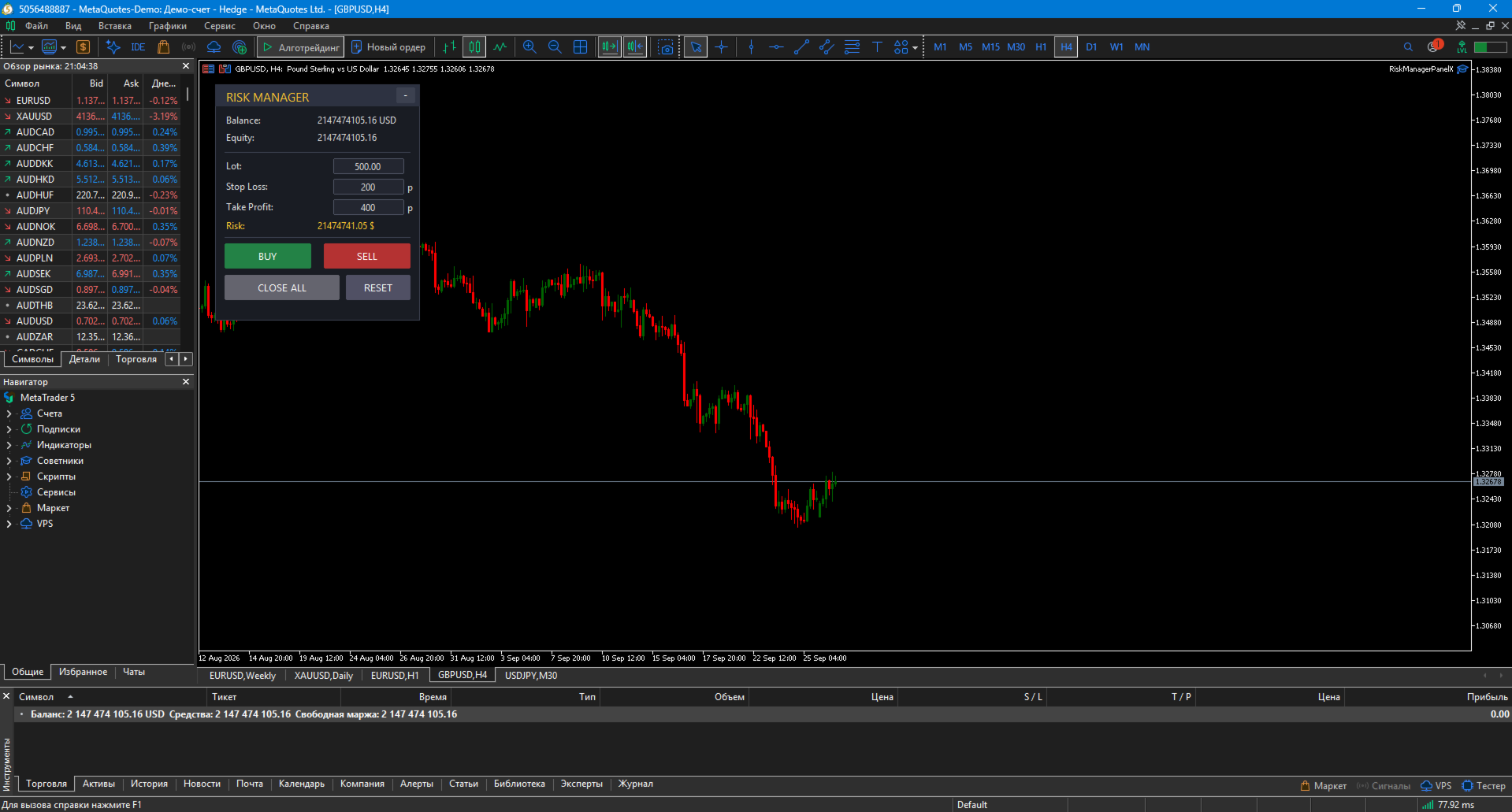
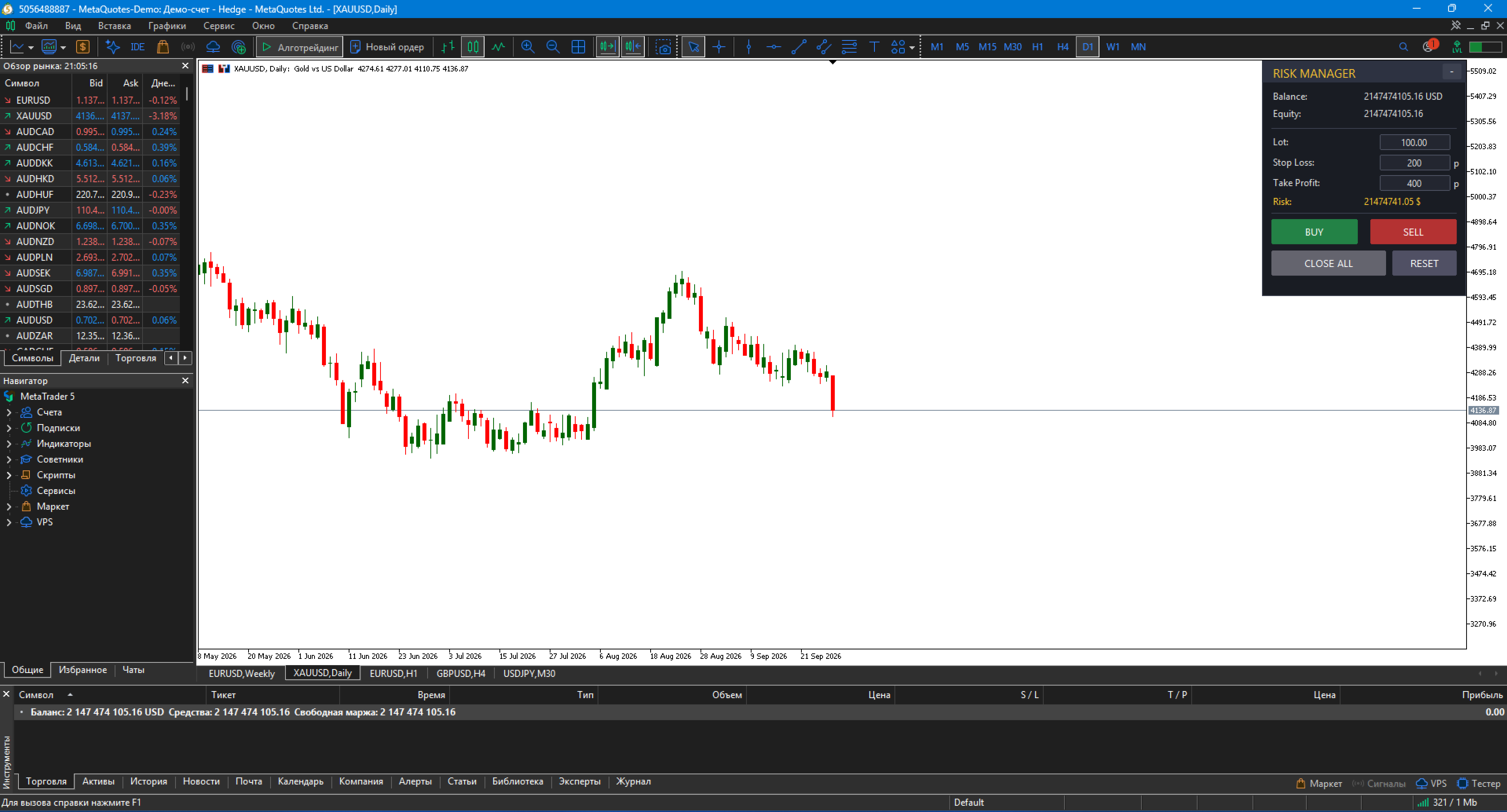
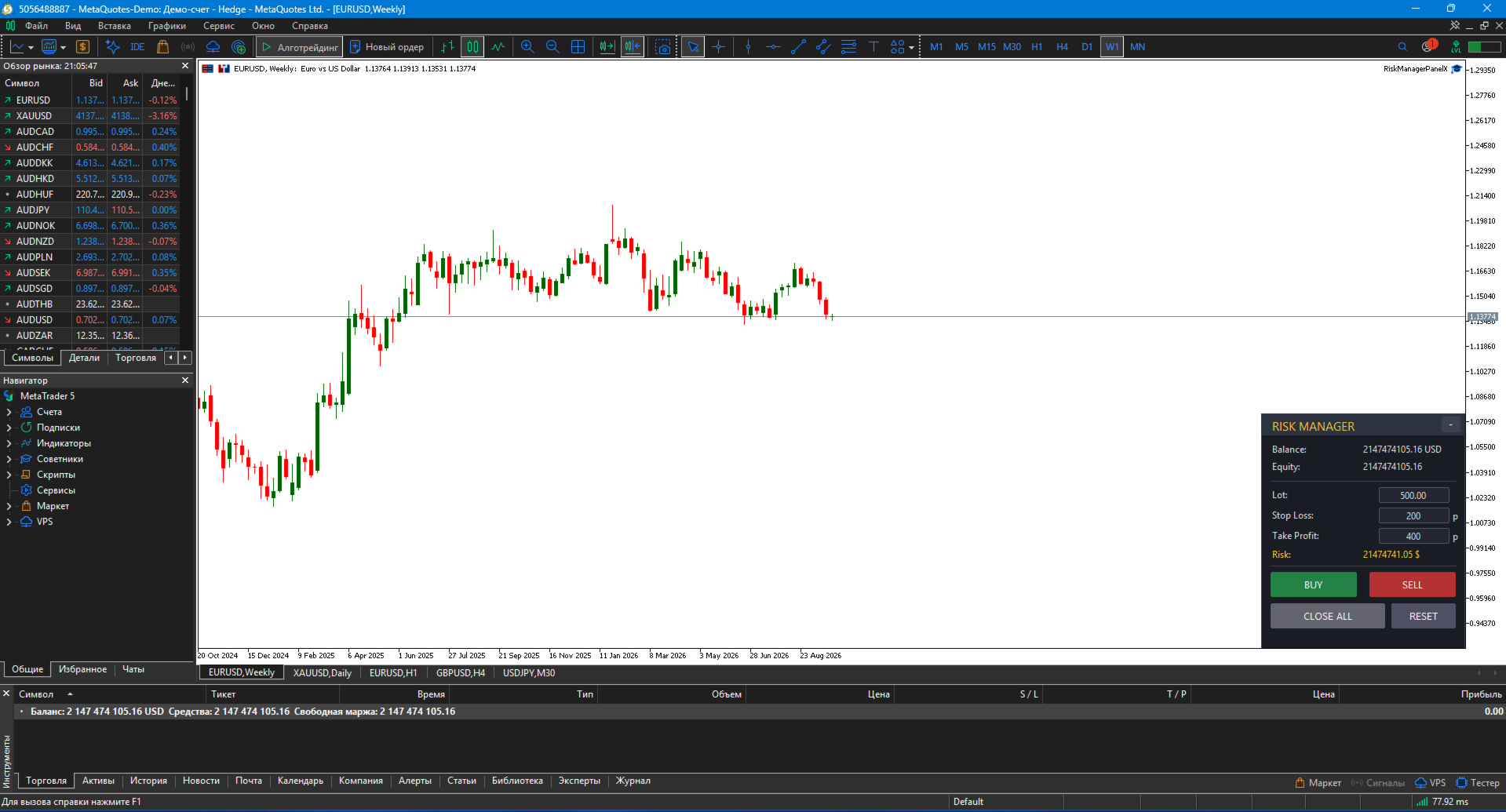
Risk Manager PanelX is a professional trading panel for MetaTrader 5 that automatically calculates lot size based on risk and manages trades in one click.
No more manual lot calculation or opening trades through the terminal menu. The panel does it for you — fast, accurate, and error-protected.
🎯 What the panel does
1. Automatic lot calculation
Set risk as % of balance (or a fixed $ amount) — the panel calculates position size for the specified Stop Loss. Accounts for real tick value and broker's lot step.
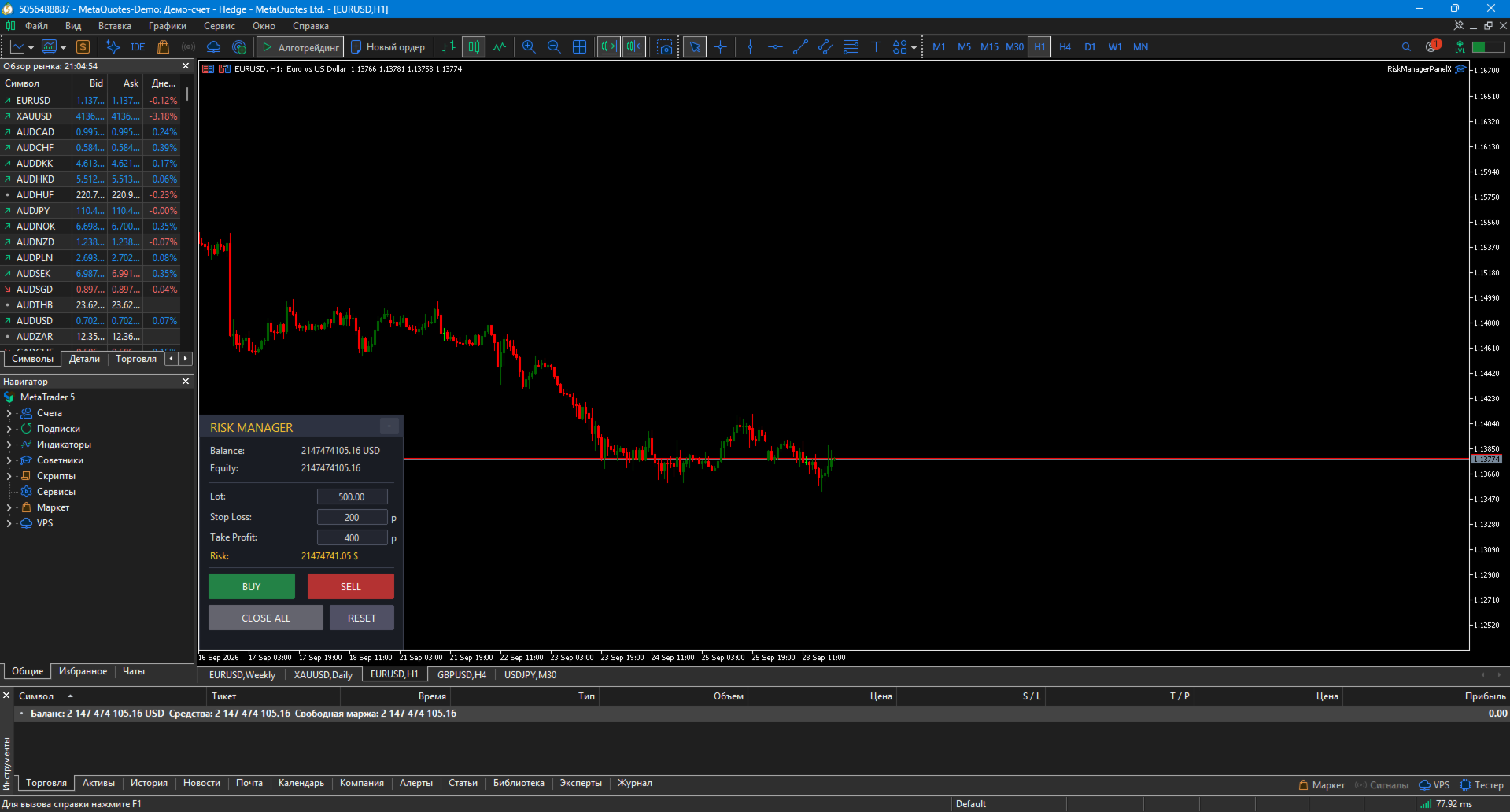
2. Editable fields on the panel
Directly on the panel, you can change:
-
Lot — position size
-
Stop Loss — in points
-
Take Profit — in points
Changing SL recalculates lot automatically. Changing Lot uses your value.
3. One-click trade opening
-
BUY button — buy with calculated lot, SL, TP
-
SELL button — sell with same parameters
-
CLOSE ALL button — close all positions by current symbol (Magic Number filter)
4. Info panel
-
Balance, Equity, Risk ($), Lot
5. Minimize & drag
-
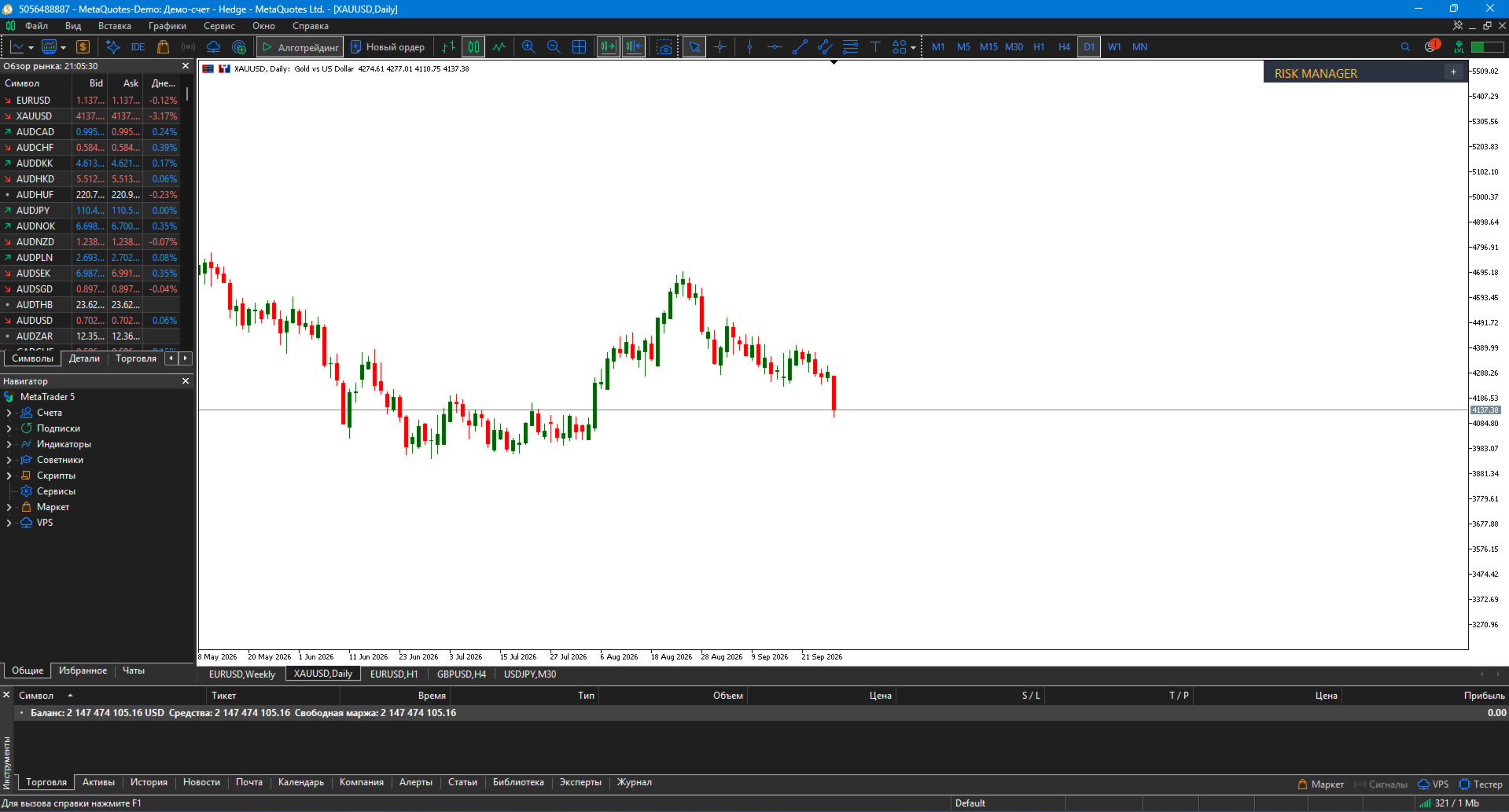
"− / +" button in top-right corner — collapse/expand
-
Drag with mouse — from header or whole panel (configurable)
-
Panel does not move the chart during drag — scroll auto-disabled
✨ Key features
🧮 Accurate lot calculation
Formula accounts for:
-
Risk % of balance (or fixed $)
-
Stop Loss distance in points
-
Real tick value ( SYMBOL_TRADE_TICK_VALUE_LOSS )
-
Broker lot step
Example: balance $10 000, risk 1%, SL 200 points on EURUSD → panel calculates ≈ 0.50 lot.
⚙️ Broker StopLevel handling
If broker requires min SL distance (e.g., 30 points) and you set 10 — panel auto-expands to 30. No order errors.
🖱️ Convenient control
-
Mouse drag, editable fields, minimize
-
Panel position via inputs
🔔 Confirm before opening
InpConfirmOpen = true — panel asks for confirmation. Protection from accidental clicks.
🎨 Customizable appearance
-
Colors for background, header, text, accents
-
BUY / SELL / CLOSE colors
-
Font size and name
-
Initial panel position (X, Y in pixels)
🛠 Installation — MetaTrader 5
1. Install
-
Copy RiskManagerPanel.mq5 to MQL5/Experts/
-
Open MetaEditor (F4), compile (F7) — must be 0 errors, 0 warnings
-
Restart MT5
-
Drag from Navigator onto chart
2. Enable Algo Trading
-
Click "Algo Trading" button in MT5 toolbar (must be green)
-
In expert properties → "Common" tab: allow trading = true
3. Test
-
Panel appears top-left of chart
-
Click Lot field, enter value, Enter
-
Click Stop Loss field, enter value, Enter — lot recalculates
-
Open test trade on demo account via BUY button
⚙️ Parameters
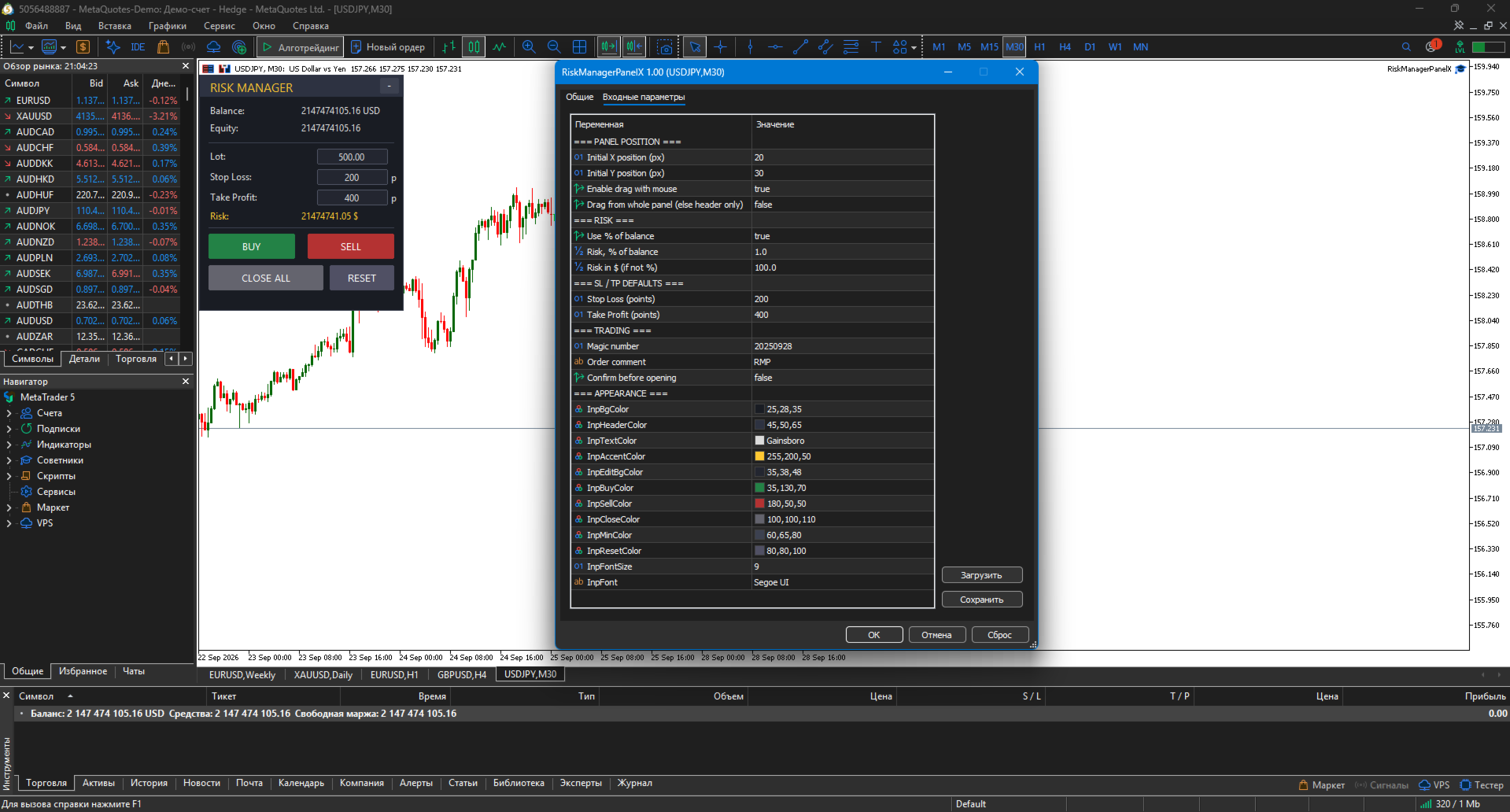
| Parameter | Description | Default |
|---|---|---|
| Initial X position | Panel X position (px) | 20 |
| Initial Y position | Panel Y position (px) | 30 |
| Enable drag with mouse | Allow drag | true |
| Drag from whole panel | Drag whole panel (else header) | false |
| Use % of balance | Use % of balance | true |
| Risk, % of balance | Risk, % | 1.0 |
| Risk in $ (if not %) | Risk, $ | 100.0 |
| Stop Loss (points) | Default SL | 200 |
| Take Profit (points) | Default TP | 400 |
| Magic number | Magic | 20250928 |
| Order comment | Comment | RMP |
| Confirm before opening | Confirmation | false |
| Appearance | Colors, font | — |
📌 Use cases
1. Scalping on M5–M15
-
Risk = 0.5%, SL = 100, TP = 200 points
2. Swing trading on H1–H4
-
Risk = 1.5%, SL = 400, TP = 800 points
3. Multi-position management
-
Open via panel, close all via CLOSE ALL
-
Magic filter — panel doesn't touch other trades
4. Demo testing
-
Practice risk-first trade opening
-
Protection from "eye-balled" position size
📋 Implementation notes (MT5)
-
Pure MQL5 — no DLLs, no external dependencies
-
Uses CTrade standard library
-
Does not move chart while dragging panel
-
Saves settings in expert properties
-
Supports hedging and netting accounts
-
Correct broker StopLevel handling
-
Operation logging to journal
⚠️ Important warning
Risk Manager Panel is a helper tool. Not a trading system. It helps with risk management; all decisions are made by the trader.
The author is not responsible for losses resulting from panel use. Test on a demo account before live trading.
🏆 About the developer
Musa Khunarikov — trader with 12 years of live experience (Forex, stocks, MOEX, metals). 51 certifications from "Finam" training center in trading, algo trading, and MetaTrader.
Live trading:
👉 https://developer-mql4-mql5.netlify.app/
Services: EA development, indicators, panels, trading system audit.
📞 Support
30 days of free support after purchase. Bug fixes within 48 hours.