TsnPerfectHashGenerator
- Utilitários
-
Niquel Mendoza
 Creator of the TSN ecosystem (Trade Systems Nique) for MQL5.
 - Versão: 1.2
SimPHash is a free script that automatically generates ultra-fast conversion functions from a string to a value: it can be a simple type (integer, double, ulong, etc.) or an index into your own array or struct when the value you need is more complex.
Instead of using a HashMap, a linear array with a search, or an endless chain of if / switch, SimPHash builds a Perfect Hash table at design time: a function that resolves each known key in a handful of arithmetic operations and a single array access, with no collisions and nothing to loop through.
This is especially useful when you need to:
- Convert strings into your own identifier, for example mapping economic calendar events to a ulong without relying on text comparisons on every tick.
- Simulate string to enum, something the language does not offer natively.
- Resolve symbols, codes, or any fixed set of known keys into a value or into an index of your own array, at the lowest possible runtime cost.
How it works
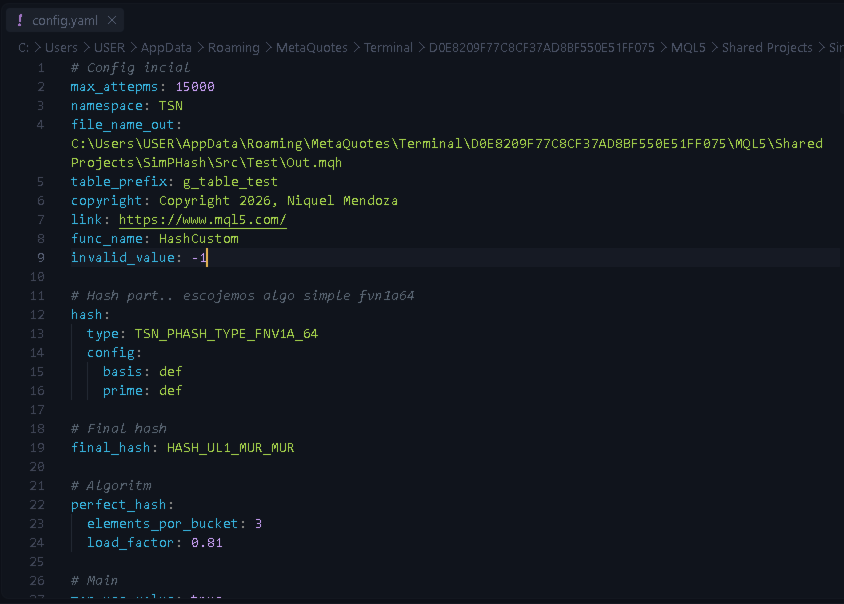
- You write your keys (and optionally their values) in a YAML file.
- You run the script once, pointing it to that YAML file.
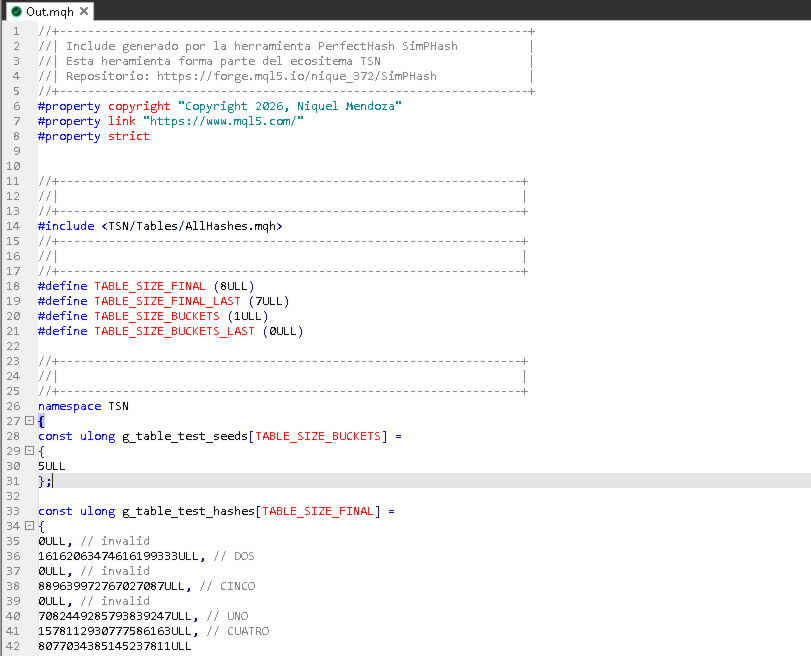
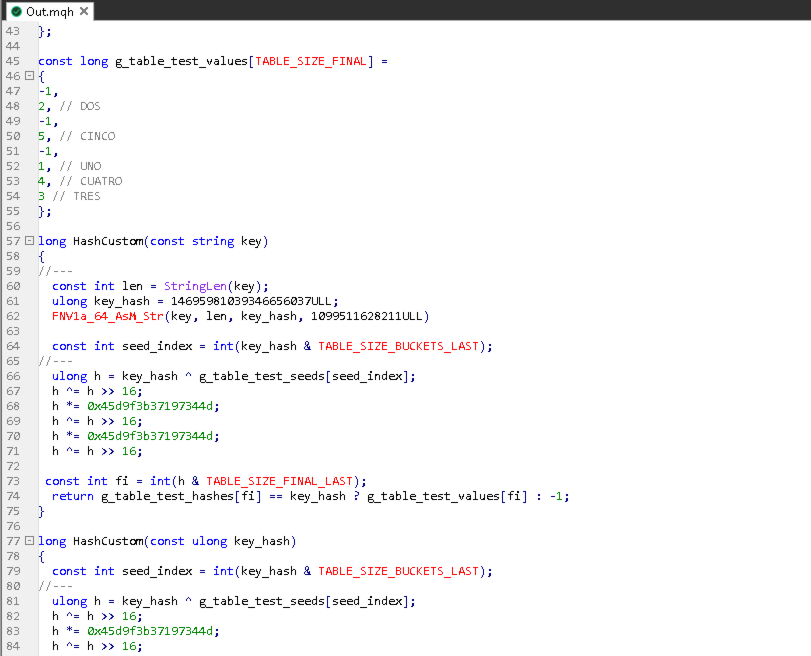
- The script generates a .mqh file ready to include in your project, with the tables and the lookup function already written.
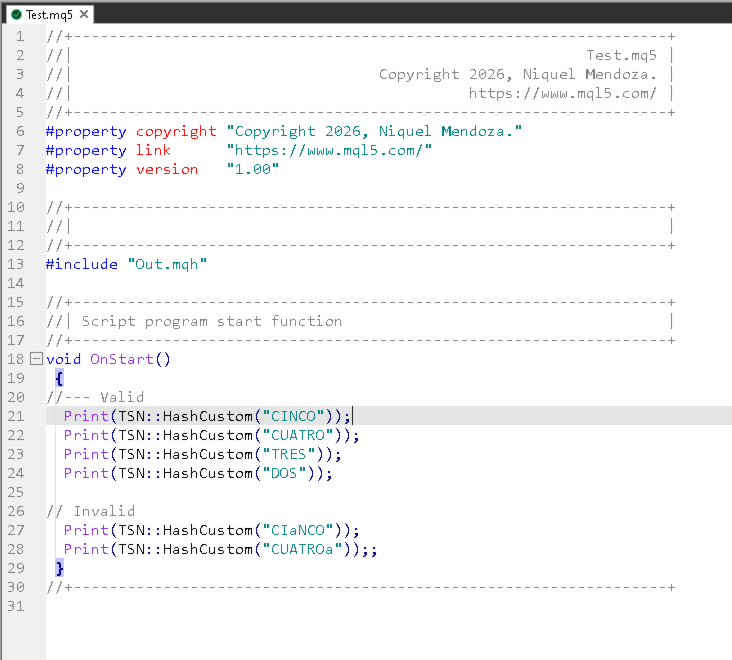
- You include that .mqh in your EA or indicator and call the generated function. There's no need to write hash tables by hand or understand the algorithm's internal details.
Main advantages
- Requires no extra code on your part: just the YAML configuration file.
- Two combinable hash stages, suited to different key set sizes.
- Two output modes: a function that returns the final value directly, or a function that returns an index into your own array.
- Automatically generates both variants of the lookup function: one that takes the string directly, and one that takes an already-computed hash, useful if your code computed it earlier.
- Optional binary export, in case you'd rather load the table at runtime instead of compiling it in.
Installation and usage
Check the following post for a step-by-step guide and usage instructions for this utility.
https://www.mql5.com/en/blogs/post/775444