Trade Projector
- Utilitários
- Versão: 1.0

Plan the trade on the chart before you place it.
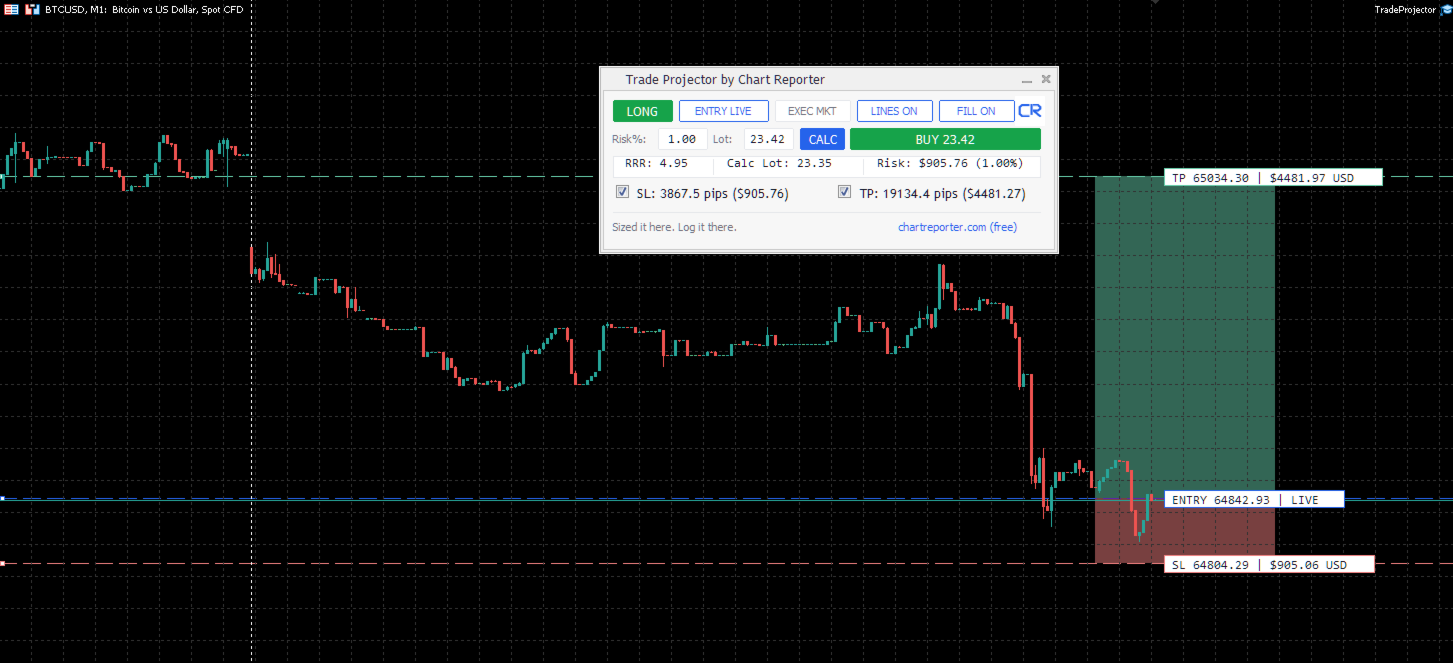
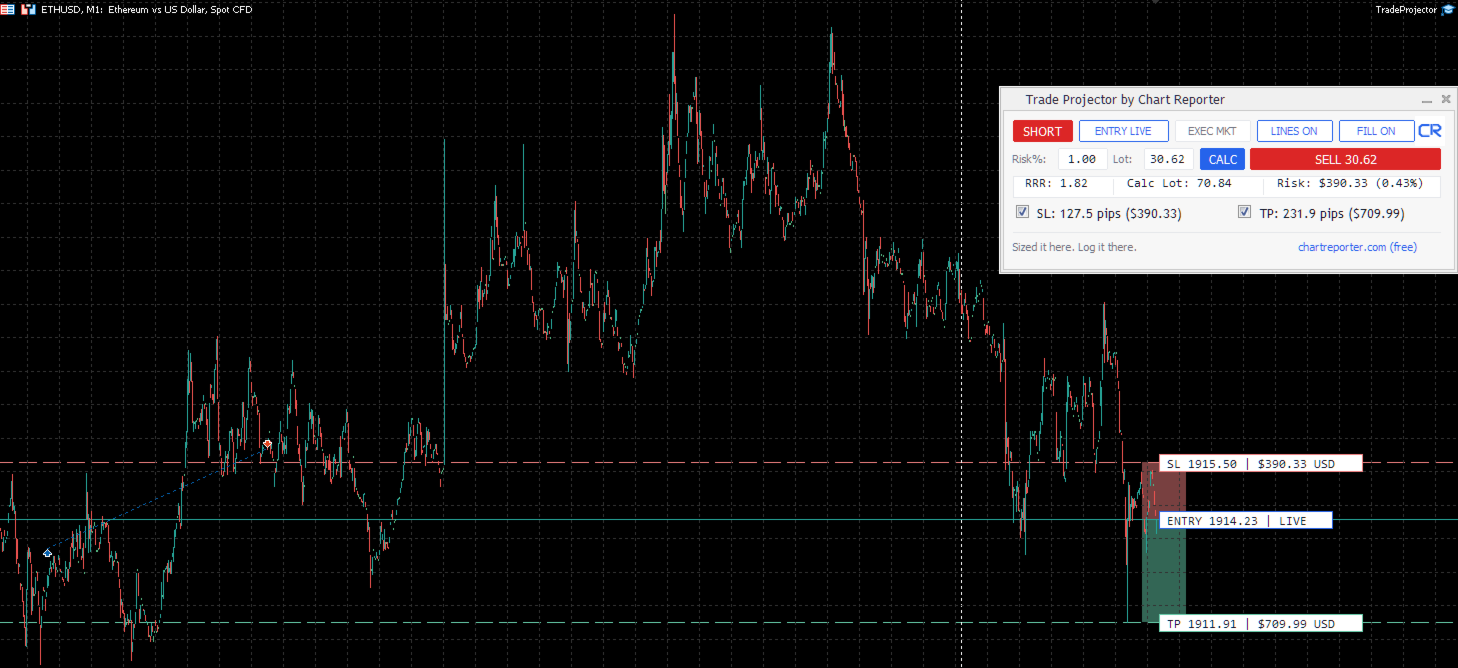
Trade Projector is a MetaTrader 5 chart workspace for turning a trade idea into a clear, reviewable plan. Set the direction, place the Entry, Stop Loss and Take Profit levels, inspect the projected risk and reward, then choose whether to send a market or pending order.
Make the decision visible
- Chart-native trade plan: Entry, Stop Loss and Take Profit levels are visible and draggable on the active chart.
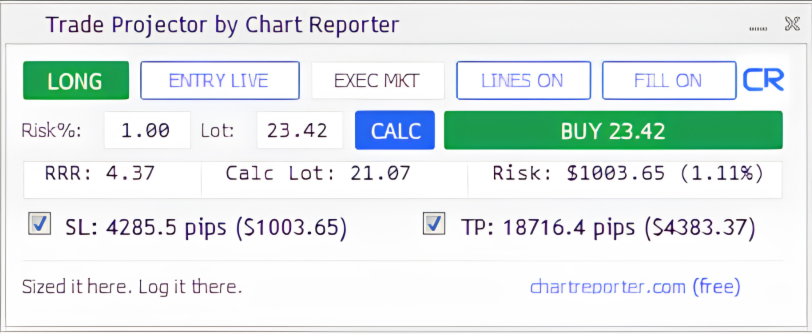
- Risk and reward at a glance: See stop distance, target distance, reward-to-risk ratio, estimated monetary risk and projected reward in one compact panel.
- Flexible sizing: Work with a fixed lot or calculate a lot size from account balance, risk percentage and stop distance.
- Live or manual entry: Use the current executable price, or drag the Entry line to plan a specific level.
- Market or pending execution: Select the intended execution mode from the panel before placing an order.
- Clear chart context: Optional shaded risk and reward zones make the trade structure easy to read.
Built for the chart workflow
Trade Projector keeps the plan where it belongs: beside the price action. The panel remembers its position and settings for the active symbol and chart. It also restores itself above newly created chart drawings, so the controls remain accessible while you annotate and analyse.
When minimised, the full Trade Projector by Chart Reporter title remains visible below the standard One Click Trading controls.
How it works
- Choose LONG or SHORT.
- Choose ENTRY LIVE for the executable market reference, or ENTRY MAN to drag a planned entry.
- Drag the SL and TP levels to the intended invalidation and objective.
- Enter a risk percentage or fixed lot, then use CALC if you want to apply the calculated lot size.
- Review the panel values and choose EXEC MKT or EXEC PEND.
- Place an order only after checking the selected account, symbol, direction, levels and volume.
Key controls
- LINES ON / OFF shows or hides chart annotations.
- FILL ON / OFF shows or hides the shaded risk and reward zones.
- SL / TP controls enable or disable the corresponding level for the trade plan and order request.
- BUY / SELL submits the selected market or pending order using the current panel settings.
Important notice
Trade Projector is a planning and execution-assistance tool. It does not provide signals, automated strategy logic, investment advice or any guarantee of order acceptance, fill price or trading outcome.
Before placing an order, independently confirm the account, symbol, direction, entry, Stop Loss, Take Profit, volume, margin, broker minimum-distance requirements and Algo Trading permissions. Execution remains subject to broker rules, spread, slippage, gaps, requotes and market conditions.
Version 1.00 · Chart Reporter
Trade Projector is a free tool from ChartReporter.com. Chart Reporter is an automated trading journal built to help you review your trades, recognise recurring patterns and find your edge.