MAKO Aion
- 유틸리티
- 버전: 1.24

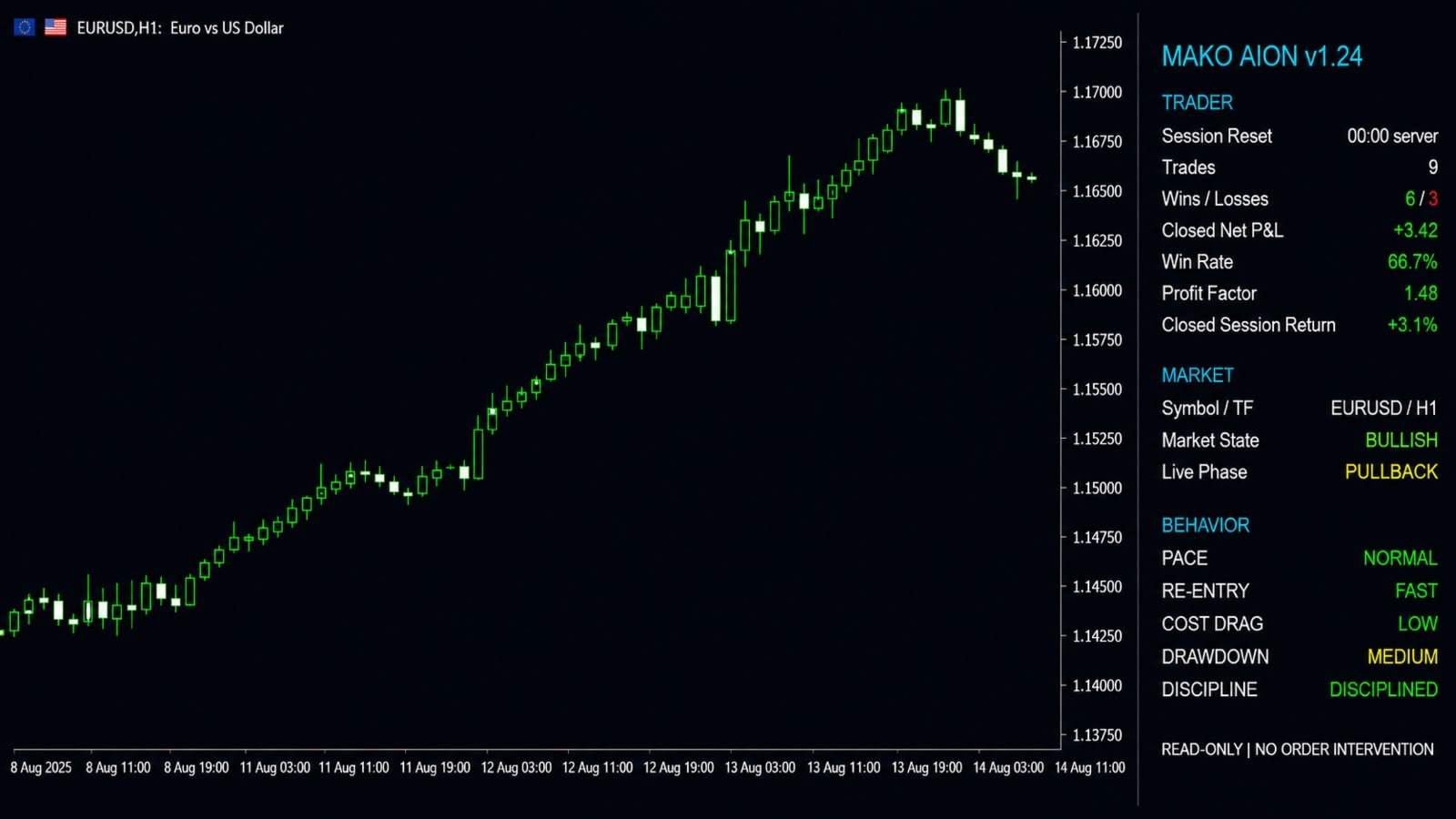
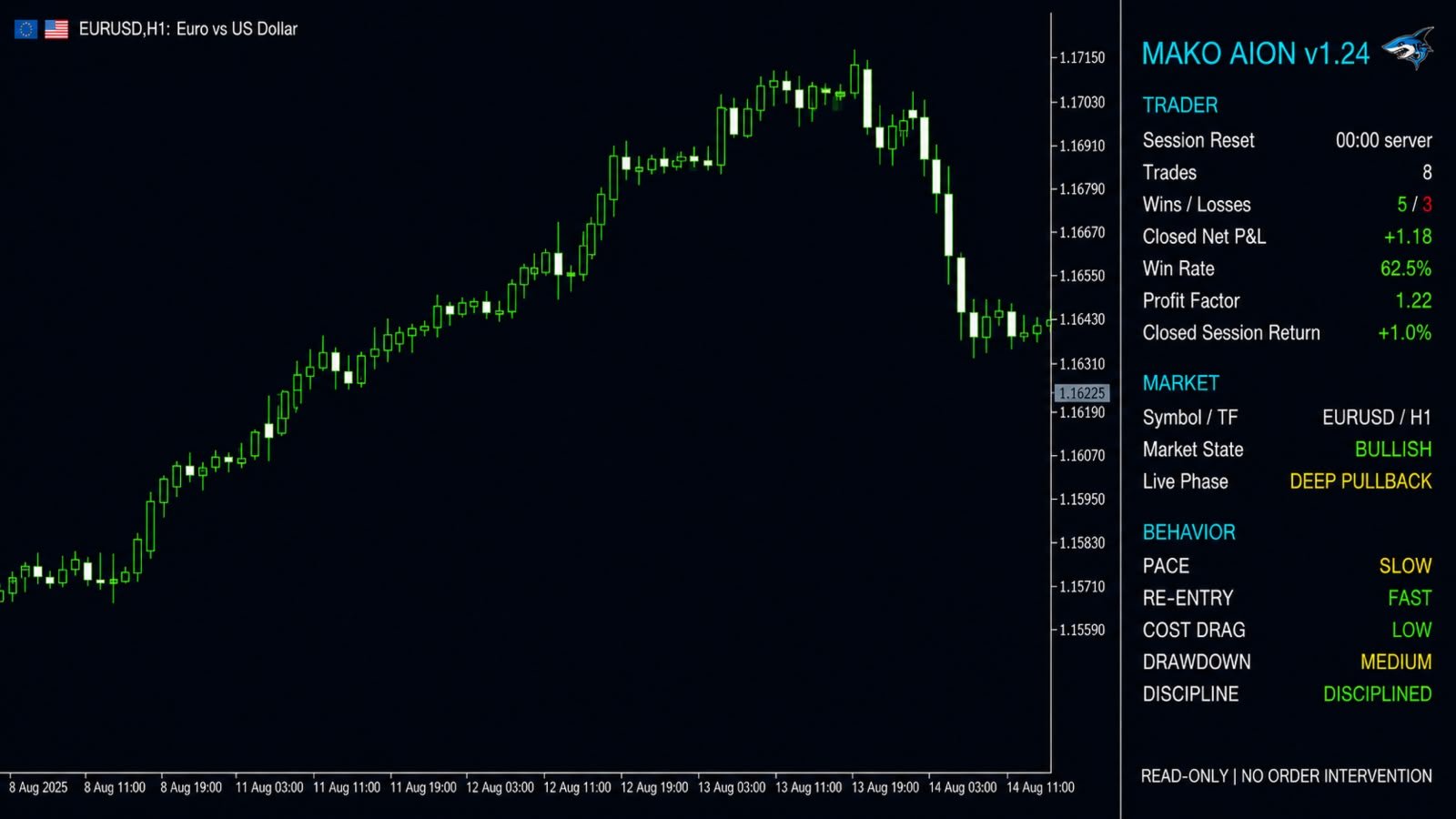
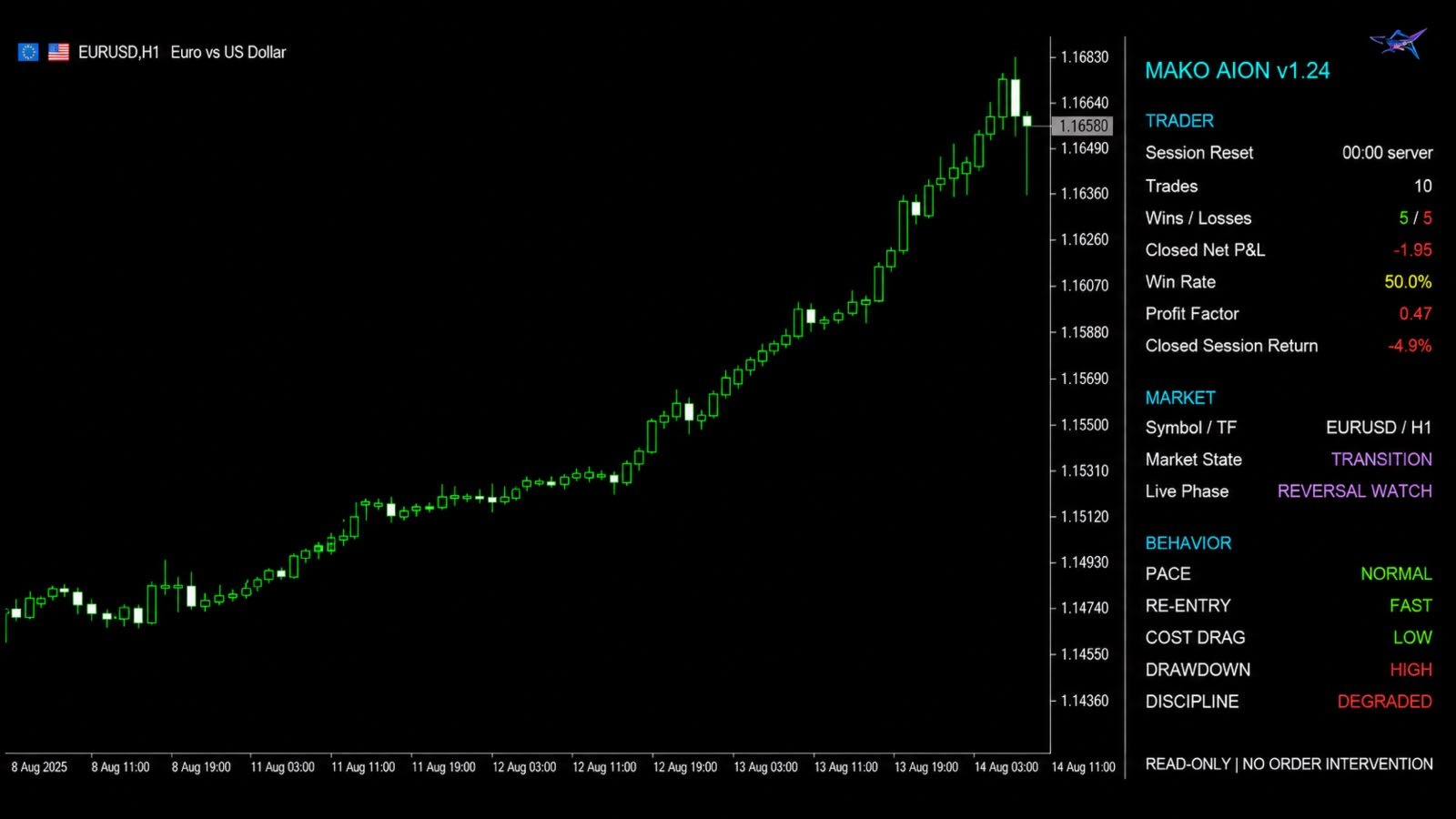
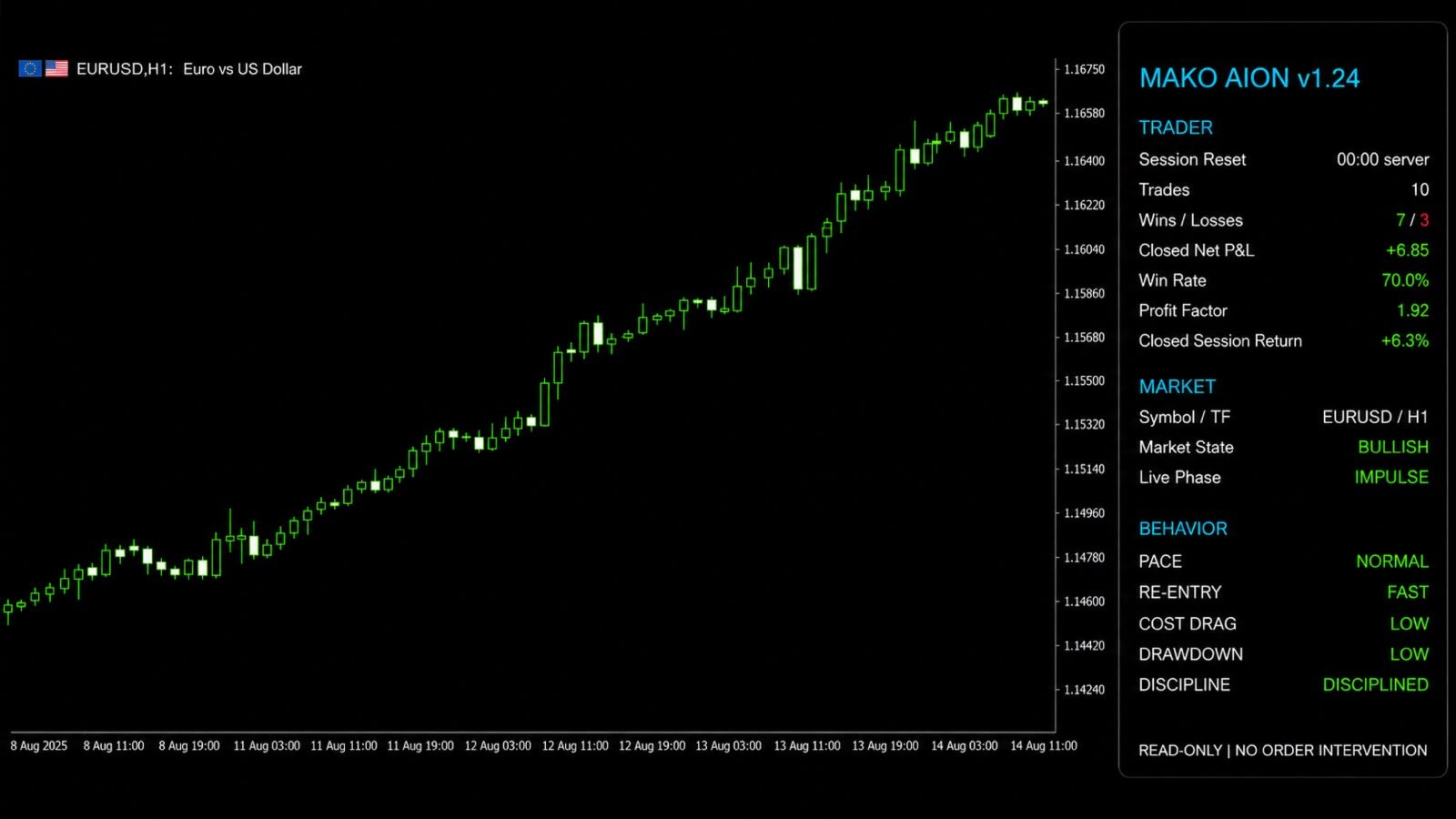
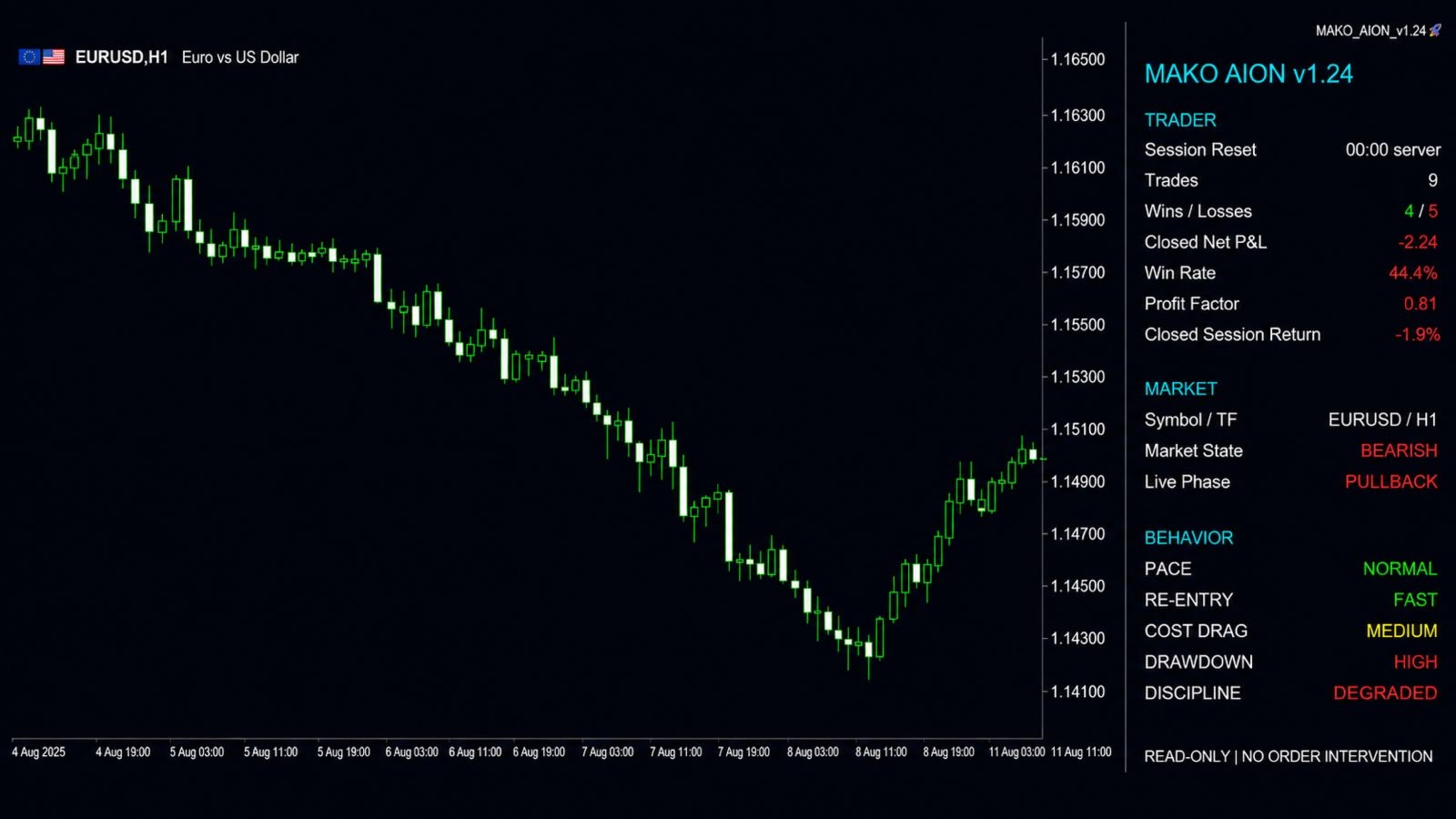
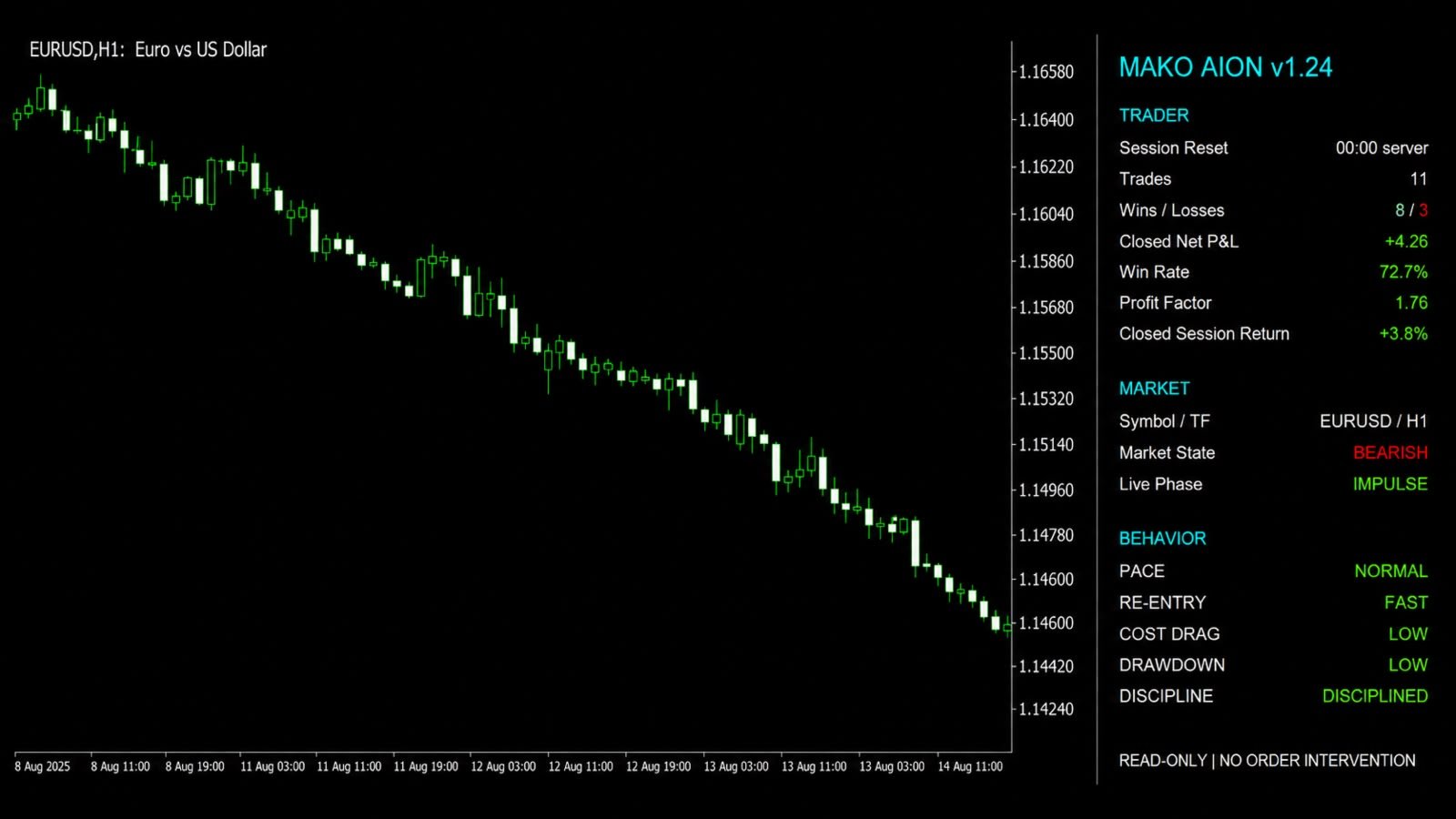
MAKO Aion is a read-only analytics utility for MetaTrader 5 that combines trader performance, live market structure, and behavioral context in one on-chart panel.
The utility does not open, close, modify, or manage trades. It does not change stop losses, take profits, pending orders, positions, or account settings. Its purpose is observation and analysis only.
MAKO Aion organizes its information into three sections:
- TRADER
- MARKET
- BEHAVIOR
Trader Analytics
The TRADER section summarizes the current trading session using closed-position history.
It displays:
- Session reset time
- Number of closed trades
- Wins and losses
- Closed Net P&L
- Win rate
- Profit factor
- Closed session return
The session can be reset at a configurable broker-server hour.
Commissions, swap, and fees can be included or excluded through the input parameters. The displayed figures are calculated from the trading history available in MetaTrader 5.
MAKO Aion analyzes closed results only. Open-position profit or loss is not included in the session statistics.
Live Market State
The MARKET section analyzes the symbol and timeframe of the chart where MAKO Aion is attached.
It displays:
- Current symbol and timeframe
- Market State
- Live Phase
Market State
The market can be classified as:
- BULLISH: confirmed higher structural highs and higher structural lows remain in control.
- BEARISH: confirmed lower structural highs and lower structural lows remain in control.
- TRANSITION: the established structure has been invalidated or the confirmed structural frame is mixed.
- WAITING: insufficient chart data is available for a valid structural reading.
Live Phase
The current phase can be classified as:
- IMPULSE: price is extending in the direction of the established structure.
- PULLBACK: price is correcting against the established structure while the structural frame remains valid.
- DEEP PULLBACK: the correction has reached the configured proportion of the previous structural impulse.
- REVERSAL WATCH: the live market has crossed the latest structural invalidation level, but the opposite structure is not yet confirmed.
- WAITING: insufficient data is available.
Structural Method
MAKO Aion builds its market-state reading from confirmed Median Price swings.
Median Price is calculated as:
Median Price = (High + Low) / 2
Confirmed swings create the structural frame. The current live Median Price is then compared with that frame to identify the active state and phase.
A live structural invalidation does not immediately change a bullish market into a bearish market, or a bearish market into a bullish market.
MAKO Aion first displays:
- TRANSITION
- REVERSAL WATCH
The opposite directional state is shown only after an opposite structural frame becomes established.
Behavior Analytics
The BEHAVIOR section compares the current session with recent completed trading sessions.
The analysis is objective and is based on account history. It does not attempt to identify the trader's strategy, intention, or trading setup.
Pace
PACE compares the current frequency of closed trades with the trader's recent historical activity.
Possible states:
- NORMAL
- ELEVATED
- AGGRESSIVE
- N/A
Re-entry
RE-ENTRY evaluates the average time between a closed losing trade and the next market entry.
Possible states:
- PATIENT
- NORMAL
- FAST
- N/A
Cost Drag
COST DRAG measures explicit trading friction from:
- Commissions
- Fees
- Negative swap
These costs are compared with the gross realized activity of positions closed during the active session.
Possible states:
- LOW
- MODERATE
- HIGH
Cost Drag is informational and does not affect the Discipline classification.
Drawdown
DRAWDOWN evaluates the current decline from the peak of the closed-trade equity curve during the active session.
Possible states:
- LOW
- MODERATE
- HIGH
Discipline
DISCIPLINE combines the current Pace, Re-entry, and Drawdown states into one behavioral status.
Possible states:
- CONTROLLED
- ELEVATED
- DEGRADED
- CRITICAL
This status is descriptive only. It does not block trading and does not intervene in the account.
Main Features
- Read-only operation
- No order execution
- No position management
- No modification of stop loss or take profit
- Current-session trading statistics
- Configurable session reset time
- Live chart symbol and timeframe detection
- Structural Market State classification
- Live Phase classification
- Recent-session behavioral comparison
- Optional inclusion of commission, swap, and fees
- Automatic panel refresh
- Configurable panel position, width, and font size
- Automatic chart-space reservation for the panel
- Original chart layout restored when MAKO Aion is removed
- Compatible with different symbols and timeframes
Input Parameters
- Lookback Days: number of previous calendar sessions available to the historical analysis.
- Refresh Seconds: interval between panel updates.
- Session Reset Hour Server: broker-server hour used to begin a new analytical session.
- Corner: chart corner used to position the panel.
- X Position: horizontal panel offset.
- Y Position: vertical panel offset.
- Panel Width: width of the information panel.
- Font Size: size of the panel text.
- Include Commission: includes commission in realized calculations.
- Include Swap: includes swap in realized calculations.
- Include Fees: includes fees in realized calculations.
- Market Bars: number of chart bars used for structural analysis.
- Swing Depth: number of neighboring bars required to confirm a structural swing.
- Deep Pullback Ratio: proportion of the previous impulse used to classify a Deep Pullback.
- Advanced Participation, Timing and Volatility Settings: internal calibration controls for the analytical engine.
The default Deep Pullback Ratio is 0.65.
Installation
- Open a chart in MetaTrader 5.
- Select the desired symbol and timeframe.
- Attach MAKO Aion to the chart.
- Allow access to the account trading history.
- Configure the broker-server session reset hour.
- Choose whether commission, swap, and fees should be included.
- Adjust the panel position and dimensions if required.
MAKO Aion will begin updating the panel automatically.
Important Information
MAKO Aion is an analytical utility. It does not provide automatic trade execution and does not intervene in broker orders.
The quality and completeness of the displayed statistics depend on the trading history and chart data available in MetaTrader 5.
Screenshots are interface demonstrations. Any account statistics displayed in promotional images are illustrative examples and are not performance claims or guarantees of future results.