Telegram to MT5 using AI
- ユーティリティ
- バージョン: 1.0
- アクティベーション: 5

What is Telegram to MT5 using AI?
Telegram to MT5 using AI is a Signal Copier that automatically receives trading signals from Telegram groups and channels, then executes them instantly on your MT5 trading account. This fully self-hosted solution uses AI to understand trading signals.
Our solution is the ideal choice if you're looking for:
- A fully self-hosted solution that gives you complete control over your data, privacy, and automation—with no monthly subscription.
- AI-powered signal parsing that eliminates the need for templates, custom parsers, or complex rule-based configurations.
- A true signal copier capable of processing trading signals in virtually any language and format.
- An advanced automation system with powerful customization options, including symbol mapping, risk management, signal customization, trade filters, and much more.
How Telegram to MT5 using AI works
Step 1: Receive a Telegram trading signal
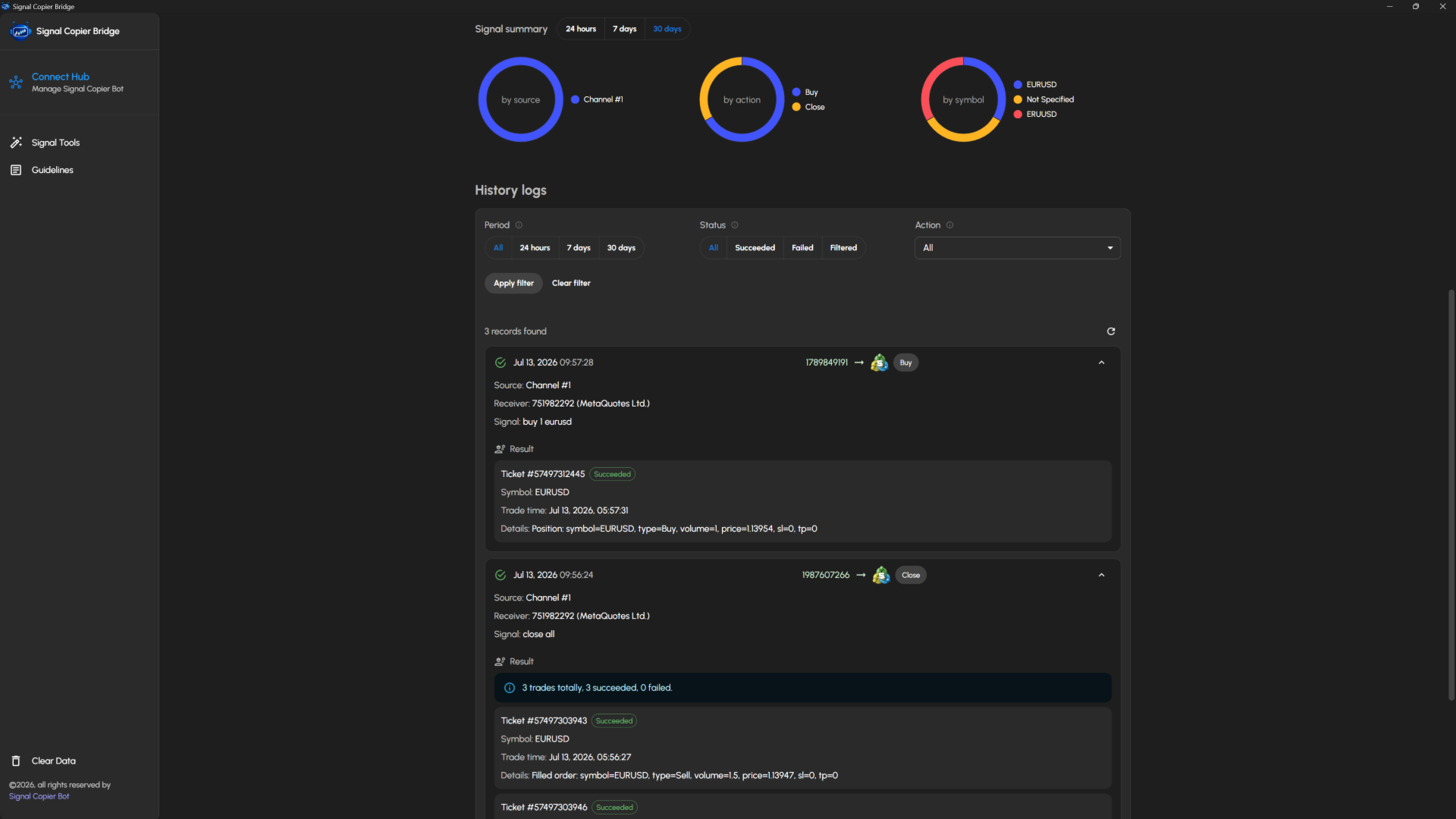
Whenever a new trading signal is posted in a Telegram group or channel connected to your Telegram account, it is detected and captured automatically.
Step 2: AI analyzes the trading signal
Our AI analyzes and interprets the trading signal, understanding different formats, writing styles, and languages without requiring predefined templates or parsing rules.
Step 3: Apply your trading preferences
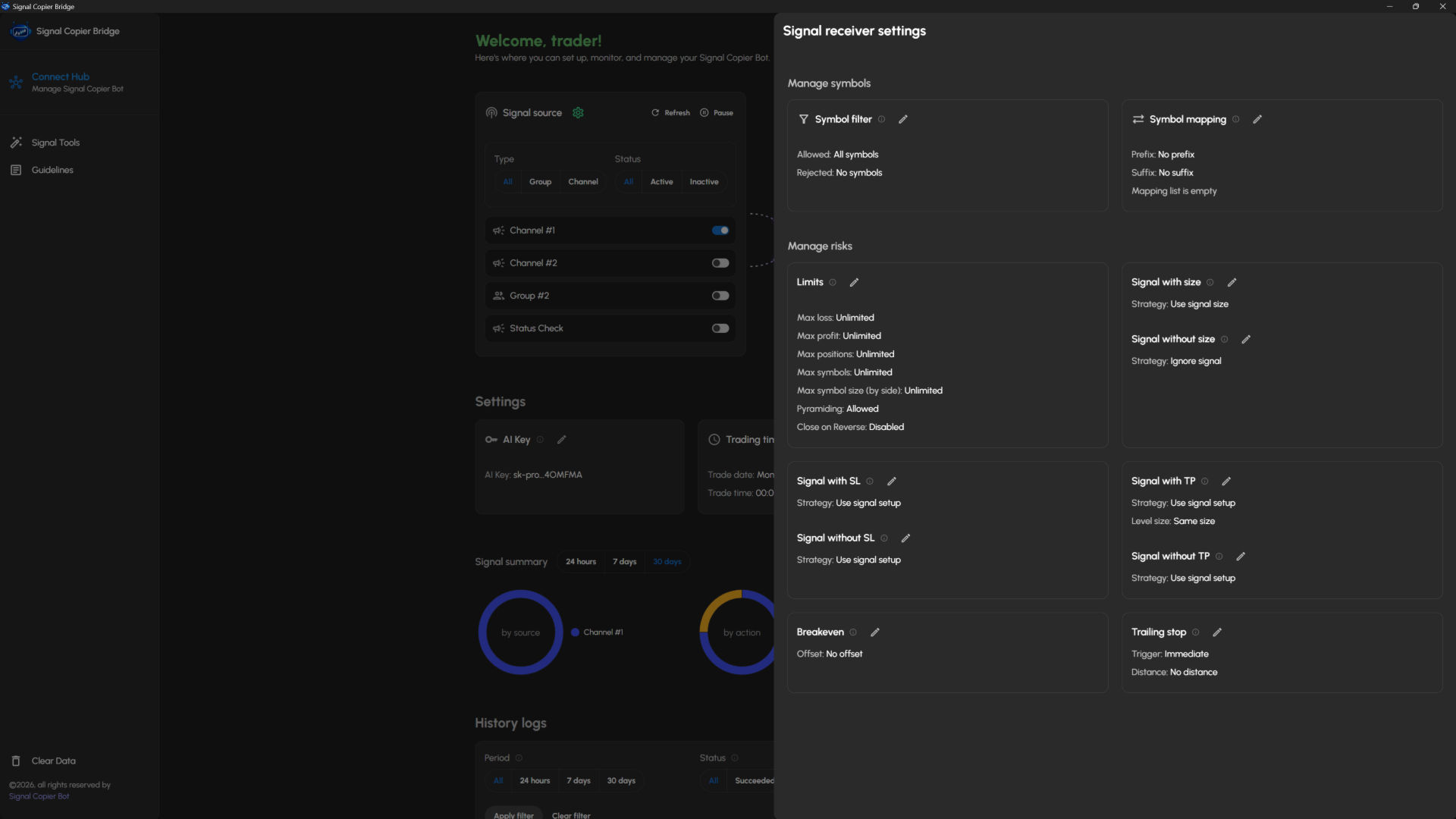
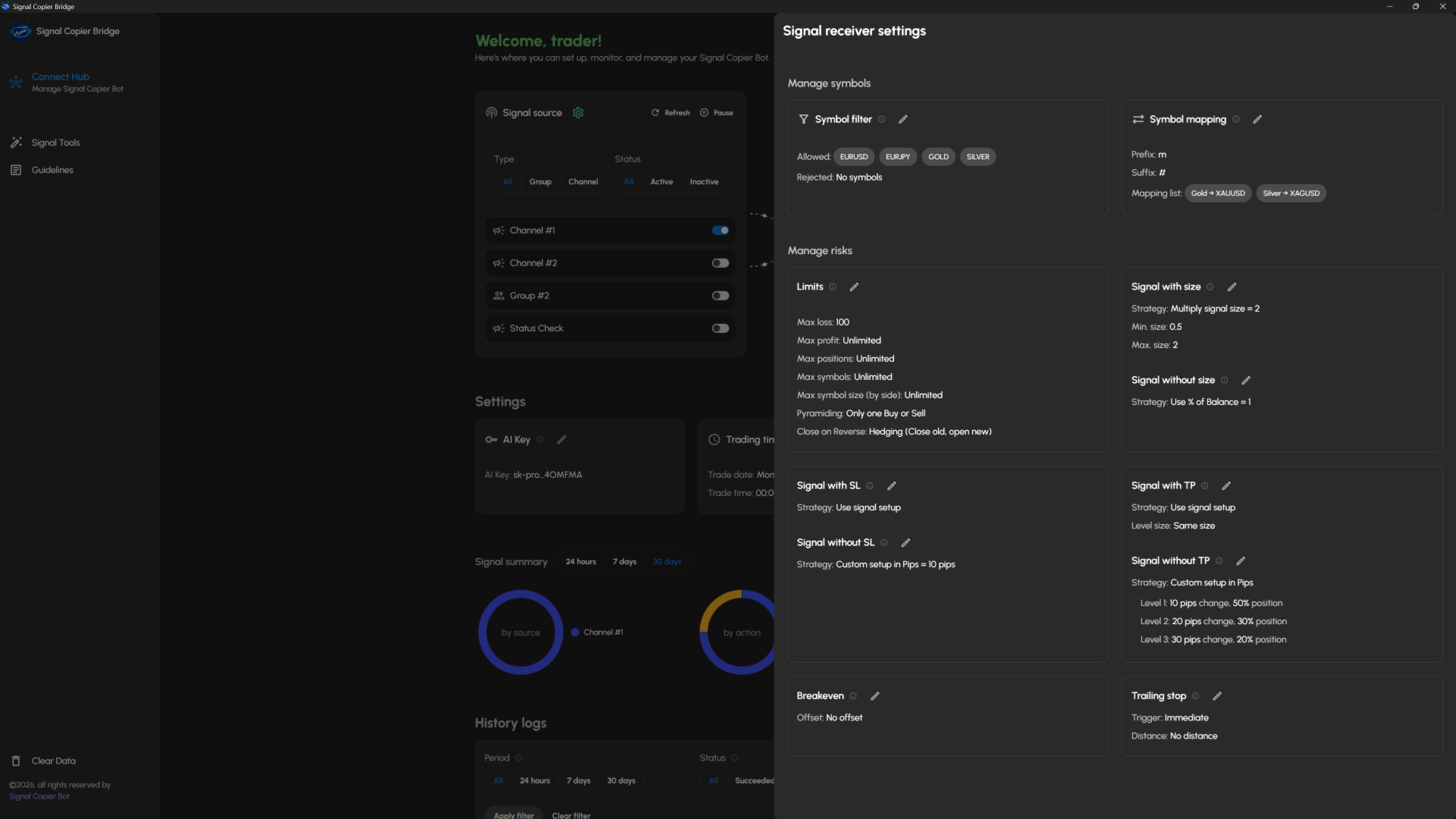
Before the trade is executed, your receiver settings are applied automatically to match your trading strategy, including:
- Risk management
- Symbol filtering and symbol mapping
- Position size limits
- Stop Loss and Take Profit strategies
- Breakeven settings
- Trailing stop settings
- And many more advanced options...
Step 4: Execute the trade in MT5
Once all customizations have been applied, the final trading signal is executed instantly on your MT5 trading account.
Requirements
1. Signal Copier Bridge
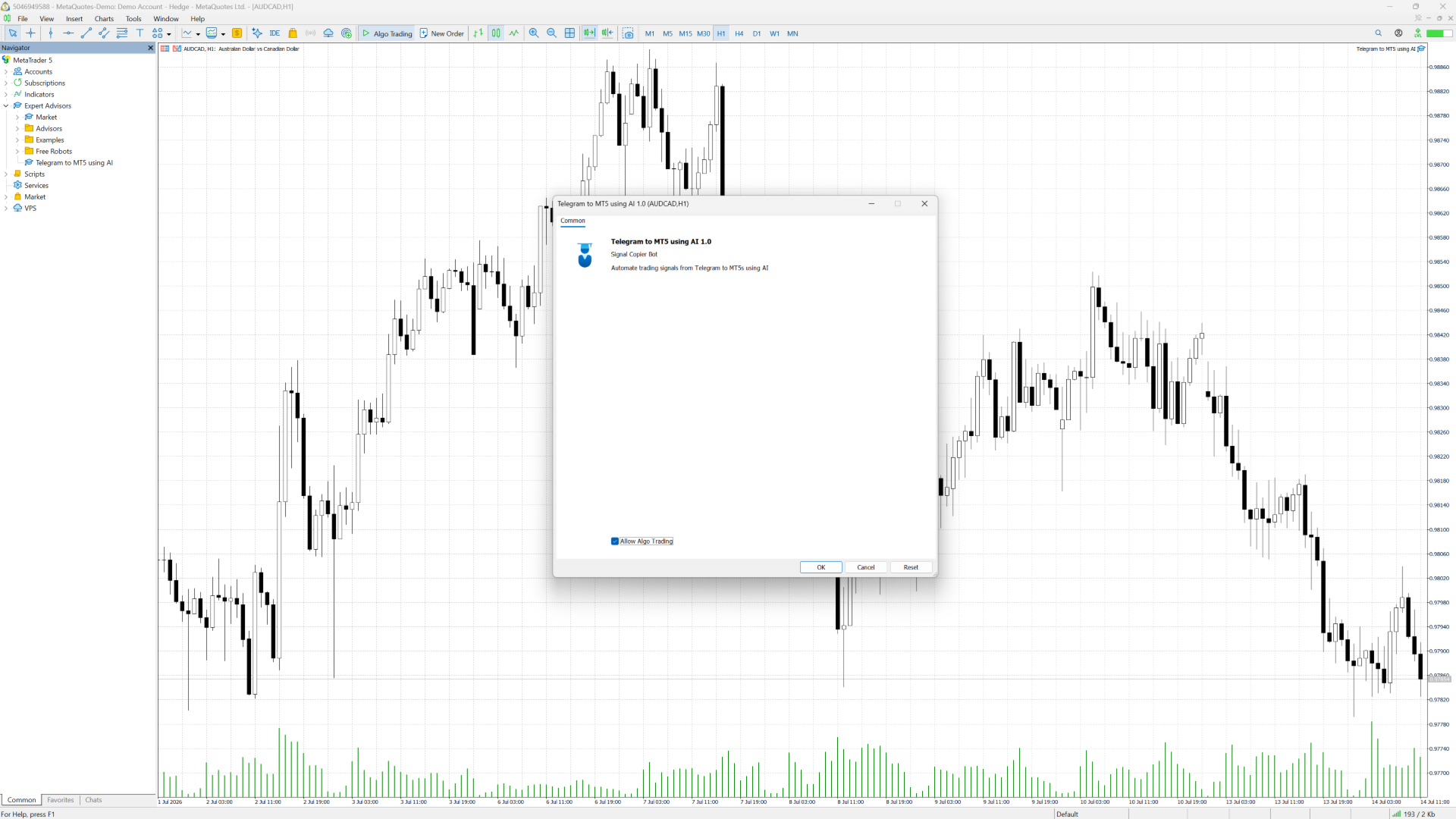
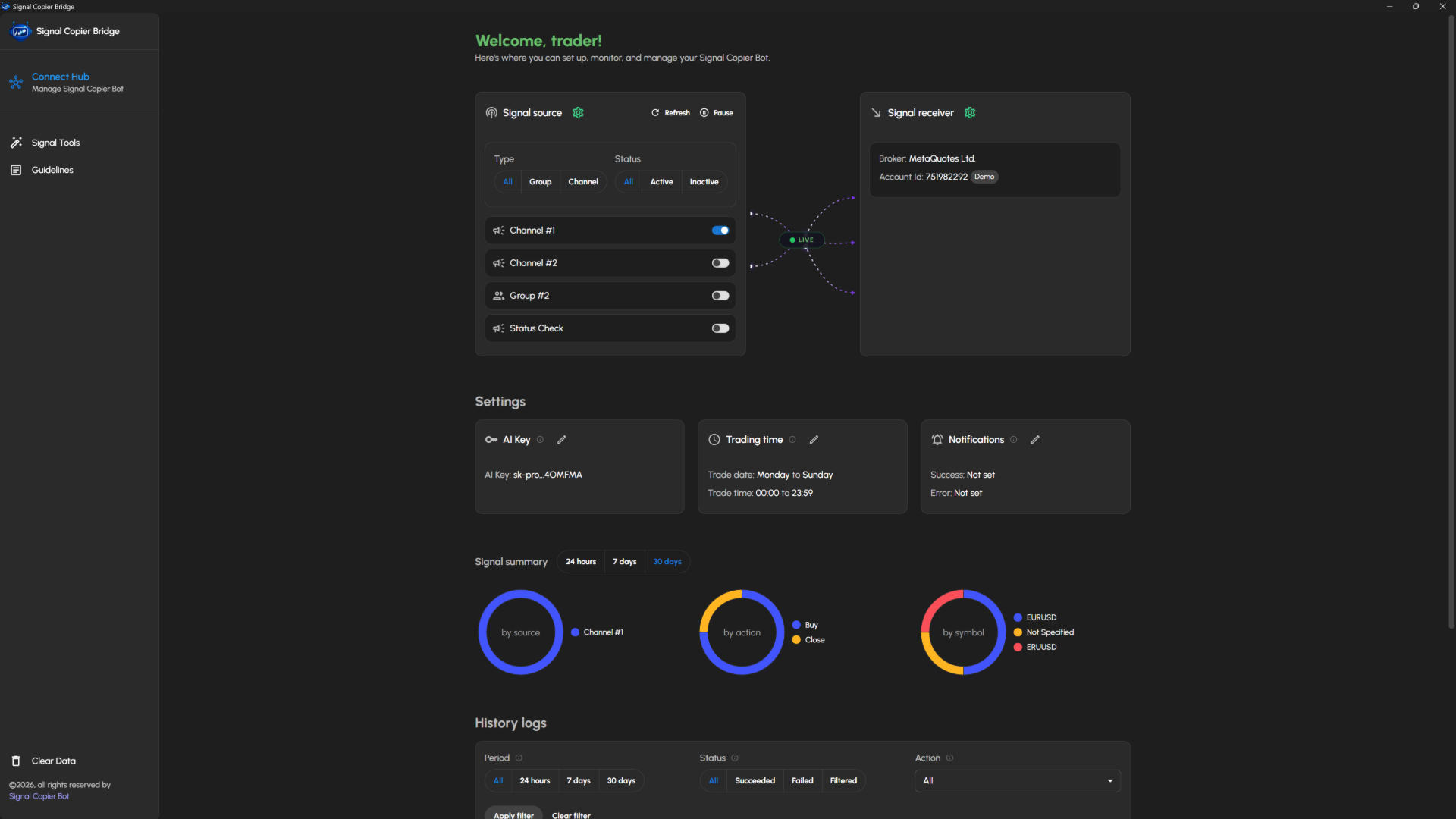
Due to MetaTrader's platform limitations, the Signal Copier Bridge desktop application is required. It securely connects your Telegram signals to your MT5 terminal and provides a central place to configure and manage your automation. Read the setup guide to download and install the application.
2. OpenAI API Key
Because the application is fully self-hosted and uses AI to understand your trading signals, you will need your own OpenAI (ChatGPT) API key to enable AI-powered signal parsing.
Supported trading signals
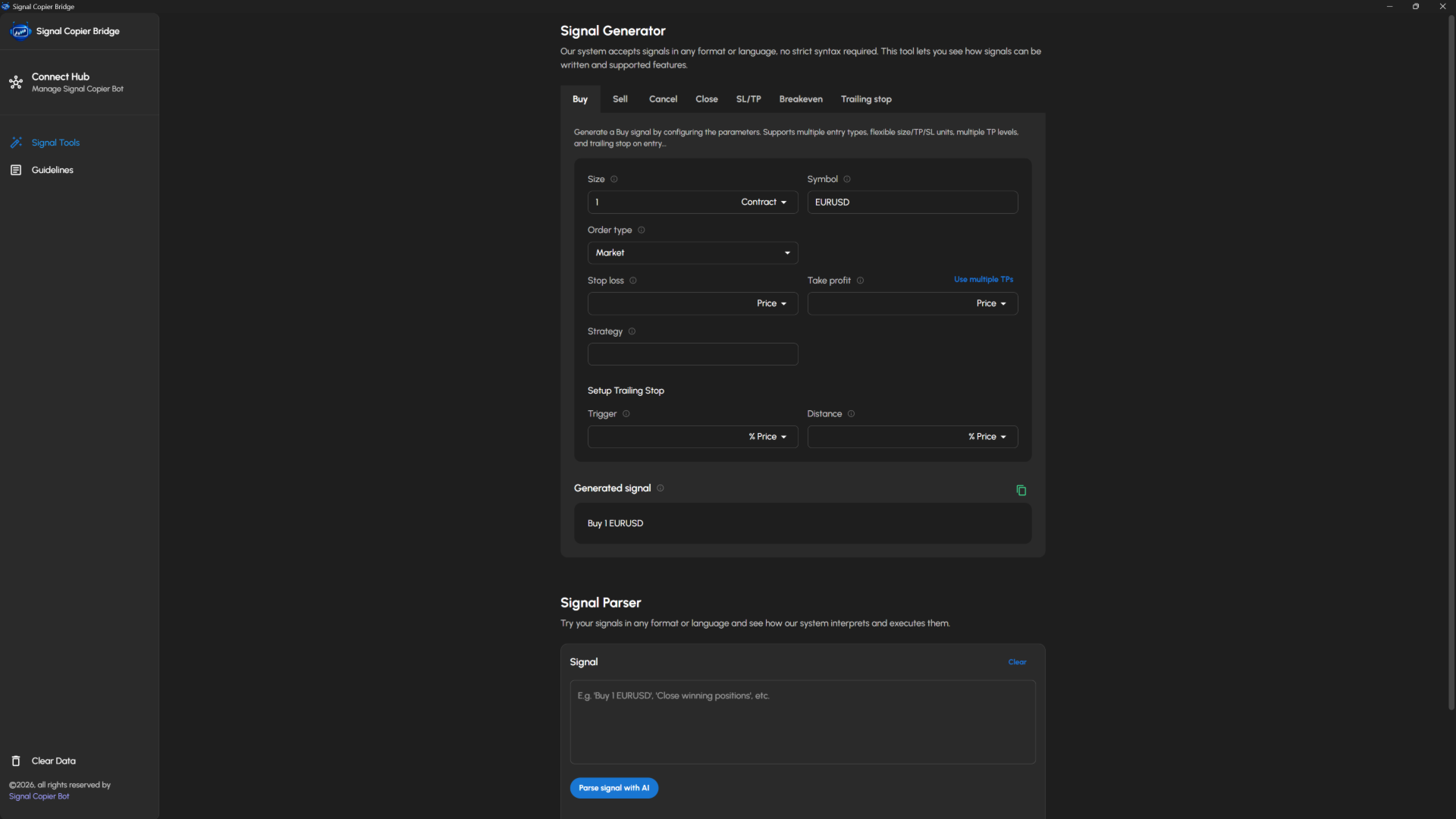
Your trading signals can be written in any format or language. They can contain complete trade instructions or only partial information. Missing details can be filled in automatically, and existing instructions can be modified or overridden using your receiver settings.
1. Buy/Sell actions
- Position sizing using lots, account balance percentage, or margin amount
- Market, Limit, and Stop orders
- Stop Loss and Take Profit using price, pips, or percentage change
- Multiple Take Profit targets
- Strategy ID support
- Trailing stop included in Buy/Sell signals
2. Cancel pending orders
- Cancel pending orders by order type
- Cancel pending orders by Strategy ID
- Cancel pending orders by symbol
3. Close open positions
- Partially close positions
- Close positions by order type
- Close positions by symbol
- Close positions using profit filters
- Close positions by Strategy ID
4. Set Stop Loss / Take Profit
- Set Stop Loss and Take Profit using price, pips, or percentage change
- Filter positions by order type, symbol, profit, and more
5. Set breakeven
- Move positions to breakeven automatically
- Configure a custom breakeven level
- Filter positions by order type, symbol, profit, and more
6. Set trailing stop
- Configure trailing stop trigger and distance using price, pips, or percentage change
- Filter positions by order type, symbol, profit, and more