TradeEcho Pro MT5
- ユーティリティ
- バージョン: 1.0

Description
TradeEcho Pro MT5 is a professional-grade utility designed to keep you instantly informed about every trading activity on your account. Whether you are at your desk or away, this tool acts as your personal trading assistant, providing real-time audio alerts and mobile push notifications for all trade events.
Instead of generic terminal sounds, TradeEcho Pro MT5 gives you detailed feedback, including the event type, symbol, and net financial results for every closed position.
https://drive.google.com/drive/folders/1kiwZJLQq4w5DYrQYX8BqmgiXixnMoJ71?usp=drive_link
Key Features
-
Distinct Audio Feedback: Assign unique .wav sounds for Buy, Sell, Take Profit, Stop Loss, and Manual Close events.
-
Instant Mobile Alerts: Receive push notifications directly to your MetaTrader 5 mobile app (iOS/Android).
-
Comprehensive Data: Notifications include Symbol, Ticket Number, and Net Profit/Loss.
-
Global Monitoring: Simply attach the EA to a single chart, and it will monitor all trades across your entire account.
-
Intuitive Setup: Clean and simple input parameters for effortless configuration.
How to Setup Sound Alerts (IMPORTANT)
To use your custom sounds, please follow these steps:
-
Prepare your sound files in .wav format (e.g., Buy.wav, Sell.wav).
-
Location: Open your MT5 Terminal, go to File -> Open Data Folder.
-
Navigation: Move out of the MQL5 folder and find the Sounds folder in the root directory of MetaTrader 5.
-
Action: Paste your sound files there.
-
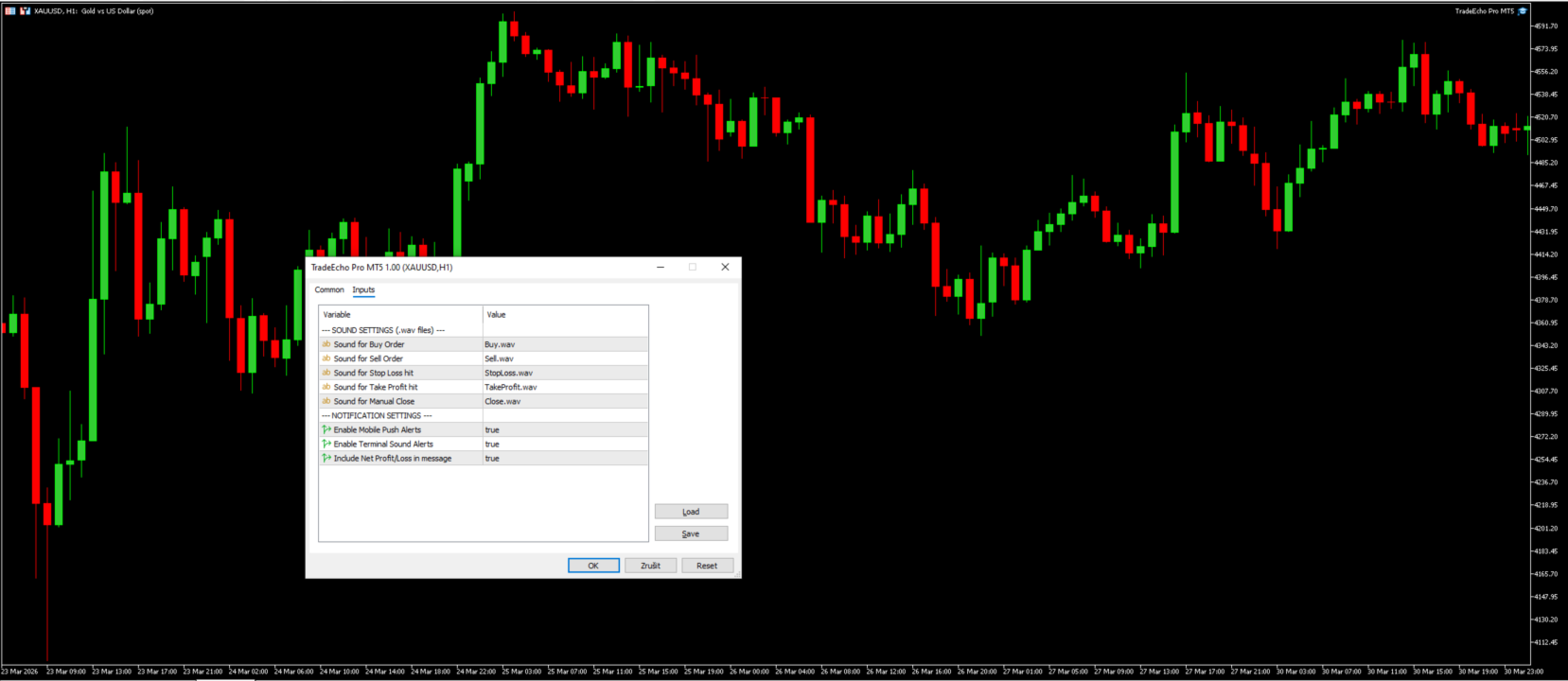
Settings: In the EA Inputs, ensure the filenames match exactly (including the .wav extension).
Input Parameters
-
Sound Settings: Specify the exact filenames for each trade event.
-
Enable Push Notifications: Toggle mobile alerts (True/False).
-
Enable Sound Alerts: Toggle terminal audio (True/False).
-
Show Profit/Loss: Include financial results in the notification message.
Requirements
-
To receive mobile notifications, you must enter your MetaQuotes ID in your MT5 Terminal (Tools -> Options -> Notifications).
-
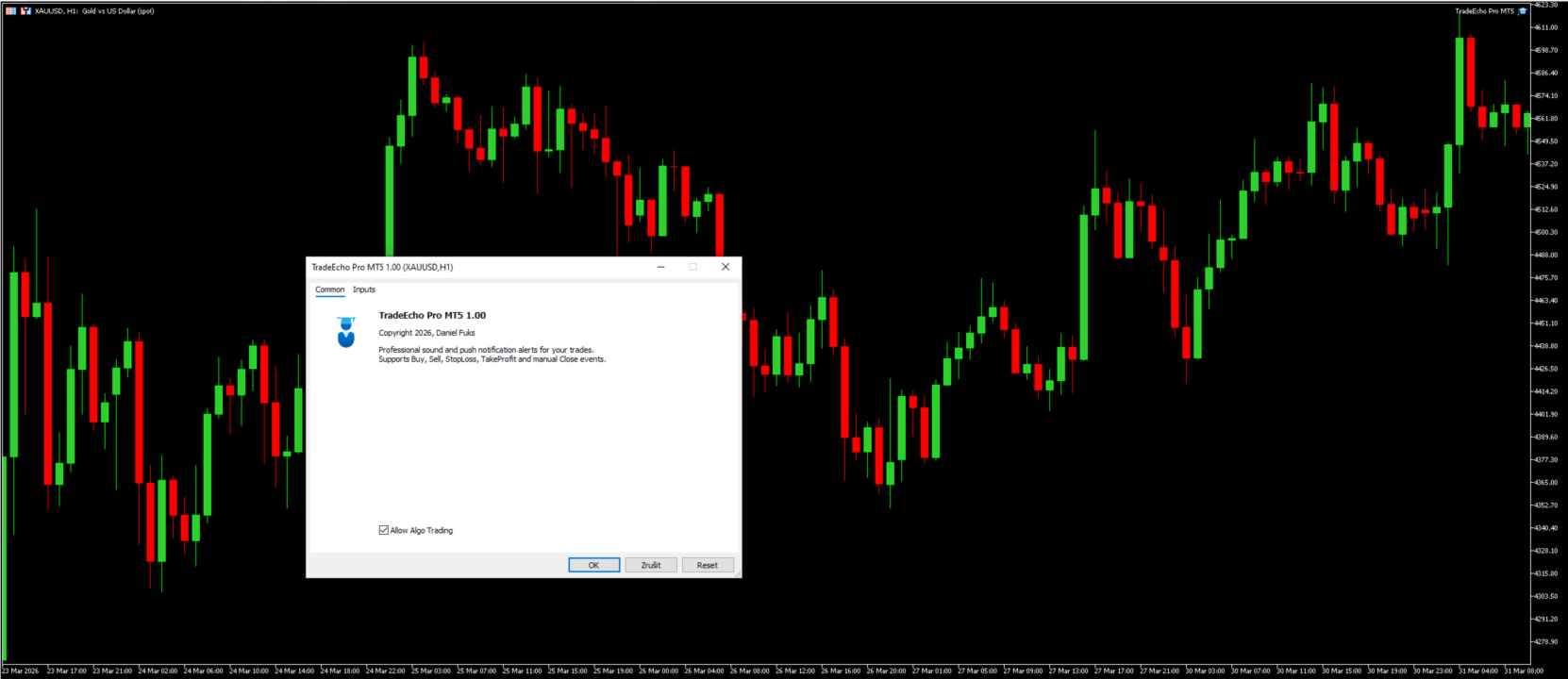
Ensure "Allow Algo Trading" is enabled (the hat icon must be green) for the EA to function correctly.
⭐ Support the project: If you find this free utility helpful, please take a moment to leave a 5-star review. Your feedback motivates me to keep updating the tool and adding new features!