Prop Trade Manager Starter Panel
- ユーティリティ
- バージョン: 1.0

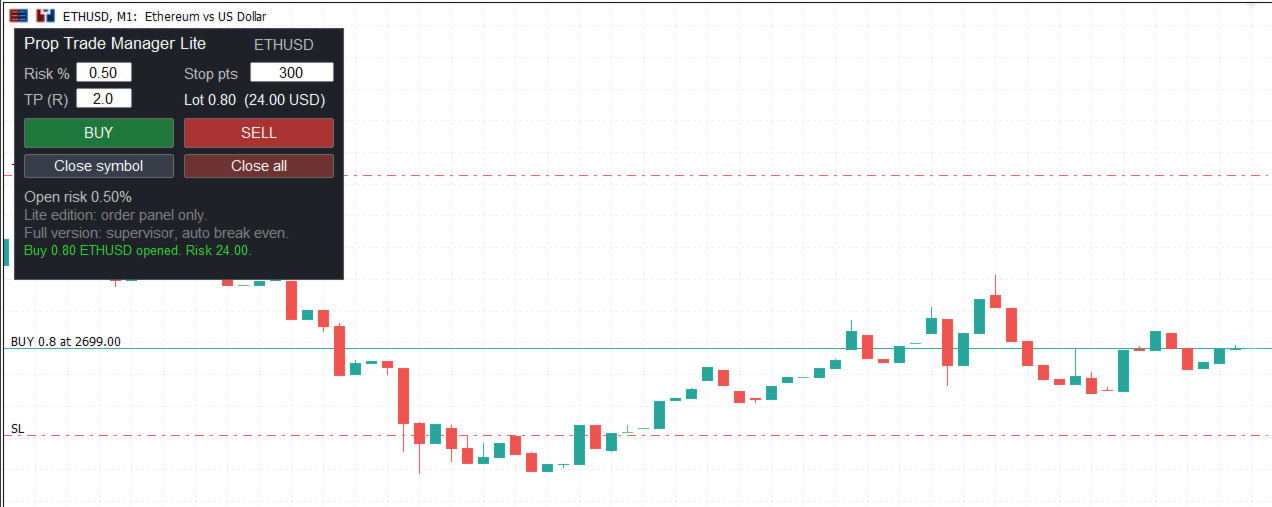
Free order panel for MetaTrader 5: the lot size is calculated from your risk % and your stop distance, and every order opens with stop loss and take profit. Built for traders who use funded or prop firm accounts.
What this free panel does
- Calculates the lot size from your risk % and your stop distance, and shows the money at risk before you click.
- Opens Buy and Sell orders with stop loss and take profit (take profit in R multiples).
- Closes the current symbol or all positions with one click.
- Works on any symbol. It gives no signals and opens a position only when you press Buy or Sell.
How to use
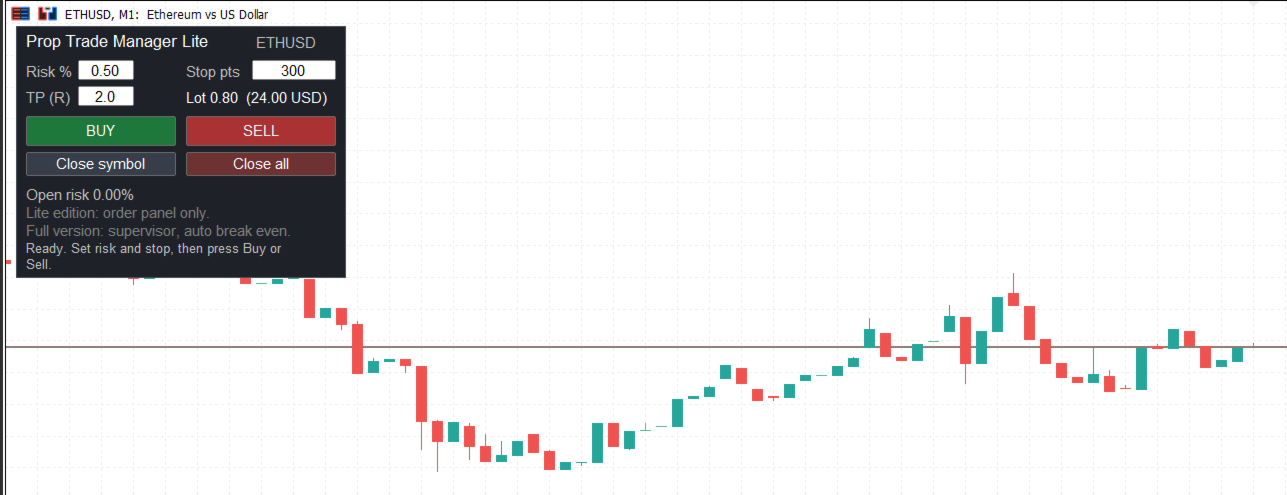
- Attach the panel to a chart and enable Algo Trading.
- Set Risk %, Stop pts and TP (R) in the panel.
- Press Buy or Sell.
Upgrade to the full version
The free panel has no limits on your total risk. If you trade a funded account, the full version, Prop Trade Manager Risk Panel and Supervisor, protects you from your own mistakes. Search for it in the Market from the same author. It adds:
- Portfolio supervisor: refuses a new order when the total open risk, the risk of a correlated group (metals, currency pairs, stock indices, crypto) or the number of positions in that group would go over your limits.
- Daily loss block: stops new orders when the loss of the day reaches your limit.
- Automatic break even, partial close and trailing stop.
- Every refused order is written to a file with the reason.
Trading involves risk. This tool helps you follow your own risk rules and does not guarantee results. Test on a demo account first.