Lbu Visual Tradepad
- Utilità
- Versione: 1.0

LBU Trading System presents the LBU Visual Tradepad
An intuitive, visual risk calculator and one-click execution panel designed to streamline your trading workflow . Calculating position sizes manually and setting precise stop losses can be tedious. The LBU Visual Tradepad brings institutional-grade visual order management directly to your chart, allowing you to manage risk dynamically by simply dragging lines .
🔥 KEY FEATURES
-
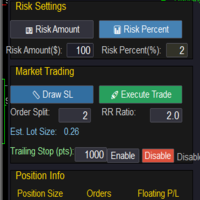
Visual Risk Calculation: Automatically calculates the exact position size (lot size) based on your predefined account balance risk percentage and visual Stop Loss distance .
-
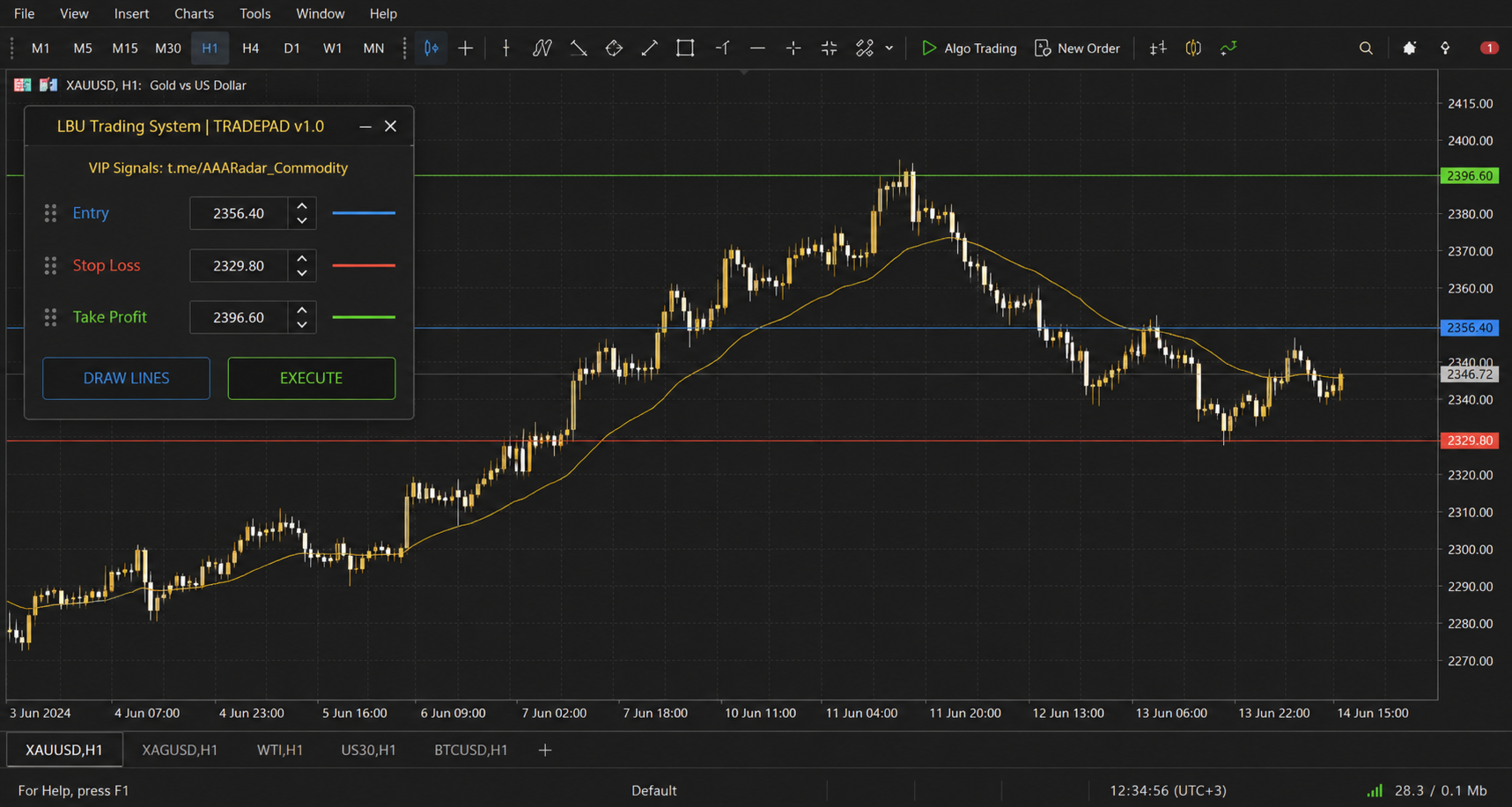
Drag-and-Drop Order Setup: Click "Draw Lines" to render Entry, Stop Loss, and Take Profit levels directly on your chart, then drag them freely to adjust your trade parameters .
-
Smart Order Detection: Automatically detects whether your setup is a Market execution, Buy/Sell Limit, or Buy/Sell Stop order based on your entry line placement relative to current market prices .
-
Built-in Safety Checks: Validates broker stop levels, minimum volumes, and integrates seamlessly with the LBU Equity Shield emergency lock system .
-
Clean Interactive HUD: A sleek on-chart dashboard displaying real-time direction, stop distance in pips, and calculated lot size dynamically as you drag your lines .
⚙️ INPUT PARAMETERS
-
InpRiskPercent: Risk per trade expressed as a percentage of your account balance (default 1.0%) .
-
InpRewardRisk: Initial risk-to-reward ratio for automatic Take Profit line placement (default 2.0) .
-
InpMagicNumber: Unique Magic Number assigned to trades placed via the panel .
-
InpDeviationPts: Maximum allowed price slippage in points .
-
InpDeleteOnRemove: Automatically cleans up chart objects when the utility is removed .