Nova Trade Journal Premium
- Utilità
- Versione: 2.0
- Attivazioni: 8

Nova Trade Journal Premium
Know which trades, symbols and strategies deserve your attention.
Nova Trade Journal Premium turns your MetaTrader 5 account history into a practical performance dashboard. Review your results, compare trading activity and record the lessons behind each completed trade—all inside your terminal.
Designed for manual traders and EA users who want a clearer understanding of their trading performance.
Key features
-
Performance overview: net profit, profit factor, win rate, expectancy, recovery and closed-trade drawdown.
-
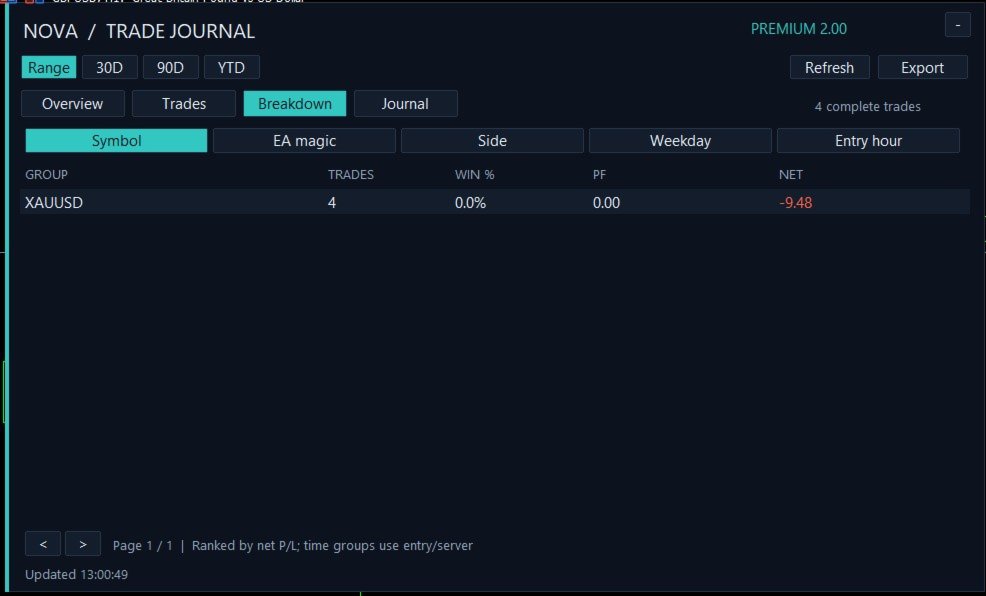
Detailed breakdowns: compare results by symbol, EA magic number, direction, entry weekday and entry hour.
-
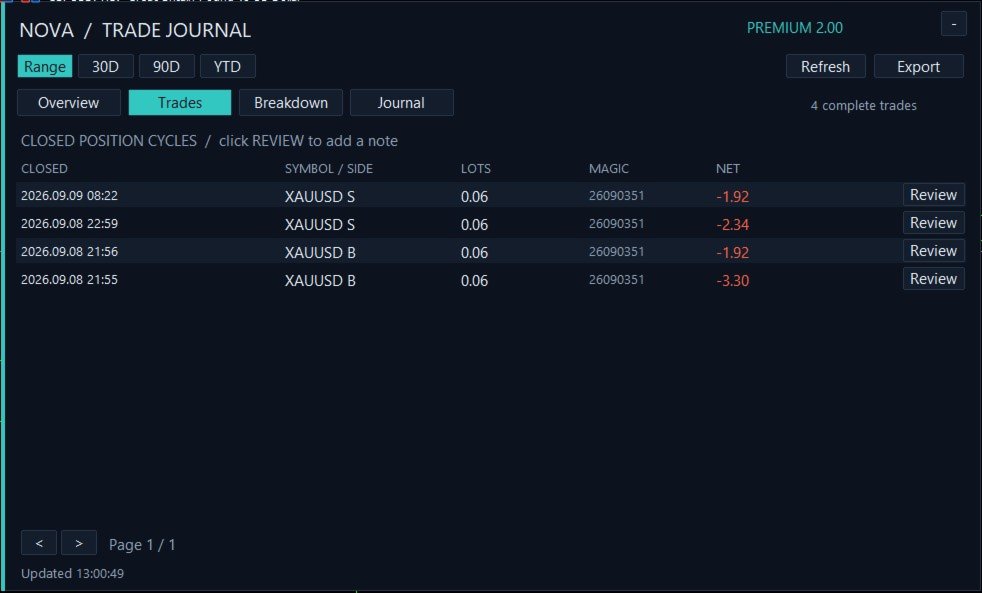
Personal trade journal: save setup tags and notes for individual trades.
-
Trade-chart review: open a separate chart with weighted entry and exit markers.
-
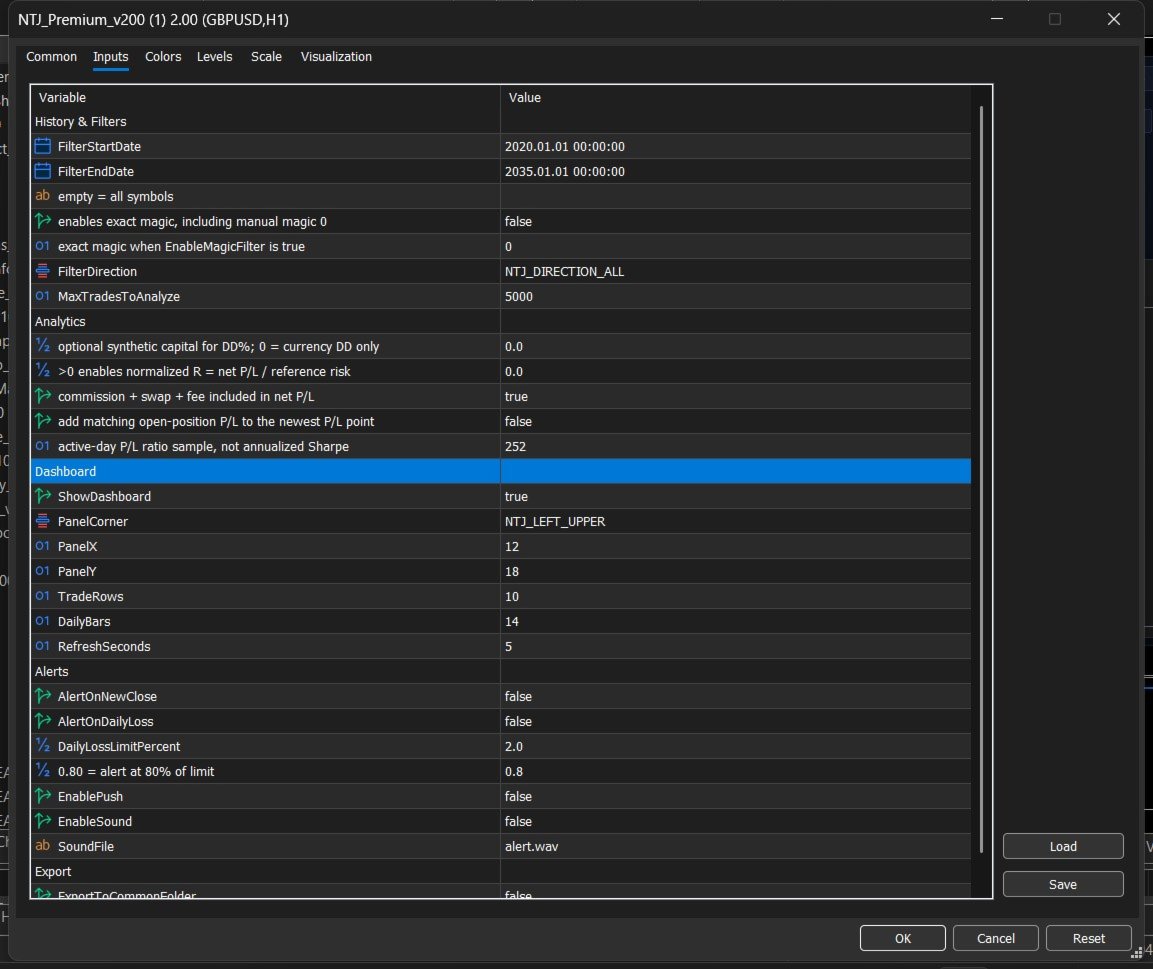
Flexible filtering: select dates, symbols, direction or a specific EA.
-
CSV reports: export trade details, daily results and performance summaries.
-
Daily-loss warnings: optional account-wide alerts using booked results and current floating P/L.
-
Adjustable dashboard: four tabs, pagination and collapsible display.
How to use
-
Attach the indicator to any chart. It reads the connected account’s available trading history.
-
Maximize the chart to give the dashboard sufficient space.
-
Leave the symbol filter blank to review all symbols. To isolate an EA, enable EnableMagicFilter and enter its magic number.
-
Use Overview for your totals and Breakdown to compare performance.
-
Under Trades, click Review, enter your tag or note, then press Save note.
-
Click Export to save CSV reports. The default location is File → Open Data Folder → MQL5 → Files → NTJ2.
Please note: Statistics describe completed position cycles and depend on available broker history. The P/L curve is not historical account equity, and its drawdown excludes intratrade floating losses. Daily-loss alerts are informational; the indicator does not place or manage trades.