Tap
- Utilità
- Versione: 1.0
- Attivazioni: 20

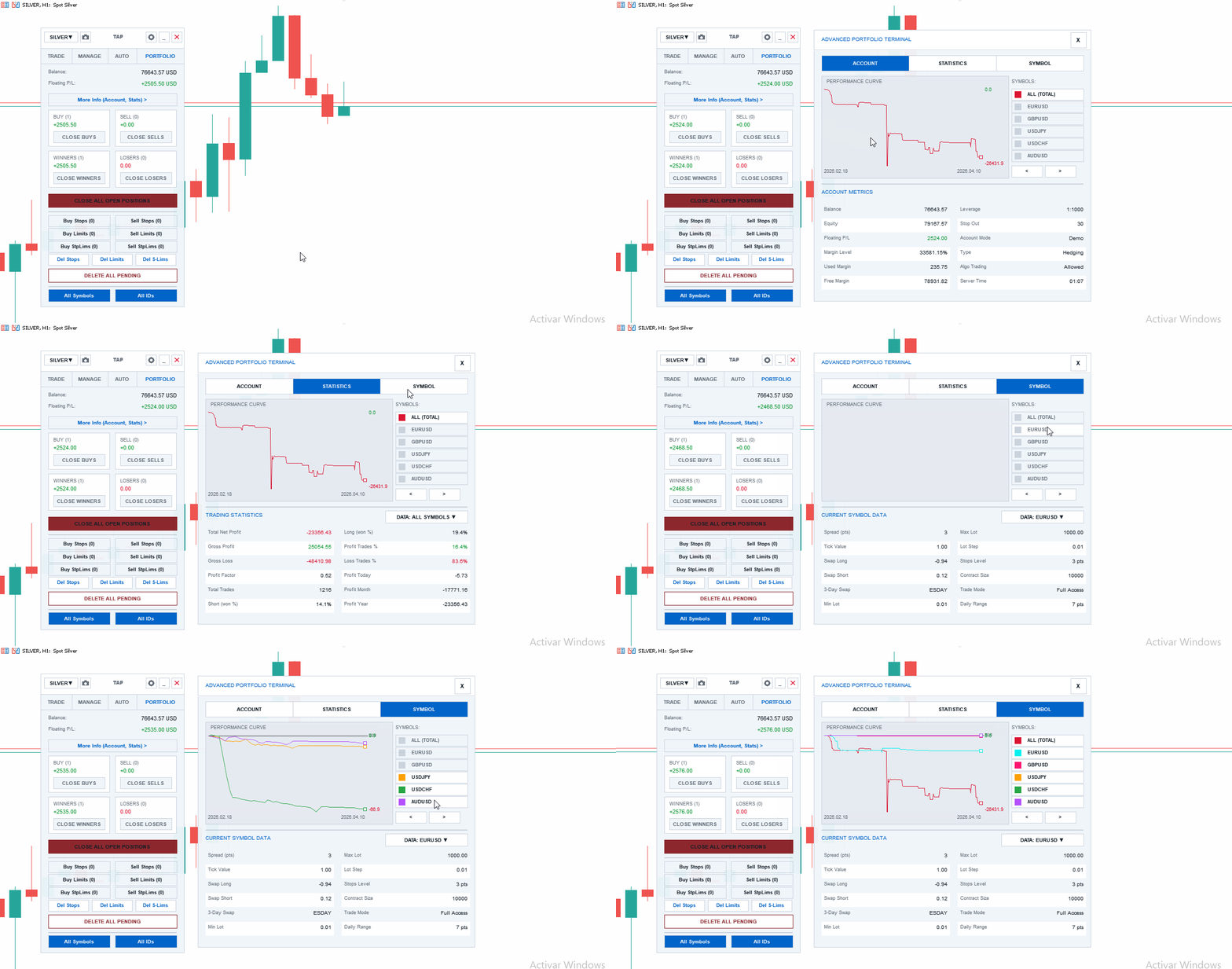
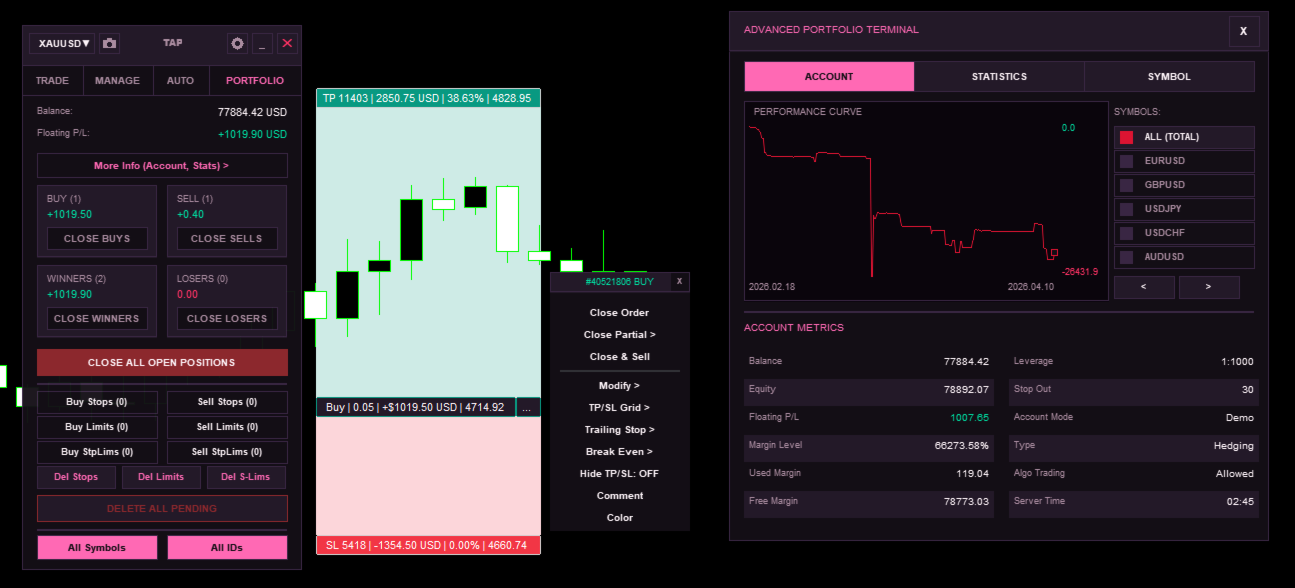
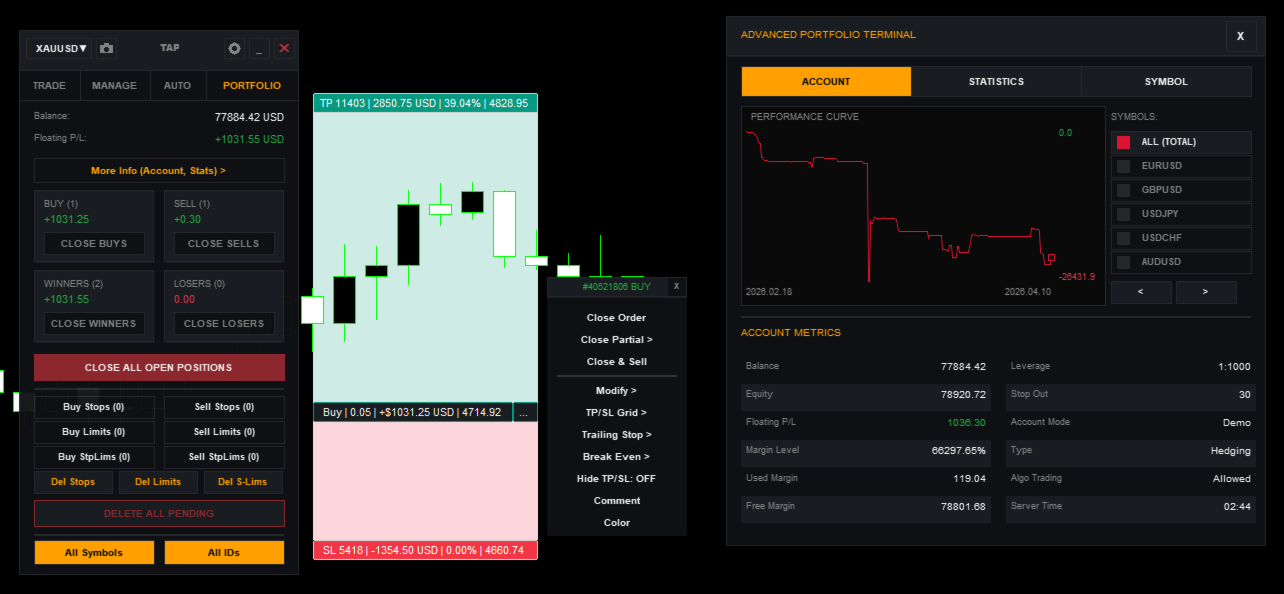
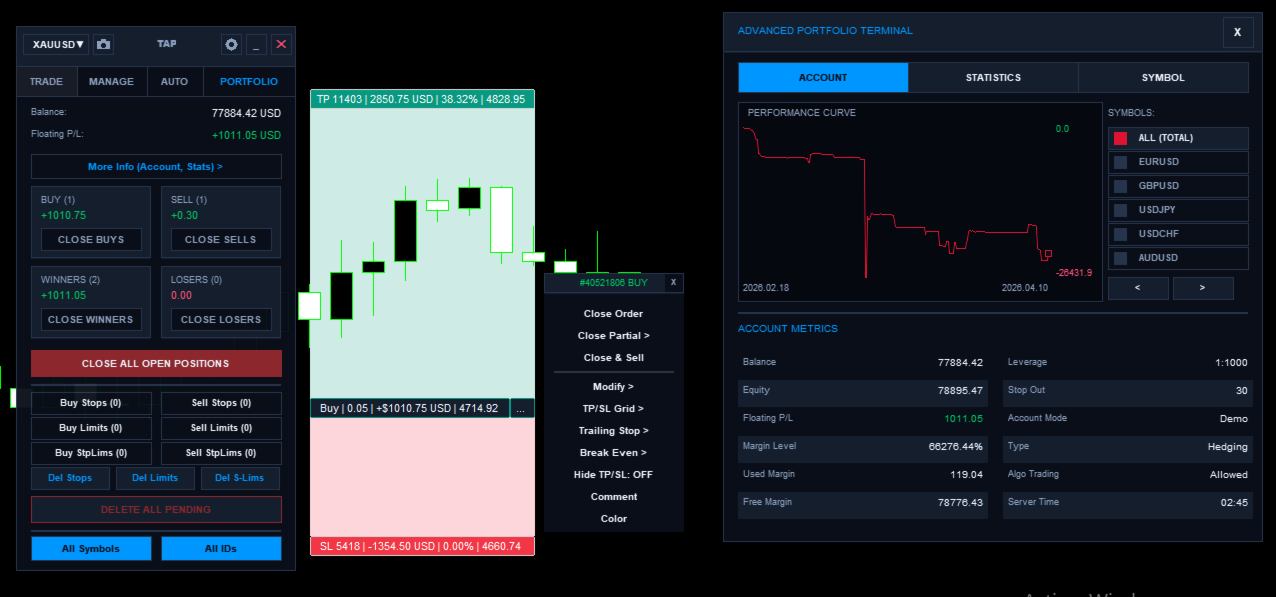
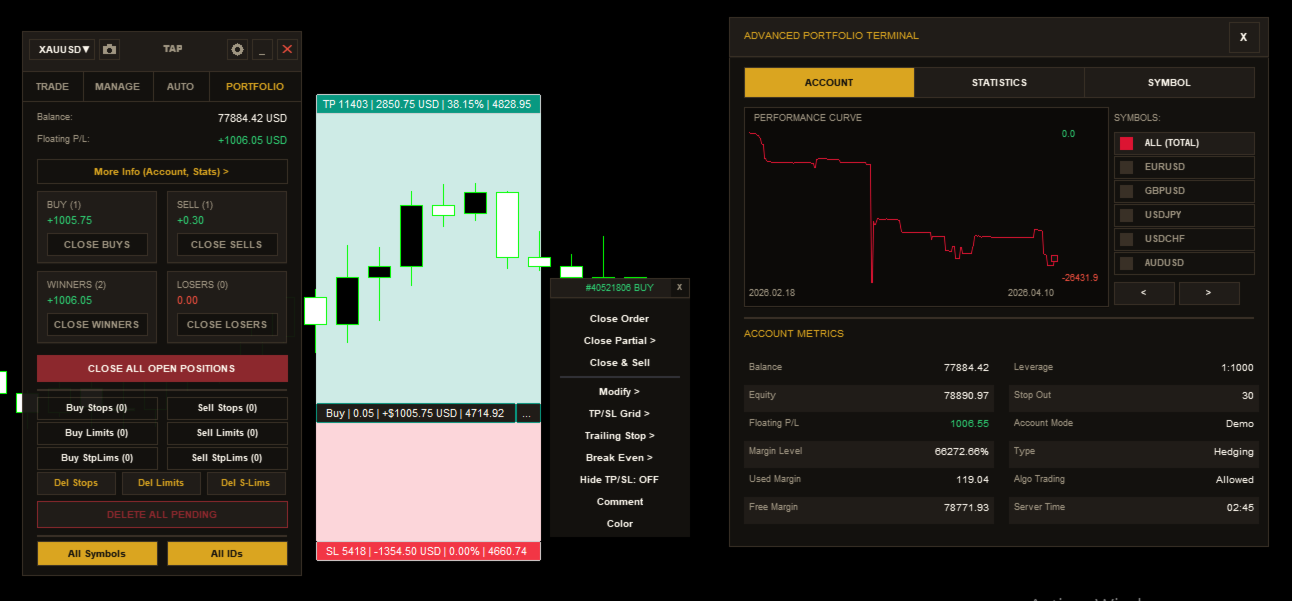
Trade Assistant Pro (TAP) is an advanced trading terminal designed to offer control, precision, and efficiency in manual trading. TAP is a professional assistant that centralizes trade planning, risk calculation, and portfolio management in an intuitive, high-performance interface. Developed for traders who require an optimized workflow—from scalpers demanding zero-latency execution to swing traders managing multiple assets—TAP is compatible with all markets available on MetaTrader 5: Forex, Indices, Commodities, and Cryptocurrencies.
IMPORTANT NOTICE AND DEMO VERSION:
You can download a fully functional Demo version (restricted to Demo accounts only) from our official MQL5 Blog here: TAP_DEMO
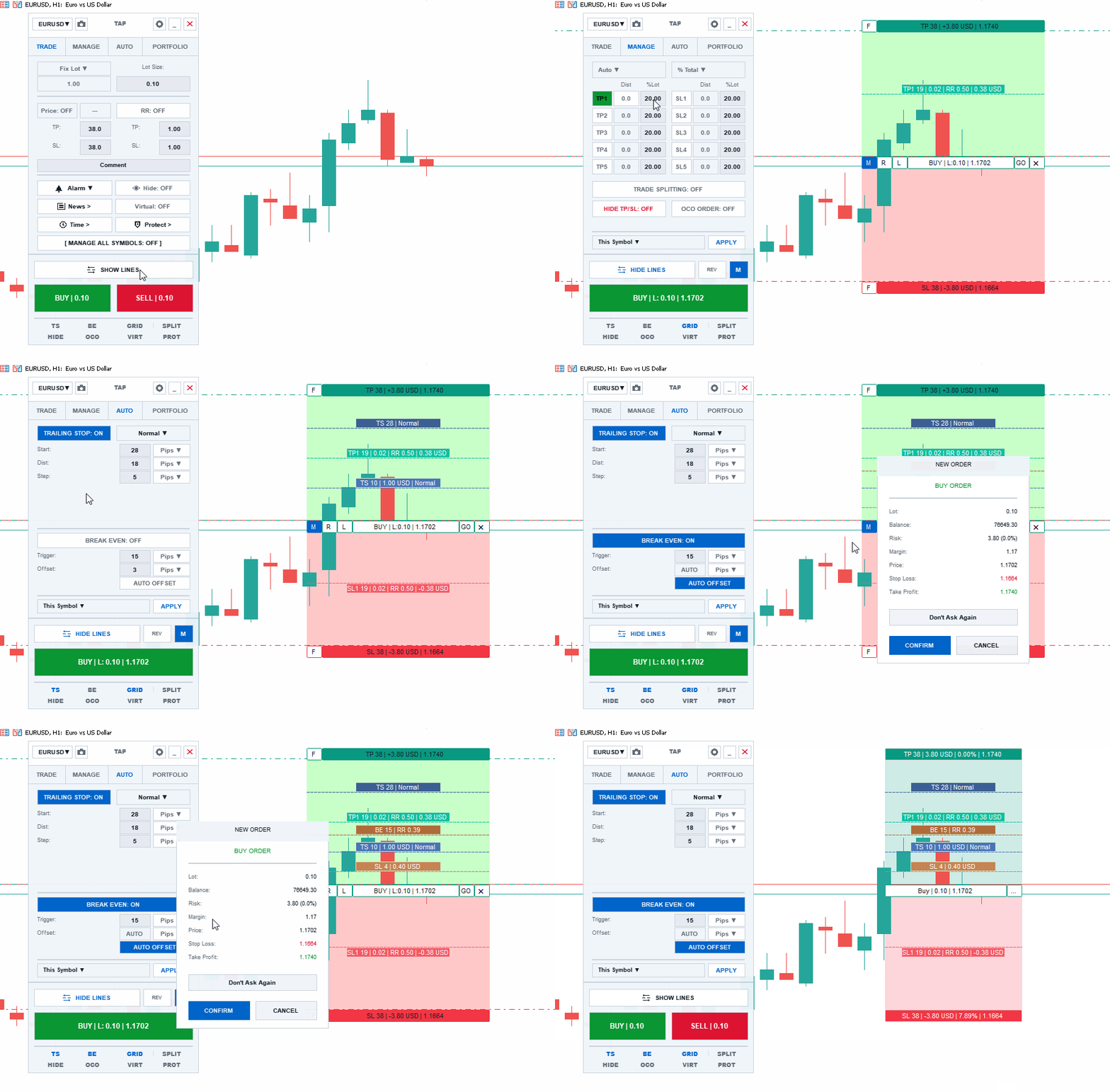
With Trade Assistant Pro, complex position sizing calculations are automated. Simply define your Entry, Stop Loss, and Take Profit levels directly on the chart using interactive lines. The engine will instantly calculate the exact lot size based on your predefined risk (percentage or fixed equity) and display vital metrics in real-time.
Core Architecture and Performance
- Lag-Free CCanvas Interface: Built on a custom graphics engine, ensuring a smooth user experience without affecting terminal performance, even during high market volatility.
- RAM-Based HFT Engine: Critical operations (calculations, trailing stops, and protections) are executed directly in RAM using a 64-bit Bitwise OpCodes architecture. This provides instant response times and eliminates the latency of standard API calls.
- Asynchronous Trading Engine: Orders are sent asynchronously. The terminal interface never freezes while waiting for broker confirmation. It includes a strict Rate Limiter to comply with the server regulations of prop-firms and institutional brokers.
Dynamic Position Management
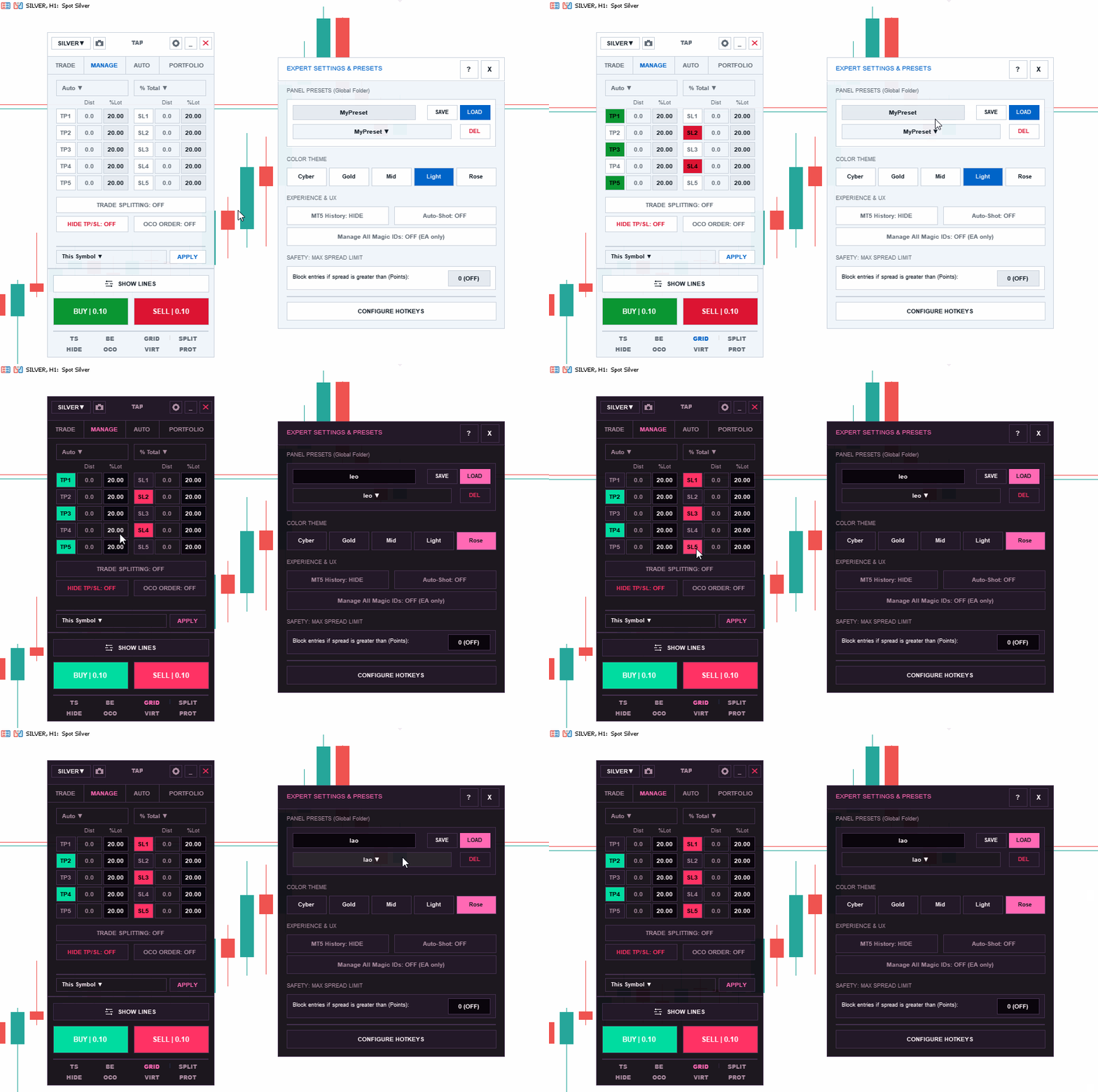
- Scale-Out (TP and SL Grid): Set up to 5 partial Take Profit levels and 5 partial Stop Loss levels. Distribute the volume by percentage of the total, percentage of the remaining volume, or fixed lots. Define distances in Pips, exact Price, Risk Ratio, or Automatically.
- Smart Break Even: Secure your trades automatically. It features an "Auto Offset" algorithm that reads the broker's live spread and commissions to place the Break Even line at the exact mathematical point of zero loss.
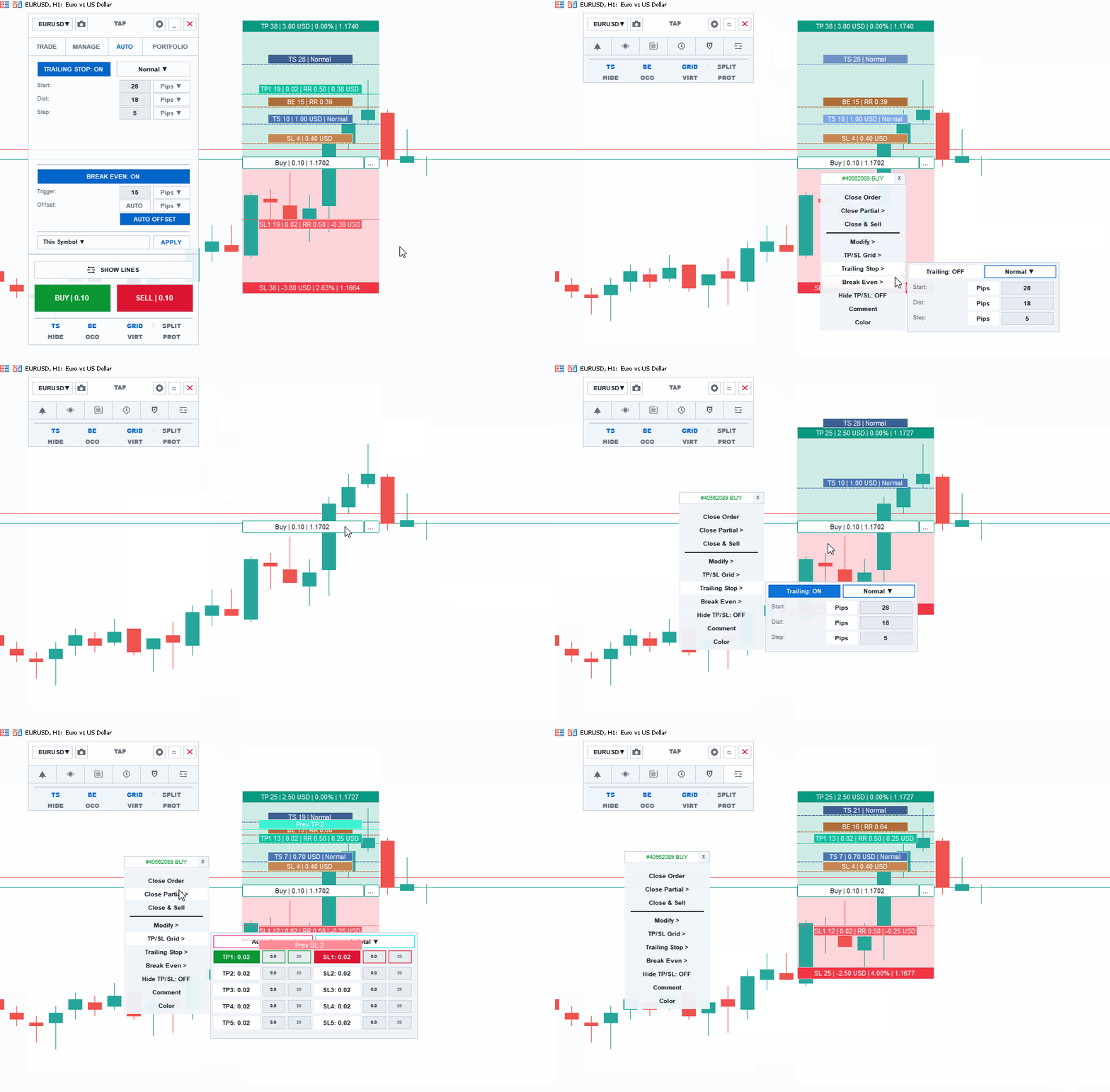
- Advanced Trailing Stop: A dynamic tracking engine with 7 independent algorithms: Normal (Pips), Fractals, Moving Average (MA), Parabolic SAR, ATR, Partial Close (triggers upon hitting TP1), and Hi-Lo.
- Trade Splitting: For high-volume accounts, this feature automatically divides a large order into multiple smaller positions based on your Grid configuration, sending them simultaneously to the broker.
Stealth and Tactical Execution
- Stealth Mode (Hide TP/SL): Hide your exit levels from the broker. The engine manages virtual closures within your computer's RAM, executing market orders at the exact millisecond the price touches your virtual lines.
- Trailing Orders (LPO): Transform Limit and Stop orders into dynamic entities. The pending order will chase the market price at a fixed distance, ideal for catching strategic pullbacks.
- OCO (One Cancels the Other): Link pending orders. If the market triggers one of them, the system will instantly delete the opposite order.
- Time Expiration: Drag a visual timeline arrow onto your chart. If the pending order has not been executed by the time it reaches that specific candle, it will be automatically deleted.
The Ultimate Guardians (Protection and Automation)
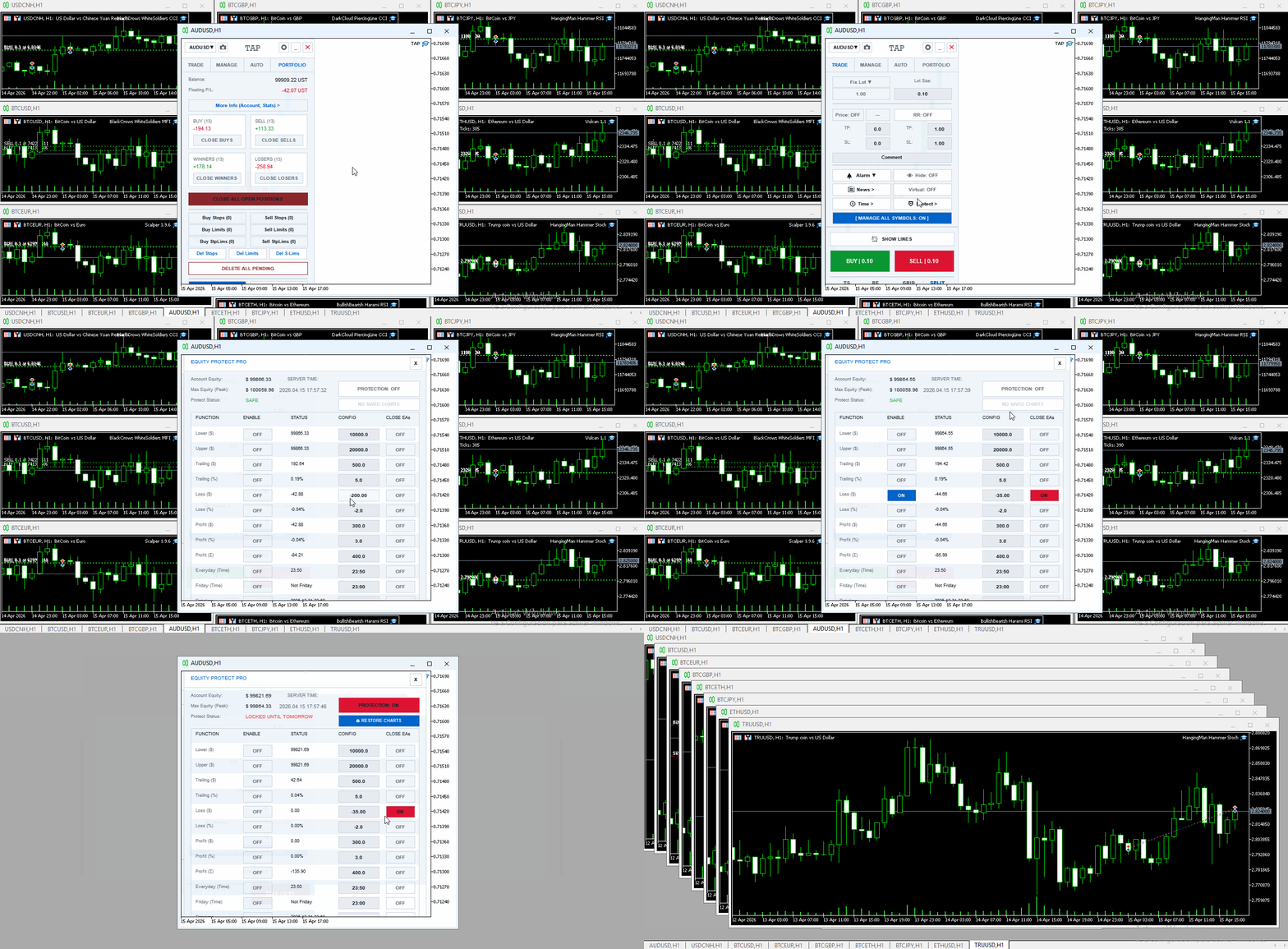
- Equity Protect Pro: A global shield for your account. Define daily limits based on Floating Loss, Floating Profit, or a "Trailing Drawdown" that tracks the highest peak of your equity. If a threshold is reached, the system liquidates all positions.
- Phoenix Protocol (Workspace Recovery): If a severe protection rule is triggered, the EA can automatically close all other MetaTrader charts to prevent other Expert Advisors from trading. The next day, a single click will restore all your charts with their original templates.
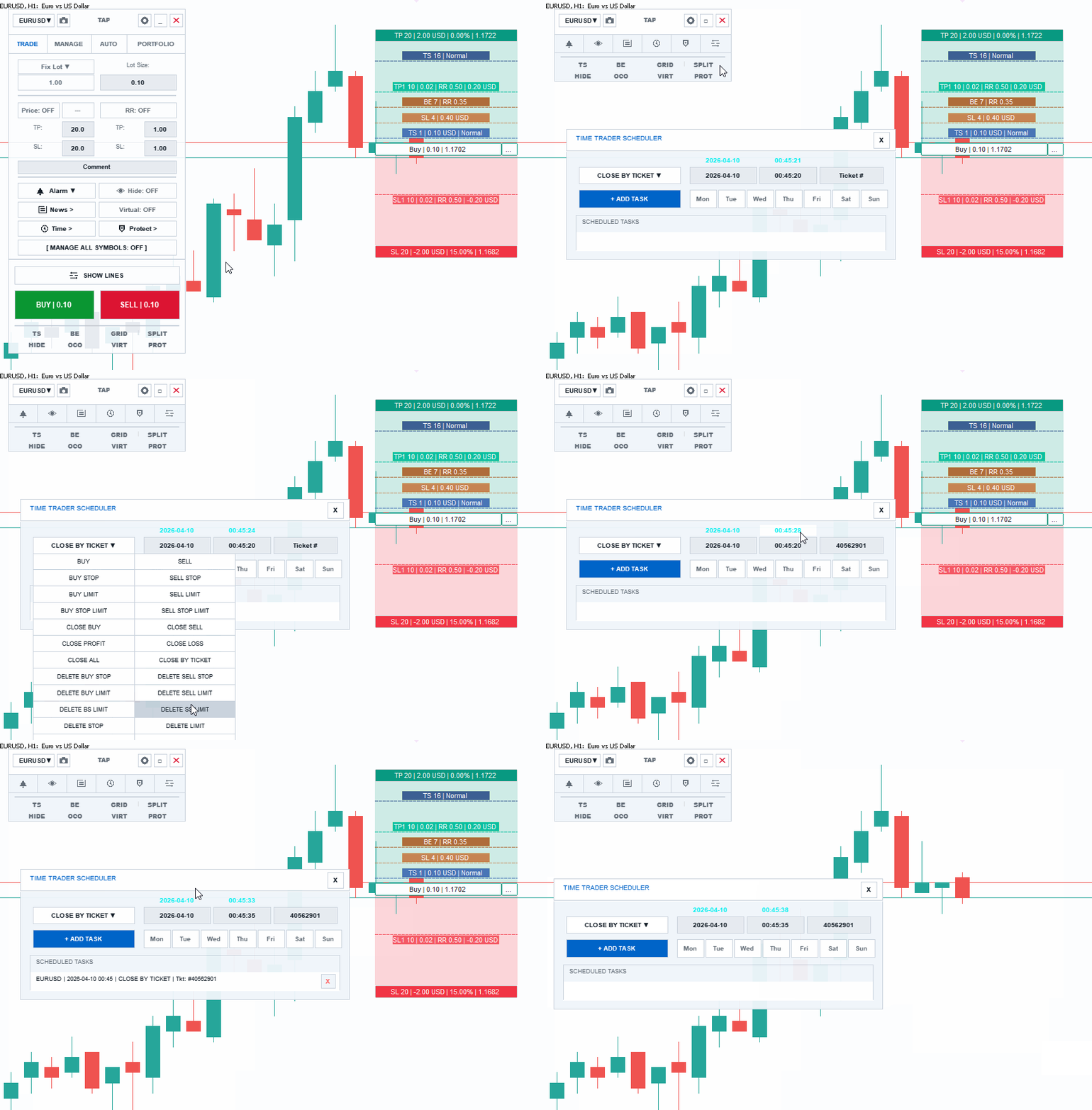
- Time Trader (Scheduler): Schedule tasks (Buy, Sell, Close All, or Turn Off EA) for specific dates and times. It uses an internal synthetic clock immune to broker latency.
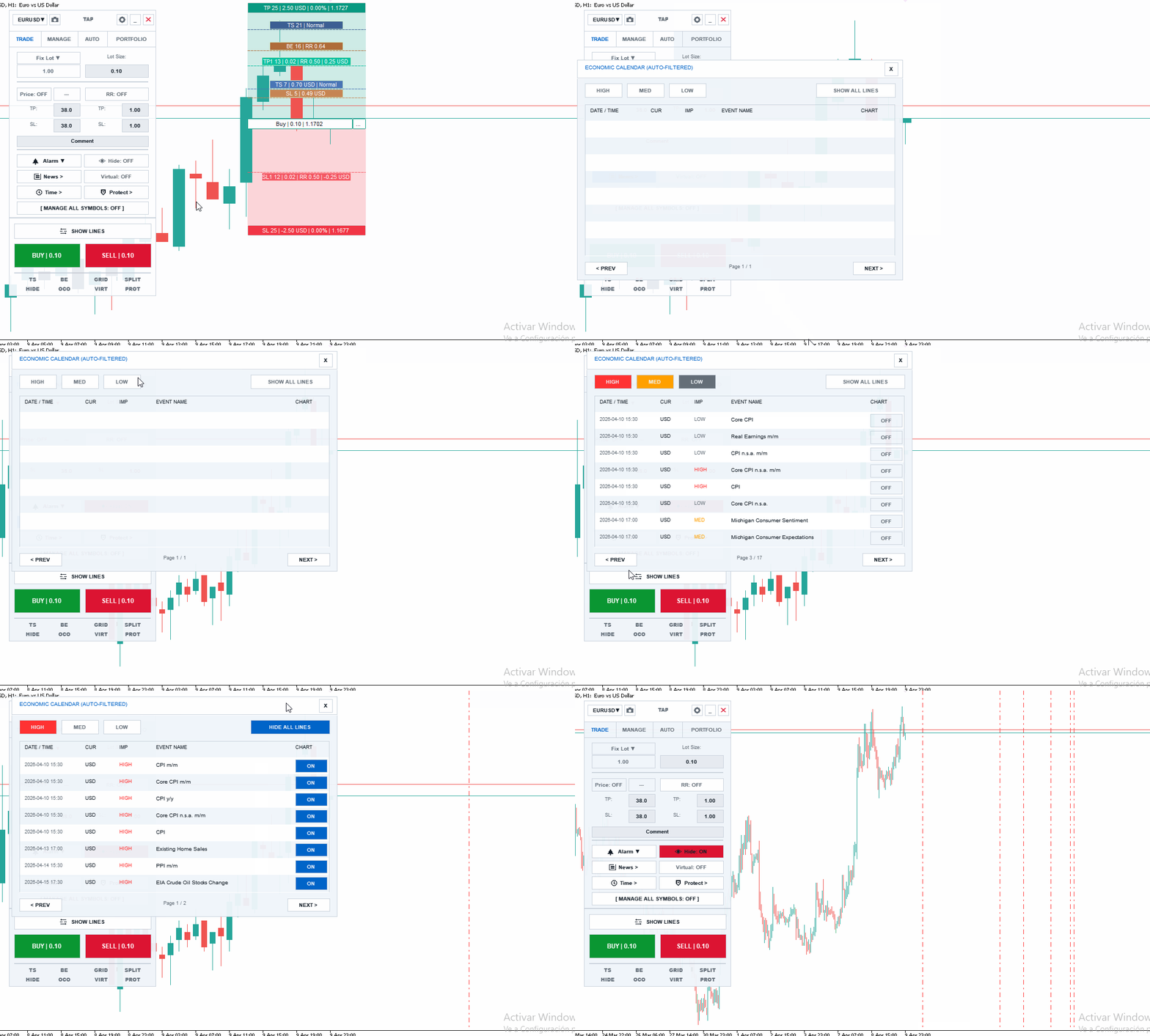
- Auto-Filtered Economic Calendar: Displays vertical lines on your chart for high and medium-impact macroeconomic events, automatically filtered for the symbol you are currently trading.
Integrated Interactive Manual
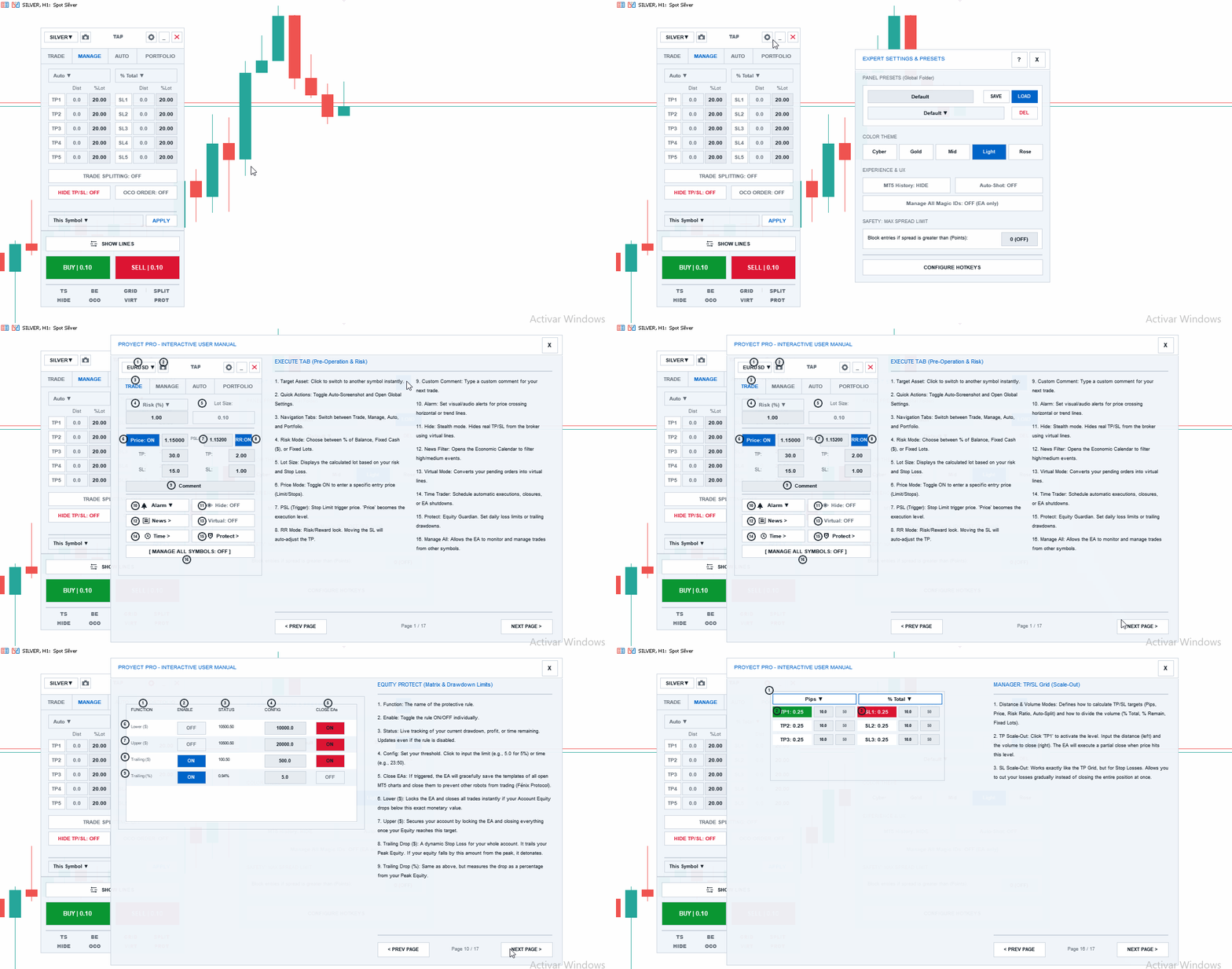
TAP includes a comprehensive 17-page user manual integrated directly into the chart. Click the help button to access detailed explanations, visual diagrams, and tooltips on every panel function, from risk management to the HFT engine architecture.