
NeonTrend
- Indicatori
- Versione: 1.0

Neon Trend – Advanced Trend & Momentum System
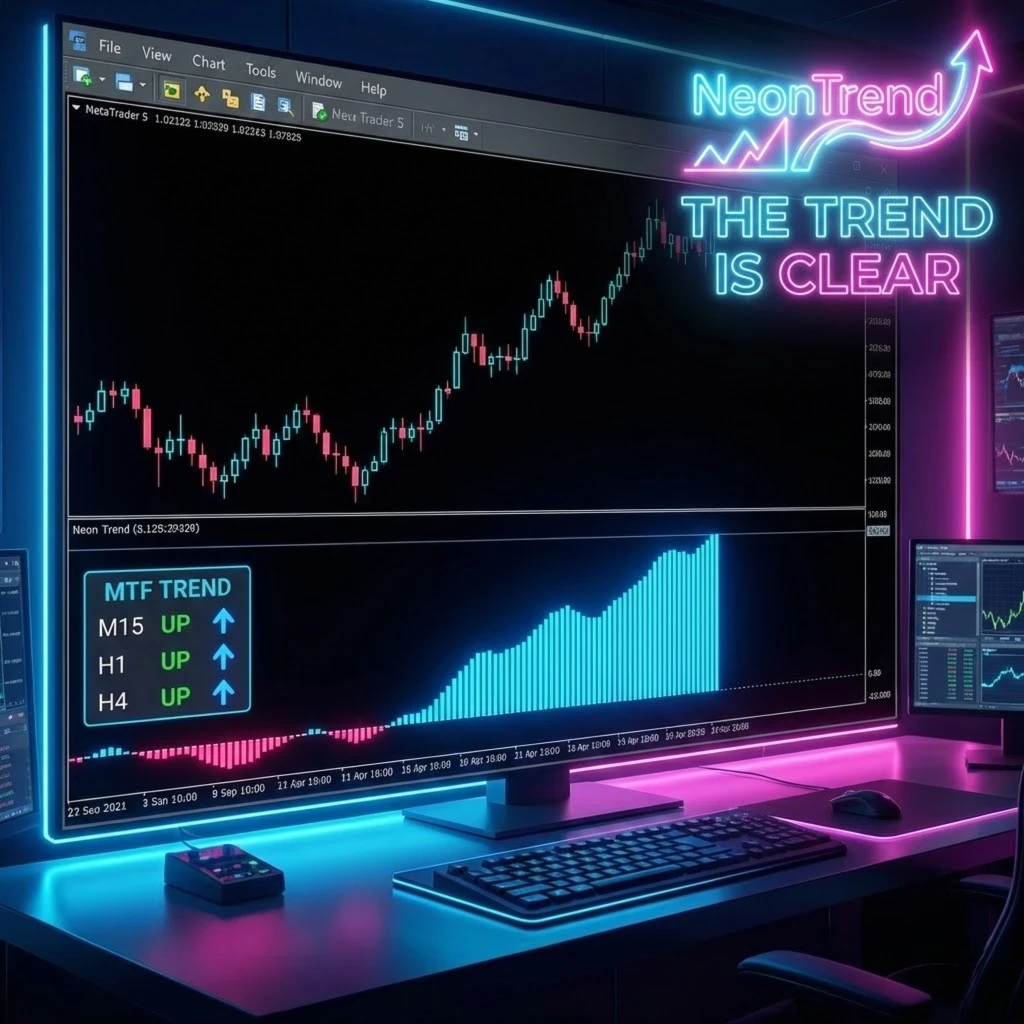
Professional Multi-Timeframe Analysis Tool Neon Trend is a comprehensive trading system designed to provide clarity in modern market environments. This tool combines a Normalized Momentum Oscillator with a high-performance Multi-Timeframe (MTF) Dashboard to identify market structures across various periods.
Core Features
-
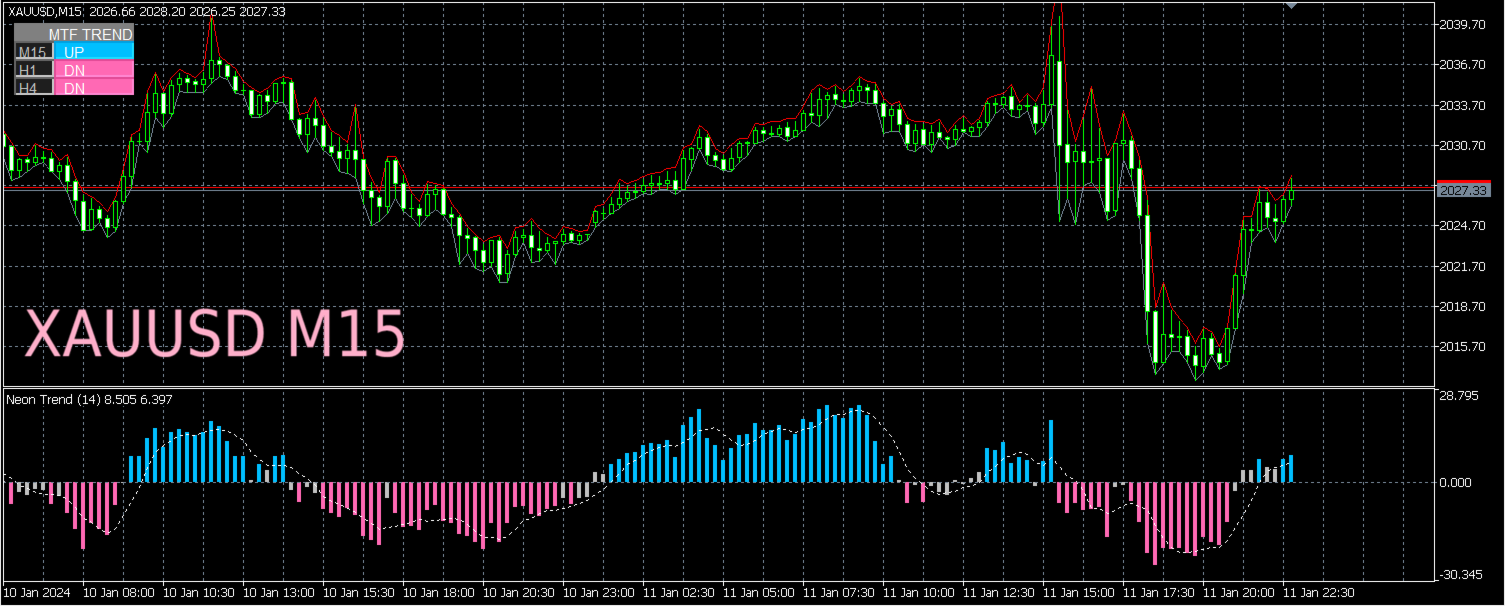
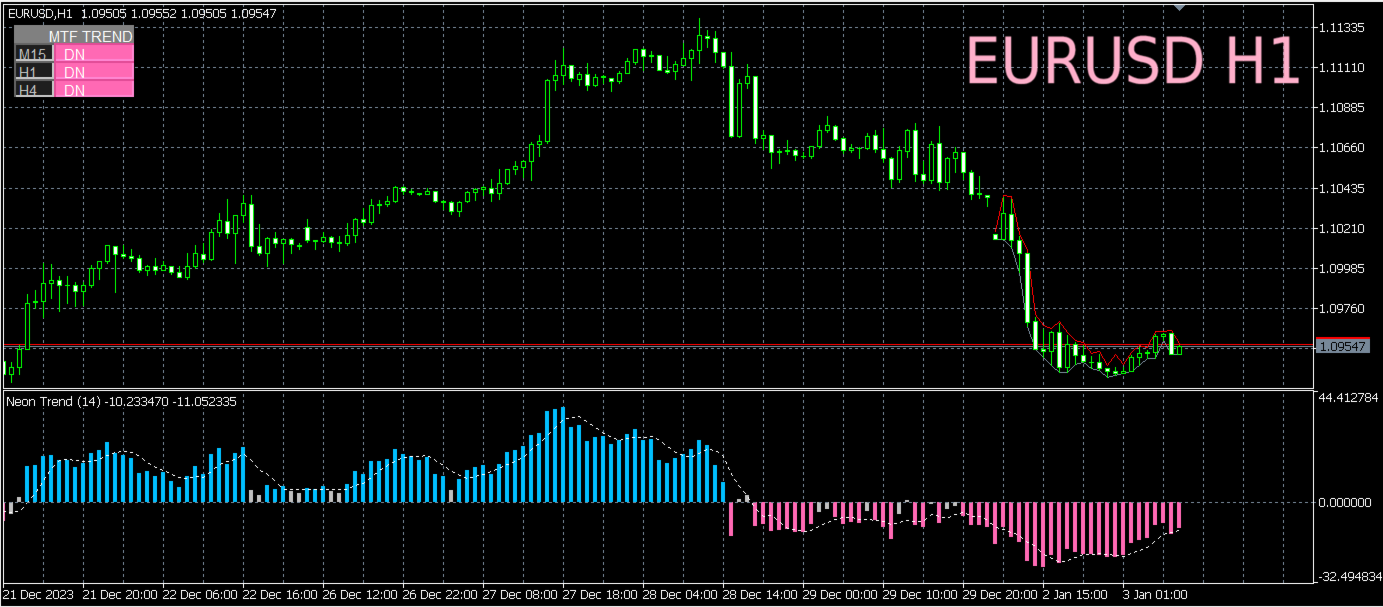
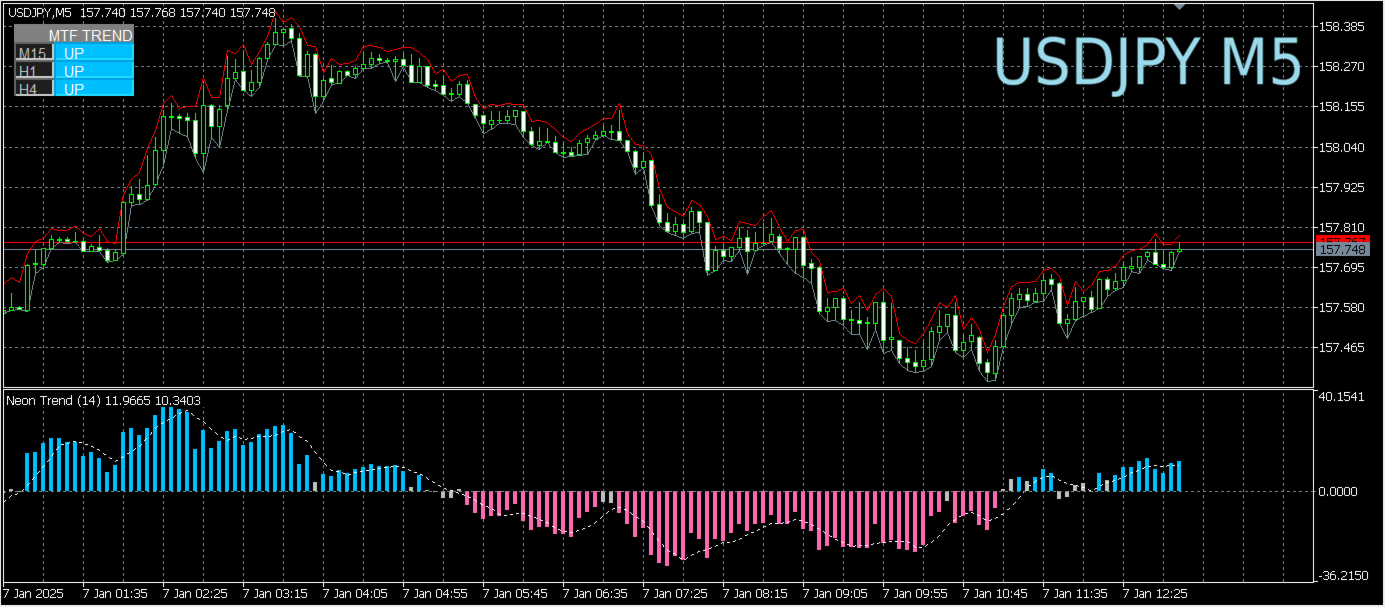
Integrated MTF Dashboard: The built-in panel automatically scans M15, H1, and H4 timeframes in real-time. It provides an instant market bias (Bullish or Bearish) without the need to switch charts.
-
Signal Normalization: The histogram utilizes a normalization algorithm designed to filter out market noise and identify high-momentum zones.
-
Non-Repainting Logic: Neon Trend is engineered with professional-grade code that does not repaint. Once a candle closes, the signal remains permanent.
-
Performance Optimization: Built with lightweight code and handle caching to ensure zero lag, even when operating on multiple charts simultaneously.
Visual Signal Guide
-
Blue Histogram: Indicates strong bullish momentum.
-
Pink Histogram: Indicates strong bearish momentum.
-
Silver Histogram: Indicates neutral market conditions or low momentum.
-
Dotted Signal Line: Acts as a trigger for early reversals and breakout filtering.
Standard Trading Logic The system relies on confluence by aligning higher timeframe trends with short-term momentum:
-
Long Setup: Confirm that at least two higher timeframes (e.g., H1 and H4) show an "UP" bias on the dashboard. Wait for the histogram to turn Blue and cross above the Signal Line.
-
Short Setup: Confirm that at least two higher timeframes show a "DN" bias. Wait for the histogram to turn Pink and cross below the Signal Line.
-
Exit Consideration: Traders often consider taking profits or closing positions when the histogram turns Silver, suggesting a decrease in trend strength.
Input Parameters
-
Oscillator Period: Adjust the sensitivity of the momentum calculation.
-
Smoothing Factor: Modify the smoothness of the Signal Line.
-
Dashboard Toggle: Option to enable or disable the MTF panel.
-
Visual Customization: Full control over colors and font sizes for different screen resolutions.
Support and Documentation
For technical assistance or setup questions, please use the MQL5.com private messaging system. Comprehensive support is provided exclusively through the MQL5 community platform.
Risk Warning
Trading involves significant risk. Technical indicators are tools to assist in market analysis and do not guarantee profits. Past performance is not indicative of future results. Always test new tools on a demo account before live application.









































I like the functionality and appearance of this indicator. It clearly shows the trend.