Perfect Entry planer
- Indicatori
- Versione: 1.0
- Attivazioni: 5

Key Features
-
Visual Risk/Reward Planning
-
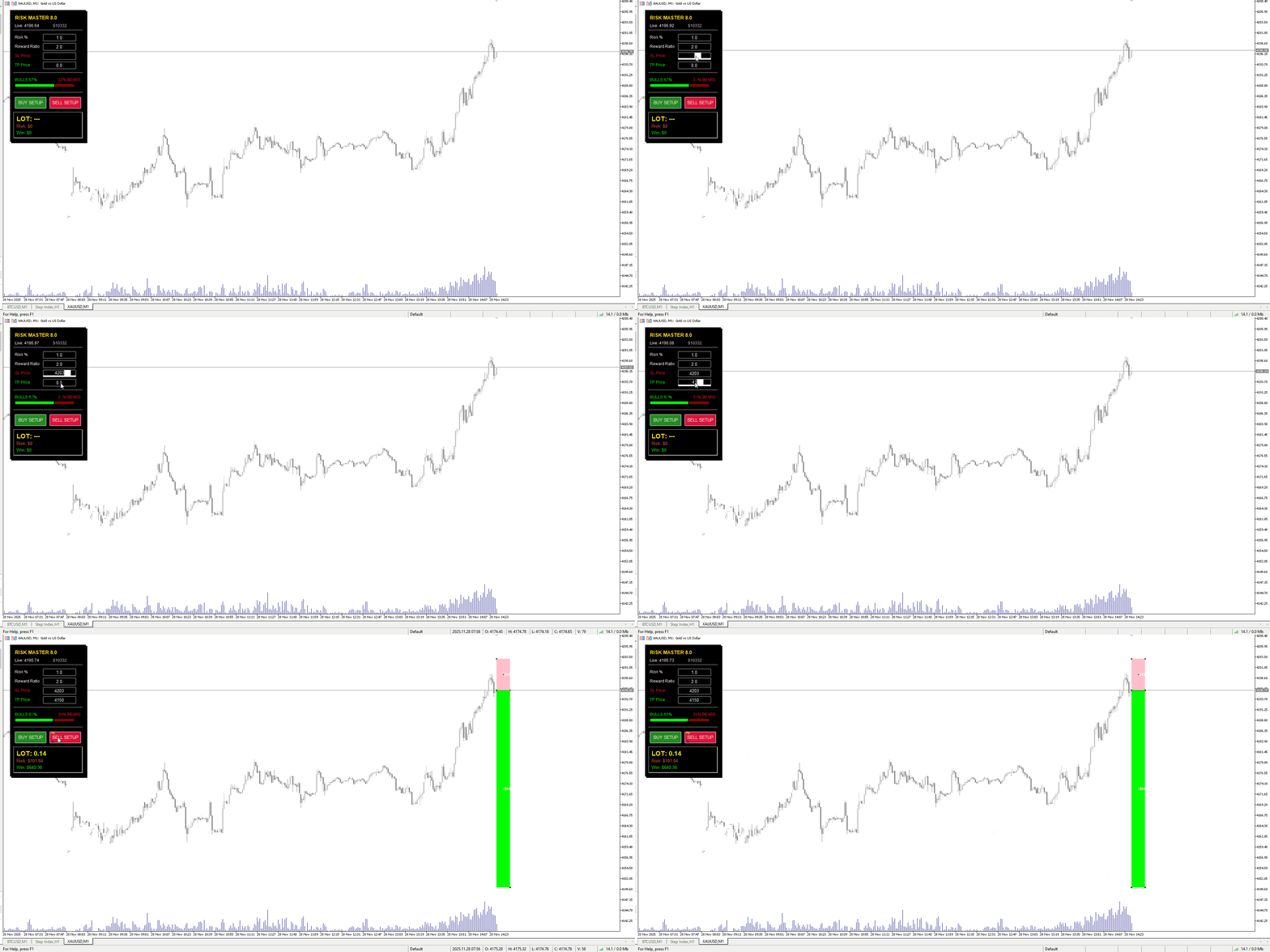
Spawns interactive rectangles on the chart for Buy and Sell setups.
-
Pink Box: Represents your Risk (Entry to Stop Loss).
-
Green Box: Represents your Reward (Entry to Take Profit).
-
The Green box automatically adjusts its size based on your preferred Reward Ratio (e.g., 1:2).
-
-
Auto-Lot Calculation
-
Automatically calculates the correct Lot Size based on your Account Balance and defined Risk Percentage.
-
Takes into account the symbol's Tick Value and Contract Size (works for Forex, Indices, Crypto, and Metals).
-
-
Real-Time Data Panel
-
Displays current Account Balance and Live Price.
-
Shows the exact dollar amount at risk
-
-
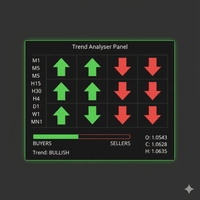
Trend Sentiment Meter
-
Integrated "Bull vs. Bear" bar.
-
Visualizes market momentum (0-100%) to help you align your trades with the current trend direction.
-
-
Bi-Directional Syncing
-
Chart to Panel: Drag the boxes on the chart, and the price inputs in the panel update automatically.
-
Panel to Chart: Type a specific SL or TP price in the panel, and the visual boxes move to those exact levels.
-
How to Use
1. Initial Setup
-
Attach the LotSize_3D_v1 indicator to any chart (Timeframe of your choice).
-
In the settings window, define your default preferences:
-
Risk %: The percentage of your balance you are willing to lose per trade (e.g., 1.0).
-
Reward Ratio: Your target risk-to-reward ratio (e.g., 2.0 means aiming for $2 profit for every $1 risk).
-
2. Planning a Trade
-
Look at the Trend Meter on the panel to see if the Bulls or Bears are currently dominant.
-
For a Buy: Click the [BUY SETUP] button on the panel.
-
For a Sell: Click the [SELL SETUP] button on the panel.
3. Adjusting Levels
Two colored boxes will appear on the chart:
-
Drag the Pink Box: Move the edges to set your Entry Price and Stop Loss level.
-
Note: The Green Box (Take Profit) will automatically expand or contract to maintain your set Reward Ratio.
-
You can also manually drag the Green Box if you wish to target a specific price level instead of a fixed ratio.
4. Executing the Trade
-
Look at the bottom section of the panel labeled "LOT".
-
This number is the safe lot size calculated for your specific Stop Loss distance.
-
Open your standard MT5 trading window (New Order) and enter this Lot Size, along with the SL and TP prices shown in the panel, to execute the trade manually.