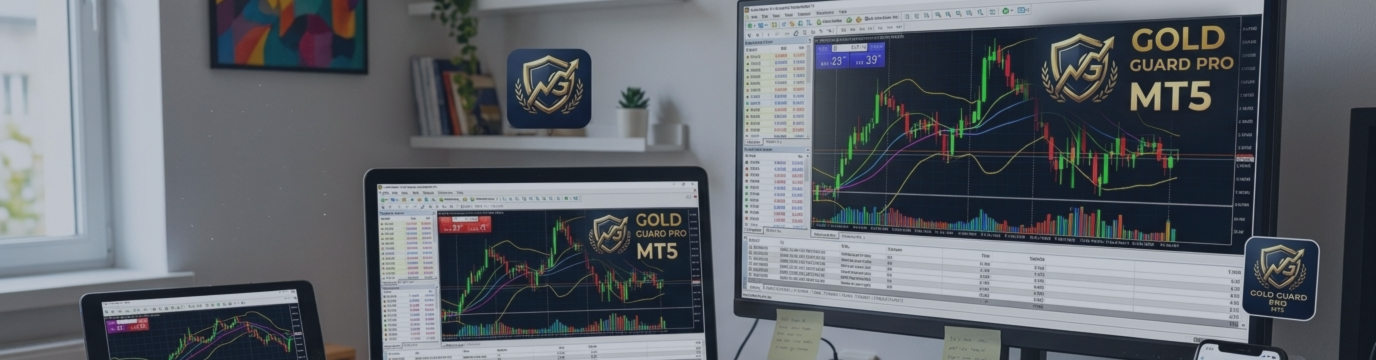

Gold Guard Pro MT5 is an automated trading Expert Advisor for XAUUSD. It uses fixed lot sizes, configurable stop-loss and take-profit distances, trailing protection, spread filters, and daily risk controls. The recommended starting timeframe is M15.
No preset is suitable for every broker or account. Always test the EA on a demo account before considering live trading.
The product is available here: https://www.mql5.com/en/market/product/209941
Before Using the EA
- Attach it to an XAUUSD or GOLD M15 chart.
- Enable Algo Trading in MetaTrader 5.
- Allow automated trading in the EA properties.
- Use an ECN, Raw Spread, or Pro account for testing.
- Consider a reliable VPS for continuous operation.
Point values, spread limits, tick values, and stop levels depend on the broker and symbol settings. Therefore, a point-based setup may have a different monetary impact from one account to another.
Main Parameters
| Parameter | Recommended value | Purpose |
|---|---|---|
| Fixed Lot | 0.01 | Controls size of each new position |
| Stop Loss | 200 points | Limits loss on each trade |
| Take Profit | 1,500 points | Defines the initial profit target |
| Break-even Trigger | 100 points | Moves SL near the opening price |
| Trailing Start | 100 points | Starts trailing after a profit threshold |
| Trailing Distance | 80 points | Keeps SL below or above market price |
| Trailing Step | 10 points | Limits frequent SL modifications |
| Maximum Spread | 45 points | Prevents entries during spread expansion |
| Daily Loss Limit | 2%–3% | Pauses trading after the daily loss limit |
| Minimum Bar Distance | 3 bars | Prevents entries too close together |
| Trading Session | 13:00–22:00 server time | Targets more liquid trading hours |
Lot size should remain fixed. A fixed-lot setup is easier to evaluate and control.
Note: The EA cannot open trades if the lot size exceeds the limit based on the account equity. Therefore, using the recommended set file for your specific account equity is essential.
Break-even moves the stop closer to the opening price after the selected profit threshold. Trailing can then protect additional gains as price moves farther in the expected direction.
Loading a Setfile
- Open the XAUUSD M15 chart.
- Attach the EA and open its Properties window.
- Configure or load the preset in the Inputs tab.
- Click Save to create a preset for that version of the EA.
- Copy the .set file into MQL5\Presets if you want to share or reuse it.
- Restart or refresh MetaTrader 5.
- Return to the EA and click Load to select the preset.
- Verify every input because parameter names may differ between versions.
- Enable Algo Trading from the toolbar.
Using the EA Safely
Run the setup on demo first and compare results on at least two broker account types. Backtest with reliable tick data, monitor actual spread and slippage, and review stop/freeze requirements.
Avoid changing parameters after every loss, entering during major news releases, and increasing lot size after a losing streak. A VPS, ECN account, or low-spread environment can improve reliability, but none eliminate execution risk.
Trading results may differ between brokers due to spread, liquidity, pricing, and execution conditions. Past performance does not guarantee future results. Automated trading involves financial risk. Only trade with funds you can afford to lose.



