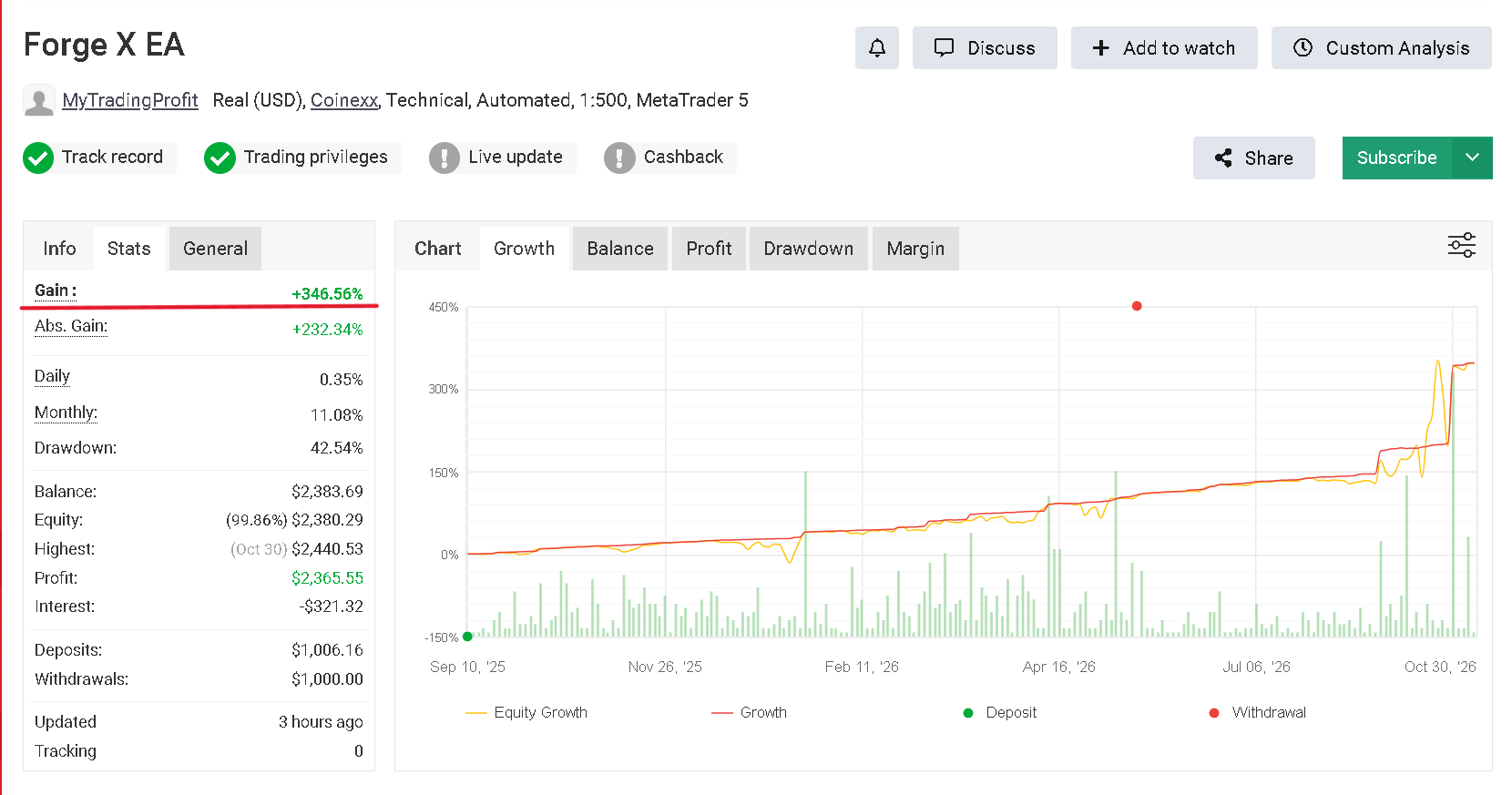

This page is the official home for the Forge X EA user manual and preset files.
Forge X includes built-in AUTO optimized profiles for:
GBPUSD, EURUSD, AUDCAD and USDJPY
For normal use, you do not need to download or load any .set files. Simply attach Forge X to an M15 chart, leave SettingsMode = AUTO_OPTIMIZED, select your preferred risk settings, and the EA will automatically load the correct strategy profile and Magic Number for that instrument.
Download
Forge X EA - User Manual & Official Settings
The download package includes:
-
Forge X EA User Manual
-
GBPUSD CUSTOM preset
-
EURUSD CUSTOM preset
-
AUDCAD CUSTOM preset
-
USDJPY CUSTOM preset
AUTO Mode
For most users, AUTO_OPTIMIZED is recommended.
No .set files are required.
Forge X automatically recognizes the supported instrument and loads its optimized trade-management settings.
Supported AUTO profiles:
-
GBPUSD
-
EURUSD
-
AUDCAD
-
USDJPY
Your lot sizing and account risk remain under your control.
CUSTOM Mode
The included .set files are intended for advanced users who want to:
-
reproduce the official configurations in the MT5 Strategy Tester
-
perform additional backtesting
-
run their own optimization
-
modify the strategy settings
-
use Forge X in CUSTOM_INPUTS mode
To use a preset:
-
Select SettingsMode = CUSTOM_INPUTS
-
Open the EA Inputs or MT5 Strategy Tester
-
Click Load
-
Select the .set file matching your instrument
Recommended Setup
-
Platform: MetaTrader 5
-
Account type: Hedging
-
Recommended timeframe: M15
-
Supported AUTO pairs: GBPUSD, EURUSD, AUDCAD, USDJPY
-
VPS recommended for continuous live trading
Broker spreads, commissions, swap, leverage and execution can affect results, so backtesting Forge X using your own broker's data is recommended before live trading.
This page will be updated whenever new Forge X presets or documentation are released.