MT5Mirror: copy Discord and Telegram signals to MetaTrader 5 (setup guide)

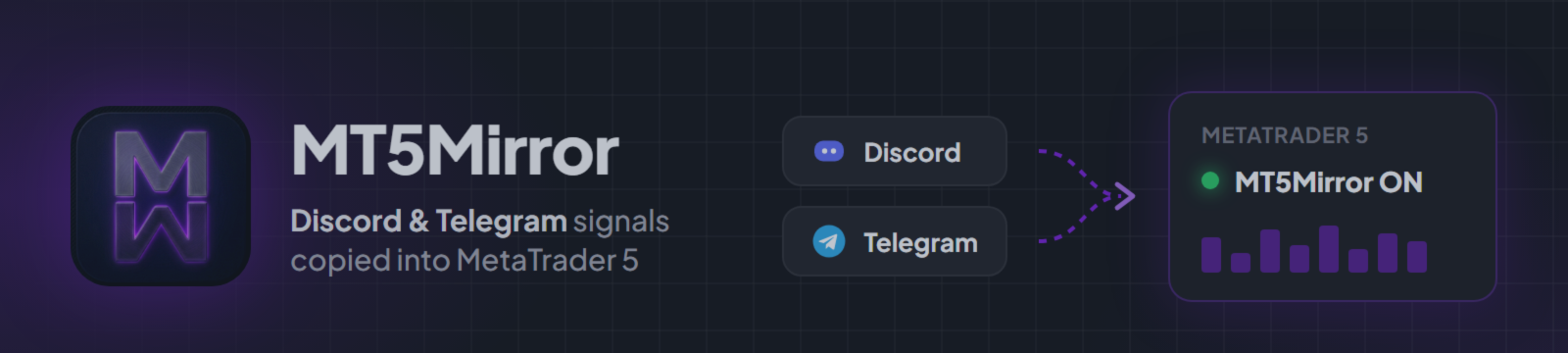
MT5Mirror copies trading signals from Discord and Telegram channels into MetaTrader 5. It has two parts that run on the same computer or VPS:
- The MT5Mirror desktop app reads the channels you are a member of and turns each message into an order.
- The MT5Mirror EA from the Market places that order on your MT5 account.
The EA is free. The app needs a license. Download the app and see the plans at mt5mirror.store.
Supported: Windows 10/11 and Windows VPS.
Step 1: Install the EA
In MetaTrader 5, open Navigator > Market > Purchased (or the product page on mql5.com) and install MT5Mirror. It then appears under Navigator > Expert Advisors > Market.
Step 2: Allow the local connection
Open Tools > Options > Expert Advisors. Tick "Allow WebRequest for listed URL" and add:
http://127.0.0.1:5055
Type 127.0.0.1, not "localhost". This address points to the app on your own computer. The EA sends no data anywhere else.
Step 3: Install and activate the app
Download the app, install it and enter your license key. Under MetaTrader 5 click Auto-Detect so the app finds your terminal. The app then writes a small connection file into that terminal, and the EA reads it on start.
You can skip the "Setup EA" button. That button installs the EA for users who did not get it from the Market.
Step 4: Attach the EA
Drag MT5Mirror onto any chart and switch Algo Trading on. One chart per account is enough. The chart symbol does not matter, because the EA trades the symbol named in each signal.
Step 5: Check the connection
The top right corner of the chart shows "MT5Mirror ON" and the MT5 symbol in the app turns green.
If the chart shows "MT5Mirror OFF":
- Check that the app is running.
- Check that http://127.0.0.1:5055 is in the WebRequest list from step 2.
- Remove the EA from the chart and attach it again after the app has detected the terminal.
The Experts tab and the Logs page in the app show the exact reason.
Step 6: Add a channel and test on demo
Connect Discord or Telegram in the app, pick a channel and set your lot size or risk per trade. Run it on a demo account for a few days and compare each message with the trade MT5 placed.
What the EA does
- Opens, modifies and closes trades on commands from the app
- Handles partial closes, break-even and stop loss changes
- Keeps an emergency stop loss from the app in place, also while the app is closed
What it does not do
- It has no strategy of its own and provides no signals.
- It does not read Discord or Telegram. The app does that.
- In the Strategy Tester the app cannot run. There the EA only places small example orders, and those results say nothing about any signal channel.
Updates
The EA updates through the Market. Keep the app on its latest version too. The app tells you when the EA on your chart is too old.
Questions: use the support form inside the app.
MT5Mirror provides no signals and no trading advice. Trading carries risk of loss.