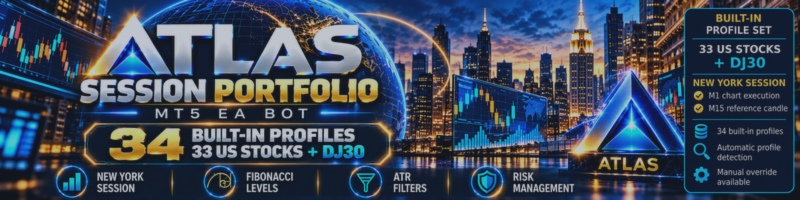
Atlas Session Portfolio – Automated MT5 Trading for 33 US Stocks & DJ30

One Expert Advisor. 34 Instrument Profiles. A Session-Based Trading Framework.
Automated trading systems often use the same strategy settings across multiple financial instruments. However, NVIDIA, Tesla, Apple and the Dow Jones index can behave very differently during the U.S. trading session.
Atlas Session Portfolio was developed to address this challenge.
It is a multi-profile Expert Advisor for MetaTrader 5, featuring 34 individually configured trading profiles: 33 U.S. stocks and the DJ30 index.
Instead of relying on one universal configuration, Atlas automatically selects the appropriate built-in profile for each supported instrument.
How Does Atlas Work?
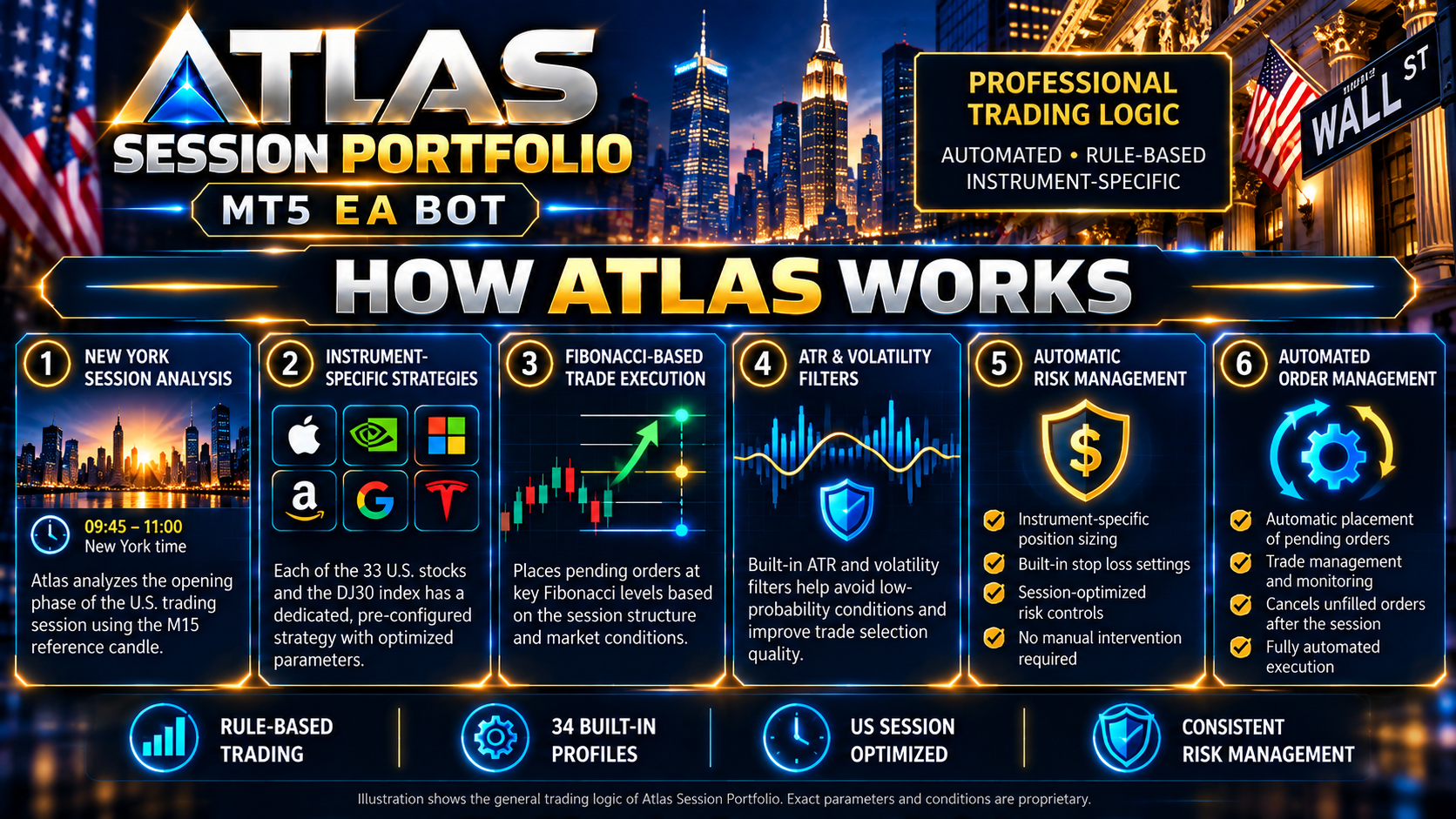
Atlas focuses on the opening phase of the regular U.S. trading session.
The Expert Advisor:
-
Analyzes the first completed 15-minute session candle.
-
Identifies predefined price levels based on the opening-session structure.
-
Evaluates ATR, volatility, candle range and market conditions.
-
Applies instrument-specific entry and risk-management rules.
-
Manages pending orders and trade execution automatically when the required conditions are met.
Not every trading session produces a position. Atlas is designed to skip trades when its configured requirements are not satisfied.
Main Features
-
34 built-in instrument profiles
-
Automatic symbol and profile recognition
-
Separate BUY and SELL risk parameters
-
ATR and volatility filters
-
Spread protection
-
Market-regime filtering
-
Automatic pending-order management
-
New York session timing
-
Configurable fixed lot size
-
Chart status panel and trading statistics
-
No Martingale or Grid money-management logic

Getting Started in MetaTrader 5
Installation is straightforward:
-
Install Atlas Session Portfolio from MQL5 Market.
-
Open an M1 chart of a supported instrument.
-
Attach the Expert Advisor to the chart.
-
Keep ProfileOverride = AUTO for automatic profile selection.
-
Configure UserLotSize according to your account and risk tolerance.
-
Enable algorithmic trading in MetaTrader 5.
For multiple instruments, attach Atlas separately to each instrument's M1 chart.
Broker symbols, contract specifications, spreads and trading sessions may vary. Always verify compatibility before live trading.

Historical Testing and Risk Management
Atlas includes individual filters and risk parameters developed using historical market behaviour.
The system has been evaluated using MetaTrader 5 Strategy Tester. Historical testing can help traders understand trade frequency, drawdown and strategy behaviour across different conditions.
However, backtesting does not guarantee future results. Live execution can differ due to spreads, slippage, liquidity, gaps and changing market conditions.
Users should evaluate the Expert Advisor on a demo account before considering live trading.


Explore Atlas Session Portfolio
The Expert Advisor is available on the official MQL5 Market.
Product page:
https://www.mql5.com/en/market/product/200246
Explore the supported instruments, product documentation, available settings and testing information.
Atlas Session Portfolio – Structured session-based automation for MetaTrader 5.
Risk Warning: Trading financial instruments, especially leveraged products, involves substantial risk and may result in financial losses. No trading system guarantees profitability.




![[iVISTscalp5]: XAUUSD. Forecast First. Market Reaction Afterwards](https://c.mql5.com/6/1035/splash-preview-777232.png "[iVISTscalp5]: XAUUSD. Forecast First. Market Reaction Afterwards")